USCIS Green Card and N-400 Photo Requirements: Online Upload and 2x2 Print (2026)
2026 USCIS photo requirements for Form I-90, N-400, I-485, I-130 & I-765: my.uscis.gov upload specs, 2x2 print A-Number pencil rules & avoiding RFE rejections.


Table of Contents
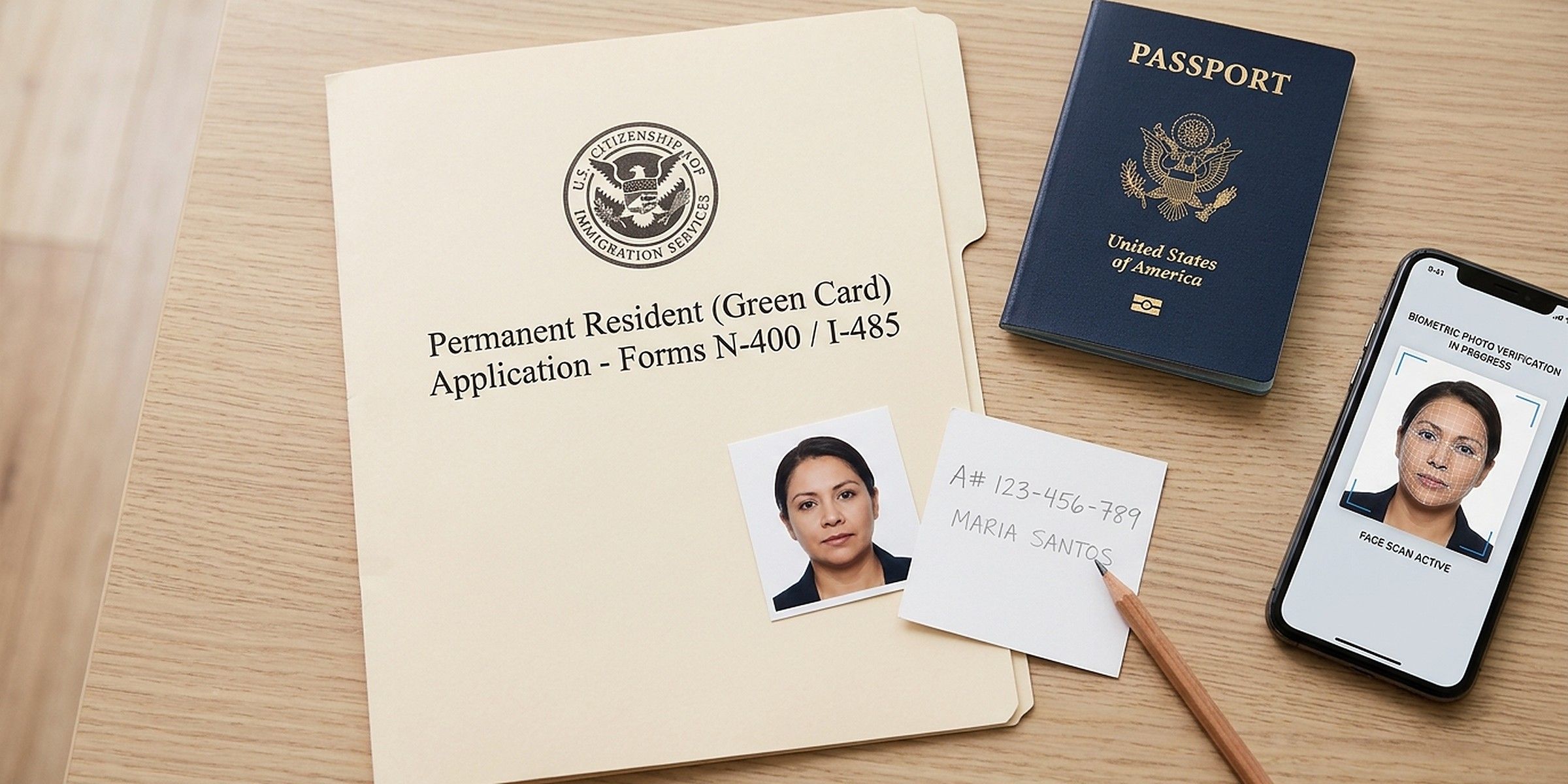
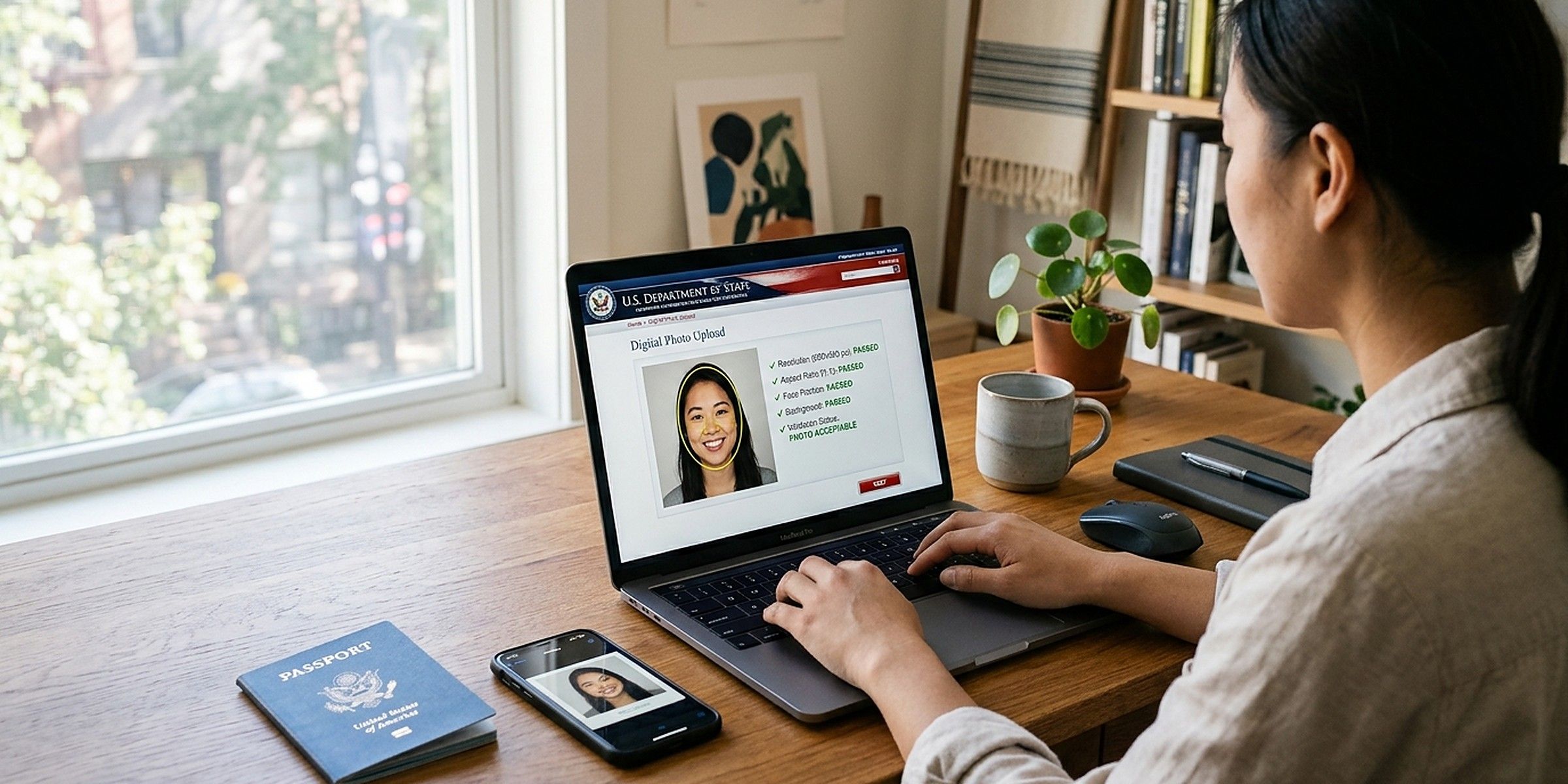
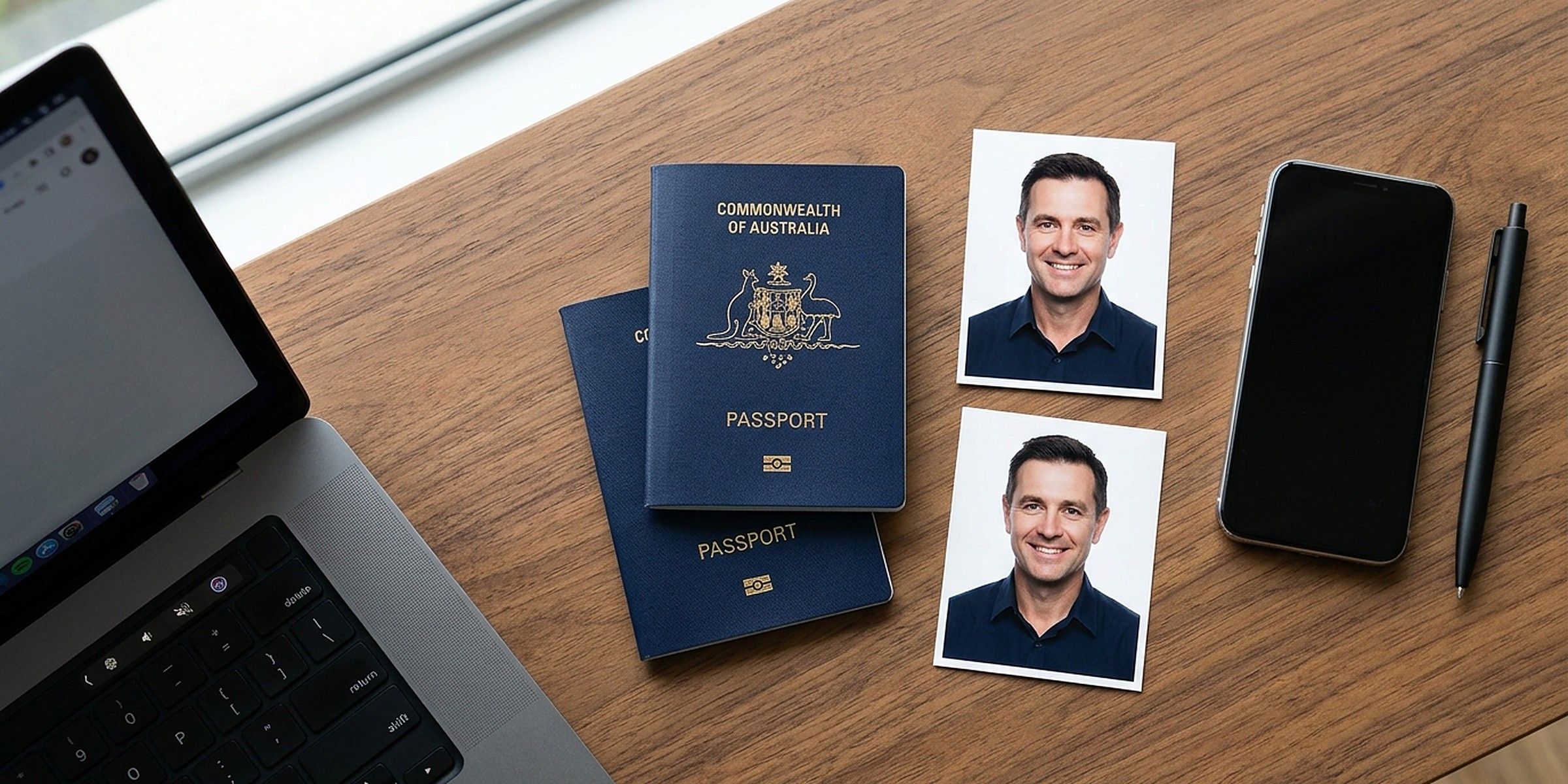
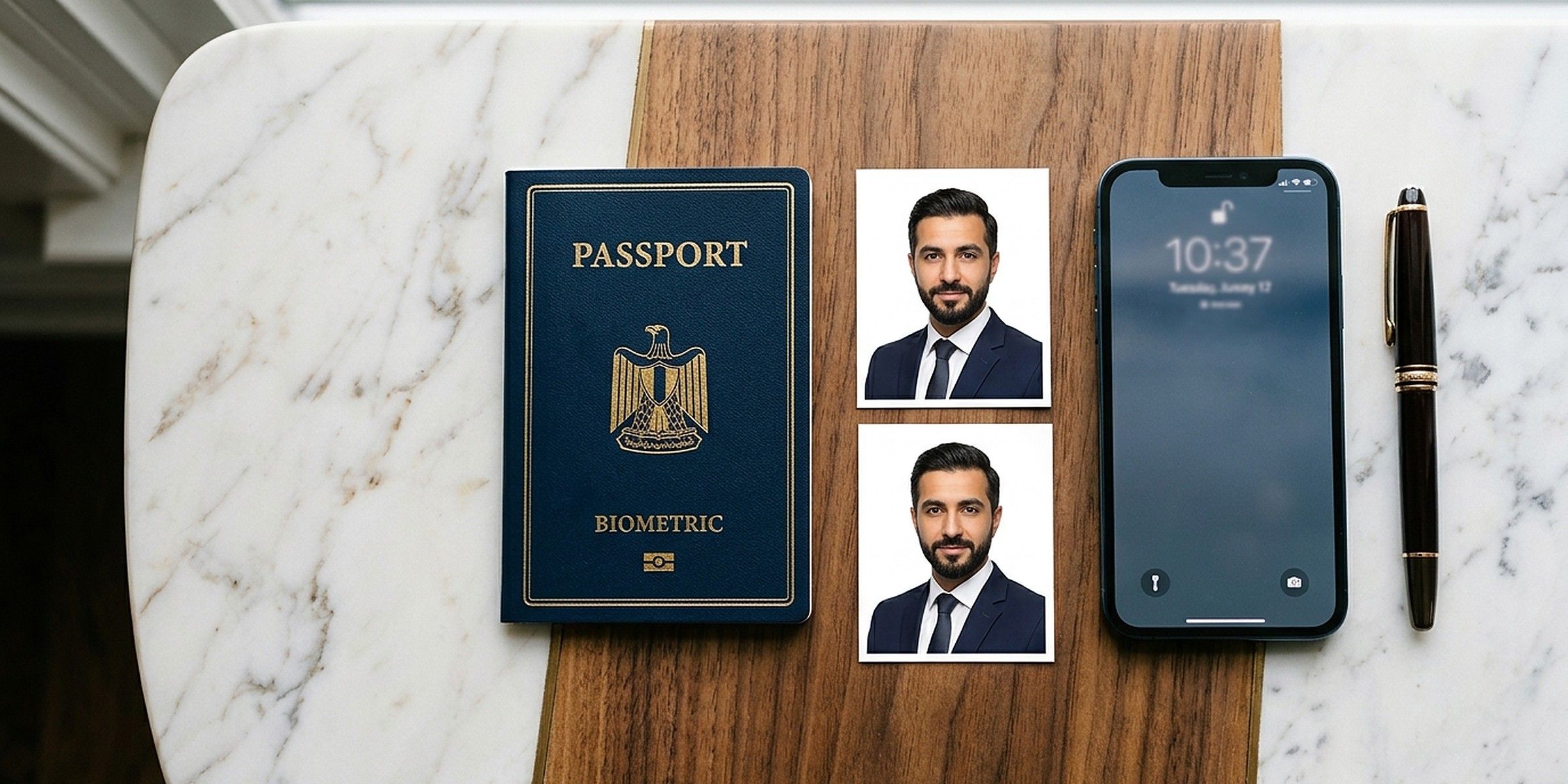
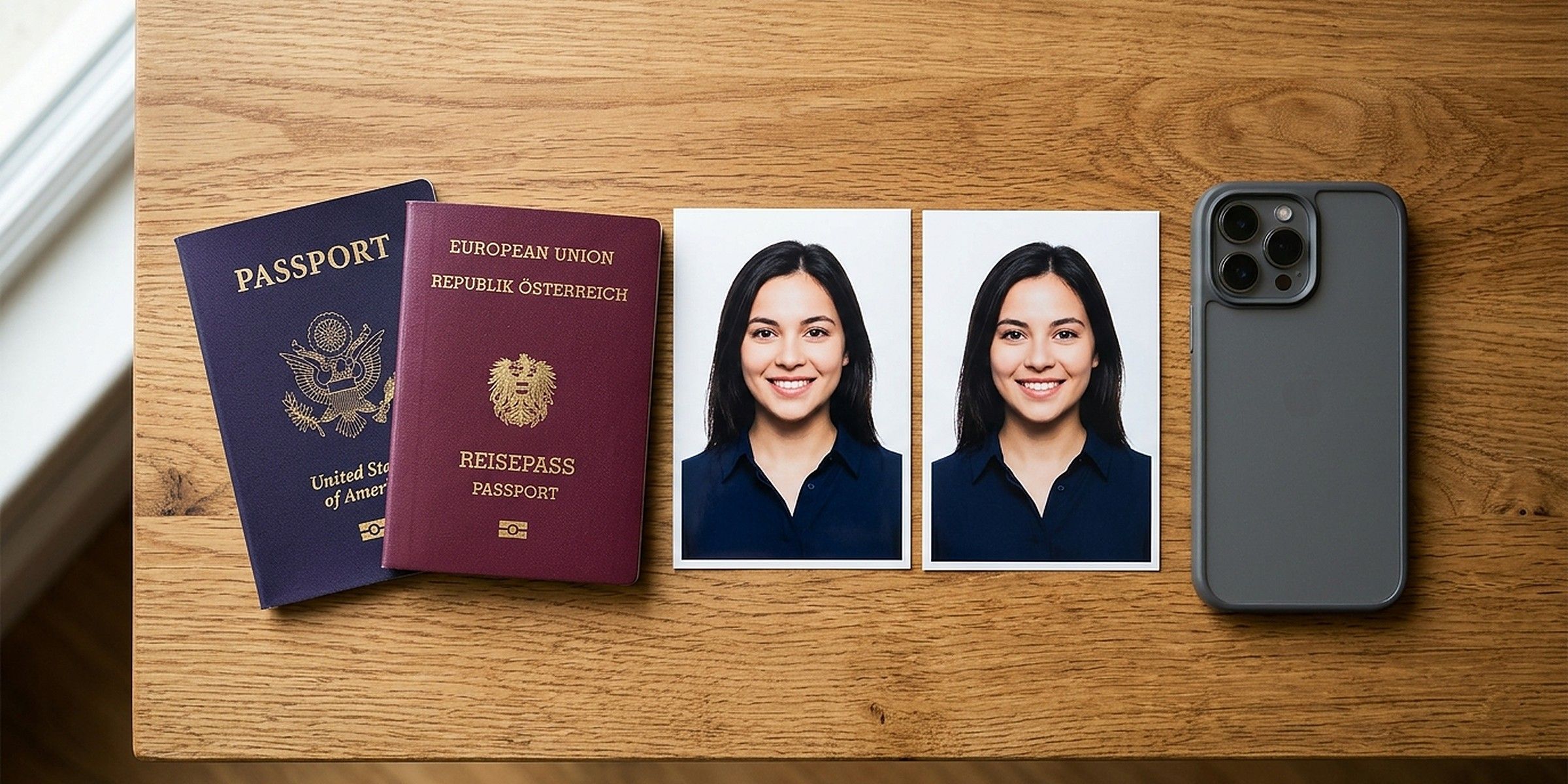
In 2026, U.S. Citizenship and Immigration Services (USCIS) requires either a 1:1 square digital upload (600 × 600 to 1200 × 1200 pixels) on my.uscis.gov or two identical 2 × 2 inch (51 × 51 mm) printed photos for Form I-485, Form I-130, Form I-765 (OPT/EAD), Form I-131, and overseas Form N-400 filings—captured within the last 6 months on a pure white (#FFFFFF) background with a 1 to 1⅜ inch (50%–69%) head height and no eyeglasses. Preparing a calibrated US passport photo or US visa photo ensures instant my.uscis.gov portal validation and prevents costly Request for Evidence (RFE) delays.
- ASC Biometrics vs. Mandatory Uploads/Prints: Domestic Form I-90 and Form N-400 applicants have their photo taken at an Application Support Center (ASC), whereas Form I-765 (EAD), Form I-130, Form I-485, Form I-131, and overseas N-400 filers must submit compliant
2 × 2"digital uploads or physical prints at filing. - The #1 Trigger for OPT & Green Card RFEs: Never reuse the photo from a prior EAD card, F-1/H-1B visa, or passport older than 6 months—USCIS adjudicators compare your upload against prior records and issue a 4–8 week RFE for recycled portraits.
- Mail-In Lockbox Pencil & A-Number Rule: For paper filings, lightly write your Full Name and A-Number on the back of each
2 × 2"print using a soft #2 pencil or felt pen (never a ballpoint pen, and never type text onto a digital upload onmy.uscis.gov). - Save $65+ on Concurrent Marriage Packets: A concurrent
I-130 + I-485 + I-765 + I-131packet requires 8 total 2×2 photos ($67.96 at retail pharmacies). Snap4ID maps 478 biometric points and provides both themy.uscis.govdigital file and a printable 4×6" sheet ($0.39 to print) with a 100% acceptance guarantee.
1. 2026 USCIS Photo Requirements by Form: I-90, N-400, I-485, I-130, I-765 & DV Lottery
Whether you must upload a digital 2 × 2 photo on my.uscis.gov, mail physical 2 × 2 prints to a USCIS Lockbox, or rely on live photo capture at an Application Support Center (ASC) depends on the exact USCIS form you are filing in 2026.
Because applicants frequently confuse the ASC biometrics appointment (where USCIS captures your fingerprints and live portrait for FBI background checks) with the initial filing packet requirements on the Official USCIS Online Account Portal (my.uscis.gov), use the form-by-form reference matrix below to verify exactly what is required for your petition:
| USCIS Form / Program | Online Filing (my.uscis.gov) Photo Rule | Paper Mail-In (USCIS Lockbox) Photo Rule | ASC Biometrics Appointment Also Required? |
|---|---|---|---|
| Form I-90 (Green Card Renewal / Replacement) | No 2×2" upload required at initial filing (unless requested via RFE); USCIS uses ASC capture. | No 2×2" prints required at initial filing unless instructed by RFE. | Yes (ASC live photo capture or official Biometrics Reuse Notice). |
| Form N-400 (Application for Naturalization) | In U.S.: Captured at ASC (bring 2 backup 2×2" prints to your N-400 interview).Overseas/Military: Mandatory 2×2" upload/prints. | Residing Outside U.S.: Must enclose 2 identical 2×2" color prints labeled with Name & A-Number in pencil. | Yes for domestic applicants (ASC photo is printed on the Certificate of Naturalization). |
| Form I-485 (Adjustment of Status to Green Card) | N/A (Paper Lockbox filing for most categories). | Mandatory: 2 identical 2×2" color prints taken within 30 days of filing, labeled with Name & A-Number in pencil. | Yes (You must mail the 2 paper photos in your packet and attend the ASC appointment!). |
| Form I-130 / I-130A (Petition for Alien Relative — Spouse) | Mandatory Digital Upload: 1 2×2" digital photo of the Petitioner + 1 of the Beneficiary Spouse (if spouse is in the U.S.). | Mandatory: 2 prints of Petitioner + 2 prints of Beneficiary Spouse (if in the U.S.), labeled on the back. | For beneficiary during subsequent Form I-485 or Consular DS-260 stage. |
| Form I-765 (EAD Work Permit — OPT, STEM OPT, AOS, Asylum) | Mandatory Digital Upload: 1 recent (< 6 months) 600×600 to 1200×1200 px square JPEG/PNG. Printed directly on your EAD card! | Mandatory: 2 identical 2×2" color prints labeled lightly on the back with Name & A-Number (or I-94 number). | Biometrics waived for most online F-1 OPT/STEM OPT filers—your uploaded photo goes straight onto the EAD card. |
| Form I-131 (Advance Parole / Travel Document) | Mandatory Digital Upload of 2×2" square photo for eligible online filers. | Mandatory: 2 identical 2×2" color prints labeled with Name & A-Number in pencil. | Yes for Re-Entry Permits and Refugee Travel Documents. |
| Diversity Visa (DV) Lottery ( dvprogram.state.gov) | Mandatory Digital Upload: Exact 600×600 px (≤ 240 KB JPEG) for Principal, Spouse, and every unmarried child under 21. | N/A (100% electronic entry). | At U.S. Embassy interview (Form DS-260) if selected. |
Form I-90 & Form N-400: ASC Biometrics Capture vs. Why You Should Still Bring 2×2 Prints to Your Naturalization Interview
Domestic applicants filing Form I-90 to renew a 10-year Green Card or Form N-400 for U.S. citizenship online at my.uscis.gov do not upload a passport photo during checkout unless they live outside the United States. Instead, USCIS either schedules an Application Support Center (ASC) appointment or mails a Biometrics Reuse Notice.
However, experienced immigration attorneys always advise bringing two physical 2 × 2 inch passport-style photos in your folder to your in-person Form N-400 naturalization interview and oath ceremony. Why? If your ASC biometrics were reused from a prior filing where the image resolution was too low for the large-format Certificate of Naturalization (Form N-550), or if the field office's tablet camera glitches on interview day, having two compliant 2 × 2 inch prints in your pocket allows the officer to issue your certificate at a same-day oath ceremony without rescheduling you.
Form I-765 (OPT / STEM OPT EAD) & Form I-130 Online: Mandatory my.uscis.gov Digital Uploads
When you file Form I-765 (Application for Employment Authorization for F-1 Post-Completion OPT, STEM OPT extension, or eligible pending asylum/adjustment categories) or a marriage-based Form I-130 online at my.uscis.gov, uploading a compliant 2 × 2 inch digital square photo under the Evidence tab is strictly mandatory.
For F-1 students filing Form I-765 online, USCIS typically waives the physical ASC biometrics appointment altogether. That means the digital JPEG you upload to my.uscis.gov is the exact image laser-engraved onto your physical Employment Authorization Document (Form I-766 EAD card)—and if the automated validator or adjudicator rejects that upload, your entire OPT timeline freezes pending a Request for Evidence (RFE).
The Concurrent Marriage Green Card Trap: Why Your Mail-In Packet Needs 8 Total 2×2 Photos
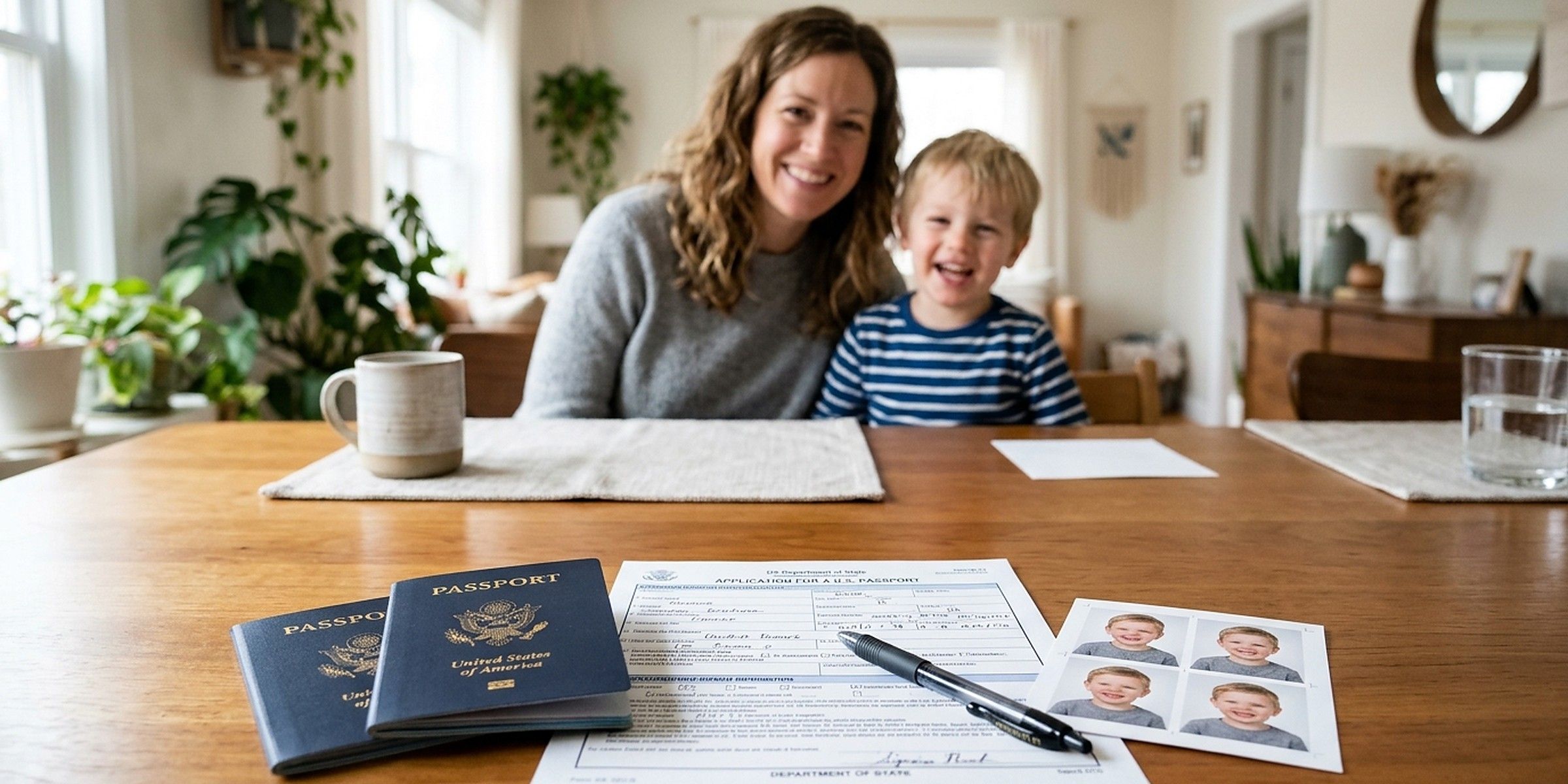
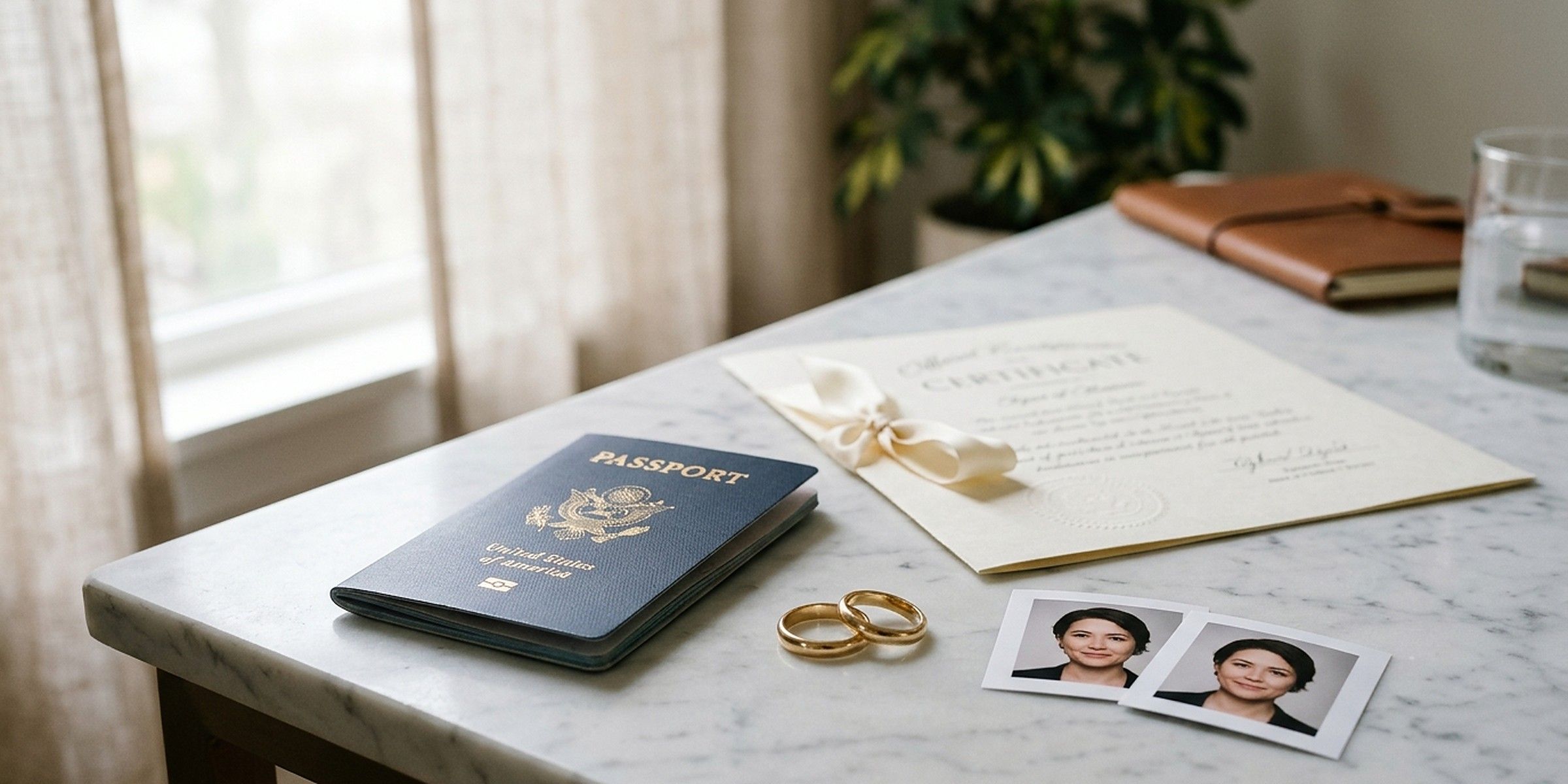
If you are mailing a concurrent marriage-based Green Card Adjustment of Status packet (combining Form I-130, Form I-130A, Form I-485, Form I-765, and Form I-131) to a USCIS Lockbox in Chicago, Phoenix, Elgin, or Dallas/Lewisville, you must enclose 8 total 2 × 2 inch printed photos.
Counter-Intuitive USCIS Trap #1 — Why Enclosing Only 2 Photos in a Concurrent Packet Triggers an RFE: Many couples assume that because they are mailing all their forms inside one FedEx or USPS envelope, a single pair of 2 × 2 inch photos is enough. Inside the USCIS Lockbox contractor facility, clerks immediately unclip your packet and route each form to separate scanning queues and service centers (e.g., National Benefits Center for I-765/I-131 vs. Field Office for I-130/I-485). You must attach separate photo pouches to each form:
- Form I-130 / I-130A: 2 photos of the U.S. Citizen/LPR Petitioner + 2 photos of the Beneficiary Spouse (
4 photos) - Form I-485 (Green Card): 2 photos of the Beneficiary Spouse (
+2 photos) - Form I-765 (Work Permit): 2 photos of the Beneficiary Spouse (
+2 photos) - Form I-131 (Advance Parole): 2 photos of the Beneficiary Spouse (
+2 photos) - Total Required: 2 Petitioner photos + 6 Beneficiary photos = 8 physical 2 × 2 inch photos!
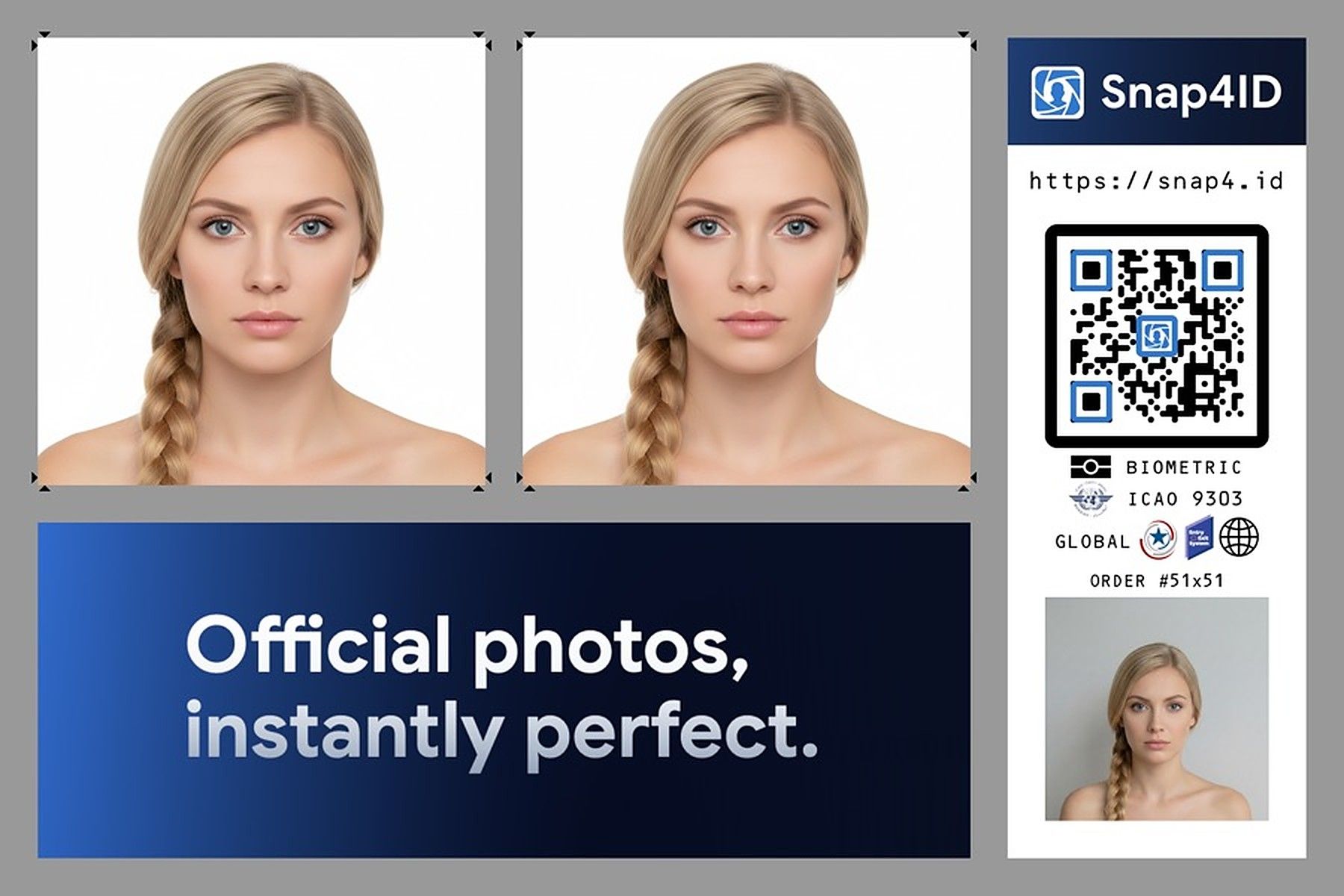
2. Digital Photo Upload Rules on my.uscis.gov & the DV Lottery Portal
To pass the built-in photo validator on my.uscis.gov (for Form I-765 and Form I-130) as well as the Diversity Visa Lottery portal, your digital photo must be a 1:1 square image measuring 600 × 600 pixels minimum to 1200 × 1200 pixels maximum in 24-bit sRGB color with a 50% to 69% head height.
Exact 600×600 to 1200×1200 Pixel Square Dimensions & 50–69% Head Height
USCIS adopts the exact federal biometric standards published in the U.S. Department of State & USCIS Official 2×2 Photo Specifications. Whether uploaded digitally or printed on 2 × 2 inch (51 × 51 mm) photo paper, your portrait must satisfy these measurements:
- Digital Canvas Size: Strictly
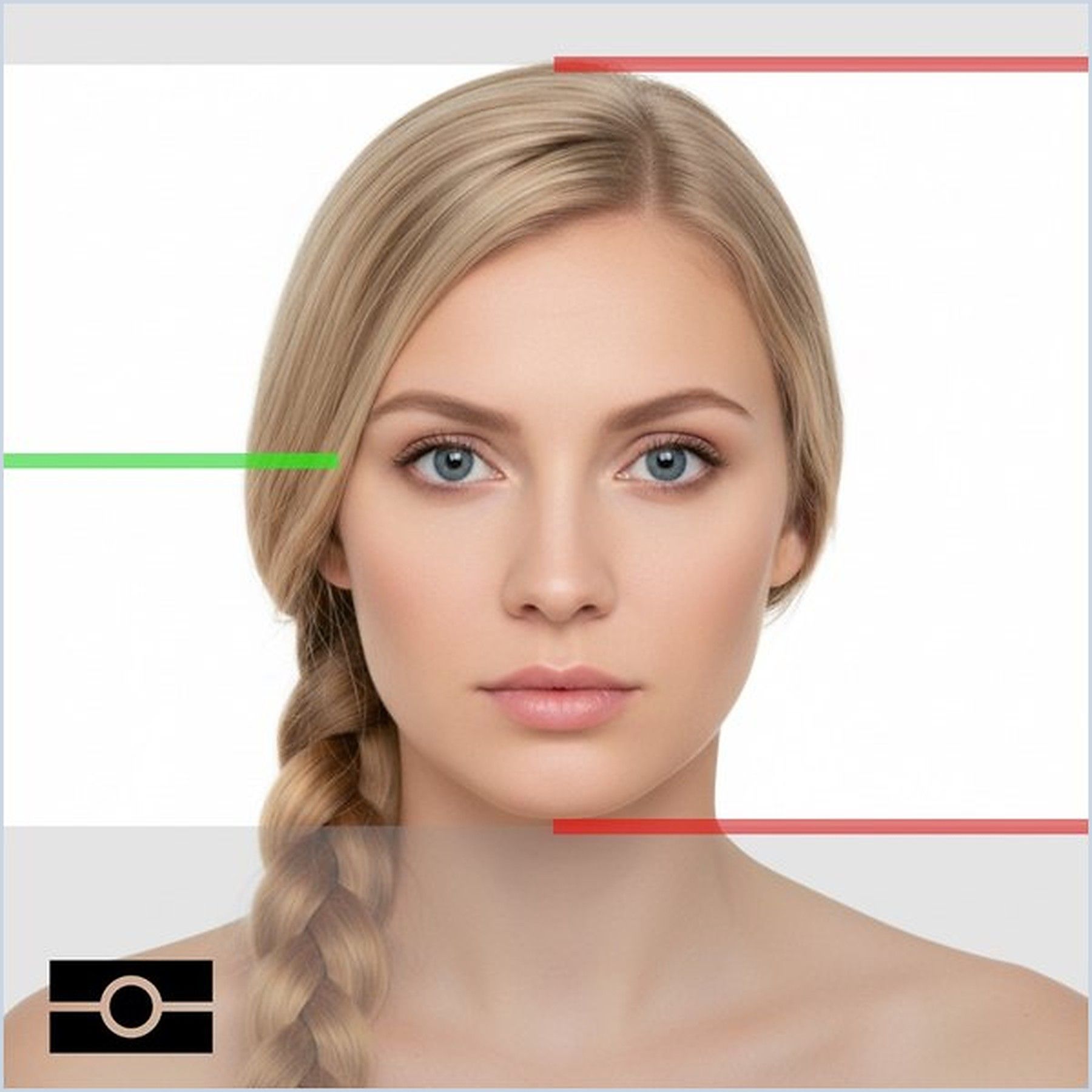
600 × 600 pxminimum to1200 × 1200 pxmaximum (1:1square aspect ratio). Whilemy.uscis.govaccepts.JPG,.JPEG, or.PNGfiles up to6 MB, exporting a baselinesRGB.JPGbetween 100 KB and 240 KB guarantees compatibility with both themy.uscis.govpre-checker and the strict≤ 240 KBDiversity Visa (DV) Lottery validator. - Head Height (Chin to Crown): Must measure 1 to 1⅜ inches (25 to 35 mm) on a 2 × 2 inch print, or 50% to 69% (target
67.5%) of the total digital canvas height. - Eye Level (From Bottom Edge): Must sit 1⅛ to 1⅜ inches (28.5 to 35 mm) from the bottom edge, or 56% to 69% of the total image height.
Counter-Intuitive Trap #2: Never Type Your A-Number on a Digital Upload for my.uscis.gov
When filing Form I-765 or Form I-130 online at my.uscis.gov, do not type your name or A-Number onto your digital photo and do not upload a second image of a blank white square with your A-Number written on it. The "write on the back" rule applies exclusively to physical paper prints.
Counter-Intuitive USCIS Trap #2 — Why Typing Your A-Number on a Digital Upload Causes Instant Rejection: Because the PDF instructions for Form I-765 and Form I-130 mention lightly printing your Name and A-Number on the back of your photos, some online applicants open Paint or Canva and type their A-Number across their shirt or in the white corner of their digital JPEG—resulting in an immediate RFE because that text gets printed directly onto the front of the EAD card! Others upload a picture of the back of a paper photo, which fails the my.uscis.gov face detector. When you upload a single clean 2 × 2" digital JPEG to your my.uscis.gov account, the system automatically binds the file metadata to your IOE receipt number and A-Number.
3. Why USCIS Issues a Request for Evidence (RFE) for Photos—And How to Prevent It
USCIS issues a photo Request for Evidence (RFE)—delaying Form I-765 OPT work permits and Form I-485 Green Cards by 4 to 8 weeks—primarily when an applicant reuses an old EAD, visa, or passport photo, wears eyeglasses, tilts their head, or submits a photo with a gray shadowed background.
Remember that both your Permanent Resident Card (Form I-551 Green Card) and your Employment Authorization Document (Form I-766 EAD card) are high-security federal identity cards that also serve as TSA-compliant REAL ID photo credentials for domestic air travel. Consequently, USCIS adjudicators enforce strict biometric quality control.
Counter-Intuitive Trap #3: Why USCIS Spots Reused OPT EAD & Visa Photos Instantly
The single most common reason F-1 students and marriage Green Card applicants receive a photo RFE is uploading or printing the exact same photo they used on a previous OPT EAD card, F-1/J-1 visa, or passport more than 6 months ago.
Counter-Intuitive USCIS Trap #3 — The "Prior EAD / SEVIS" Screen Comparison: When a USCIS officer adjudicates your STEM OPT extension (Form I-765) or Adjustment of Status (Form I-485), their workstation displays your newly uploaded photo right next to the portrait from your Initial OPT EAD card, your U.S. visa foil from the State Department's CCD database, and your passport scan. If the clothing, hairstyle, and pixel lighting match a document issued 12 to 24 months ago, the officer is required under the USCIS Policy Manual to halt adjudication and issue an RFE for a photo taken within the last 6 months (or 30 days for Form I-485). Always capture a fresh photo in a different shirt for every USCIS filing.
Background Shadows, Eyeglasses, and Tilted Head Pose: Top Biometric Rejection Causes
Even if your photo is brand new, USCIS automated scanners and Lockbox clerks will reject any portrait that shows eyeglasses (banned for all U.S. immigration and passport photos since November 2016), a tilted head angle, or a gray/off-white household wall with dark shadows behind the ears.
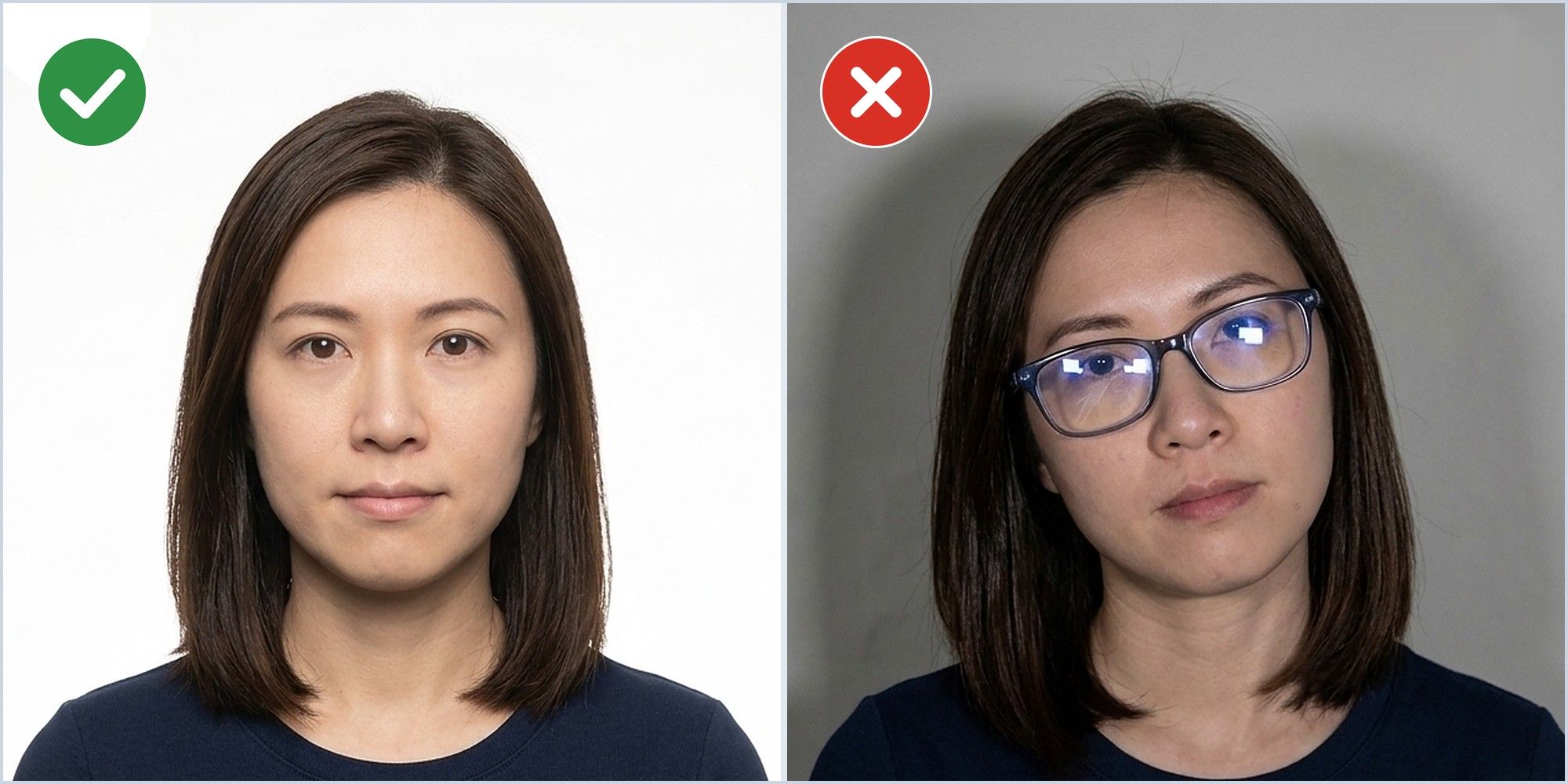
✓ DO: Compliant USCIS Photo Checklist
- Pure White Background (
#FFFFFF): Uniform, shadow-free white backdrop with crisp hair and shoulder boundaries. - Zero Eyeglasses & Straight Pose: All glasses removed completely; head centered straight toward the camera with both eyes level and open.
- Captured Within the Last 30–180 Days: A brand-new portrait in everyday attire (never recycled from a prior EAD card, visa, or passport).
- Exact 2×2" / 600–1200 px Square: Head height calibrated to
1–1⅜ inches(50%–69%) via 478 biometric points.
✗ DON'T: Common USCIS RFE Triggers
- Eyeglasses or Lens Glare: Wearing prescription frames, blue-light blockers, or tinted lenses that obscure the eyes or reflect flash glare.
- Tilted Head or Grey Shadowed Wall: Leaning the head to one side or standing against an unlit bedroom wall that appears grey or cast in shadow.
- Reusing an Old EAD or Visa Photo: Submitting the same photo used on last year's OPT card, F-1 visa, or passport bio-page.
- Ballpoint Pen Ridges or Typed Text: Pressing hard with a ballpoint pen on paper prints or typing your A-Number onto a digital upload.
4. Mail-In Lockbox Rules: How to Write Your Name & A-Number on the Back of 2×2 Prints
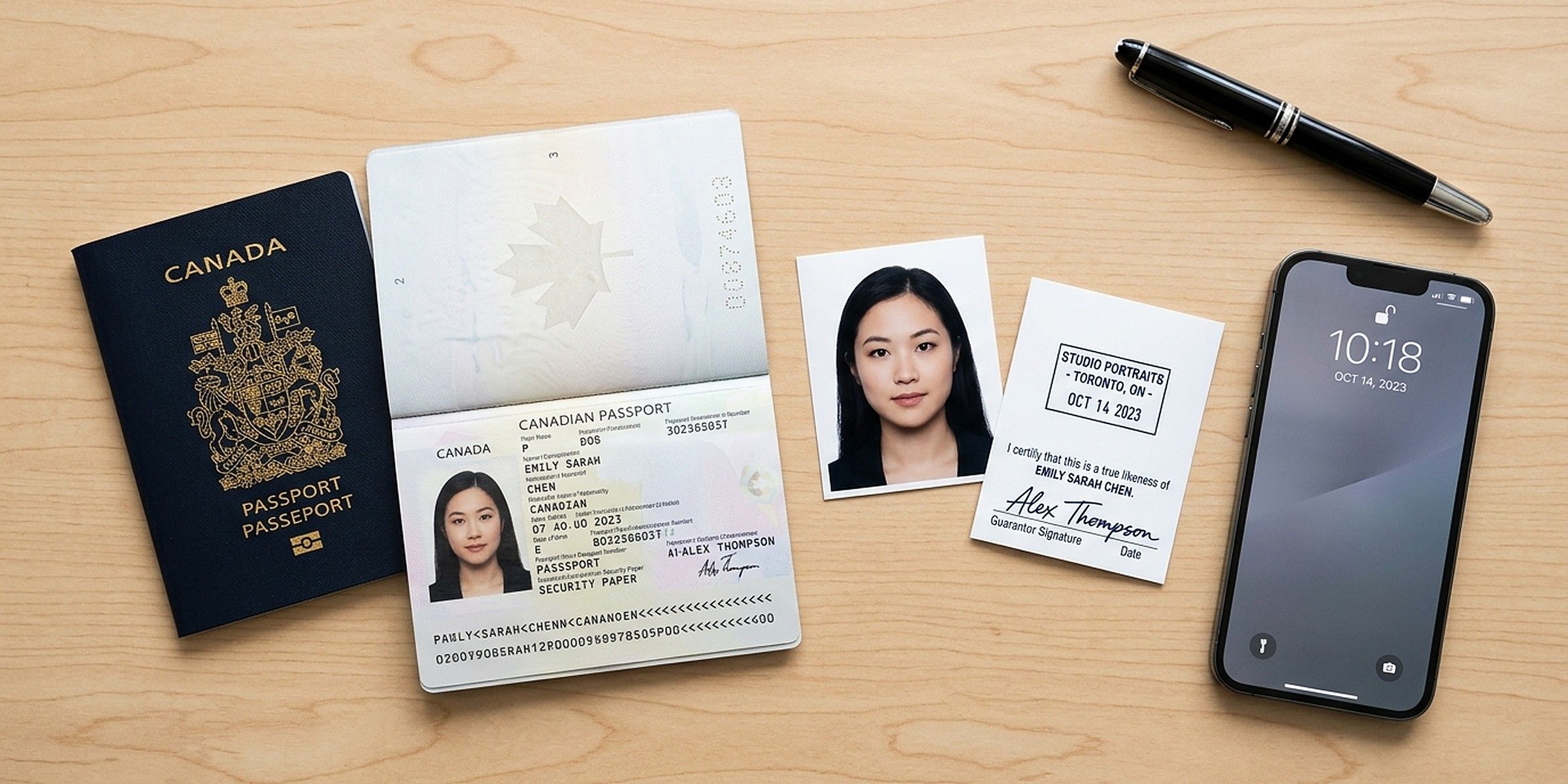
When mailing physical 2 × 2 inch photos to a USCIS Lockbox facility, lightly print your Full Name and Alien Registration Number (A-Number) on the back of each photo using a soft #2 pencil or fine felt-tip pen, and enclose them inside a clear plastic zip-top pouch clipped to the form.
Why You Must Use a #2 Pencil or Felt Pen (Never a Ballpoint Pen)
Never use a standard ballpoint pen or rollerball to write on the back of a printed passport photo. The hard metal tip of a ballpoint pen embosses a physical groove through the glossy photographic paper, leaving raised ridges across your eyes and nose on the front of the portrait that ruin the USCIS Lockbox high-resolution optical scan.
Instead, follow these two safe labeling methods recommended in official USCIS form instructions:
- Method A — Soft
#2 / HBPencil: Lay the photo face-down on a clean, hard desk (never on top of the second photo) and lightly print your name and A-Number near the top or bottom margin using minimal pressure. - Method B — Ultra-Fine Permanent Felt-Tip Marker (e.g., Sharpie Ultra Fine): If the back of your pharmacy photo paper has a slick resin coating that resists graphite pencil, touch the felt tip lightly to the back and let the ink dry face-down for a full 60 seconds before stacking the two photos together so wet ink never transfers onto the front of the second portrait.
What to Write on the Back If You Don't Have an A-Number Yet (Full Name + I-94 or DOB)
If you are a first-time Adjustment of Status beneficiary, an F-1 student filing a paper Form I-765, or a U.S. Citizen petitioner on Form I-130 who does not have an Alien Registration Number (A-Number), simply write your Full Legal Name on the first line and your Date of Birth (MM/DD/YYYY) or Form I-94 Number on the second line (plus "Form I-130 Petitioner" or "Beneficiary" so Lockbox clerks never mix up a married couple's photos).
Packaging Your Photos: Clear Ziplock Envelope vs. Staples and Metal Paperclips
Never staple physical 2 × 2 inch photos directly to a USCIS form, and never clamp a tight metal paperclip across the center of the photo where the metal wire leaves permanent rust or pressure creases across the face. Place each pair of labeled 2 × 2 inch photos inside a small clear zip-top plastic baggie or coin envelope, write your Name, A-Number, and Form Number on the outside of the bag, and paperclip the top edge of the plastic bag to the first page of the corresponding form.
5. How to Get Both a my.uscis.gov Digital File and 6–8 Printed 2×2 Photos for $0.39
By generating your immigration portrait with Snap4ID, our AI verifies 478 biometric points and gives you both the calibrated 600 × 600 to 1200 × 1200 px digital file for my.uscis.gov and a 4 × 6 inch print sheet you can print at any pharmacy for $0.25 to $0.39—backed by a 100% acceptance guarantee.
Consider the cost difference for a marriage-based Green Card packet requiring 8 total 2 × 2 inch photos (2 for the Petitioner and 6 for the Beneficiary). Walking into a retail pharmacy counter and paying $16.99 per pair of photos means spending $67.96 plus tax. As we break down in our comparison of Walgreens and CVS passport photo vs printing a 4x6 sheet, ordering a standard 4 × 6 inch glossy postcard print of your Snap4ID sheet at the exact same Walgreens, CVS ($0.39/sheet), or Walmart ($0.25/sheet) photo kiosk gets you all your physical 2 × 2 prints for under $0.80 total, while every portrait is protected by our 100% acceptance guarantee (full money-back guarantee if rejected by USCIS).
Avoid 4–8 week USCIS photo RFEs and $68 pharmacy bills. Snap4ID checks 478 biometric points, sets a pure #FFFFFF background, and delivers both a ready-to-upload my.uscis.gov digital JPEG and a 4×6" print sheet with a 100% acceptance guarantee. Create Your USCIS 2×2 Photo Now →
Frequently Asked Questions (FAQ)
Do I need to upload a 2×2 passport photo when filing Form N-400 or Form I-90 online?
If you reside inside the United States and file Form N-400 (Naturalization) or Form I-90 (Green Card Renewal) online at my.uscis.gov, you do not need to upload a 2 × 2 inch photo at initial filing because USCIS captures or reuses your photo via an Application Support Center (ASC) biometrics appointment. However, bringing two printed 2 × 2 inch photos to your N-400 interview is strongly recommended, and overseas military/spouse N-400 filers must submit two 2 × 2 inch photos.
How do I write my name and A-Number on the back of a photo when filing Form I-765 or I-130 online?
When filing Form I-765 (OPT/EAD) or Form I-130 online through my.uscis.gov, you must never type your name or A-Number onto the digital image and never upload a second blank image representing the back of the photo. The my.uscis.gov portal automatically links your uploaded 600 × 600 to 1200 × 1200 pixel digital JPEG to your USCIS account and A-Number.
What should I write on the back of my USCIS photos if I don't have an A-Number yet?
If you are mailing physical 2 × 2 inch photos to a USCIS Lockbox and do not yet have an Alien Registration Number (A-Number), lightly print your full legal name and either your Date of Birth or your Form I-94 Arrival-Departure Record number on the back of each photo using a soft #2 pencil or fine felt-tip marker.
Can I reuse the photo from my previous OPT EAD card, visa, or passport for a new USCIS application?
No, you must never reuse a photo from a previous EAD work permit, F-1/H-1B visa, or passport issued more than 6 months ago. USCIS officers view your prior EAD and visa portraits side-by-side on their adjudication screen and automatically issue a Request for Evidence (RFE) for recycled photos, delaying your work permit or Green Card by 4 to 8 weeks.
How many 2×2 passport photos do I need for a concurrent marriage Green Card packet (I-130, I-485, I-765, I-131)?
A complete concurrent marriage-based Adjustment of Status mail-in packet requires 8 total 2 × 2 inch photos: 2 photos of the U.S. Citizen or LPR Petitioner (for Form I-130) plus 6 photos of the Beneficiary Spouse (2 for Form I-130/I-130A, 2 for Form I-485, 2 for Form I-765, and 2 for Form I-131), because the Lockbox separates each form into independent workflows.
Why does USCIS require mailed 2×2 photos if I also have to attend an ASC biometrics appointment?
USCIS requires two physical 2 × 2 inch photos in mail-in Lockbox packets (such as Form I-485, I-765, and I-131) to establish an immediate visual identity record in your A-File during initial intake and background screening, weeks before your Application Support Center (ASC) biometrics appointment takes place.