ATF Form 1 and Form 4 Photo Requirements: Complete 2026 Guide
Official 2026 ATF Form 1, Form 4 & Form 5320.23 photo requirements for eForms.atf.gov: 2x2 in size, <3 MB JPEG limit, iPhone HEIC fix & 1-year recency rule.


Table of Contents
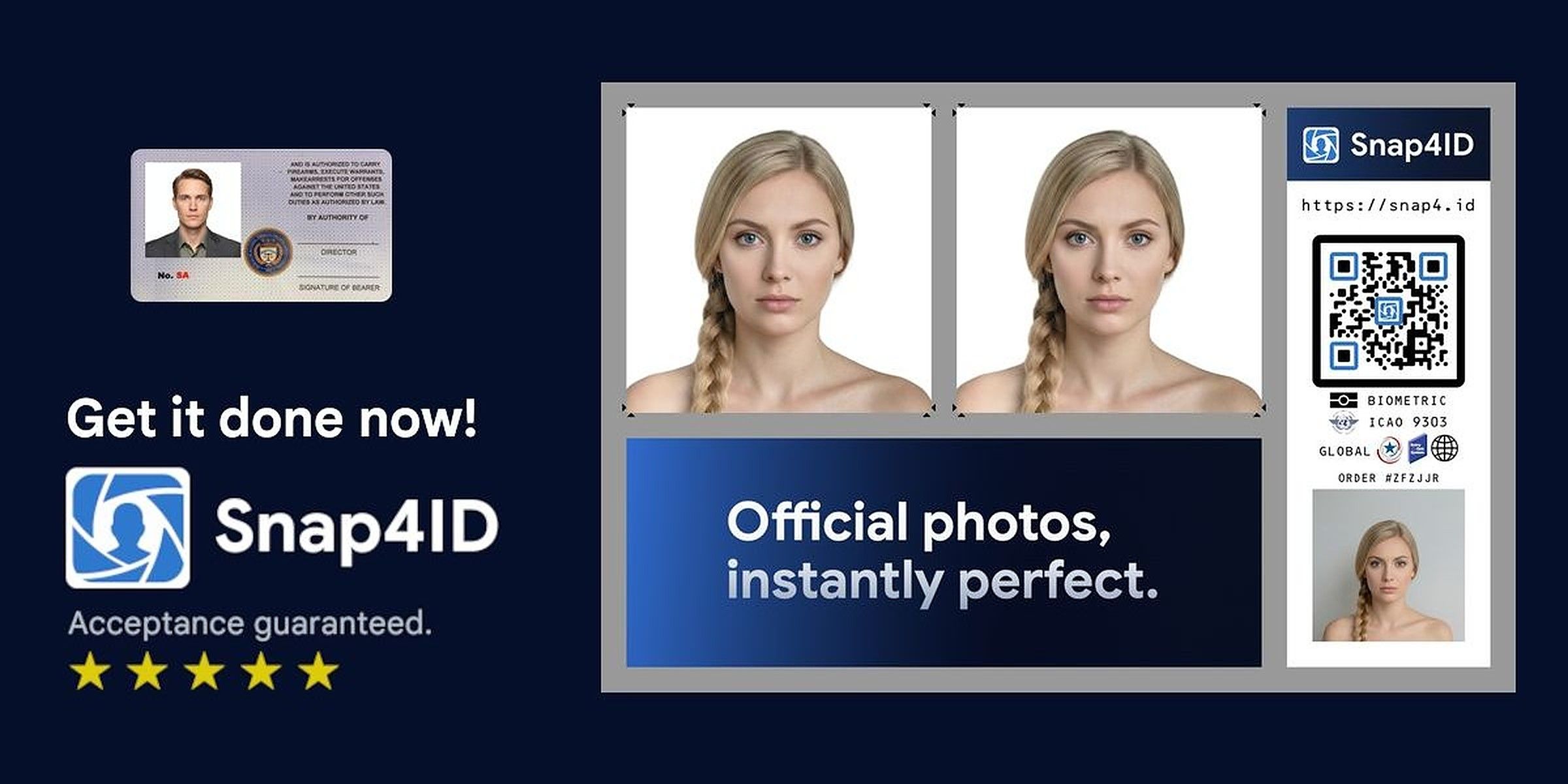
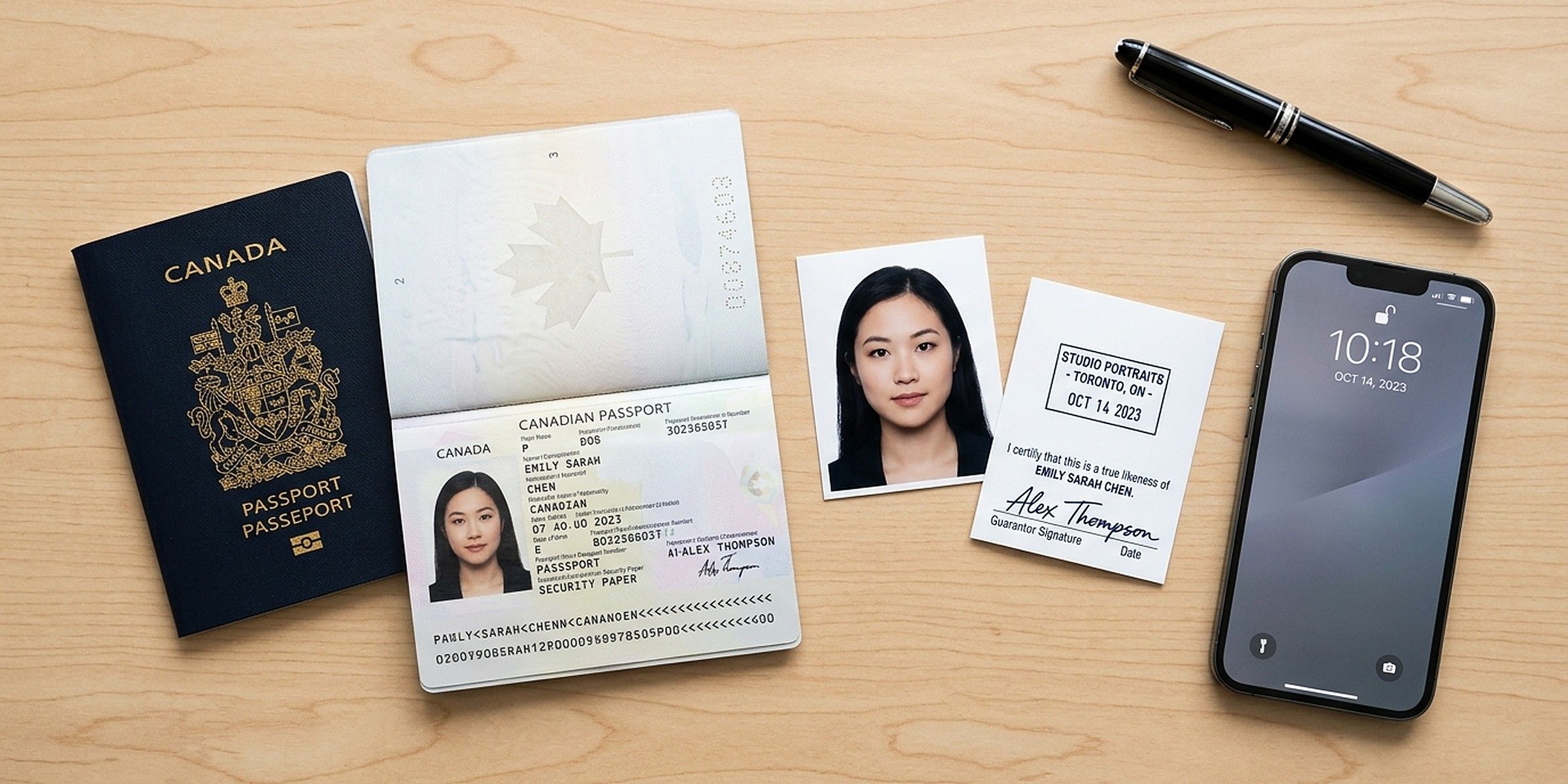
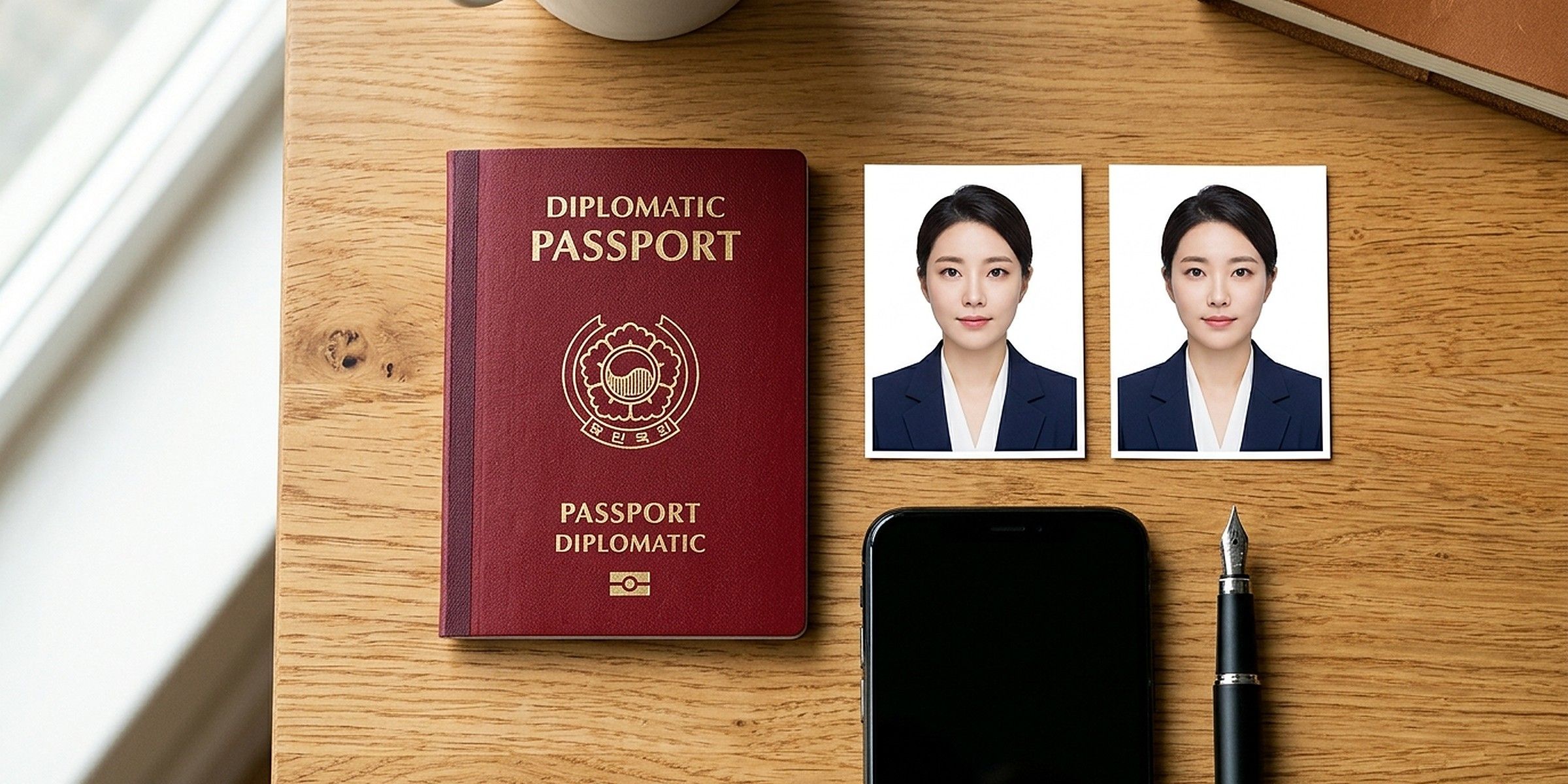
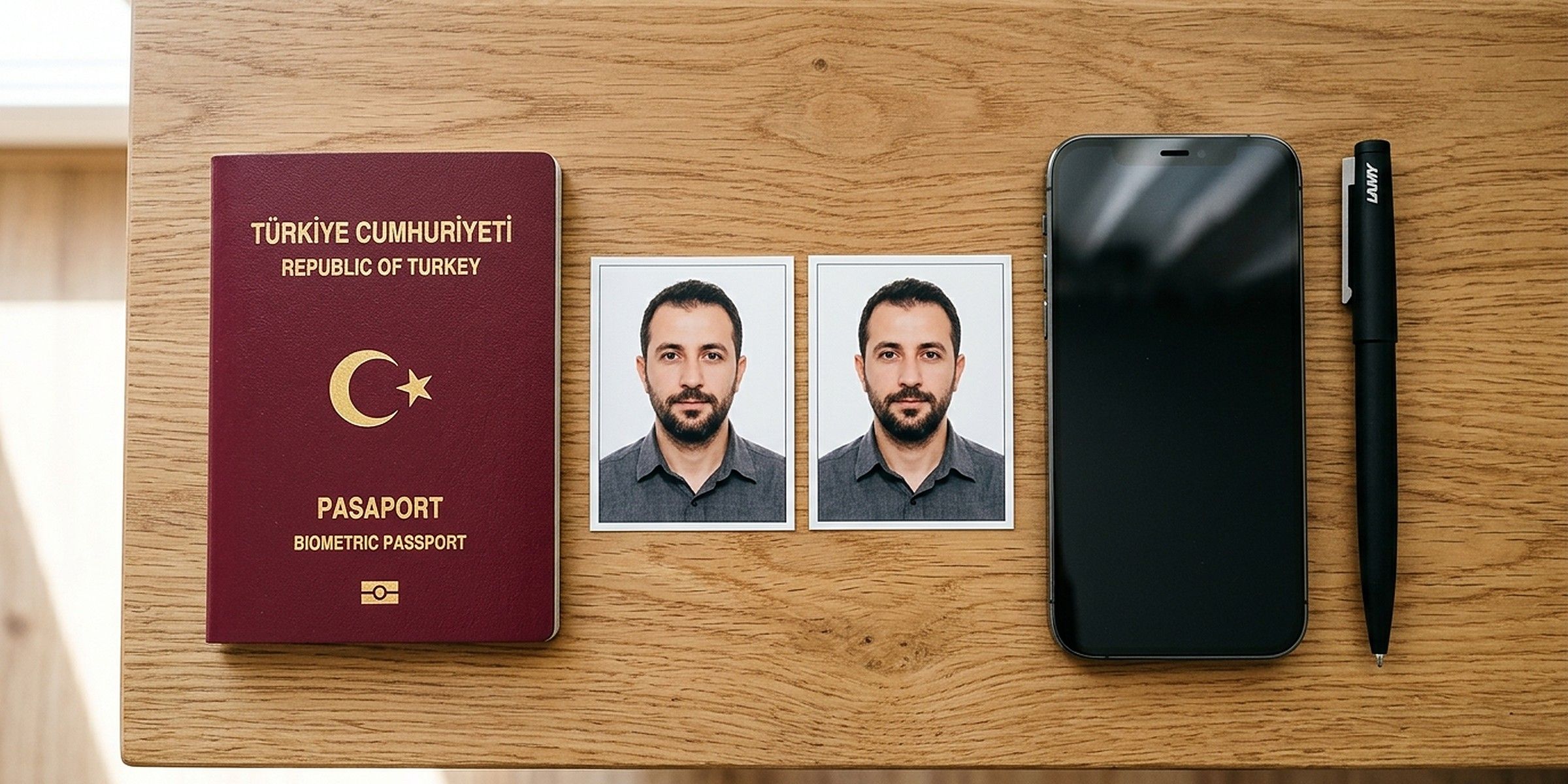
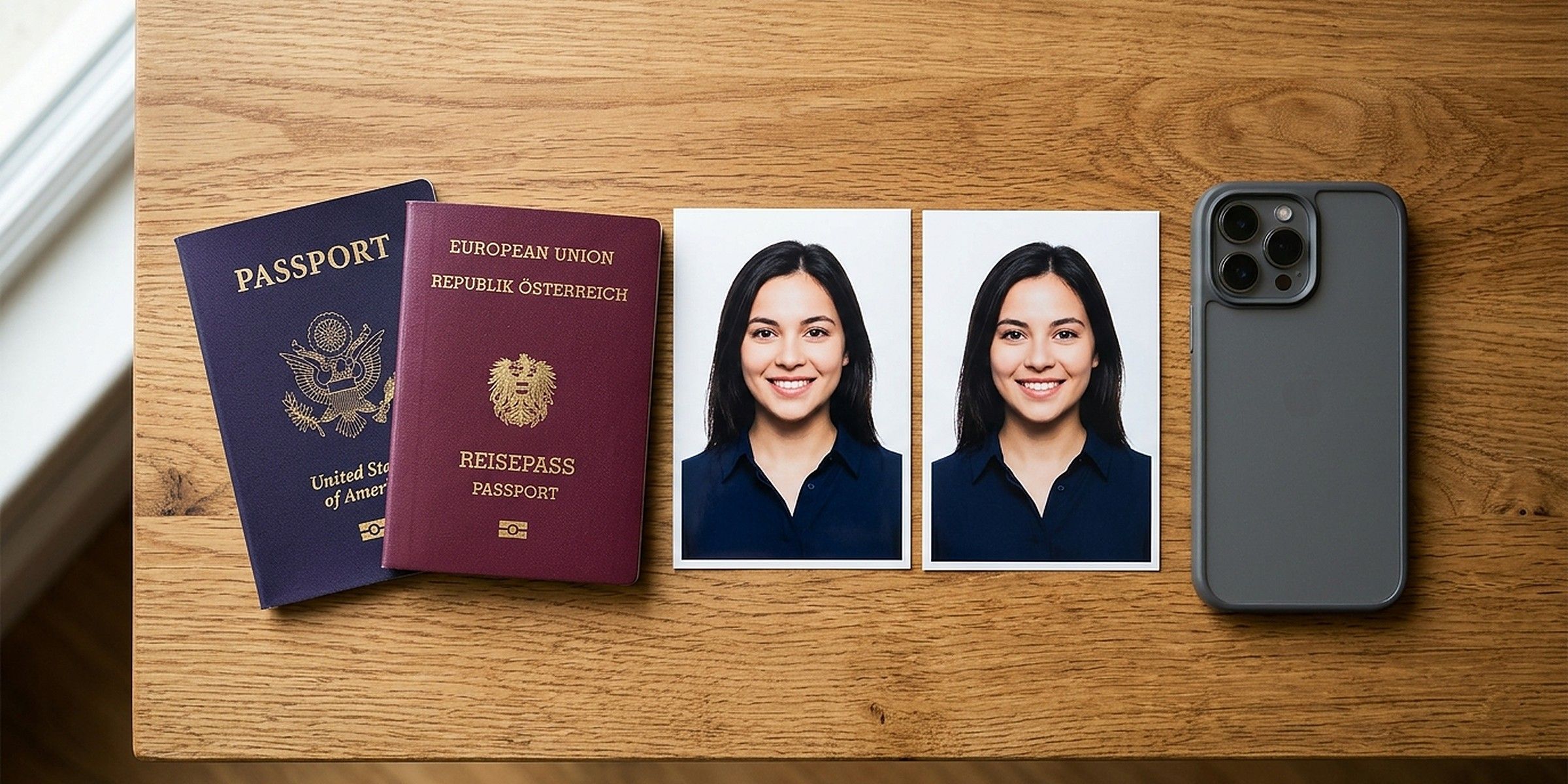
Every ATF Form 1, Form 4, and Form 5320.23 application requires an unretouched, full-face 2×2 inch (51×51 mm) color photograph taken within the last 12 months against a plain white background. For electronic filings on eForms.atf.gov, your digital image must be a square .JPG or .JPEG file under 3 MB (ideally 600×600 to 1200×1200 pixels) showing a head height between 1 and 1⅜ inches with no eyeglasses or hats. Whether you are registering a short-barreled rifle (SBR) or transferring a suppressor, you can prepare a verified file in seconds using our NFA ATF photo tool, which applies the exact federal framing and US passport photo biometric standards required by NFA examiners.
- Dimensions & Head Size: Exact 2 × 2 inches (51 × 51 mm) square aspect ratio (
1:1), with your head measuring 1 to 1⅜ inches (25–35 mm / 50–69%) from chin to crown on a pure white (#FFFFFF) background. - ATF eForms Upload Specs: File format must be .jpg or .jpeg (never iPhone
.heicor.pdf), minimum 600 × 600 px (recommended 1200 × 1200 px), and strictly under 3.0 MB. - Strict 1-Year Recency Rule: Unlike US passports, ATF NFA photos must be taken within 1 year prior to submitting Form 1, Form 4, or Form 5320.23.
- No Eyeglasses or Hats: Eyeglasses, sunglasses, hats, and tactical headgear are strictly prohibited under federal biometric standards.
With electronic ATF eForm 4 and eForm 1 wait times moving faster than ever in 2026, an administrative disapproval caused by a bad photograph is one of the most frustrating setbacks an NFA applicant can face. Unlike a minor dealer clerical question, a non-compliant photograph or a corrupted digital image attachment forces the NFA Branch examiner to reject the entire submission, refund your $200 tax stamp payment, and send you to the back of the queue with a brand-new control number. Below is the complete, technical breakdown of every physical, pixel, and portal upload rule for individual applicants and NFA Gun Trusts.
1. Official ATF Form 1 and Form 4 Photo Requirements at a Glance
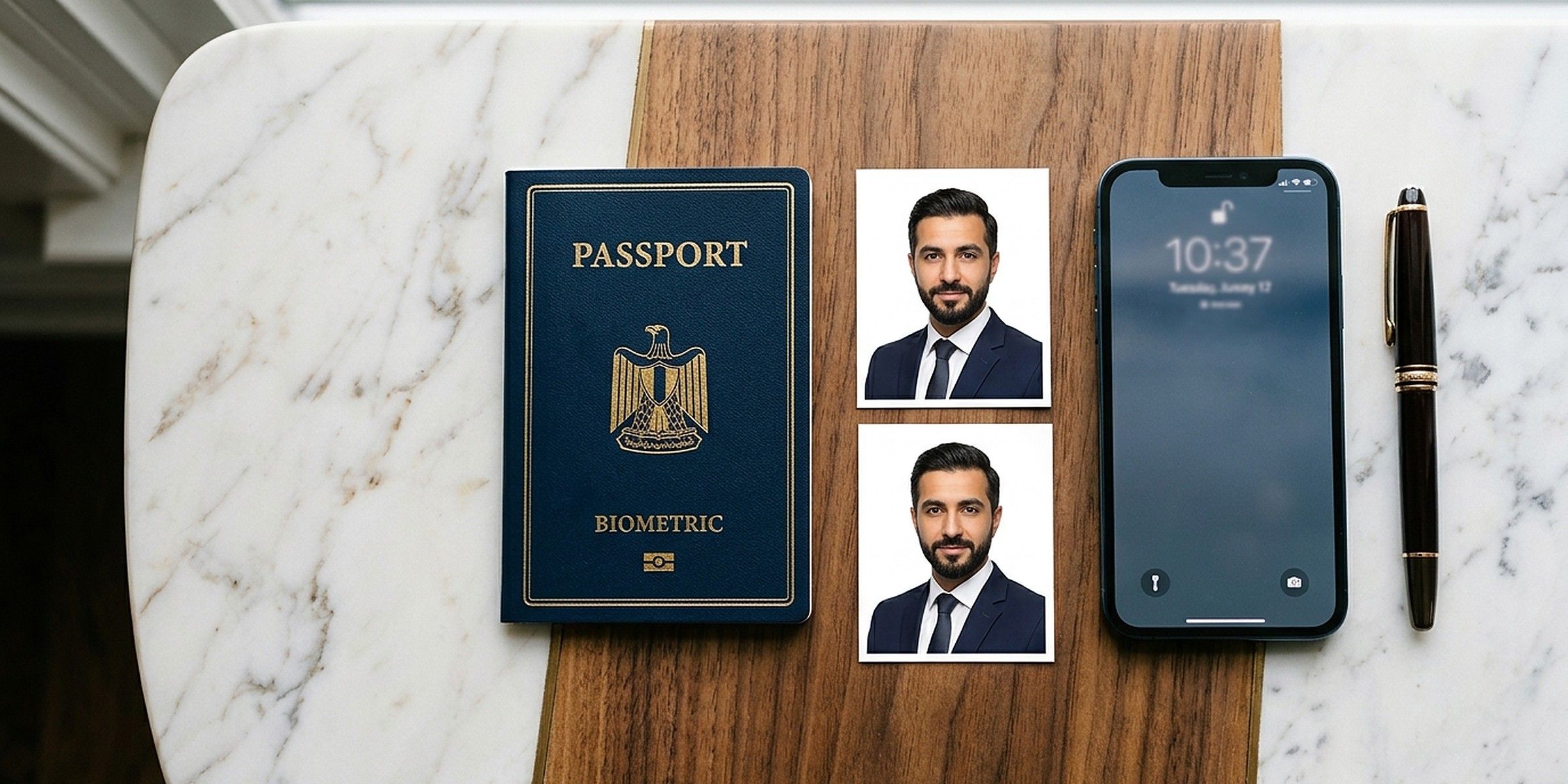
Official ATF NFA photographs must follow U.S. Department of State 2×2 inch passport geometry: a square 1:1 frame, pure white background (#FFFFFF), neutral expression with both eyes open, head height measuring 1 to 1⅜ inches (25–35 mm), and zero headgear or eyewear. Both paper mail-in packets and electronic submissions on eForms.atf.gov are audited against these identical biometric ratios.
| Biometric Parameter | ATF eForms Digital Upload (eForms.atf.gov) | Paper Form 1 / Form 4 / Form 5320.23 Mail-In |
|---|---|---|
| Dimensions & Aspect Ratio | Square 1:1 ratio; 600×600 px minimum up to 1200×1200 px (600 DPI optimal) | 2×2 inches (51×51 mm / exact metric spec 50.8×50.8 mm) |
| Accepted File Format & Size | Strict .JPG or .JPEG only; maximum < 3 MB (150–500 KB recommended; no .HEIC or .PNG) | Photo-quality matte or glossy paper print (2 copies per paper Form 1/4; 1 per CLEO copy as required) |
| Head Height (Chin to Crown) | 50% to 69% of total vertical frame height (target 67.5% / 810 px on a 1200 px canvas) | 1 to 1⅜ inches (25 mm to 35 mm) from bottom of chin to top of head |
| Eye Height from Bottom Edge | 56.25% to 68.75% measured from the bottom border of the square image | 1⅛ to 1⅜ inches (28.5 mm to 35 mm) from the bottom edge of the print |
| Background Color & Lighting | Plain pure white (#FFFFFF) or off-white; even frontal illumination with zero wall shadows | Plain pure white or off-white; no brick, wood grain, door frames, or car seat headrests |
| Eyeglasses & Headgear | Strictly prohibited (no prescription glasses, tinted lenses, shooting glasses, or baseball caps) | Strictly prohibited (religious headwear or medical eyewear requires a signed statement) |
| Maximum Photo Age (Recency) | Taken within 1 year (12 months) prior to eForms submission (6 months recommended) | Taken within 1 year (12 months) prior to mailing the application packet to ATF |
Exact 2×2 Inch Dimensions & Biometric Head Ratios
The single most common biometric rejection on DIY smartphone photos is improper cropping—specifically standing too close to the lens so your shoulders disappear and your head fills 85% of the square, or standing too far back so your face looks tiny. Under federal specification standards (us-nfa), your head height—measured from the very bottom of your chin to the crown of your skull (ignoring tall hair volume)—must occupy between 1 inch and 1⅜ inches (25–35 mm), which equals 50% to 68.75% of the vertical frame. Meanwhile, your horizontal eye line must sit between 1⅛ and 1⅜ inches (28.5–35 mm) up from the bottom edge.
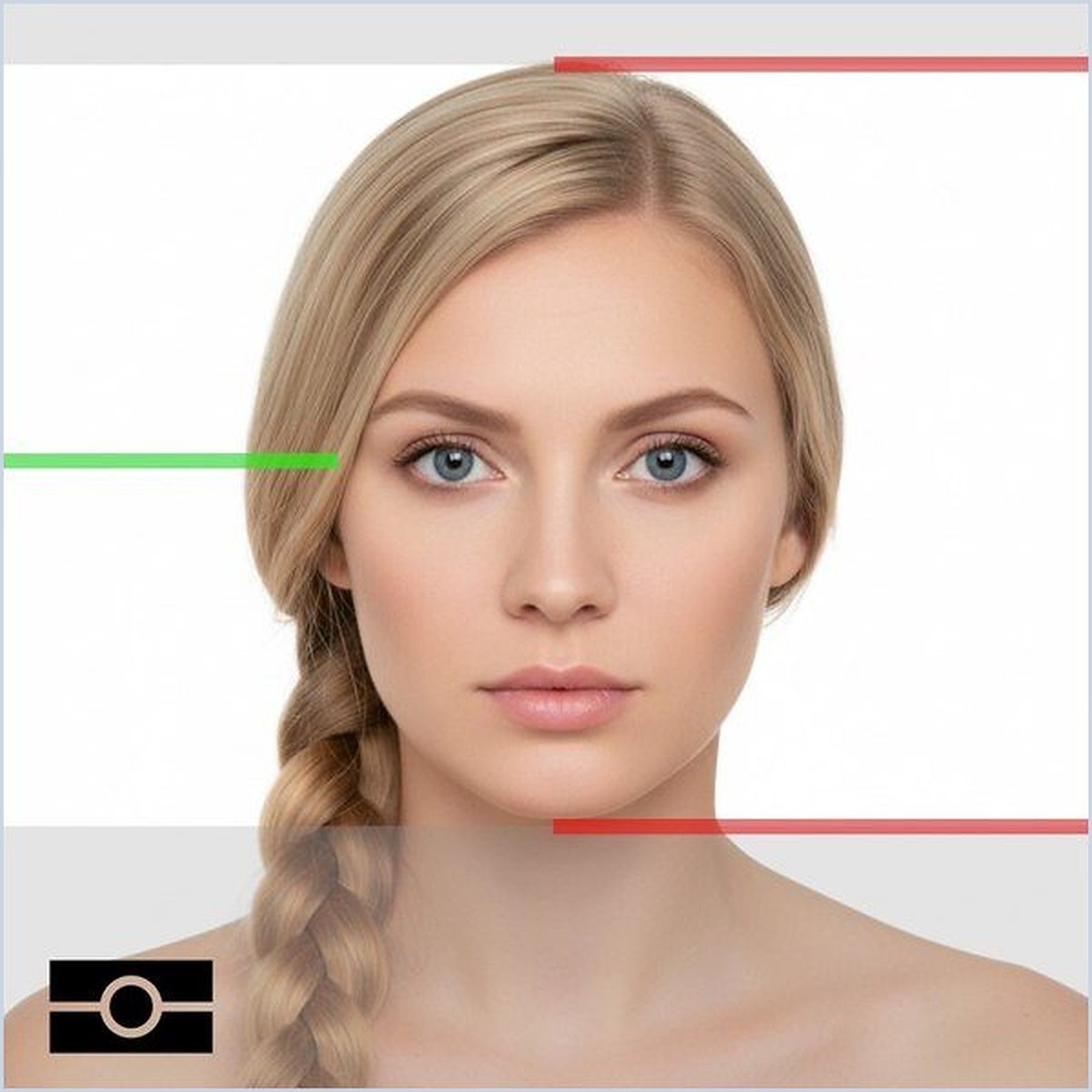
The ATF 1-Year Photo Rule vs. the 6-Month Passport Rule
Yes, the ATF allows photographs taken within the past 1 year (12 months), whereas the U.S. Department of State requires passport photos taken within the last 6 months. According to Section 2 of the official instructions on ATF Form 1 (5320.1), Form 4 (5320.4), and Form 23 (5320.23), your photograph must have been captured within one year prior to the date the application is submitted.
However, compliance advisors strongly recommend taking a fresh photo within 6 months for two practical reasons. First, a photo under 6 months old satisfies both NFA tax stamp applications and a US passport photo or REAL ID photo renewal at the same time. Second, if you purchase suppressors through an automated dealer ecosystem like a Silencer Shop kiosk, their software tracks the exact calendar upload date of your profile photo and automatically locks eForm 4 certification once 365 days have elapsed, forcing you to upload a freshly dated image before your dealer can submit to the ATF.
2. Digital Upload Rules for ATF eForms (eForms.atf.gov) & Silencer Shop
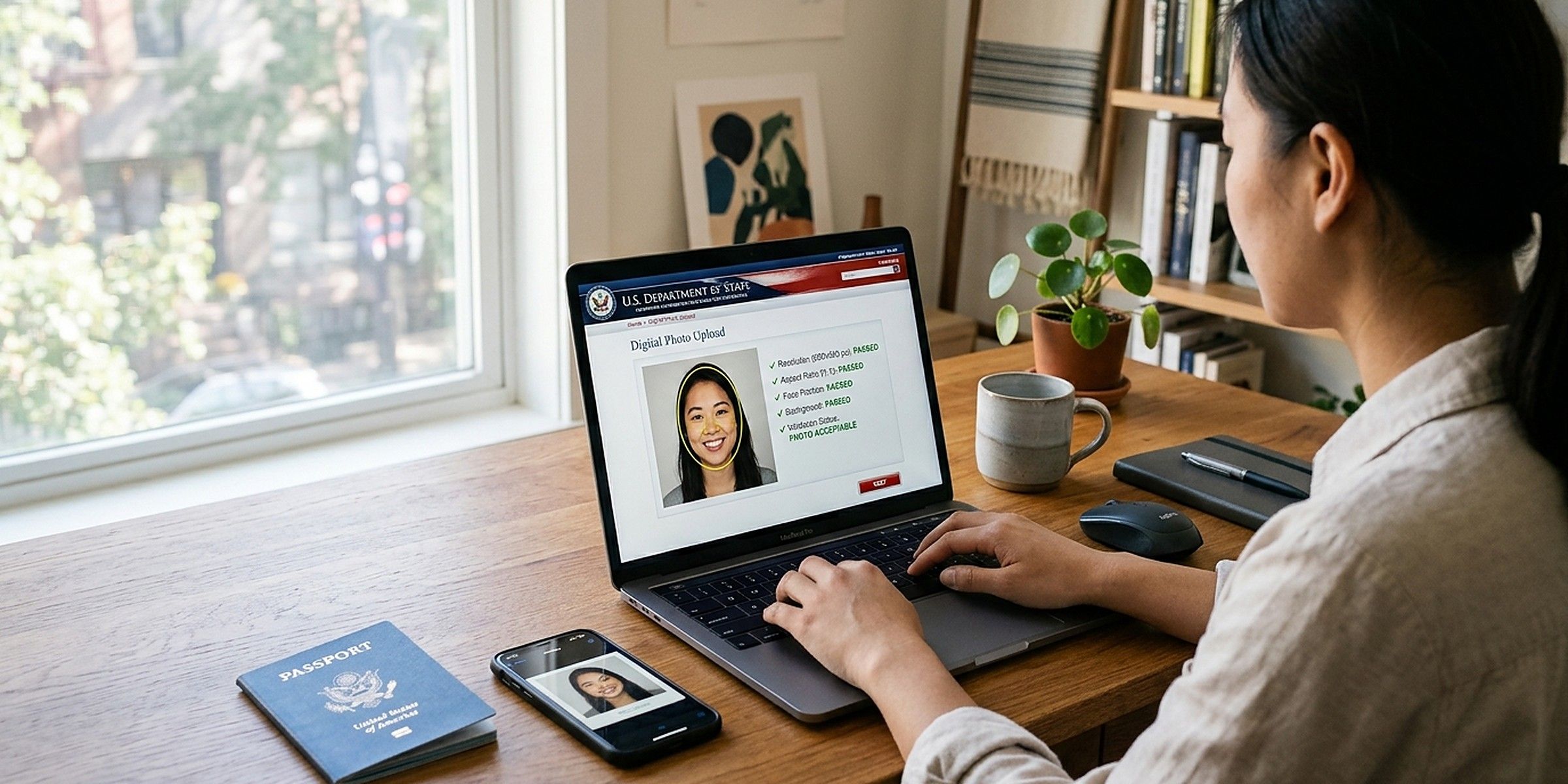
To upload your photograph successfully to eForms.atf.gov, you must provide a baseline .JPG or .JPEG image file smaller than 3 MB with a 1:1 square aspect ratio between 600×600 px and 1200×1200 px. Files saved as Apple .HEIC, .PNG, .WEBP, or .PDF will fail validation or corrupt your electronic application.
Counter-Intuitive Trap: The 3 MB Limit & iPhone .HEIC Upload Error
Counter-Intuitive eForms Portal Trap: Never rename an iPhone .HEIC photo to .jpg manually in Windows Explorer or Finder. The federal eForms.atf.gov backend inspects the binary MIME header of your Responsible Person photo attachment. If you upload a disguised .HEIC file—or a raw 5 MB smartphone portrait—the portal often accepts the upload spinner initially, only to throw a cryptic NULL attachment error, session timeout, or missing-photo disapproval weeks later when the examiner opens your file.
Modern iPhones (iPhone 12 through iPhone 17 Pro) and flagship Android cameras capture 12 MP to 48 MP images using High Efficiency Image Container (.HEIC) compression that frequently exceeds 4 MB to 8 MB per shot. Because the legacy Java/Oracle architecture behind eForms.atf.gov enforces a hard 3.0 MB ceiling on the Responsible Person photo upload field—and performs most reliably when the image is between 150 KB and 500 KB—you must re-encode the file into a standard baseline sRGB .JPG at 1200×1200 px (600 DPI).
Uploading to eForms vs. Taping a 2×2 Print to Paper Forms
If you are submitting an electronic Form 1 (to build an SBR or suppressor) or certifying an eForm 4 through your local FFL/SOT dealer, you only need the digital .JPG file—no physical paper prints are mailed to Martinsburg, West Virginia. Conversely, if you are mailing a paper Form 1, paper Form 4, or paper Form 5320.23, you must affix a physical 2×2 inch photo to the designated square box on the ATF copy using double-sided tape or glue stick. Never use staples or paperclips directly through the face of the photograph; piercing the biometric zone of the print is grounds for immediate rejection.
3. Filing with an NFA Gun Trust: ATF Form 5320.23 Responsible Person Photos
When an NFA Gun Trust, LLC, or corporation submits an ATF Form 1 or Form 4, every person classified as a "Responsible Person" (RP) on the trust must complete a separate ATF Form 5320.23 (National Firearms Act Responsible Person Questionnaire) and attach their own compliant 2×2 inch photograph and .EFT fingerprint file.
Does Every Co-Trustee Need a Separate 2×2 Photo?
Yes, every current Settlor, Grantor, Trustee, or Co-Trustee who possesses the legal authority under the trust instrument to direct trust policies or possess, transport, or dispose of the NFA firearms must submit an individual Form 5320.23 with a qualifying 2×2 inch photograph taken within the last 12 months. Successor trustees and passive beneficiaries who cannot legally possess the suppressor or SBR until the primary grantor's death or incapacitation are generally not considered Responsible Persons at the time of filing and do not submit photos.
On eForms.atf.gov, when you add each Responsible Person row inside the Line Item / Responsible Persons tab of an eForm 1 or eForm 4, you will see separate upload buttons for the signed 5320.23 PDF, the electronic fingerprint file (.EFT), and the Photo (.JPG under 3 MB). Verify that each co-trustee's photo file is clearly named (for example, john-smith-atf-2x2.jpg) so you do not accidentally attach the wrong trustee's portrait to another person's questionnaire row.
4. Biometric Pose, Lighting & Attire: DOs and DON'Ts for NFA Applicants
Your ATF NFA photograph must present a clear, full-face front view with neutral facial muscles, zero eyewear, no headwear, and uniform lighting across both cheeks. Because the NFA Branch applies the same facial-recognition standards outlined in our guide to the DOs and DON'Ts on a US passport photo, casual range snapshots or car-seat selfies are routinely rejected.
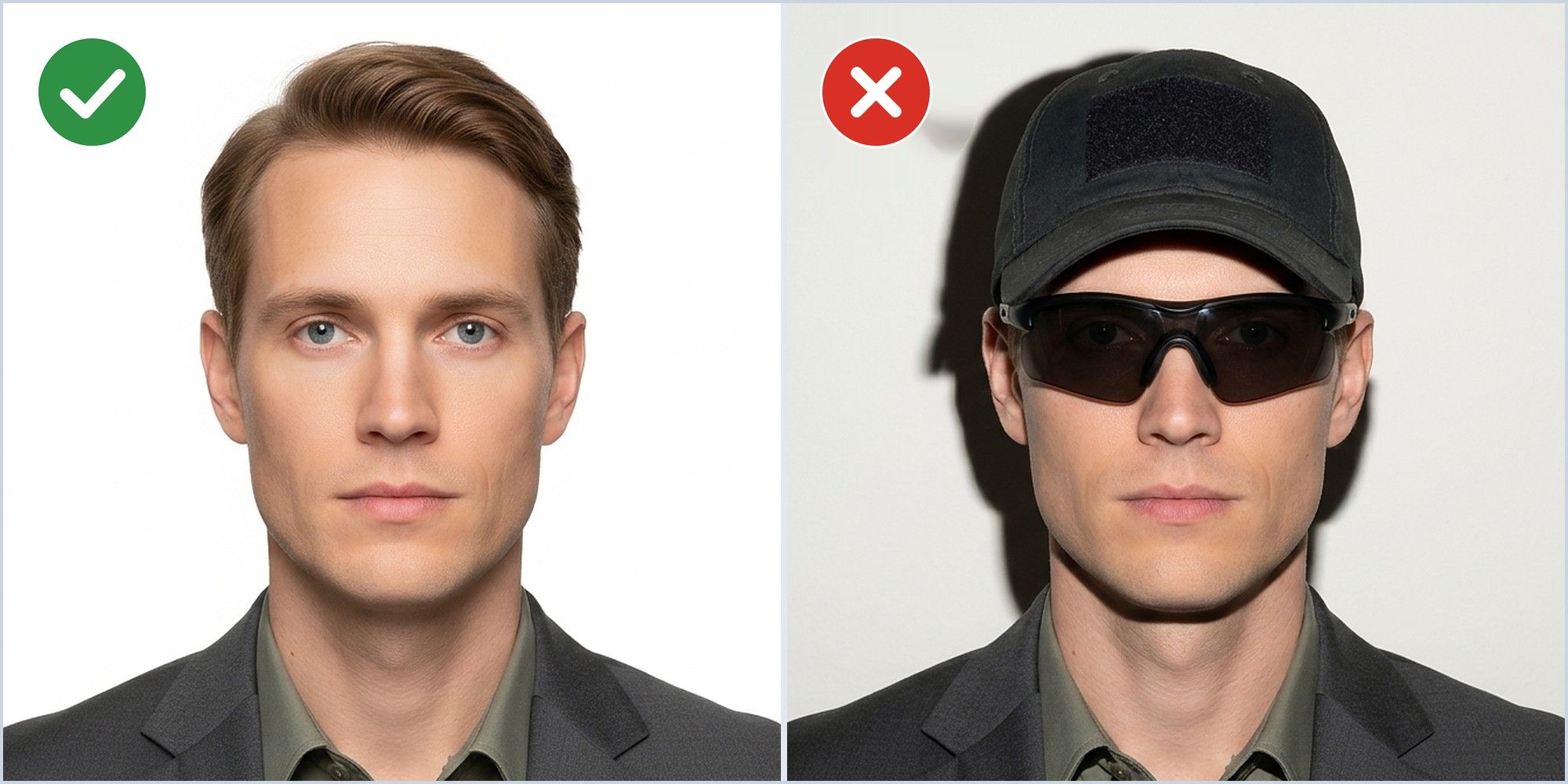
✔ DO: Compliant ATF Biometric Setup
- Face the camera dead-on: Keep your head level and centered (
maxRotationDegrees: 15) with both ears equally visible if possible. - Maintain a neutral expression: Keep your mouth closed in a relaxed, natural expression with both eyes wide open looking straight into the lens.
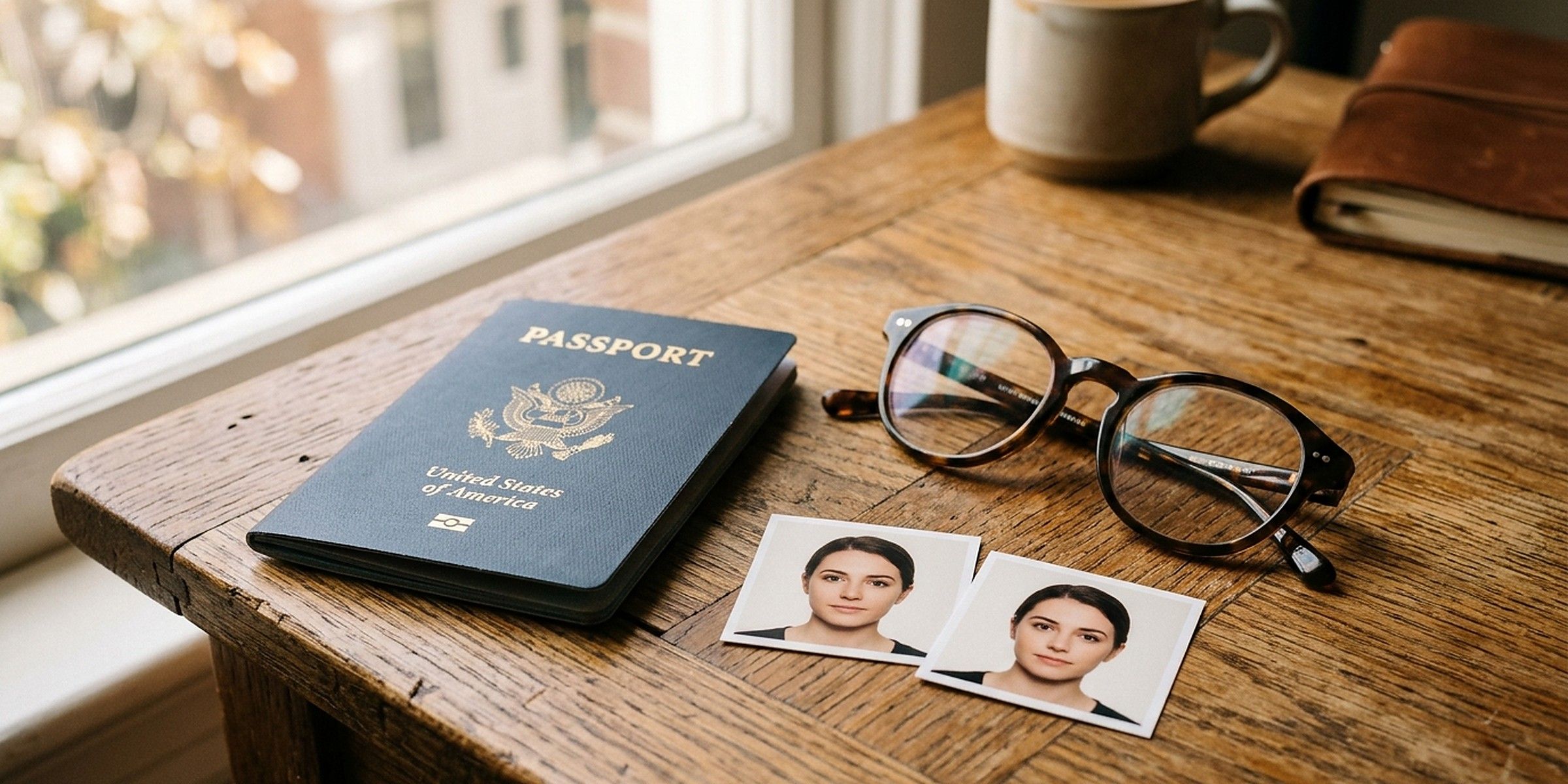
- Remove all eyewear and range gear: Take off prescription glasses, blue-light blockers, sunglasses, baseball caps, and electronic ear protection.
- Wear dark contrasting street clothes: Choose a navy, charcoal, or black crew-neck or collared shirt so your shoulders stand out clearly against the pure white
#FFFFFFbackground. - Export a clean sRGB JPEG: Keep your square
1200×1200 px.JPGfile between150 KBand500 KB(strictly under3 MB).
✘ DON'T: Common NFA Rejection Triggers
- Don't wear glasses or tactical hats: Even clear prescription lenses cause flash glare and frame shadows across the eye sockets, leading to automatic rejection.
- Don't shoot a close-up arm's-length selfie: Front-facing phone cameras held 18 inches from your face cause severe wide-angle nose distortion and cut off your shoulders.
- Don't scan a printed drugstore photo: Flatbed scans of glossy 2×2 prints introduce moiré dot patterns, dust specks, and low contrast.
- Don't leave shadows or textured walls behind you: Wood paneling, garage doors, vinyl siding, or truck headrests behind your head violate federal background rules.
- Don't apply beauty filters or AI retouching: Altering skin texture, jawline shape, or facial scars invalidates the biometric authenticity of the photo.
Glasses, Baseball Caps & Range Ear Protection
Since the U.S. federal biometric alignment update, eyeglasses are strictly prohibited in all passport-style federal identity photos, including ATF Form 1, Form 4, and Form 5320.23. Do not wear prescription glasses, reading glasses, tinted lenses, or ANSI shooting safety glasses. Likewise, remove all baseball caps, beanies, boonie hats, and over-the-ear hearing protection (Peltor/Sordin headsets). The only permitted head coverings are those worn daily for documented religious beliefs or medical necessity, and even then, the covering must not cast any shadow across your forehead, eyebrows, or cheekbones.
Background Shadows, Selfies & Camouflage/Uniform Attire
Many NFA applicants snap their photo inside a gun shop or home office under a single overhead fluorescent fixture, which casts dark "raccoon eye" shadows under the brow ridge and a dark halo on the wall behind the neck. Stand facing a bright window or two diffused room lamps so both sides of your face are evenly lit. For attire, avoid wearing military or law enforcement uniforms or full tactical camouflage tops, which are restricted under U.S. passport photo guidelines, and avoid wearing a pure white T-shirt that makes your torso vanish into the #FFFFFF backdrop.
5. How to Take an ATF-Compliant Photo at Home with Your Smartphone
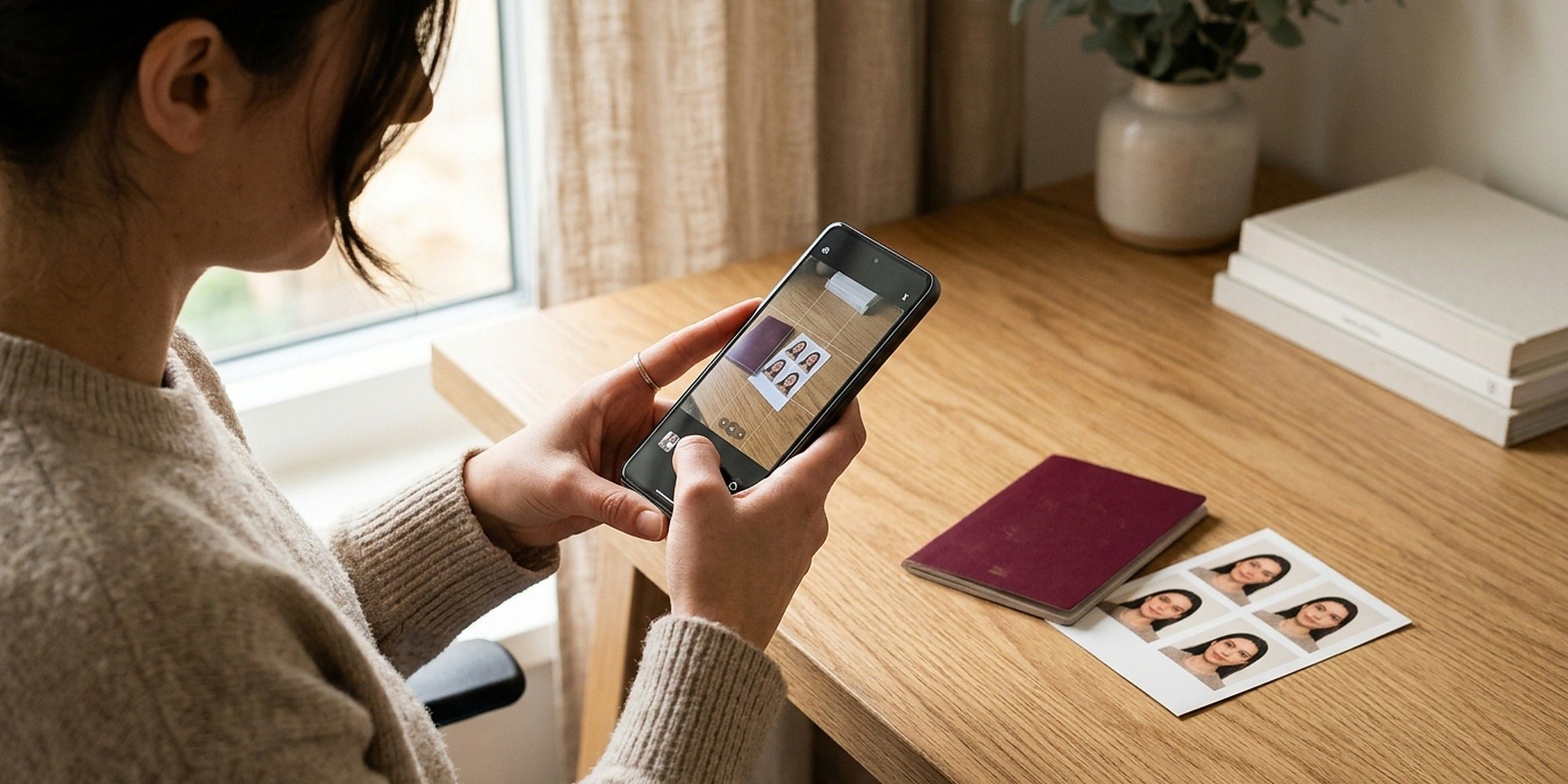
You do not need to pay $17.99 at a retail pharmacy or drive across town to a dealer kiosk just to update an expired NFA photo. With any smartphone and Snap4ID's automated NFA ATF photo generator, you can capture, crop, and verify both an eForms-ready .JPG and a printable 4×6 inch sheet in under two minutes.
Step-by-Step Smartphone Capture & Automatic White Background
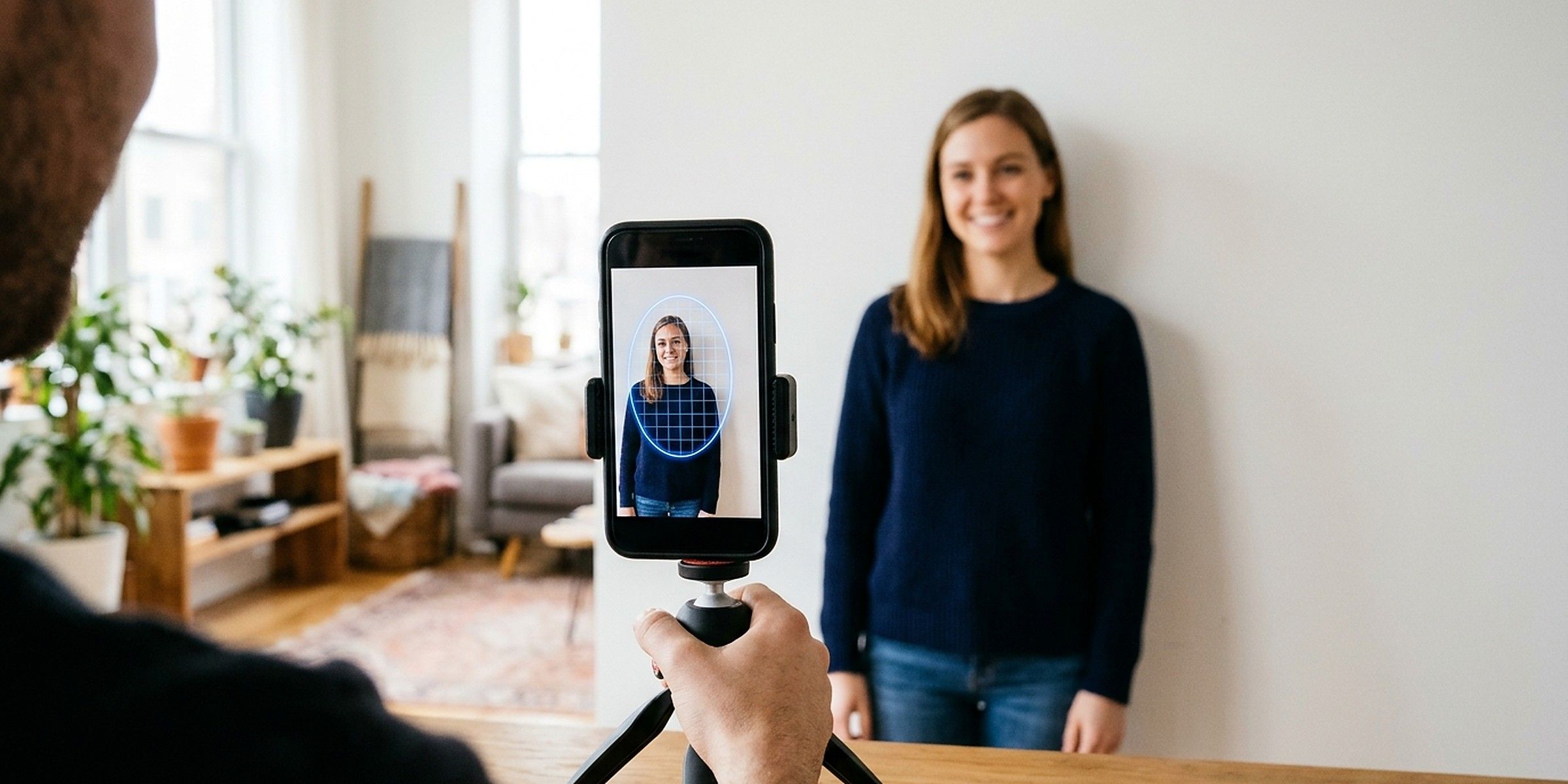
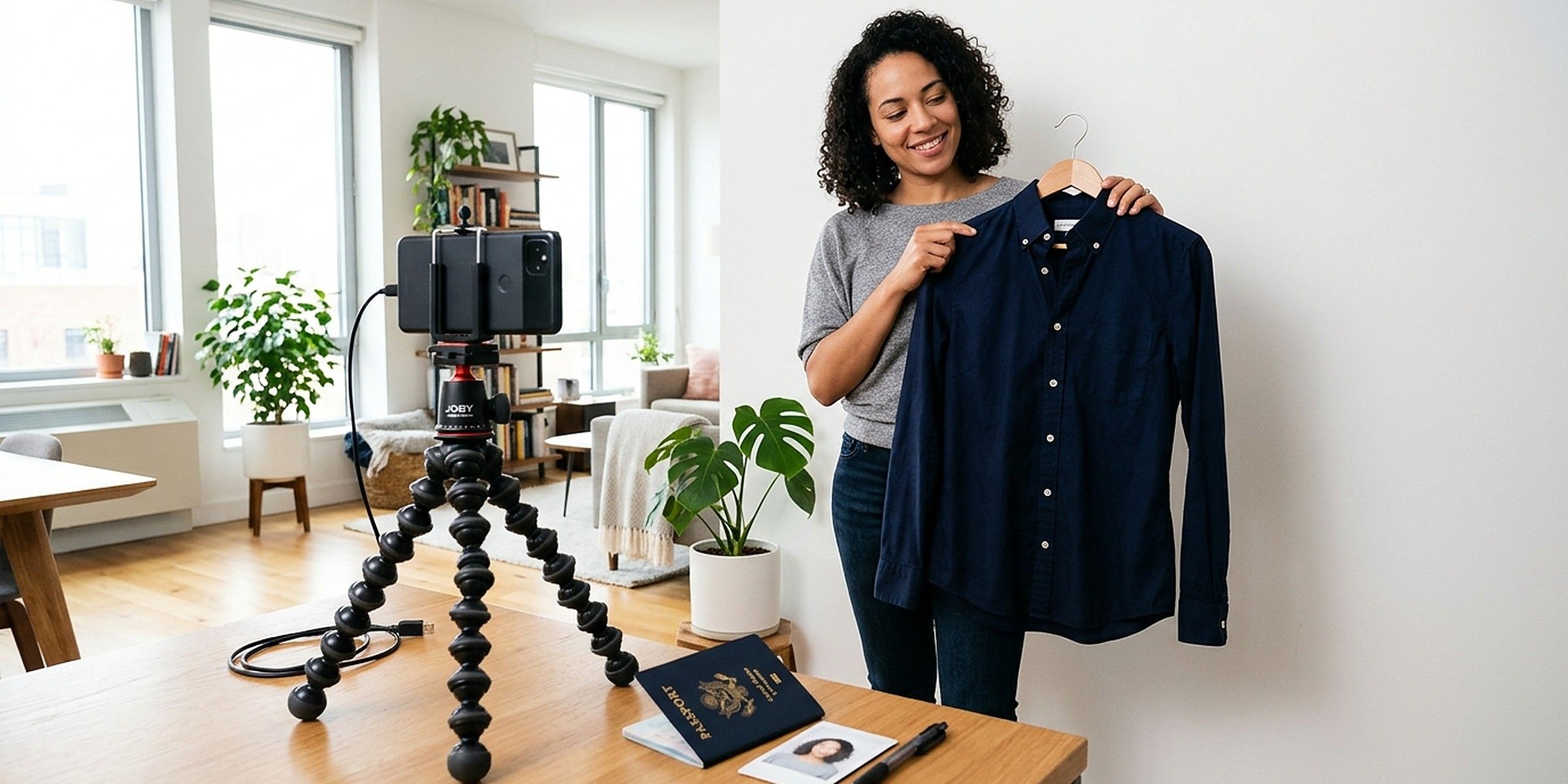
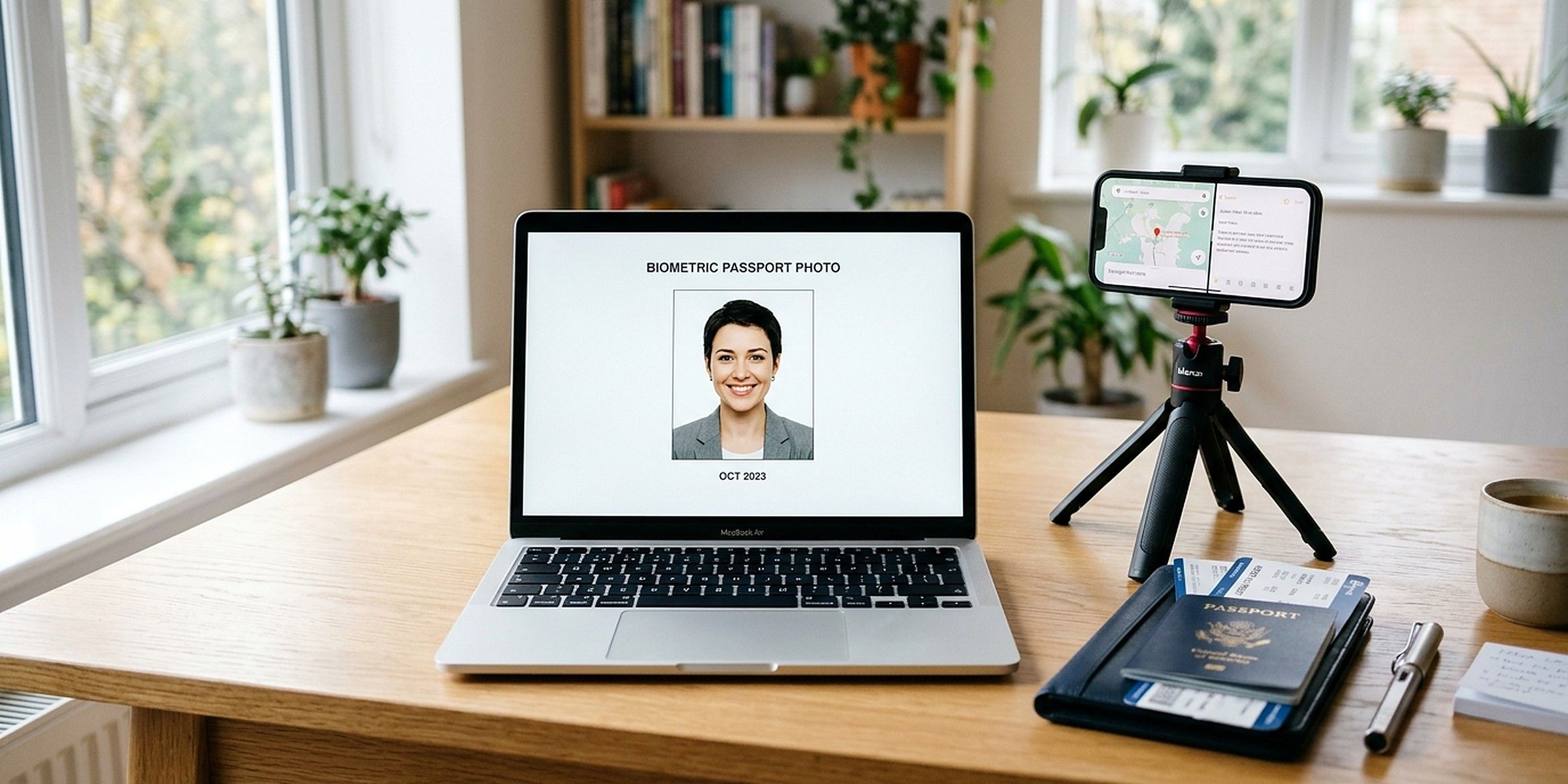
- Stand 4 to 5 feet from the rear camera: Have a friend or family member take the photo using your phone's higher-resolution rear lens at eye level (or set a 3-second tripod timer). Standing 4–5 feet away eliminates wide-angle facial distortion.
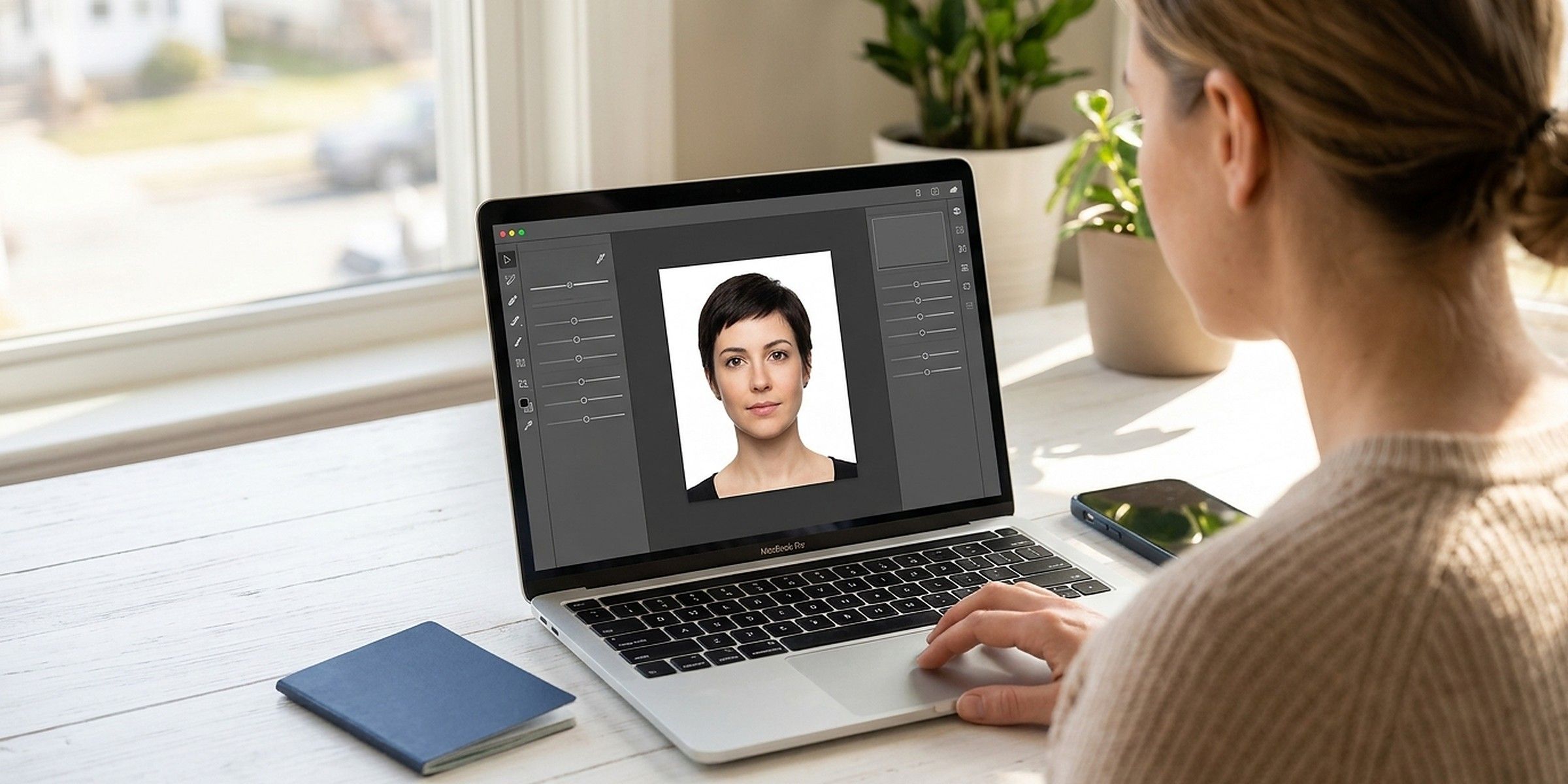
- Upload any background to Snap4ID: Don't worry if your home wall is beige, textured, or cluttered. Snap4ID's biometric engine automatically segments your silhouette and replaces the backdrop with an official, uniform pure white (
#FFFFFF) background with zero artificial edges. - 478 Biometric Point Verification & HEIC-to-JPEG Conversion: Snap4ID finds and measures 478 biometric points across your face, checks your 3D head tilt (
maxRotationDegrees: 15), verifies that your chin-to-crown height sits squarely inside the1 to 1⅜ inch(50–69%) federal window, and converts Apple.HEICfiles into a crisp1200×1200 px(600 DPI) baseline.JPGwell under theeForms.atf.gov3 MB limit.
Printing a 4×6 Inch Sheet for Paper Form 1, Form 4, or Fingerprint Cards
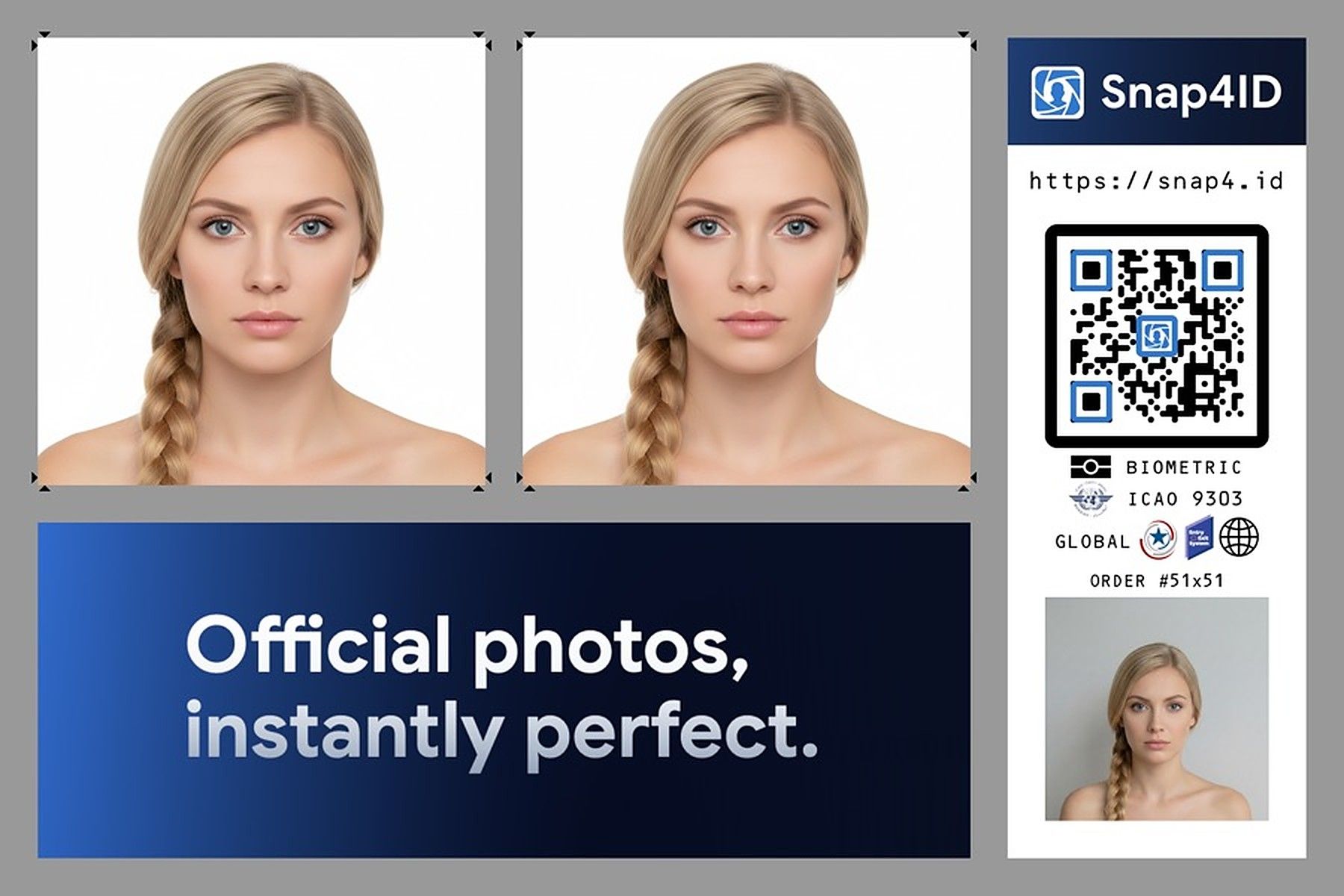
Along with your single square digital .JPG for eForms.atf.gov or the Silencer Shop app, Snap4ID generates a calibrated 4×6 inch (10×15 cm) print sheet containing multiple exact 2×2 inch photos with trim guides. If you are submitting a paper Form 1, paper Form 4, or paper Form 5320.23 copies, you can print this 4×6 postcard file at any Walgreens, CVS, Walmart, or home photo printer for less than $0.40 and cut along the crop marks.
Frequently Asked Questions (FAQ)
Can I wear eyeglasses or safety glasses in my ATF Form 1 or Form 4 photo?
No, you cannot wear eyeglasses, sunglasses, tinted lenses, or shooting eye protection in an ATF Form 1, Form 4, or Form 5320.23 photo. The Bureau of Alcohol, Tobacco, Firearms and Explosives enforces strict U.S. passport biometric rules requiring unobstructed visibility of both eyes and pupils. Even clear prescription frames create lens glare and frame shadows that trigger administrative rejections, unless you attach a signed physician's statement confirming the glasses cannot be removed for medical reasons after ocular surgery.
Why does eForms.atf.gov reject my iPhone photo or show a NULL attachment error?
The eForms.atf.gov portal rejects iPhone photos primarily because modern iOS devices save images in Apple's .HEIC container format or exceed the strict 3 MB file size limit. The federal ATF upload parser only accepts baseline .JPG or .JPEG files encoded in standard sRGB color. Simply typing .jpg at the end of a .HEIC filename does not convert the underlying binary data, so you must re-encode and crop the image to a square 1200×1200 px JPEG under 3 MB.
How recent must a photo be for an ATF NFA tax stamp application?
Official ATF instructions for Form 1, Form 4, and Form 5320.23 require a passport-style photograph taken within 1 year (12 months) prior to the submission date. However, capturing a photo within the last 6 months allows you to use the exact same file for a U.S. passport. Additionally, major NFA dealer platforms such as Silencer Shop automatically expire stored customer photos after 365 days and block eForm 4 certification until a fresh image is uploaded.
Can I wear a beard, mustache, or camouflage shirt in my ATF photo?
Yes, you may wear a full beard or mustache in your ATF NFA photograph as long as it represents your everyday appearance and does not obscure your jawline or mouth. You do not need to shave before taking an ATF Form 1 or Form 4 picture, nor do you need to update an approved tax stamp if you grow or shave facial hair later. For clothing, wear dark civilian attire rather than military uniforms or white shirts that blend into the backdrop.
Do I need a new photo for every suppressor or SBR tax stamp I file?
You do not need to snap a brand-new picture for every individual NFA tax stamp as long as your existing digital file was captured within the past 12 months. You can upload the same compliant 2×2 inch JPEG across multiple Form 1 and Form 4 submissions during that year. Once your photo passes the 1-year mark—or if your facial appearance changes significantly—you must generate a new photograph before submitting additional applications.
Upload any smartphone portrait and let Snap4ID automatically remove the background to pure white, crop to exact 2×2" (1200×1200 px) federal specs, and export an eForms-ready JPEG under 3 MB—backed by our 100% acceptance guarantee (or your money back if rejected). Create Your Compliant ATF Form 1 & Form 4 Photo Now →