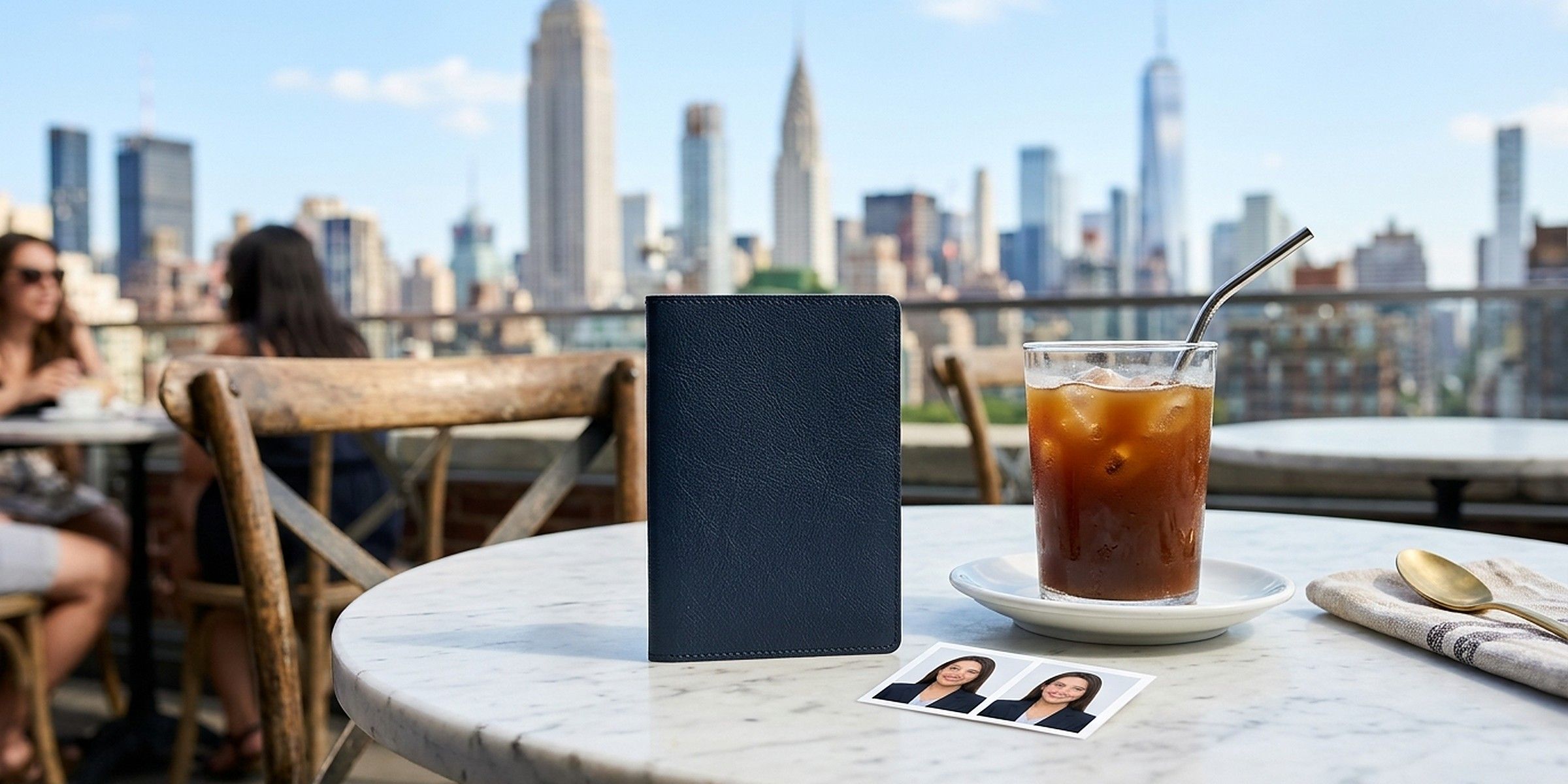
Canadian Passport Photo Requirements: 50x70 mm Size, Guarantor Signature, and Studio Stamp (2026)
Official 2026 IRCC Canadian passport photo requirements: exact 50x70 mm (2x2.75 in) size, 31-36 mm head height, back stamp, guarantor & digital upload rules.


Table of Contents
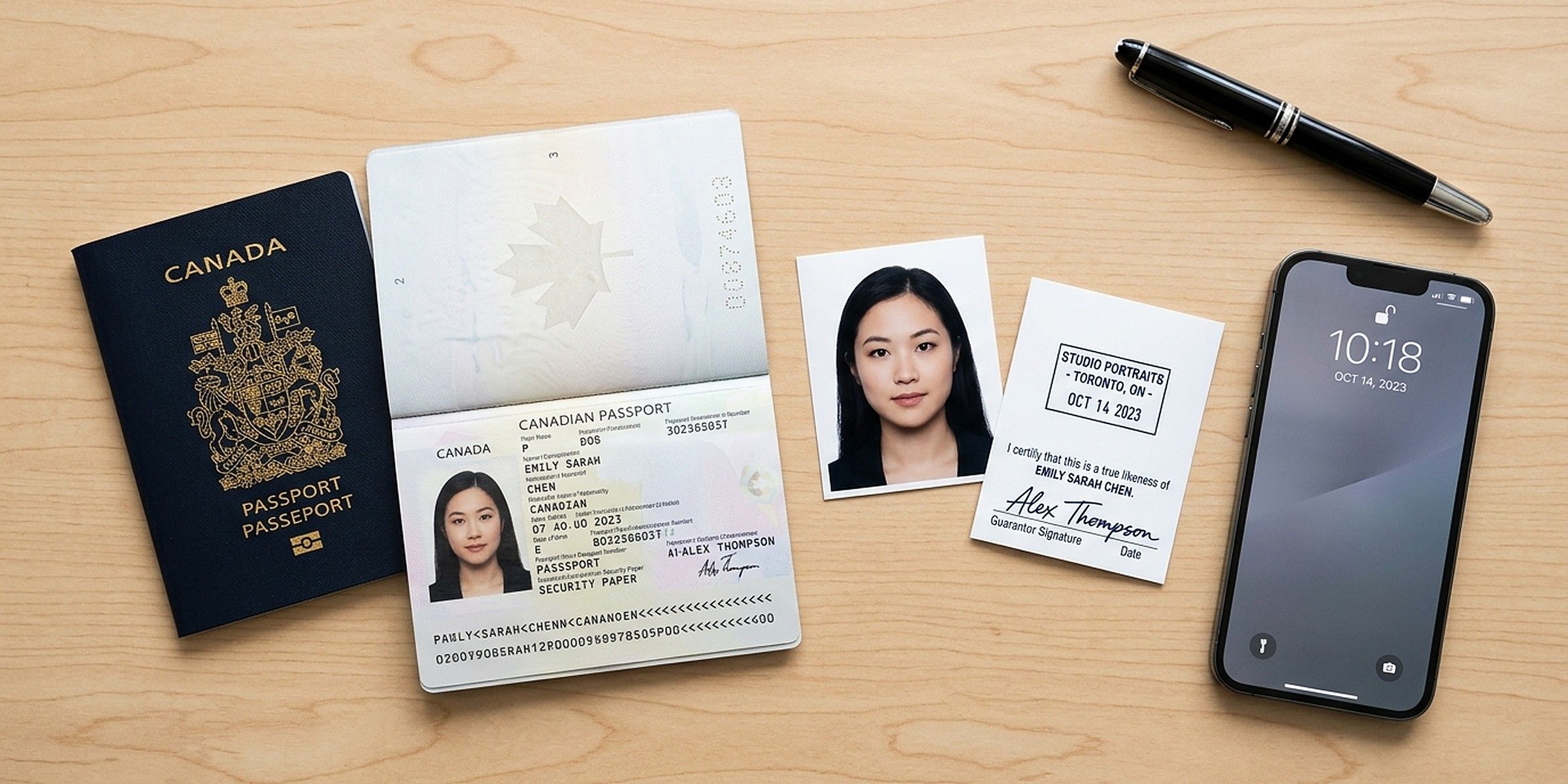
Official 2026 Immigration, Refugees and Citizenship Canada (IRCC) rules require every Canadian passport photo to measure 50 mm wide by 70 mm high (2 inches wide by 2¾ inches high) with a crown-to-chin head height of 31 mm to 36 mm (1¼ to 1 7/16 inches) against a plain, uniform white (#FFFFFF) or light-colored background. Unlike standard U.S. or European passport pictures, paper Canadian applications (PPTC 153, PPTC 155, and PPTC 054) require two identical 50 × 70 mm prints where the back of one photo bears the commercial studio or print provider's name, complete address, and date taken (plus a Guarantor's signature for first-time adult and all child passports)—whereas eligible adults renewing through the IRCC Online Passport Renewal Portal upload a digital photo file with no physical back stamp required. Whether you are applying at Service Canada, mailing your packet from the United States to Gatineau, or uploading online, you can format an exact 50 × 70 mm Canadian passport renewal photo or Canadian child passport photo in 60 seconds.
- Exact 50 × 70 mm (2 × 2¾ Inch) Vertical Frame: Canadian passport photos use a unique 5:7 aspect ratio (
1181 × 1654 pxat600 DPI) with a 31–36 mm (44.3%–51.4%) crown-to-chin head height. Standard U.S.2 × 2 inch(51 × 51 mm) square photos are 19 mm too short and are rejected 100% of the time. - Back-of-Photo Studio Stamp & No-Stickers Rule: For paper applications, the back of one of the two prints must show the studio/print provider's name, full street address, and date taken—either stamped or handwritten in ink. Adhesive stick-on labels are strictly rejected by IRCC.
- When You Need (and Don't Need) a Guarantor Signature: First-time adult applications (
PPTC 153) and all child passports under 16 (PPTC 155) require a Guarantor to write "I certify this to be a true likeness of [Applicant's Name]" and sign the back of the stamped photo. Simplified Adult Renewals (PPTC 054) do not require a guarantor signature. - IRCC Online Renewal Digital Upload: Adults renewing online via their IRCC Portal account upload a compliant
.jpgdigital photo directly—requiring zero physical prints, zero studio stamps, and zero guarantor signatures.
1. Official 2026 IRCC Canadian Passport Photo Dimensions (50×70 mm / 2×2¾ Inches)
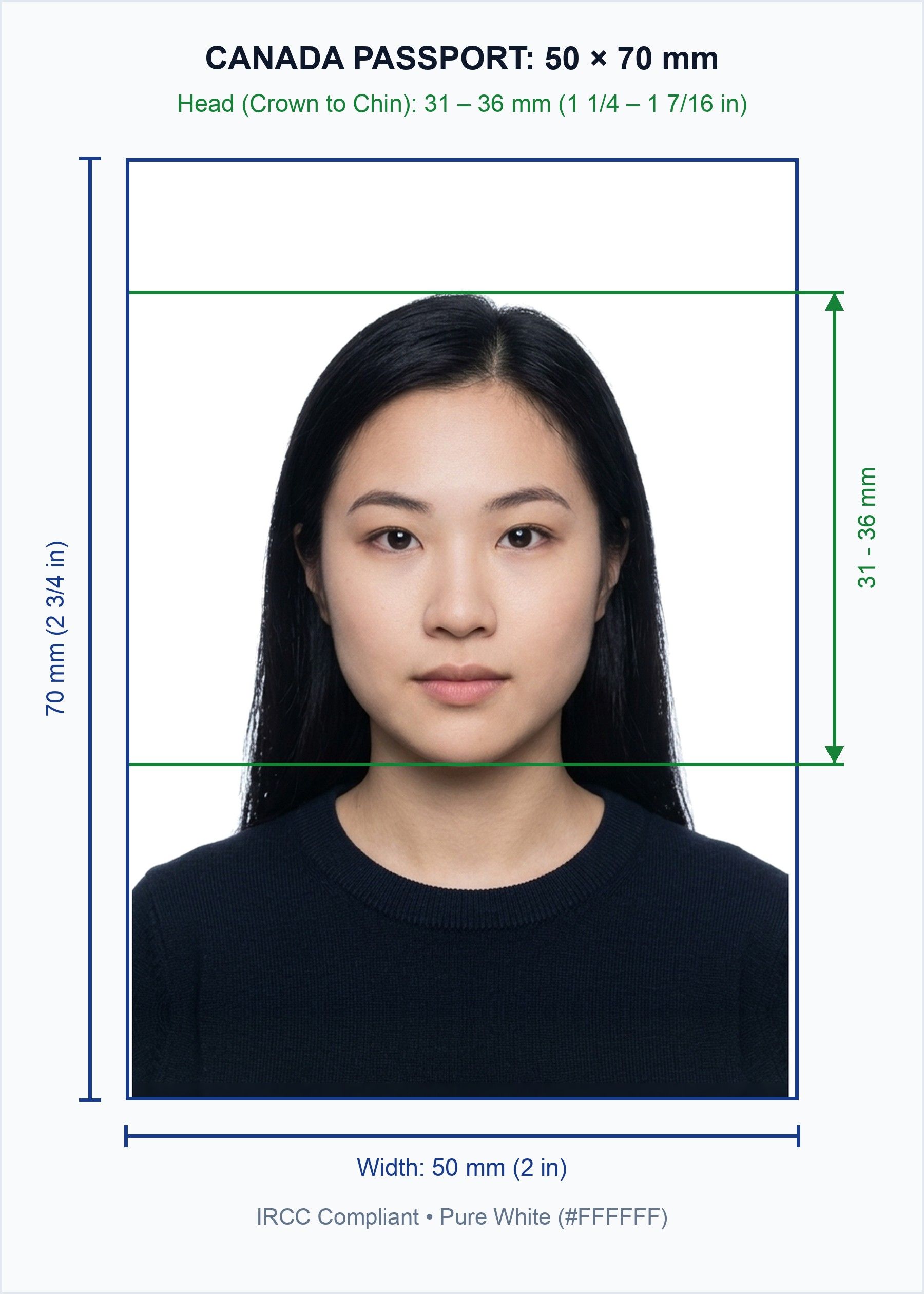
An official Canadian passport photo must measure exactly 50 mm wide by 70 mm high (5.0 × 7.0 cm or 2 × 2¾ inches) with a 5:7 aspect ratio, a 31 mm to 36 mm (1¼ to 1 7/16 inch) head height from chin to crown, and a uniform pure white (#FFFFFF) background taken within the last 6 months.
According to the Immigration, Refugees and Citizenship Canada (IRCC) official passport photo guidelines on Canada.ca, this elongated 50 × 70 mm specification applies to Canadian Adult Passports, Canadian Child Passports, Canadian Citizenship Certificates, and Permanent Resident (PR) Cards. Every dimension is verified optically before your portrait is laser-engraved into the polycarbonate data page of Canada's next-generation ePassport:
| Biometric Parameter | IRCC Paper Application Spec (PPTC 054 / 153 / 155) | IRCC Online Adult Renewal Digital Spec |
|---|---|---|
| Physical / Aspect Ratio Size | 50 mm wide × 70 mm high (2 in × 2¾ in / 5.0 × 7.0 cm) — 5:7 aspect ratio | 5:7 aspect ratio (calibrated to 1181 × 1654 px at 600 DPI in Snap4ID) |
| Crown-to-Chin Head Height | 31 mm to 36 mm (1¼ in to 1 7/16 in / 3.1 to 3.6 cm), occupying 44.3%–51.4% of frame height | Identical 44.3%–51.4% (target 47.9%) crown-to-chin vertical head proportion |
| Quantity & Paper Type | 2 identical unaltered prints on plain, high-quality matte or glossy photographic paper | 1 unaltered digital file in .jpg or .jpeg format (sRGB color space) |
| Background & Lighting | Plain, uniform pure white (#FFFFFF) or light-colored background; zero shadows on face, neck, or backdrop | Plain, uniform pure white (#FFFFFF) background with clear shoulder/hair contrast and zero flash hotspots |
| Facial Expression & Pose | Strict neutral expression: eyes open and clearly visible, mouth closed, no smiling, head centered and square to camera | Strict neutral expression: mouth closed, zero smiling or frowning, full front view of face and top of shoulders |
| Recency & Back Endorsement | Taken within the last 6 months. Back of 1 photo requires studio name, address & date (plus guarantor signature if applicable) | Taken within the last 6 months. No physical back stamp or guarantor signature required for online portal upload |
How IRCC Measures the 31 mm to 36 mm (1¼–1 7/16 in) Crown-to-Chin Head Height
The single most unforgiving geometric rule in Canadian passport processing is the 31 mm to 36 mm crown-to-chin head height. Unlike U.S. passport rules—which allow the head to occupy up to 69% of a square frame—Canada's tall 70 mm vertical rectangle requires your head to occupy just 44.3% to 51.4% of the total image height, leaving generous white space above your hair and showing the full top of your shoulders below your chin.
IRCC examiners measure from the very bottom tip of your chin to the natural crown of your skull (the top of your head where the skull curves, discounting voluminous hair, buns, or topknots). If your head measures 29 mm (too far away) or 39 mm (cropped too tightly like a U.S. or European passport photo), Service Canada's automated facial-recognition scanner will flag the photo as out of tolerance and return your entire application package.
Why US 2×2 Inch Photos and 35×45 mm Canadian Visa Photos Are Rejected
Two cross-border sizing mix-ups account for thousands of rejected Canadian passport photos every month—especially among Canadians living in the United States or dual citizens:
Cross-Border Size Trap #1 — Why a US 2×2 Inch Photo Fails 100% of the Time: Over 800,000 Canadian citizens live in the United States and renew their passports by mail to Gatineau, Quebec (Passport Program, Gatineau QC K1A 0G3) or via Canadian Consulates. If you walk into an American CVS, Walgreens, or UPS Store and ask for a "passport photo," the kiosk automatically prints a square 2 × 2 inch (51 × 51 mm) US passport photo. IRCC rejects 2×2 inch photos 100% of the time because the frame is 19 mm (¾ inch) too short vertically! You must use a dedicated 50 × 70 mm (2 × 2¾ inch) template.
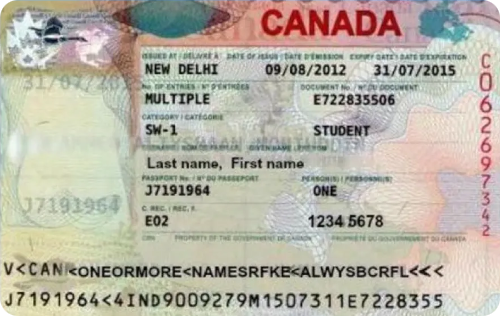
Cross-Border Size Trap #2 — Canadian Passport (50×70 mm) vs. Canadian Visa (35×45 mm): Even inside IRCC's own system, two different photo dimensions exist! While a Canadian Passport, Citizenship Certificate, or PR Card requires a 50 × 70 mm photo, foreign nationals applying for a Canadian Temporary Resident Visa (Visitor Visa), Study Permit, or Work Permit must submit a smaller 35 × 45 mm (1⅜ × 1¾ inch) Canadian visa photo (827 × 1063 px at 600 DPI). Never mix up the two templates when selecting your document type.
2. What Goes on the Back of a Canadian Passport Photo? (Studio Stamp vs. Guarantor Signature)
For all paper Canadian passport applications submitted by mail or in person, the back of one of your two 50 × 70 mm photos must display the commercial photographer or studio's name, complete street address, and the exact date the photo was taken—plus a Guarantor's certification and signature if you are submitting a first-time adult application (PPTC 153) or a child passport application (PPTC 155).
The second physical photo in your envelope must always remain 100% blank on the back so it can be scanned cleanly if the first photo has ink bleed-through. Use this reference table to verify exactly what must appear on the back of Photo #1 for your specific 2026 IRCC application pathway:
| IRCC Application Type & Form | Studio Name, Address & Date on Back of 1 Photo? | Guarantor Signature on Back of That Same Photo? | Exact Required Wording on Back of Photo #1 |
|---|---|---|---|
First-Time Adult Passport (PPTC 153 — General Adult Application, 16+) | YES (Stamped or handwritten in ink; no stick-on labels) | YES (Mandatory Guarantor endorsement) | Studio Name + Full Street Address + Date Taken, PLUS Guarantor writes in ink: "I certify this to be a true likeness of [Applicant's Full Name]" and signs. |
Child Passport Under Age 16 (PPTC 155 — New or Renewal for Minors) | YES (Stamped or handwritten in ink; no stick-on labels) | YES (Every child passport is treated as a new general application) | Studio Name + Full Street Address + Date Taken, PLUS Guarantor writes in ink: "I certify this to be a true likeness of [Child's Full Name]" and signs. |
Simplified Adult Passport Renewal — By Mail or In-Person (PPTC 054) | YES (Stamped or handwritten in ink; no stick-on labels) | NO Guarantor Required! (Do not have anyone sign the photo) | Only Studio Name + Full Street Address + Date Photo Was Taken on the back of 1 of the 2 printed photos. |
IRCC Online Adult Passport Renewal Portal (Digital Upload at canada.ca) | NO Physical Stamp (100% digital .jpg upload) | NO Guarantor Required! | None—you upload the front-facing digital 50 × 70 mm (5:7) JPEG file directly into your IRCC Portal account. |
The Studio Stamp & Handwritten Address Rule (And Why Stick-On Labels Fail)
Many applicants mistakenly believe that the photographer's details on the back of a Canadian passport photo must be applied with a rubber ink stamp. In fact, IRCC's official instructions explicitly state that the commercial photographer or print studio's name, complete address, and date taken may be either stamped or handwritten in ink by the studio/print counter.
However, there are two strict red lines you must never cross when endorsing the back of your printed photo:
- Never Use Stick-On Adhesive Labels: Some retail pharmacies print a white barcode or address sticker and slap it onto the back of the passport photo. IRCC automatically rejects photos with stick-on labels because adhesive stickers add thickness, jam high-speed optical scanners, and can be peeled off and transferred between photos. If a store clerk offers a sticker, ask them to either use their rubber store stamp or handwrite the store name, street address, and date directly on the photo back in ballpoint ink.
- Wait for Ink to Dry & Don't Press Too Hard: Ballpoint pens pressed forcefully against glossy photo paper can emboss a ridge visible on the front of the applicant's face, while wet rubber-stamp ink can smudge onto the front of the second photo inside the envelope. Let the ink dry for two minutes and place a clean tissue slip between the two photos.
When Do You Need a Guarantor Signature on the Back of Your Photo?
Whether you need a Guarantor depends on whether you qualify for Simplified Adult Renewal (PPTC 054) or must submit a General Application (PPTC 153 or PPTC 155):
- Simplified Adult Renewal (
PPTC 054— NO Guarantor Signature): If you are renewing an adult Canadian passport issued when you were 16 or older, within the last 15 years, with the exact same name, date of birth, and place of birth, and it was never lost, stolen, or damaged, you do not need a guarantor to sign your form or the back of your photo. You only list two references on the form, and the back of one photo simply shows the studio name, address, and date. - First-Time Adult (
PPTC 153), Name Change, Lost Passport Replacement, or Any Child Under 16 (PPTC 155— Guarantor Signature MANDATORY): Your guarantor (typically an adult Canadian citizen aged 18+ who holds a valid 5-year or 10-year Canadian passport and has known you personally for at least 2 years—or for a child, the parent/legal guardian if they aren't the applying parent, or another eligible guarantor) must write in ink on the back of the same photo that has the studio stamp:"I certify this to be a true likeness of [Applicant's Full Name]"and sign their name below it.
3. IRCC Online Passport Renewal: Digital Photo Upload Rules (No Physical Stamp Needed)
Eligible adult Canadians renewing their passport through the IRCC Adult Passport Renewal & Online Portal (Canada.ca) upload a digital passport photo file (.jpg or .jpeg) directly from their computer or phone, eliminating the need for paper prints, a physical studio back stamp, or a guarantor signature.
While the online portal removes the hassle of physical ink stamps, IRCC's automated digital upload validator is even stricter on pixel geometry, lighting uniformity, and file integrity than a human counter clerk. Your digital file must be an unretouched color JPEG in the 5:7 aspect ratio, taken within the last 6 months, with zero AI beauty filters, zero social-media compression artifacts, and your head scaled precisely to the 31–36 mm equivalent vertical zone.
How Snap4ID's 478-Point Biometric Engine Formats Your 50×70 mm Photo
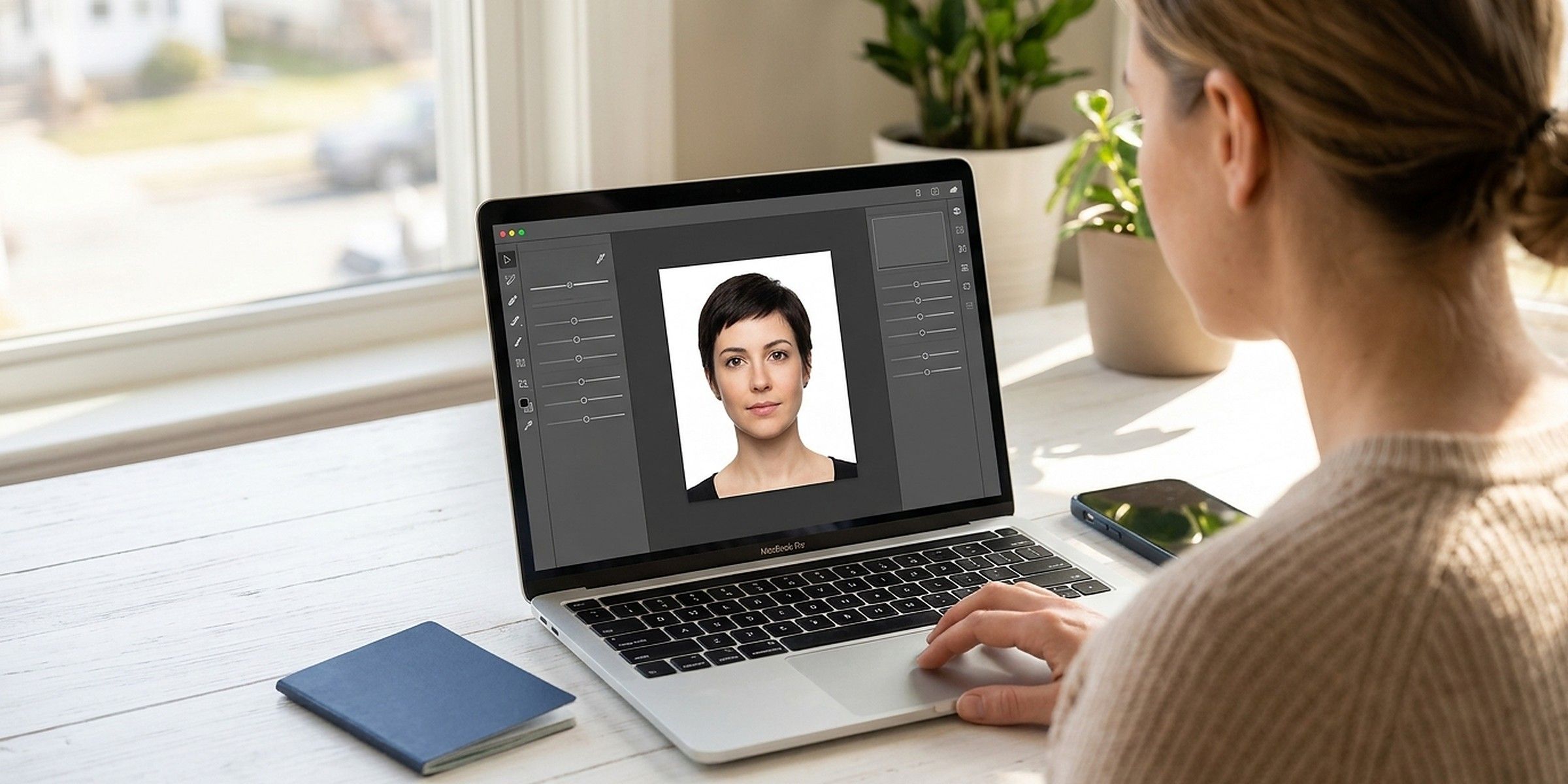
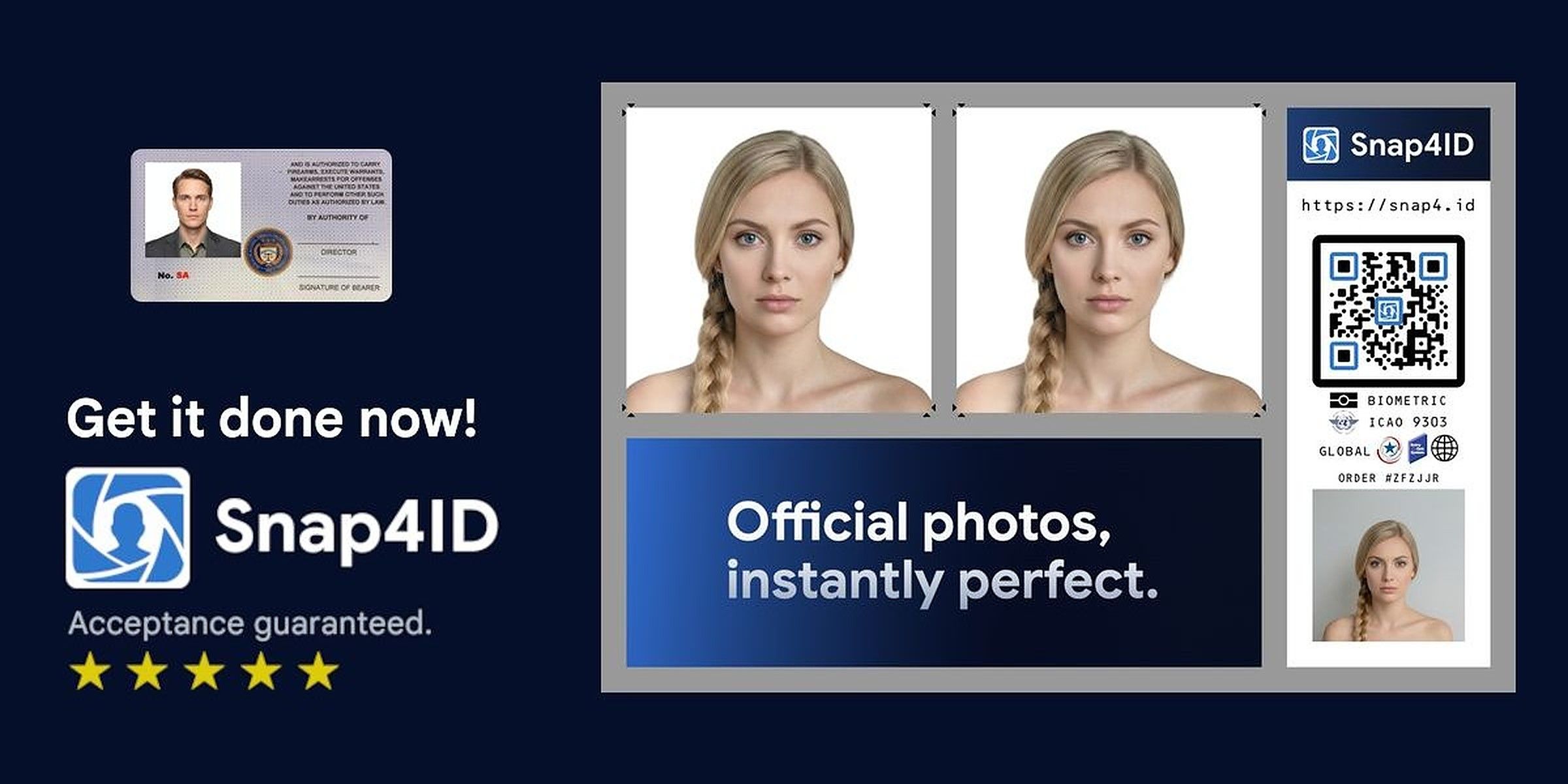
Instead of paying $22.99 to $29.99 CAD at a retail photo counter only to deal with harsh overhead store lighting, you can take a photo at home against any wall and let Snap4ID's Canadian passport photo tool handle the exact IRCC engineering:
- 478 Biometric Points & 31–36 mm Head Calibration: Snap4ID's AI face mesh detects and measures 478 biometric points across your chin, jawline, pupils, and cranial crown, automatically cropping your portrait to the exact 5:7 (
50 × 70 mm/1181 × 1654 pxat600 DPI) frame with your crown-to-chin height locked at the ideal 47.9% (33.5 mm) center of IRCC's31–36 mmwindow. - Pure White (#FFFFFF) Studio Background Removal: Our segmentation engine removes living-room walls, doors, and background shadows, replacing them with a uniform, natural pure white (
#FFFFFF) backdrop without altering your facial features. - Dual Output (Digital Portal File + 4×6" Two-Photo Print Sheet) & 100% Acceptance Guarantee: Every order includes both the high-resolution digital JPEG for IRCC Online Renewal and a calibrated 4 × 6 inch (10 × 15 cm) print sheet containing two exact
50 × 70 mmphotos—backed by our 100% acceptance guarantee (and a full money-back guarantee in case of rejection).
How to Print Two 50×70 mm Photos on a Single 4×6 Inch Sheet (Canada & US)
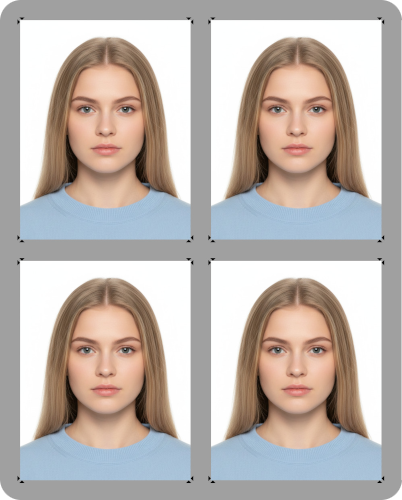
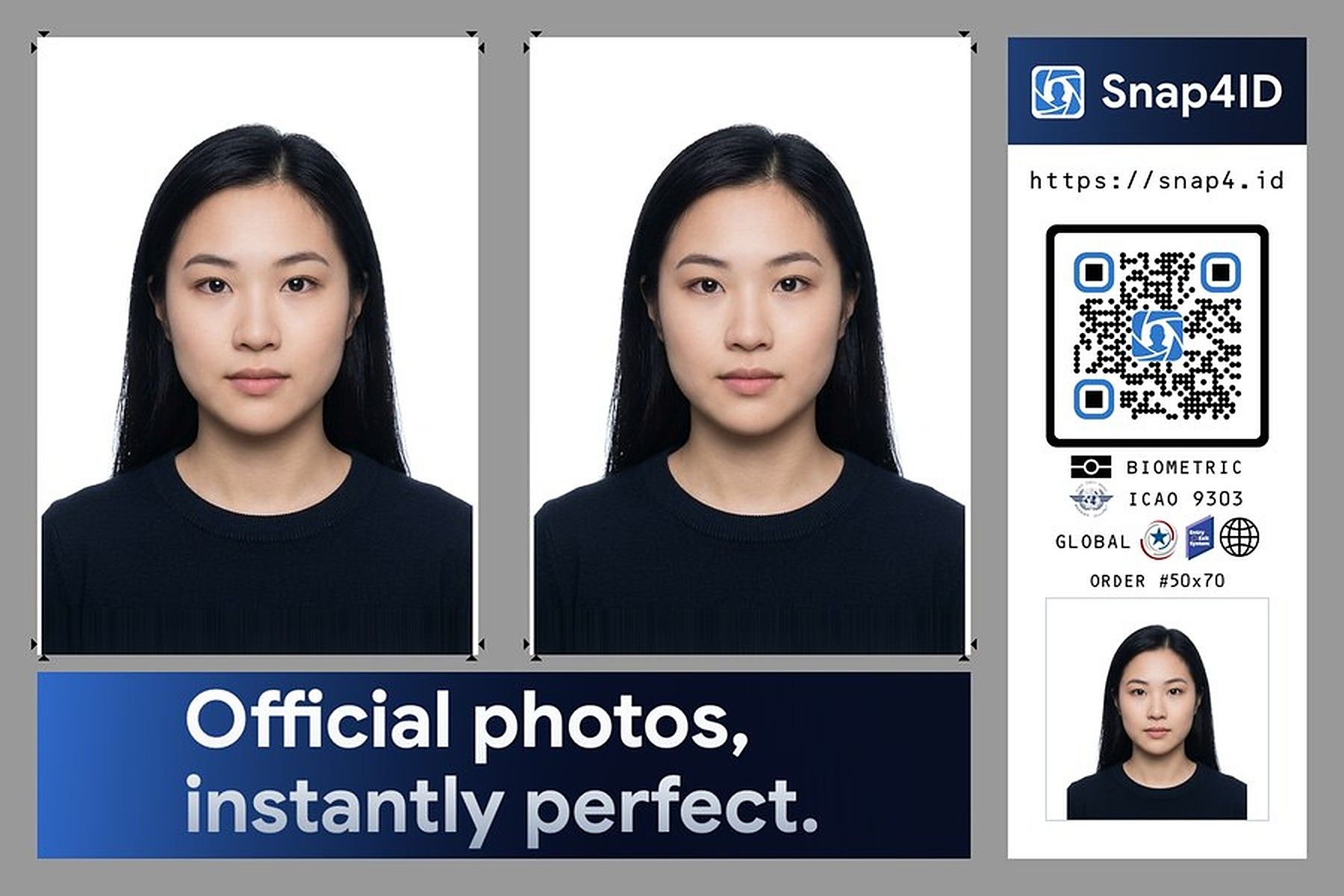
Because a single 50 × 70 mm (2 × 2¾ inch) photo is not a standard pharmacy paper size, you should never upload a single 50 × 70 mm image to a drugstore kiosk—the kiosk will stretch and crop your face to fill a 4 × 6 inch postcard! Instead, always download Snap4ID's 4 × 6 inch (10 × 15 cm, 3:2 ratio) print sheet, which places two exact 50 × 70 mm photos side-by-side with precision corner crop marks and ICAO 9303 verification metadata.
If you are submitting a paper application (PPTC 054, PPTC 153, or PPTC 155), take your 4 × 6" print file to a commercial photo counter—such as Shoppers Drug Mart, London Drugs, Staples, Jean Coutu, or Walmart Photo in Canada, or CVS, Walgreens, or a local print studio in the United States—and ask the photo specialist to print the 4 × 6" sheet at 100% actual size (borderless off / do not crop) and stamp or write their store name, street address, and date on the back of one cut 50 × 70 mm photo.
4. Lighting, Neutral Expression, Glasses, Headwear & Baby Rules (ca-pass-kid)
Beyond the 50 × 70 mm frame dimensions, IRCC enforces strict biometric pose and lighting standards: you must maintain a completely neutral facial expression with your mouth closed and zero smiling, ensure even lighting with no shadows behind your ears, and avoid any eyeglass lens glare.
Compare these visual DOs and DON'Ts—which mirror the core principles in our passport photo lighting and pose dos and don'ts guide while enforcing Canada's stricter closed-mouth neutral expression rule:
✔ DO: IRCC Compliant 50×70 mm Rules
- Keep a strictly neutral, closed-mouth expression: Both eyes must be open and looking straight at the camera lens with lips resting together and zero smile.
- Remove eyeglasses to prevent glare: Take off glasses so your pupils, iris edges, and eyebrow landmarks are 100% free of reflections or frame shadows.
- Use soft, even frontal lighting on a pure white (#FFFFFF) background: Face a bright indoor window so both sides of your face are illuminated equally with zero background shadows.
- Wear dark or vibrant everyday clothing: Choose a navy, black, or dark-colored top so your shoulders stand out clearly against the white background.
✘ DON'T: Common Causes of IRCC Rejection
- Don't smile or show teeth: Unlike U.S. rules (which tolerate a slight closed-mouth smile), IRCC requires a strictly neutral expression; open-mouth or toothy smiles are rejected immediately.
- Don't wear glasses with lens reflection or tinted lenses: Any flash glare on lenses, thick frames covering the eyes, or sunglasses/prescription tints will fail inspection.
- Don't stand directly against a wall with harsh side lighting: Standing too close to a wall casts dark drop shadows behind your head and ears.
- Don't wear hats, hoodies, or white tops that blend in: Head coverings are prohibited unless worn daily for religious beliefs or medical reasons (and must never cast shadows on the face).
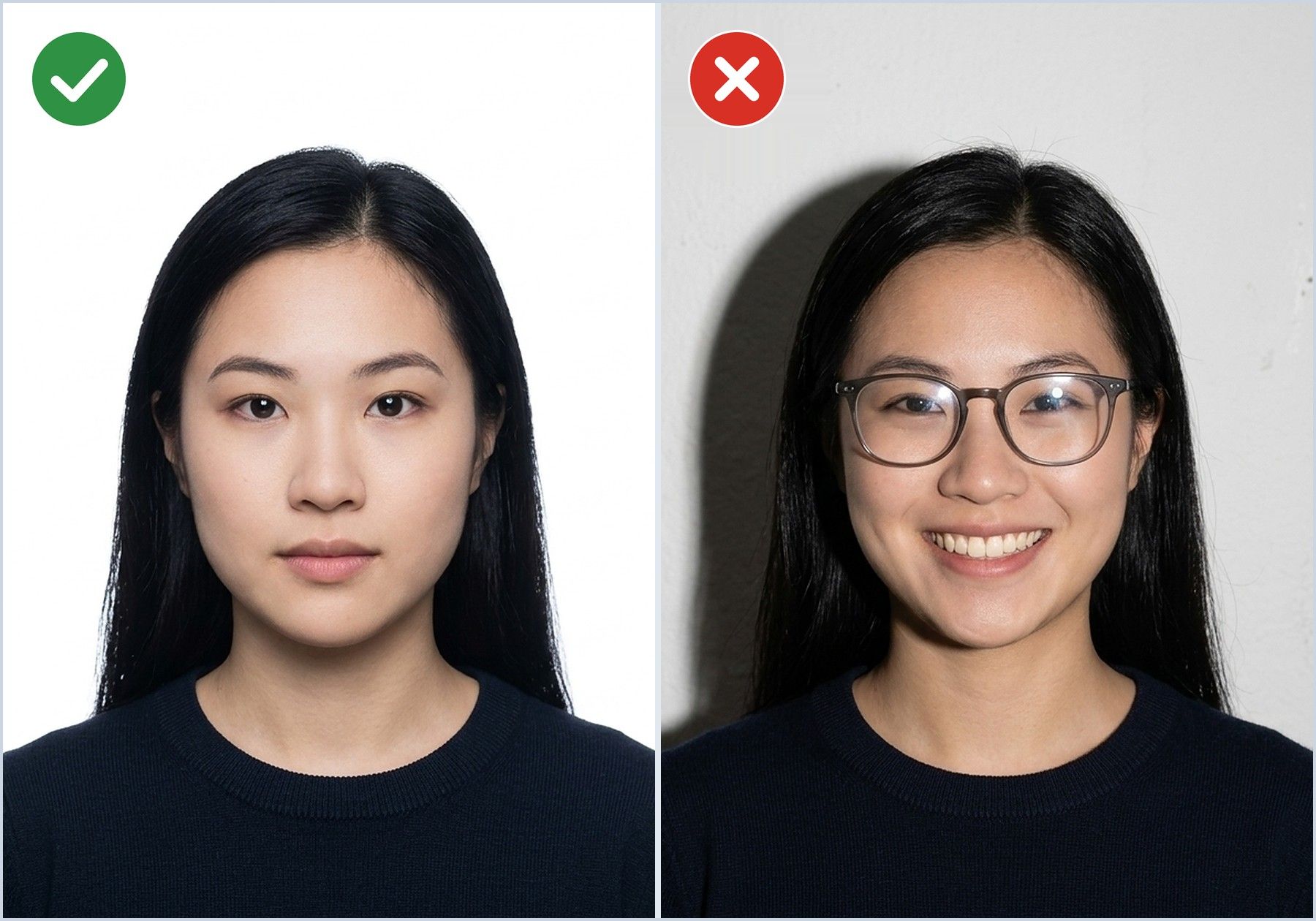
Preventing Eyeglass Glare, Ear Shadows, and White-Shirt Blend
Why do so many Canadian applicants who wear prescription glasses get their photos rejected by Service Canada? Technically, IRCC's written policy allows clear prescription glasses only if your eyes are clearly visible, there is zero glare on the lenses, and the frames do not obscure any part of your eyes or eyebrows. In practice, studio flashes and smartphone screens almost always create a tiny white specular reflection on anti-reflective lens coatings—which IRCC scanners flag as an obstruction. For that reason, IRCC officially advises removing your glasses for your passport photo.
Similarly, always wear a dark or medium-toned shirt or blouse. If you wear a pure white t-shirt or turtleneck against a pure white (#FFFFFF) background, your neck appears to float in midair without a clear shoulder line, triggering an automatic contrast rejection.
Canadian Child & Newborn Passport Photo Rules (ca-pass-kid)
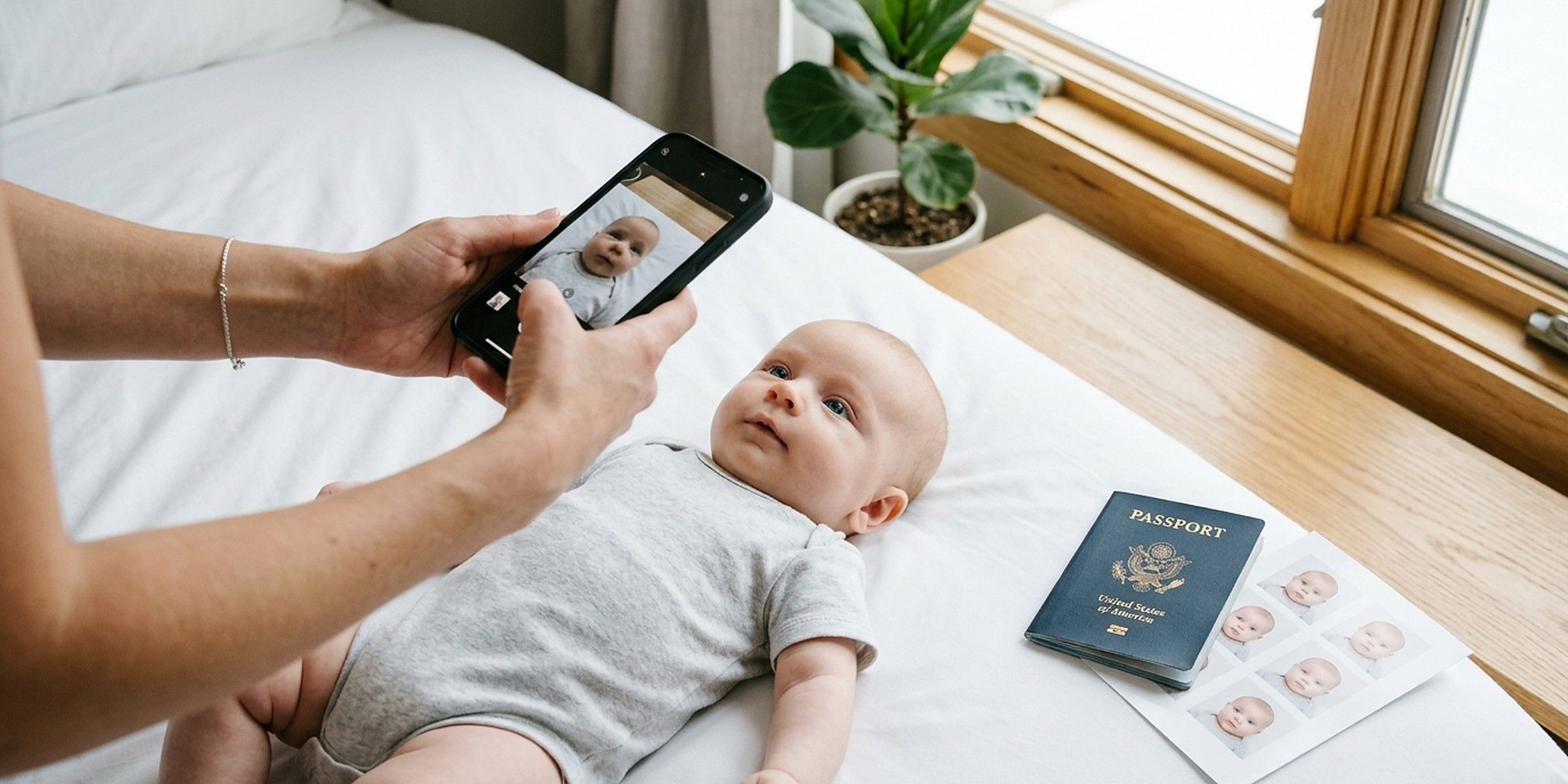
If you are applying for a minor under age 16 (PPTC 155), your Canadian child passport photo must follow the exact same 50 × 70 mm outer size and 31–36 mm head height, and the photo must show only the child's head and shoulders—never a parent's hands, arms, or fingers holding the child!
For newborns and infants, IRCC explicitly recognizes that babies cannot hold a rigid pose and grants minor leniency on facial expression (a slightly open mouth is acceptable for newborns as long as the face is squared to the camera and eyes are open). As we detail in our baby and newborn passport photo tips, the easiest way to photograph an infant for a Canadian passport is the white-sheet flat-lay method (laying the baby flat on their back on a plain white crib sheet in diffused room light) or sitting the infant in a car seat draped completely in a smooth white sheet so zero chair fabric or parent hands appear in the frame.
5. Frequently Asked Questions (Canadian 50×70 mm Passport Photos)
What is the exact size of a Canadian passport photo in mm and inches?
An official Canadian passport photo must measure exactly 50 mm wide by 70 mm high (2 inches wide by 2¾ inches high), which is a 5:7 vertical aspect ratio. Your head height from the bottom of the chin to the natural crown of the skull must measure between 31 mm and 36 mm (1¼ inches to 1 7/16 inches).
Can I use a 2×2 inch US passport photo for a Canadian passport renewal?
No, Immigration, Refugees and Citizenship Canada (IRCC) rejects 2 × 2 inch (51 × 51 mm) U.S. passport photos 100% of the time. A square 2×2 inch U.S. print is 19 mm (¾ inch) shorter than Canada's mandatory 50 × 70 mm (2 × 2.75 inch) vertical frame and will fail the physical template check at Service Canada or Gatineau processing centers.
Do I need a guarantor to sign the back of my photo for an adult Canadian passport renewal?
No, a Simplified Adult Passport Renewal (Form PPTC 054) does not require a guarantor's signature on the back of your photo. However, if you submit paper photos by mail or in person, the back of one photo must still show the commercial studio or print provider's name, complete street address, and the date the photo was taken. First-time adult applications (PPTC 153) and all child applications (PPTC 155) do require a guarantor signature on the back of that same photo.
Can the photographer's name and address be handwritten on the back of a Canadian passport photo, or must it be stamped?
Yes, IRCC officially permits the commercial photographer or print provider's name, complete street address, and date taken to be either stamped or neatly handwritten in ink directly on the back of one photo. However, stick-on adhesive paper labels are strictly prohibited because they peel off and jam optical passport scanners.
Can I wear glasses or smile in a Canadian passport photo?
You cannot smile in a Canadian passport photo; IRCC requires a strictly neutral facial expression with your eyes open and your mouth closed. While clear prescription glasses are technically permitted only if there is zero glare and frames do not touch your eyes, IRCC strongly recommends removing glasses altogether to avoid lens reflection rejections.
Is a Canadian visa photo the same size as a Canadian passport photo?
No, a Canadian Temporary Resident Visa (Visitor Visa) photo is smaller than a Canadian passport photo. While Canadian passports, Citizenship Certificates, and PR Cards require a 50 × 70 mm (2 × 2¾ inch) photo, a Canadian visa application requires a 35 × 45 mm (1⅜ × 1¾ inch) photo, though both share the same 31–36 mm crown-to-chin head height.
Upload any smartphone portrait. Snap4ID checks 478 biometric points, scales your head to the exact 31–36 mm IRCC zone on a pure white (#FFFFFF) background, and gives you both an IRCC Online Renewal JPEG and a 4×6" two-photo print sheet—backed by our 100% acceptance guarantee. Create Your 50×70 mm Canadian Passport Photo Now →