Walgreens and CVS Passport Photo vs Printing a 4x6 Sheet (2026)
Compare 2026 Walgreens ($16.99), CVS ($16.99), USPS ($15) & UPS ($15.99) passport photos vs printing a 4x6 sheet for $0.39 at the same pharmacy kiosk.


Table of Contents
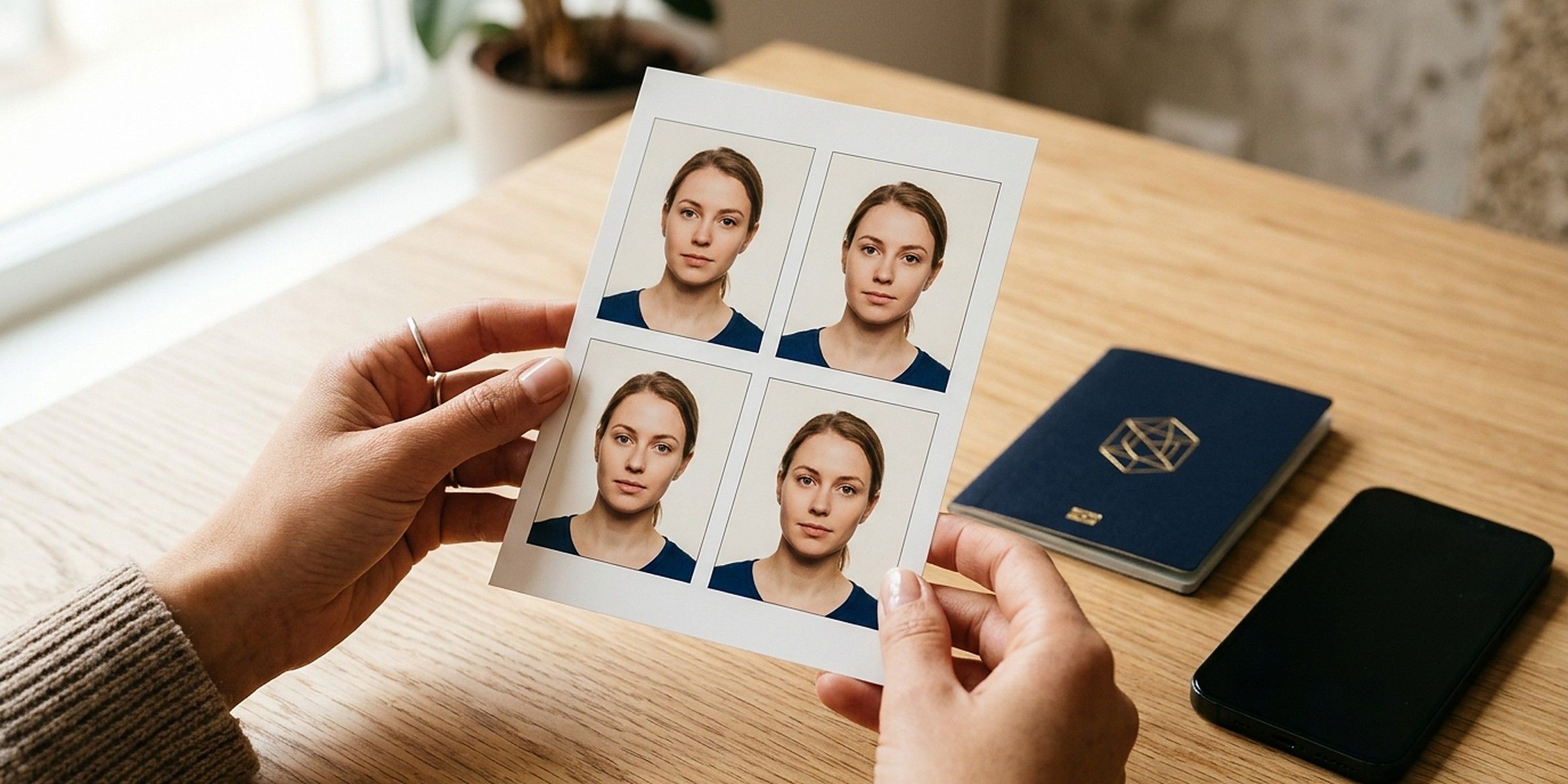
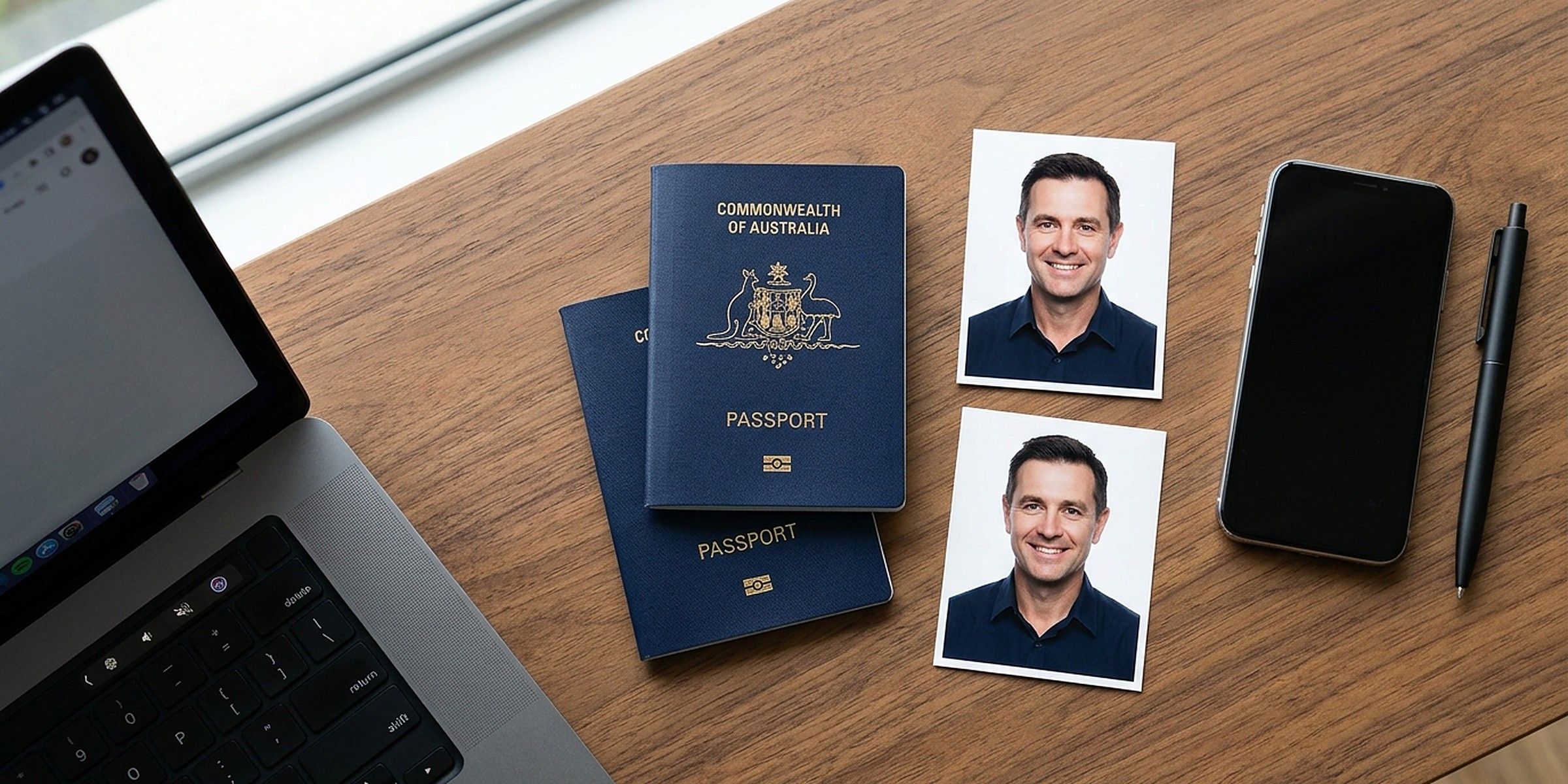
Walking into Walgreens or CVS for an in-store passport photo sitting costs $16.99 plus tax for just two printed 2×2 inch squares—and often leaves you at the mercy of harsh aisle fluorescent lighting and a rushed cashier. By contrast, generating a federally verified US passport photo or US visa photo at home with Snap4ID and ordering it as a standard 4×6 inch glossy print at the exact same Walgreens or CVS photo kiosk costs only $0.39 to $0.42 for 1-hour pickup. Better yet, Snap4ID's AI engine measures 478 biometric points, replaces your home wall with a pure white (#FFFFFF) background, provides the exact digital JPEG for online renewals, and backs your photo with a 100% acceptance guarantee (full money-back guarantee in case of rejection).
- Massive Price Difference ($16.99 vs. $0.39): Both Walgreens and CVS charge $16.99 (USPS charges $15.00; UPS Store charges $15.99) for an in-store passport sitting, while printing an already-formatted
4×6 inchsheet at the very same pharmacy counter costs $0.39–$0.42. - Why Pharmacy Sittings Get Rejected: Overhead store fluorescent tubes, wrinkled pull-down vinyl screens, and handheld camera lens distortion from
< 4 feetaway are leading causes of U.S. State Department passport delay letters. - The MyTravelGov Digital File Trap: CVS charges an extra $3.99 to email a digital file (or $10.99 on a USB drive), and pharmacy kiosks pre-crop images tightly to
2×2", which violatesMyTravelGovonline renewal upload rules. - Critical Kiosk Print Rule: Always order a "Standard 4×6 Glossy Print" (never select "Passport Photo" on the kiosk screen) and disable "Fit to Frame / Auto-Crop" so your
2×2 inch(51×51 mm) squares print at true 1:1 scale.
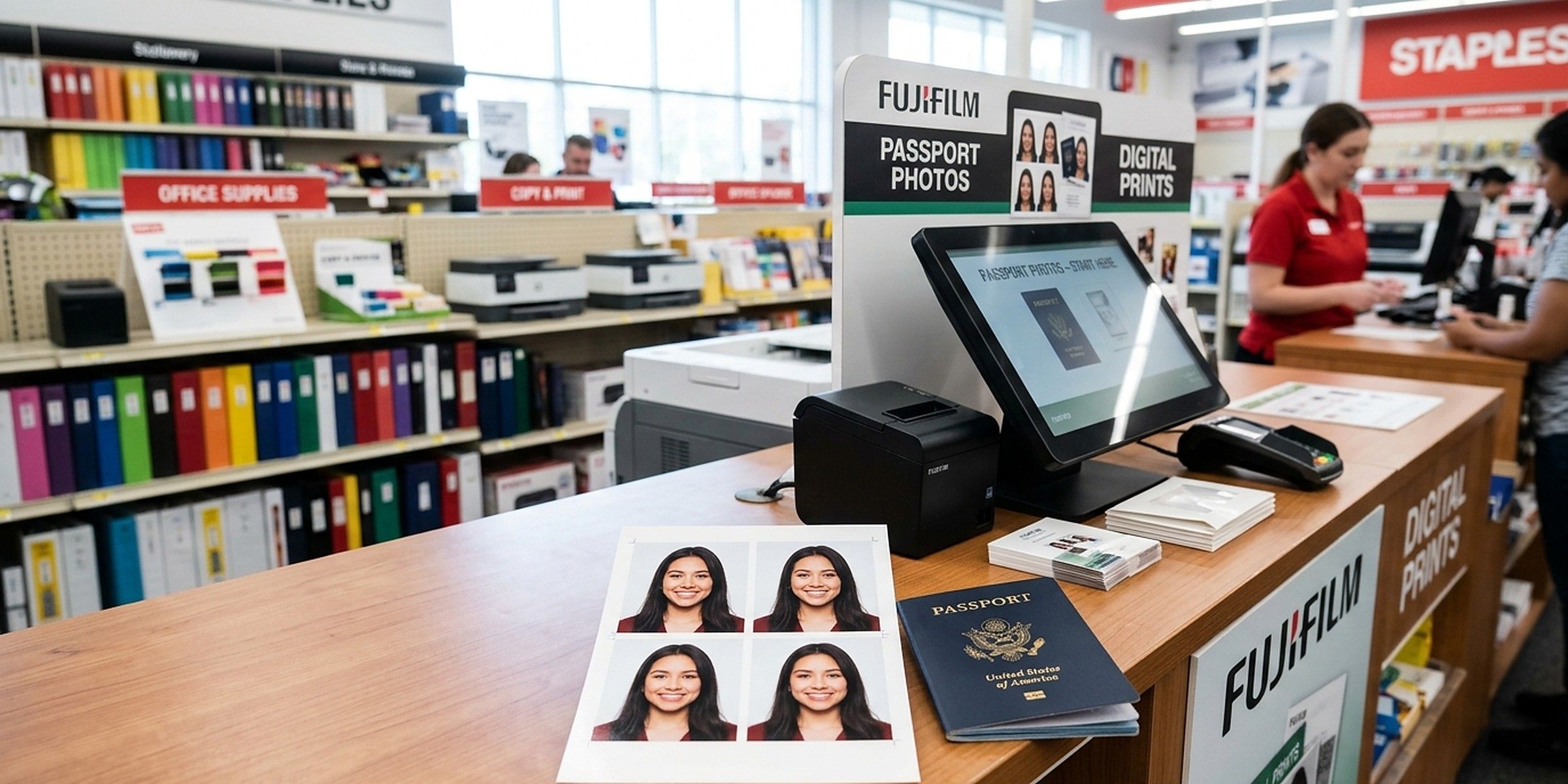
Every year, millions of Americans overpay at retail drugstores because they assume the pharmacy's $16.99 "Passport Photo Package" uses special government-certified paper or exclusive federal software. In reality, Walgreens and CVS print their $16.99 passport photos on the exact same Fujifilm Frontier or Kodak Moments dye-sublimation 4×6 inch paper roll used for $0.39 vacation snapshots. Below is the complete 2026 cost breakdown, biometric rejection analysis, and step-by-step guide to printing your own compliant 4×6 sheet for pennies.
1. 2026 Passport Photo Price Comparison: Walgreens, CVS, UPS, FedEx, USPS & Walmart vs. 4×6 Printing
In 2026, retail in-store passport photo prices range from $7.44 at Walmart to $16.99 at Walgreens and CVS for two physical 2×2 inch prints. By preparing your own calibrated 4×6 inch template and ordering a standard 1-hour pharmacy print, your printing cost drops to $0.39–$0.42.
| Provider / Method | In-Store Service Price (2 Prints) | 4×6" Print Sheet Cost | Digital File for MyTravelGov / DS-160 Included? | Appointment Required? | Biometric Verification Method |
|---|---|---|---|---|---|
| Walgreens Photo | $16.99 (2 printed 2×2" photos) | $0.39 (Standard 4×6" glossy 1-hr pickup) | Emailed free upon request (often pre-cropped to 2×2", failing MyTravelGov rules) | Walk-in | Manual cashier check + basic kiosk overlay |
| CVS Pharmacy (Kodak Moments) | $16.99 – $17.99 (2 printed 2×2" photos) | $0.39 – $0.42 (Standard 4×6" glossy 1-hr pickup) | Extra $3.99 for email or $10.99 on USB flash drive | Walk-in | Manual cashier check + basic Kodak template |
| The UPS Store | $15.99 (varies $11.99–$15.99 by franchise) | N/A (office document printing only) | No (physical prints only at most franchises) | Walk-in or Appointment | Manual clerk check |
| FedEx Office | $14.95 – $15.95 (2 printed 2×2" photos) | N/A | Extra fee / USB only at select branches | Walk-in | Manual clerk check |
| USPS (Post Office) | $15.00 (on top of $35 DS-11 acceptance fee) | N/A | No (physical prints only) | Yes (via tools.usps.com scheduler) | Postal acceptance agent visual inspection |
| Walmart Photo Center | $7.44 (2 printed 2×2" photos) | $0.14 – $0.25 (1-hour 4×6" print) | No (physical prints only) | Walk-in (Supercenters with photo lab) | Manual clerk check |
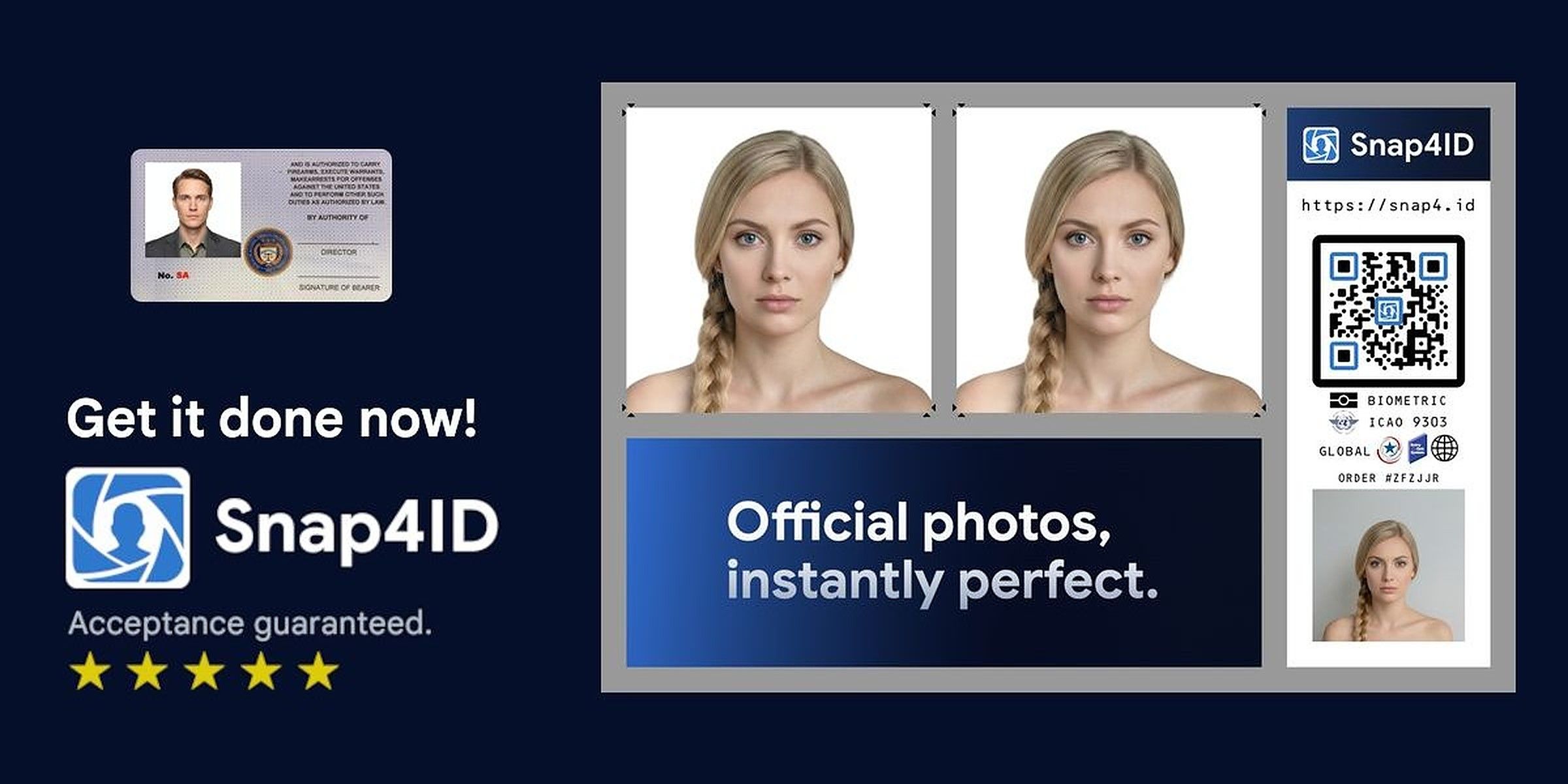
| Snap4ID + Pharmacy 4×6" Print | Prepared at home (478 biometric points verified) | $0.39 – $0.42 at Walgreens or CVS (1-hr pickup) | Yes (1200×1200 px 600 DPI JPEG + 4×6" print sheet + 100% acceptance guarantee) | No (24/7 on any smartphone) | Automated AI scan of 478 biometric points + pure #FFFFFF background |
Walgreens ($16.99) vs. CVS ($16.99): What You Actually Get In-Store
When you walk up to the photo counter at one of Walgreens' 8,000+ U.S. stores or CVS Pharmacy's 7,500+ Kodak Moments locations and ask for a passport photo, you are paying $16.99 for roughly 90 seconds of a retail clerk's labor. The clerk pulls down a narrow white roller blind in the middle of the retail aisle, snaps your picture with a consumer point-and-shoot digital camera (or a store iPad), aligns two horizontal lines on the kiosk touchscreen, prints a single 4×6 inch sheet containing two 2×2 inch portraits, and punches them out with a handheld die-cutter.
If you also need a digital file for an online visa or passport renewal, the price gap widens further. While most Walgreens locations will email the cropped digital file for free if you remember to ask before paying, CVS Pharmacy charges an additional $3.99 to send the photo by email or $10.99 to load it onto a Kodak USB flash drive—pushing your total bill for a single person over $21 to $29 with local sales tax.
How USPS ($15.00), The UPS Store ($15.99), FedEx Office ($14.95) & Walmart ($7.44) Compare
Other brick-and-mortar providers follow a nearly identical pricing model. The United States Postal Service (USPS) charges $15.00 for two printed photos on top of the mandatory $35.00 DS-11 execution fee, but you can only get a USPS photo if your specific post office branch offers photo services and you book a slot in advance through the official USPS Retail Customer Appointment Scheduler (RCAS). Even when a post office lists photo capability online, broken cameras at busy urban branches routinely force applicants to scramble to a nearby pharmacy before their window closes.
Meanwhile, The UPS Store ($15.99), FedEx Office ($14.95–$15.95), and Walmart Photo ($7.44) offer walk-in sittings during business hours, yet none of them provide automated background replacement or a verified digital upload file for MyTravelGov. By contrast, when you generate a calibrated 4×6 inch print sheet with Snap4ID and send it to Walgreens, CVS, or Walmart as a regular postcard print, you pay just $0.14 to $0.42 for the physical paper and keep the high-resolution digital master file forever.
2. Why Walgreens and CVS In-Store Passport Photos Frequently Get Rejected
In-store pharmacy passport photos are rejected by the U.S. Department of State primarily due to overhead fluorescent shadows on wrinkled pull-down backdrops, harsh forehead glare, wide-angle camera distortion from shooting too close, and inaccurate manual head-height cropping by busy retail clerks.
Aisle Fluorescent Glare, Under-Eye Shadows & Wrinkled Pull-Down Screens
According to the U.S. Department of State Official Passport Photo Requirements, your photograph must feature uniform, balanced lighting across both sides of the face and a completely plain pure white or off-white background with zero shadows. Unfortunately, retail pharmacies are not portrait studios. The pull-down vinyl backdrop at Walgreens or CVS is usually mounted directly beneath rows of harsh 4000K–5000K industrial fluorescent ceiling tubes.
Because the light comes straight down from the ceiling while the camera flash fires straight ahead from three feet away, two biometric failures happen simultaneously: the ceiling tubes cast dark vertical shadows beneath your brow ridge and nose, while the direct camera flash throws a dark gray halo shadow of your head and ears onto the pull-down screen behind you. If the vinyl screen is scuffed, yellowed, or curled at the edges, the automated scanners at the National Passport Processing Center flag the background as non-uniform and issue a formal delay letter.
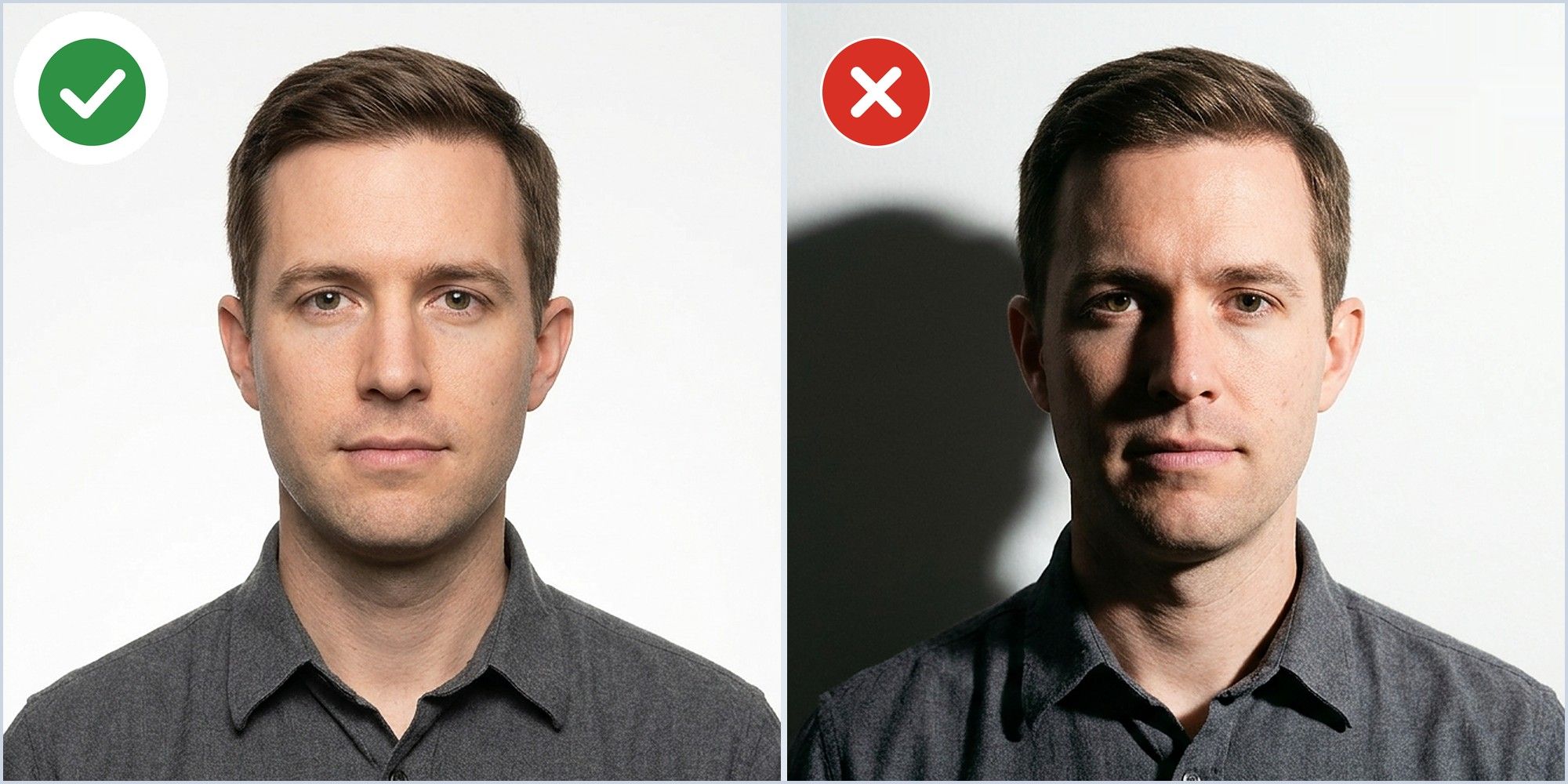
Untrained Clerk Framing & The 1 to 1⅜ Inch Head-Height Rule
Pharmacy cashiers are often managing prescription drop-offs, FedEx/UPS parcel scans, and front-register queues all at the same time. When taking a passport photo in a narrow store aisle, clerks frequently stand only 2.5 to 3 feet from your face. At that close distance, a wide-angle lens distorts facial proportions—making the nose appear larger and the ears recede—and causes the clerk to misjudge where the top of the skull sits inside the kiosk's basic oval overlay.
Even if the Fujifilm or Kodak Moments kiosk displays a green checkmark for background brightness, its simple 2-line overlay frequently miscalculates voluminous hair, buns, or receding hairlines, pushing the true chin-to-crown measurement outside the mandatory 1 to 1⅜ inch (25–35 mm) federal window. And while Walgreens and CVS will typically offer to retake the photo in-store for free if you bring back your State Department rejection letter, a free $16.99 retake does not recover the 3 to 5 weeks of lost passport processing time or a missed international flight.
The MyTravelGov & DS-160 Digital File Trap (Why Pre-Cropped Store Emails Fail)
Counter-Intuitive Online Renewal Trap: If you are renewing an adult U.S. passport online via the federal MyTravelGov portal, do not upload a pre-cropped 2×2 inch digital file from Walgreens or CVS, and never upload a smartphone picture of a printed 2×2 paper photo. The State Department's online renewal uploader performs its own automated crop and rejects tightly pre-cropped pharmacy squares because there is zero margin around the head and shoulders.
Whether you are uploading a digital image to MyTravelGov for an online passport renewal, submitting a 600×600 px file to the Consular Electronic Application Center (CEAC) for a DS-160 US visa photo, or preparing a REAL ID photo and travel document bundle, the digital file matters just as much as the print. Pharmacy kiosks only export the final low-resolution 2×2 cutout after the cashier has already cropped it on the terminal, leaving you with a file that works for paper printing but fails online government portals.
✔ DO: Smart Smartphone + $0.39 4×6 Print Strategy
- Shoot in soft natural daylight at home: Stand 4 to 5 feet from a window so your face is evenly illuminated with zero harsh shadows across your cheeks or eye sockets.
- Verify 478 biometric points with AI: Use Snap4ID to automatically replace any home wall with a pure white (
#FFFFFF) background and lock your head height at the exact federal ratio. - Order a Standard 4×6" Glossy Print ($0.39): Upload your Snap4ID 4×6 template to the Walgreens or CVS app as a regular photo print—never select the $16.99 "Passport Photo" menu.
- Turn OFF "Fit to Frame" / Auto-Crop: Select "Full Image" or "Do Not Crop" in the pharmacy app so your 2×2 inch squares remain exact to the millimeter.
✘ DON'T: Expensive Retail & Kiosk Mistakes
- Don't pay $16.99 per person for aisle lighting: Avoid standing beneath overhead store fluorescent tubes that cast dark under-eye circles and gray drop shadows on wrinkled screens.
- Don't pay $3.99–$10.99 extra for a CVS digital copy: Store-emailed files are tightly pre-cropped and frequently fail the
MyTravelGovonline passport renewal uploader. - Don't leave borderless zoom enabled at the kiosk: Allowing the pharmacy printer to auto-zoom by 5% inflates a 2×2 inch photo to 2.1×2.1 inches, causing it to overhang the DS-11 box.
- Don't scan or photograph a paper print for online portals: Glossy paper glare and scanner moiré patterns trigger immediate automated rejections on federal portals.
3. How to Print a 4×6 Passport Photo Sheet at Walgreens or CVS for $0.39 (Step-by-Step)
To print passport photos at Walgreens or CVS for $0.39, generate a calibrated 4×6 inch (10×15 cm) template containing 2×2 inch portraits, upload it via the pharmacy's mobile app under "Standard 4×6 Glossy Prints," disable "Fit to Frame / Auto-Crop," and pick up your print in one hour.
Step 1: Generate a Verified 4×6 Inch Sheet with Snap4ID (478 Biometric Points)
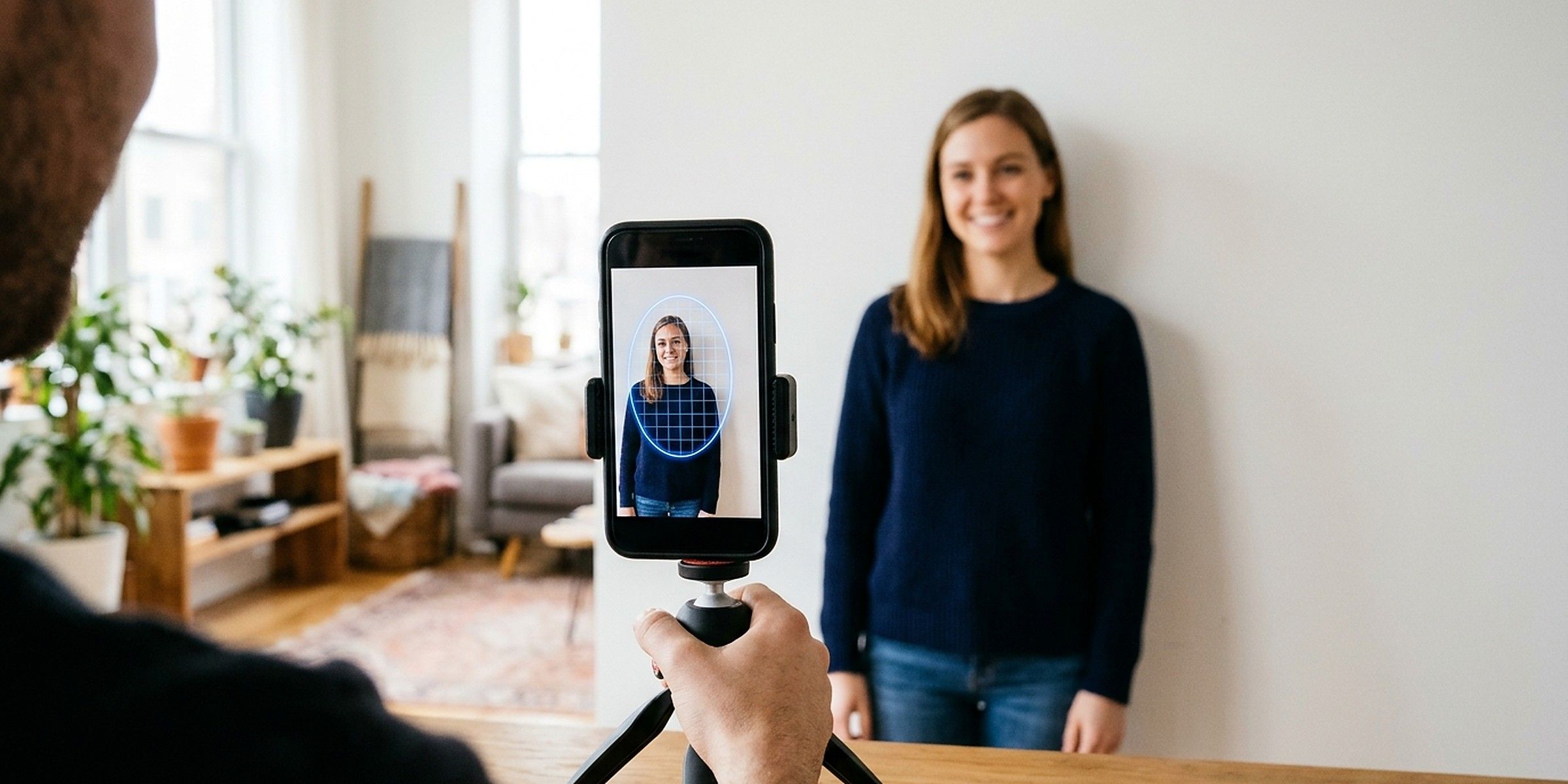
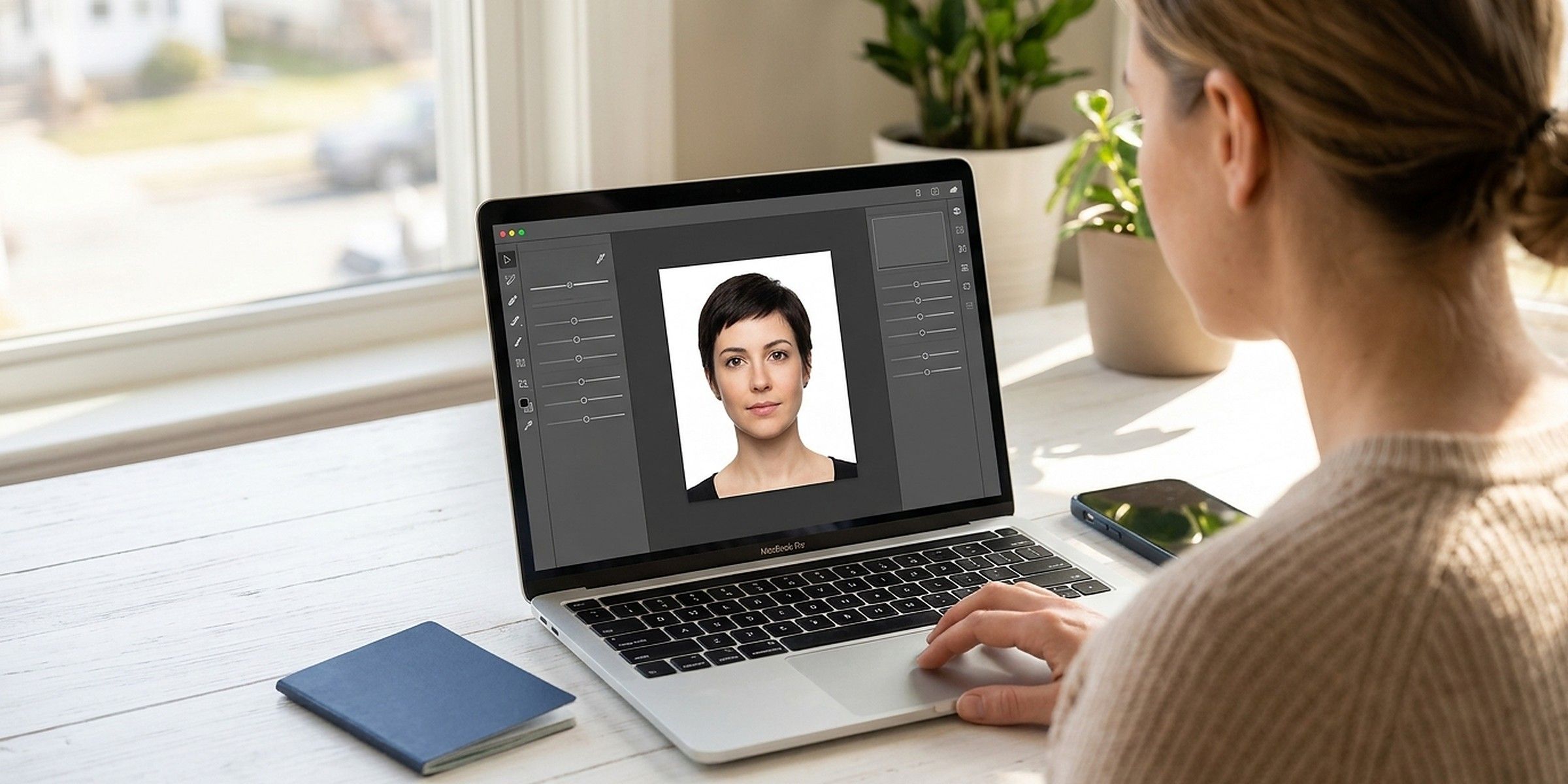
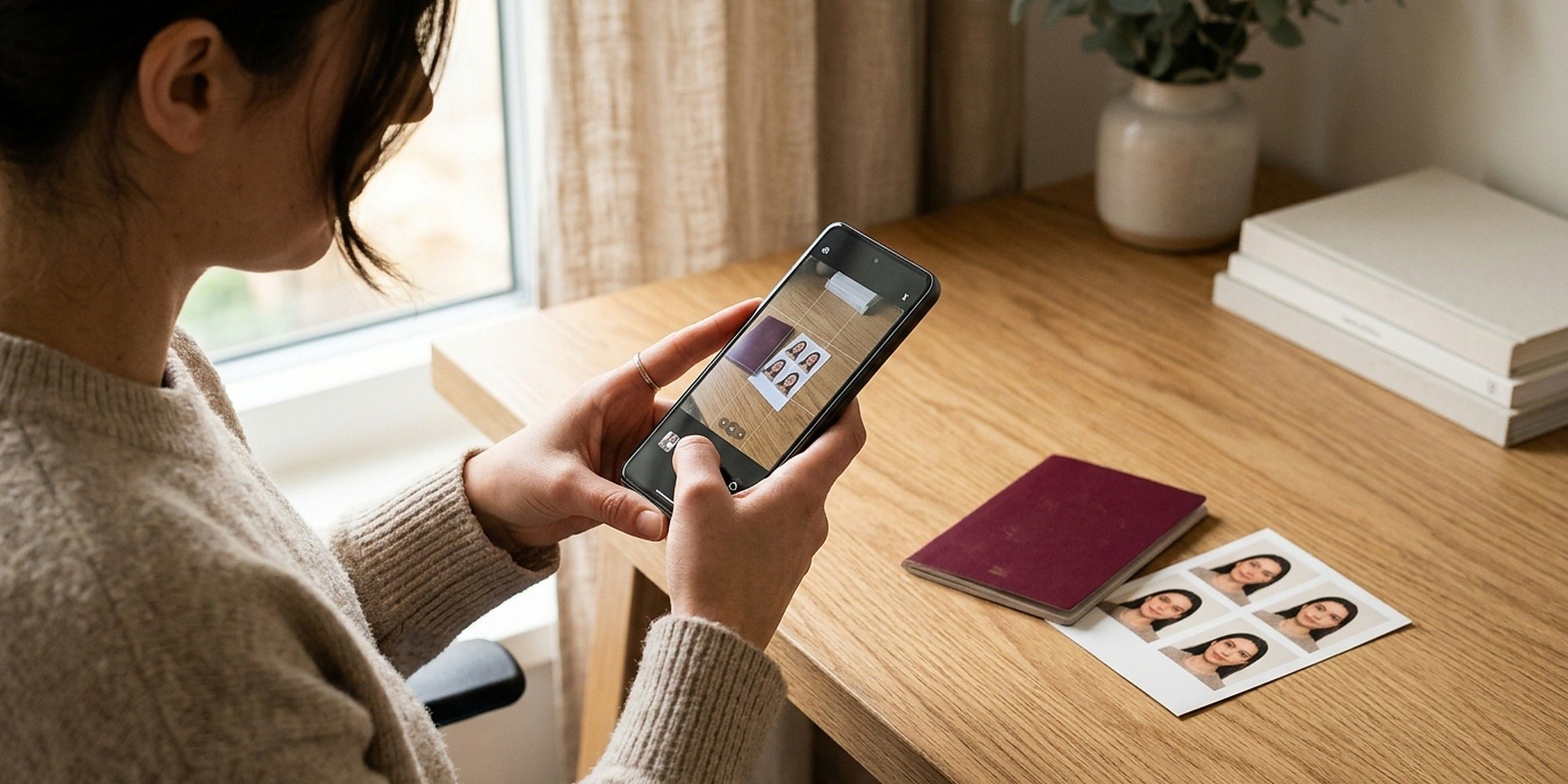
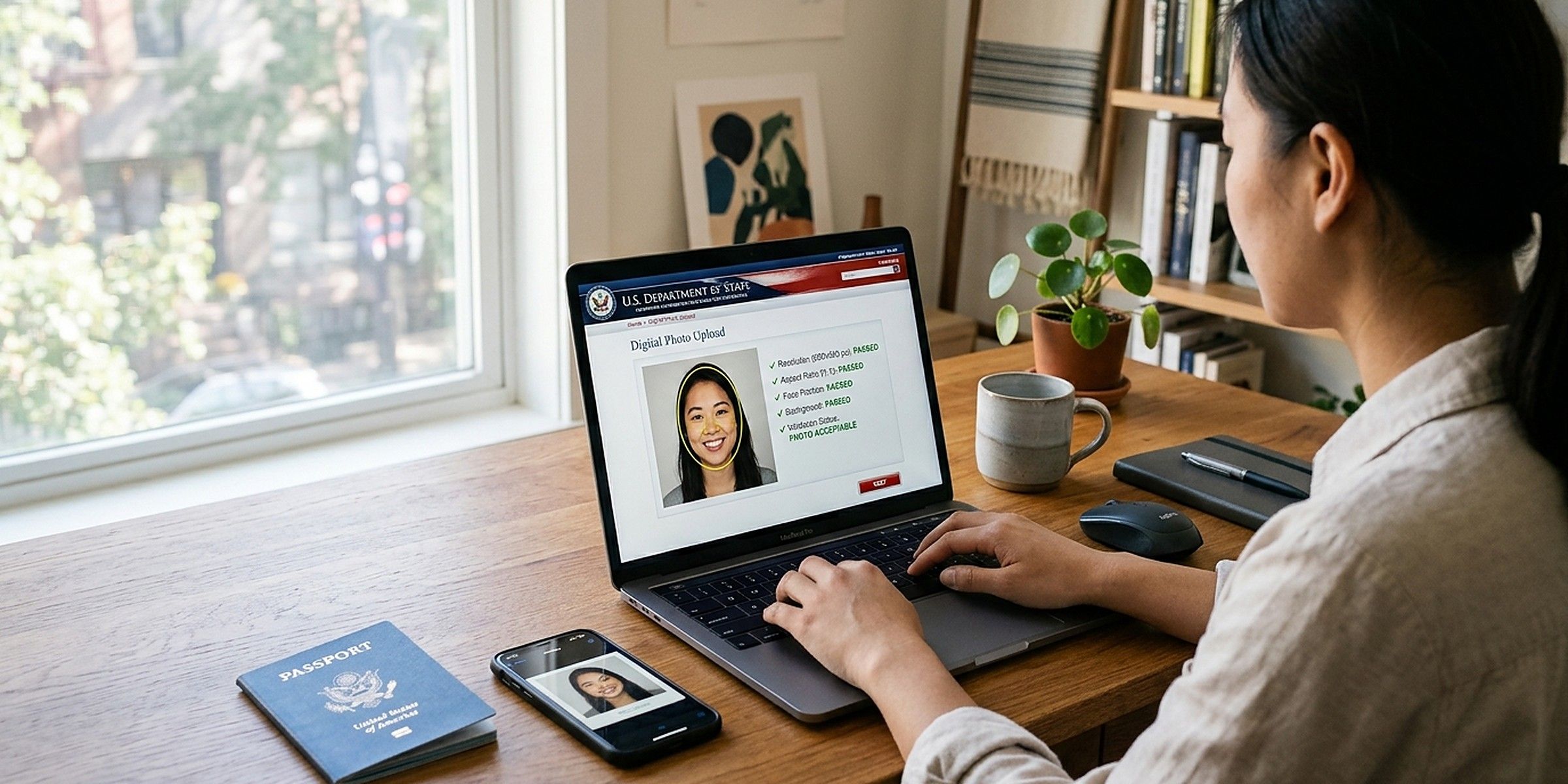
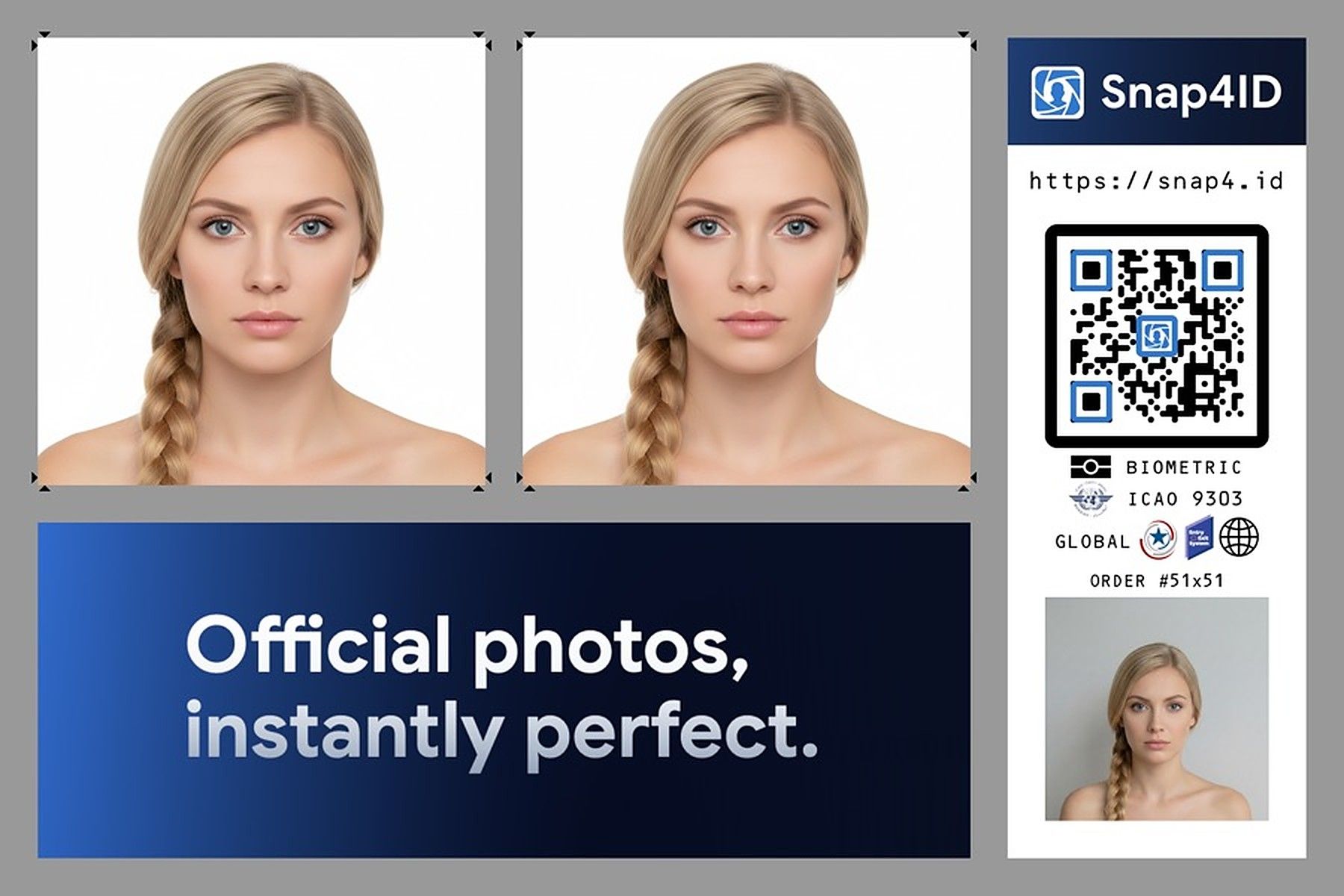
Start by taking a well-lit photo at home against any wall—have someone stand 4 to 5 feet away with a smartphone at eye level, or prop your phone up on a timer. Upload the image to our US passport photo tool. Within seconds, Snap4ID's computer-vision engine maps 478 biometric points on your face, verifies 3D head rotation (maxRotationDegrees: 15), removes your living room background to uniform pure white (#FFFFFF), and scales your head height to the optimal 67.5% (1.35 inches) inside the 1 to 1⅜ inch federal window. You immediately receive two files: the single 1200×1200 px (600 DPI) digital JPEG and a calibrated 4×6 inch print sheet with subtle trim lines.
Step 2: Select a Standard 4×6" Glossy Print—NOT the $16.99 "Passport Photo" Option
Open the Walgreens App (or photo.walgreens.com) or the CVS Pharmacy App (or cvs.com/photo) on your phone. Navigate to Prints → Standard Prints → 4×6 Size and upload your Snap4ID 4×6 inch sheet file. Never tap "Passport & ID Photos" in the store app or kiosk menu—that button routes your order into the $16.99 package workflow. By ordering through the mobile app or website for Same-Day 1-Hour Pickup rather than asking a clerk at the counter, the order goes straight into the store's automated Fujifilm or Kodak print queue at the regular $0.39 to $0.42 postcard rate (and you can often apply weekly Walgreens/CVS 40%–50% photo promo codes to bring the cost down to ~$0.22).
Step 3: Counter-Intuitive Kiosk Trap — Turn Off "Fit to Frame" / Auto-Crop
Critical Pharmacy Kiosk Scaling Trap: By default, both Walgreens and CVS photo printers apply a 3% to 6% "Borderless Zoom / Fill Frame" crop to every 4×6 print so casual snapshots don't show thin white edges. If you leave this default setting turned on, the printer enlarges your 2×2 inch (50.8×50.8 mm) passport squares to roughly 2.10×2.10 inches, making both the outer square and your head height too large for the U.S. State Department gauge!
Before tapping "Add to Cart" in the Walgreens or CVS interface, tap the Edit / Crop icon on your 4×6 preview. Make sure the full 3:2 rectangular canvas is inside the dotted print boundary, and if prompted between "Fill Frame / Crop to Fit" and "Full Image / Do Not Crop / Fit Whole Image," always select Do Not Crop (Full Image). Because Snap4ID builds its 4×6 sheet at an exact 3:2 aspect ratio with safety margins around the 2×2 inch squares, disabling auto-crop guarantees that each printed portrait measures exactly 2.00 × 2.00 inches when checked with a ruler.
Step 4: Cut Along the 2×2 Inch Guides for DS-11 or DS-82 Mail-In Applications
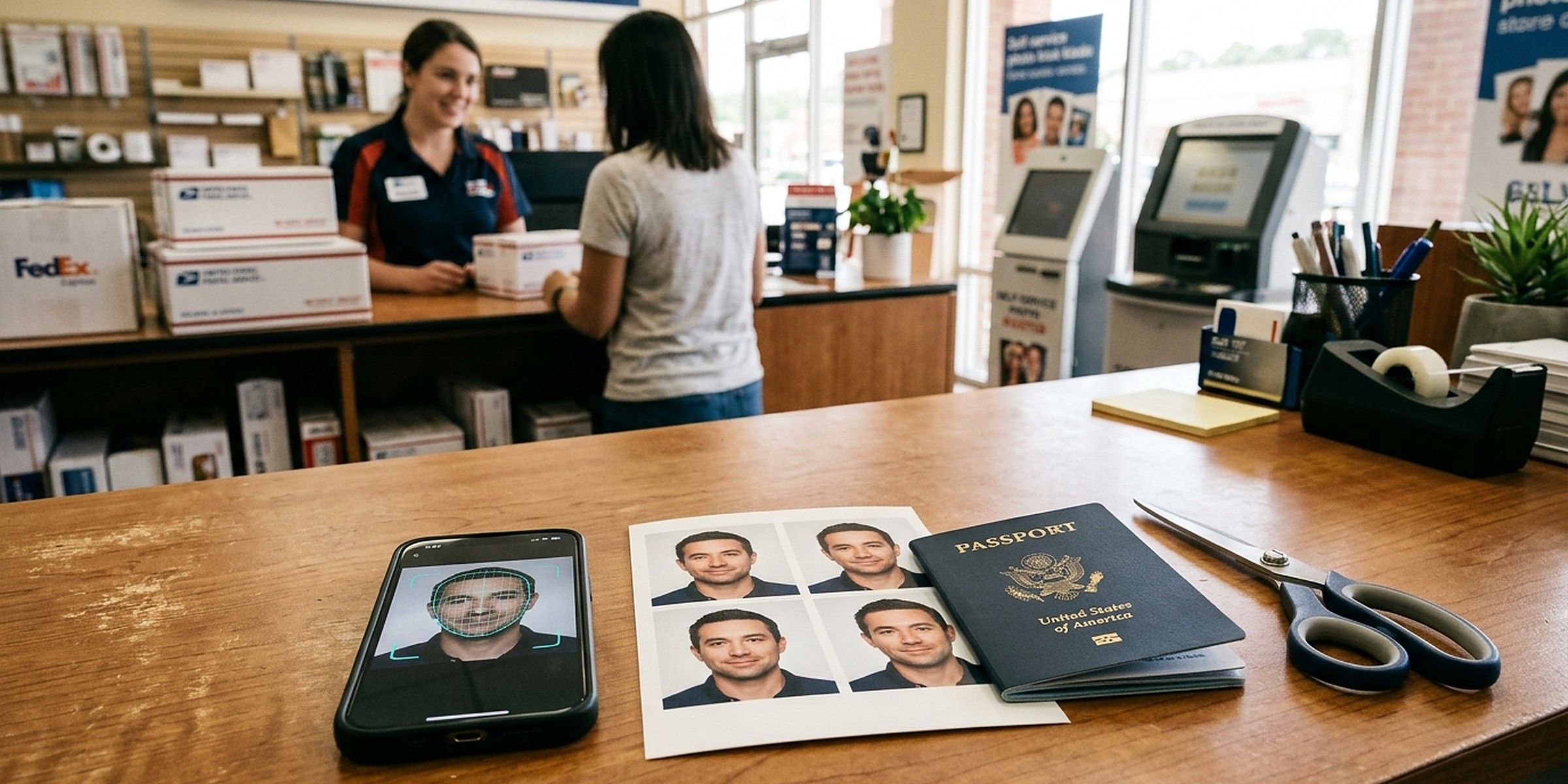
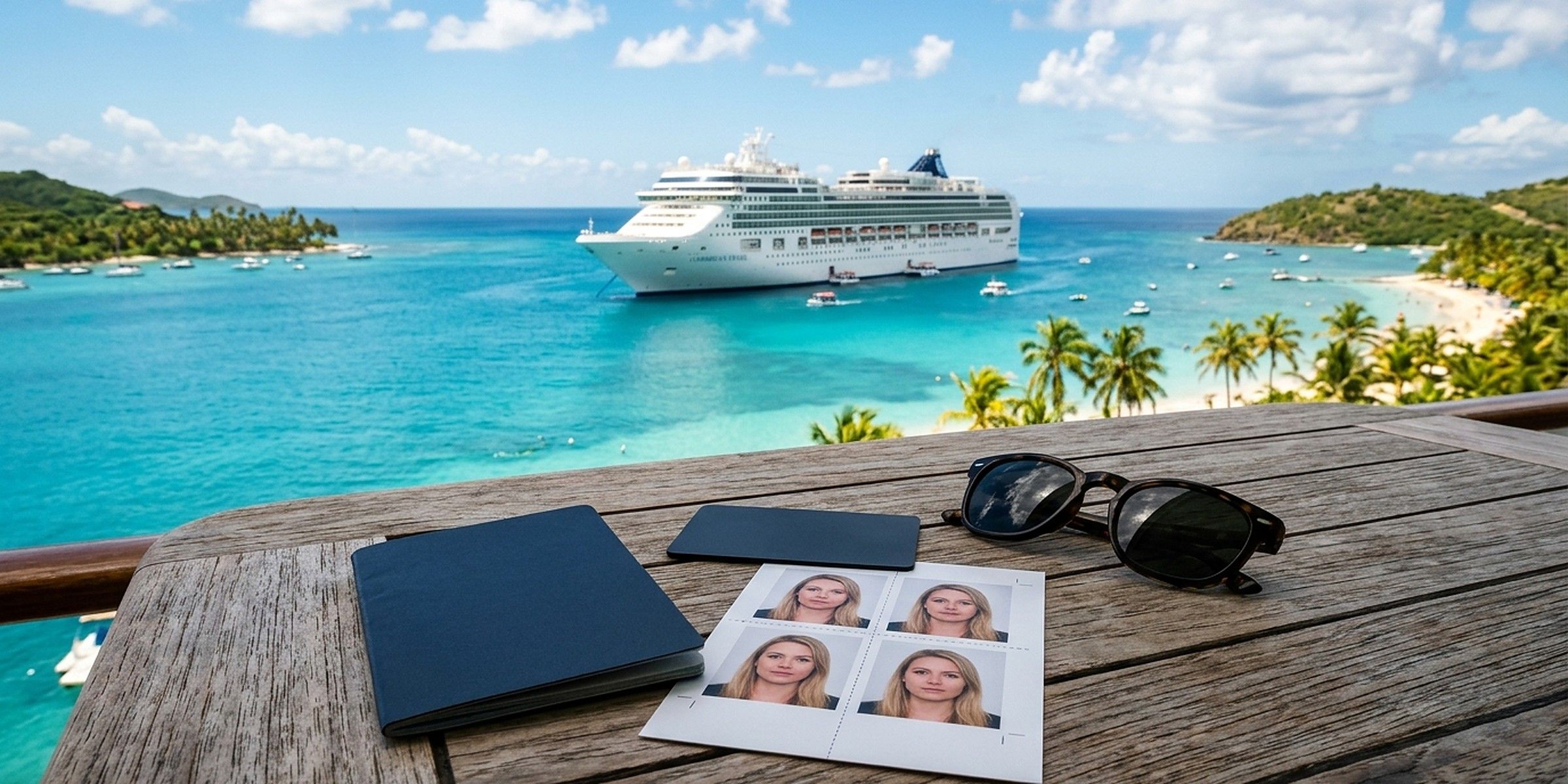
Once you pick up your 4×6 glossy print envelope at the pharmacy counter, place the sheet on a flat table and use a sharp pair of household scissors or a desktop paper trimmer to cut along the faint outer trim guides around two of the 2×2 inch portraits. Check that no gray guide lines remain visible on the finished 2×2 inch square. For a Form DS-82 mail-in adult renewal, staple the photo to the application using four vertical staples in the outer corners only (or follow the current instructions on your form packet), and slip an extra uncut 2×2 square into a small plastic sleeve inside the envelope as a backup. For a Form DS-11 in-person application at USPS or a clerk of court, hand the loose 2×2 inch print directly to the acceptance agent—do not staple it yourself.
4. Official 2026 U.S. Passport Photo Specifications Checklist
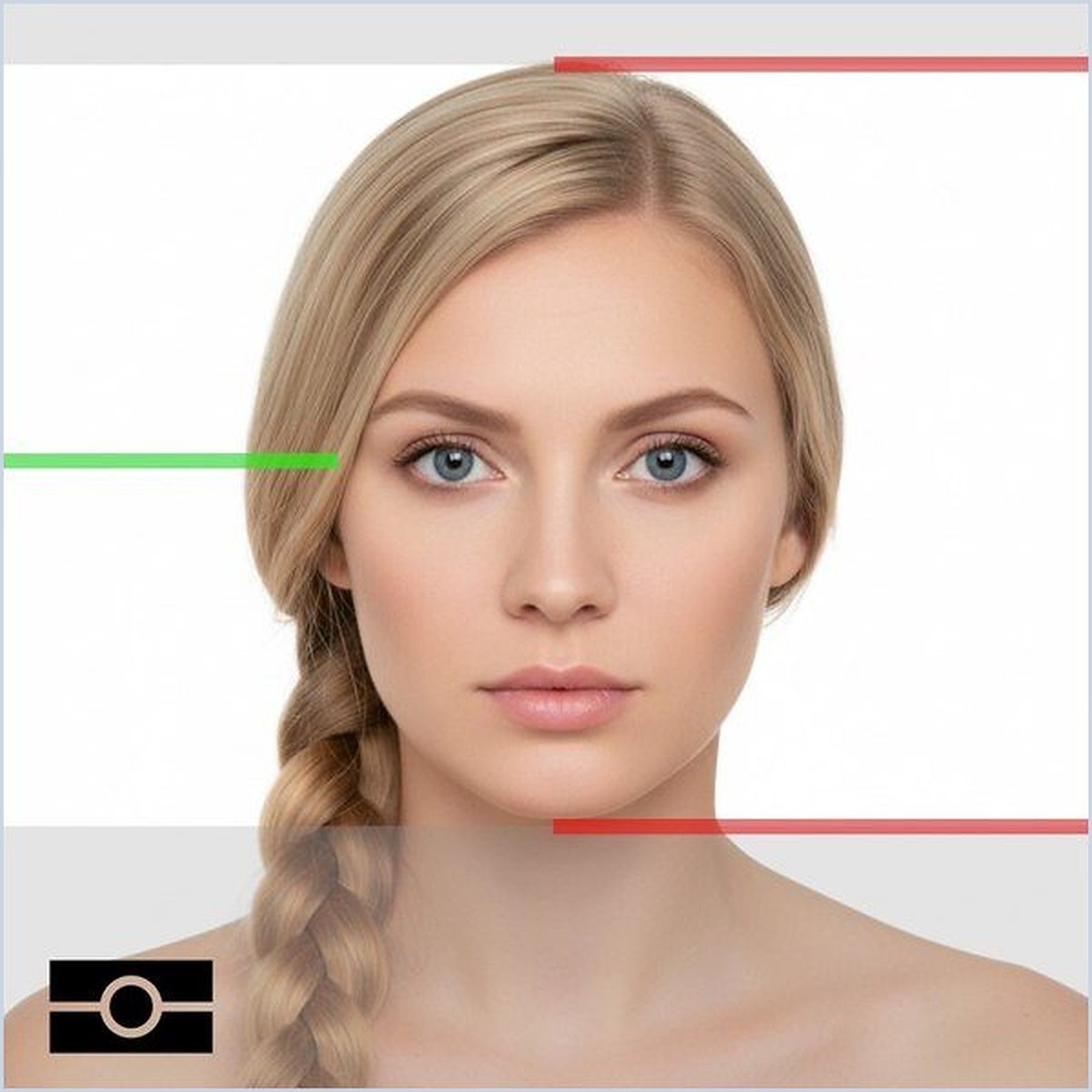
Every U.S. passport photo submitted in 2026 must measure exactly 2×2 inches (51×51 mm), display a chin-to-crown head height between 1 and 1⅜ inches (25–35 mm / 50%–69%), position the eyes 1⅛ to 1⅜ inches from the bottom edge, feature a pure white background, and exclude all eyeglasses.
Exact 2×2 Inch Size, 1200×1200 Pixel Resolution & Pure White (#FFFFFF) Background
To pass both the postal acceptance agent's plastic template gauge and the State Department's automated facial-recognition ingestion scanner, your photograph must satisfy every technical metric defined in the federal us-pass specification:
- Outer Print Dimensions: Exact 2 × 2 inches (51 × 51 mm / 50.8 × 50.8 mm) square aspect ratio (
1:1). - Digital Resolution & Color Space: Minimum
600 × 600 pxup to 1200 × 1200 px at 600 DPI in 24-bit sRGB.JPGformat (for DS-160 visa uploads,600 × 600 pxat300 DPIunder240 KB). - Head Height (Chin to Top of Head): Must measure between 1 inch and 1⅜ inches (25 mm to 35 mm), which corresponds to 50% to 68.75% of the vertical frame (Snap4ID calibrates to 67.5%).
- Eye Line Distance from Bottom Edge: Horizontal line through the pupils must sit between 1⅛ inches and 1⅜ inches (28.5 mm to 35 mm) from the bottom border (56.25% to 68.75%).
- Zero Eyeglasses & Neutral Pose: No prescription glasses, blue-light lenses, or sunglasses are allowed (rule in effect since November 2016 unless accompanied by a signed surgeon's statement). For a full visual breakdown of pose, hair, jewelry, and clothing rules, read our complete guide to the DOs and DON'Ts on a US passport photo.
5. Family & Infant Passport Photos: Saving $65+ on a Single Trip
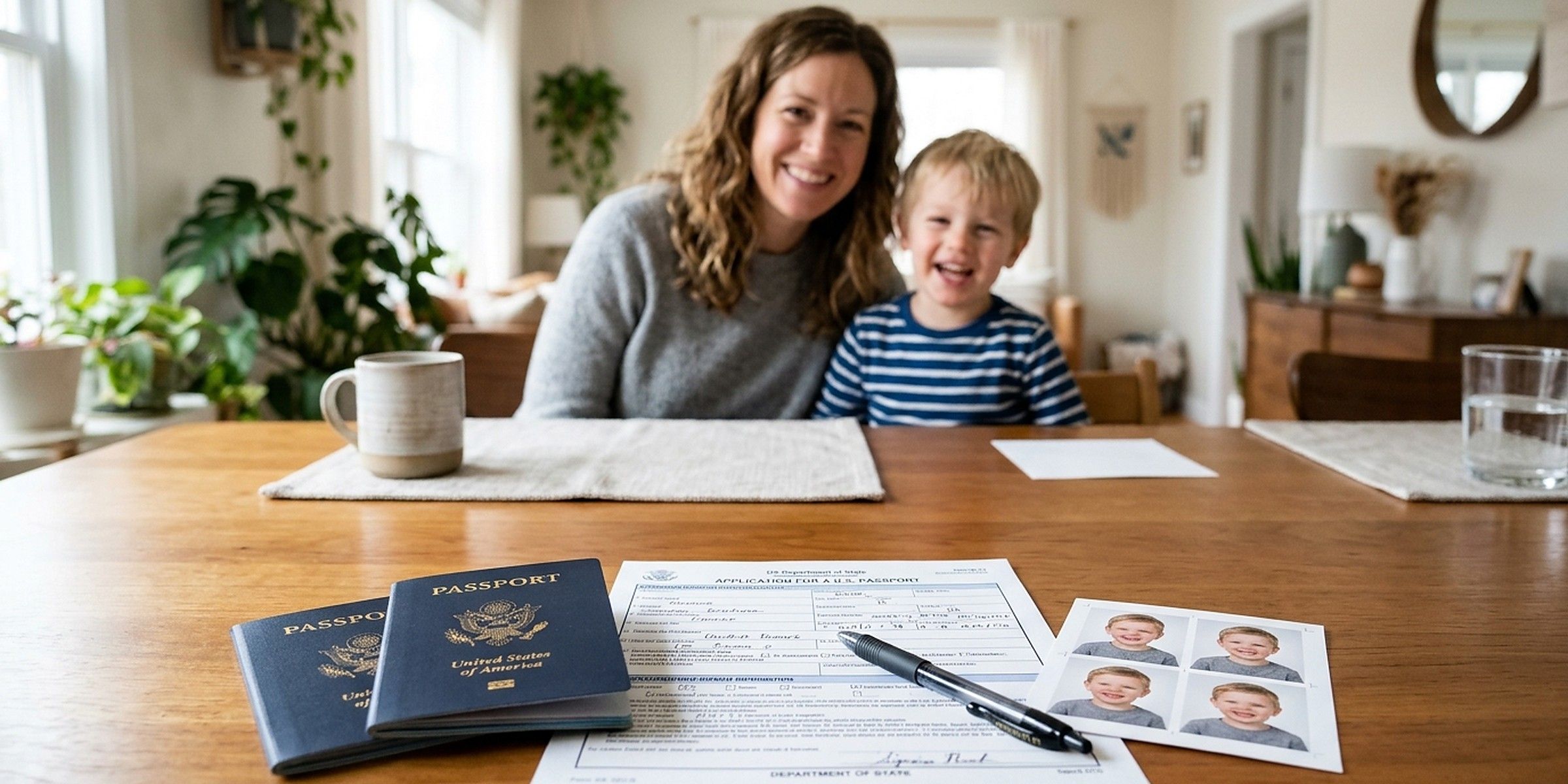
For a family of four applying for passports together, paying $16.99 per person at Walgreens or CVS totals $67.96 plus tax, whereas printing four 4×6 inch sheets at the pharmacy kiosk costs just $1.56 total—saving over $66 while eliminating the stress of photographing infants in a busy store aisle.
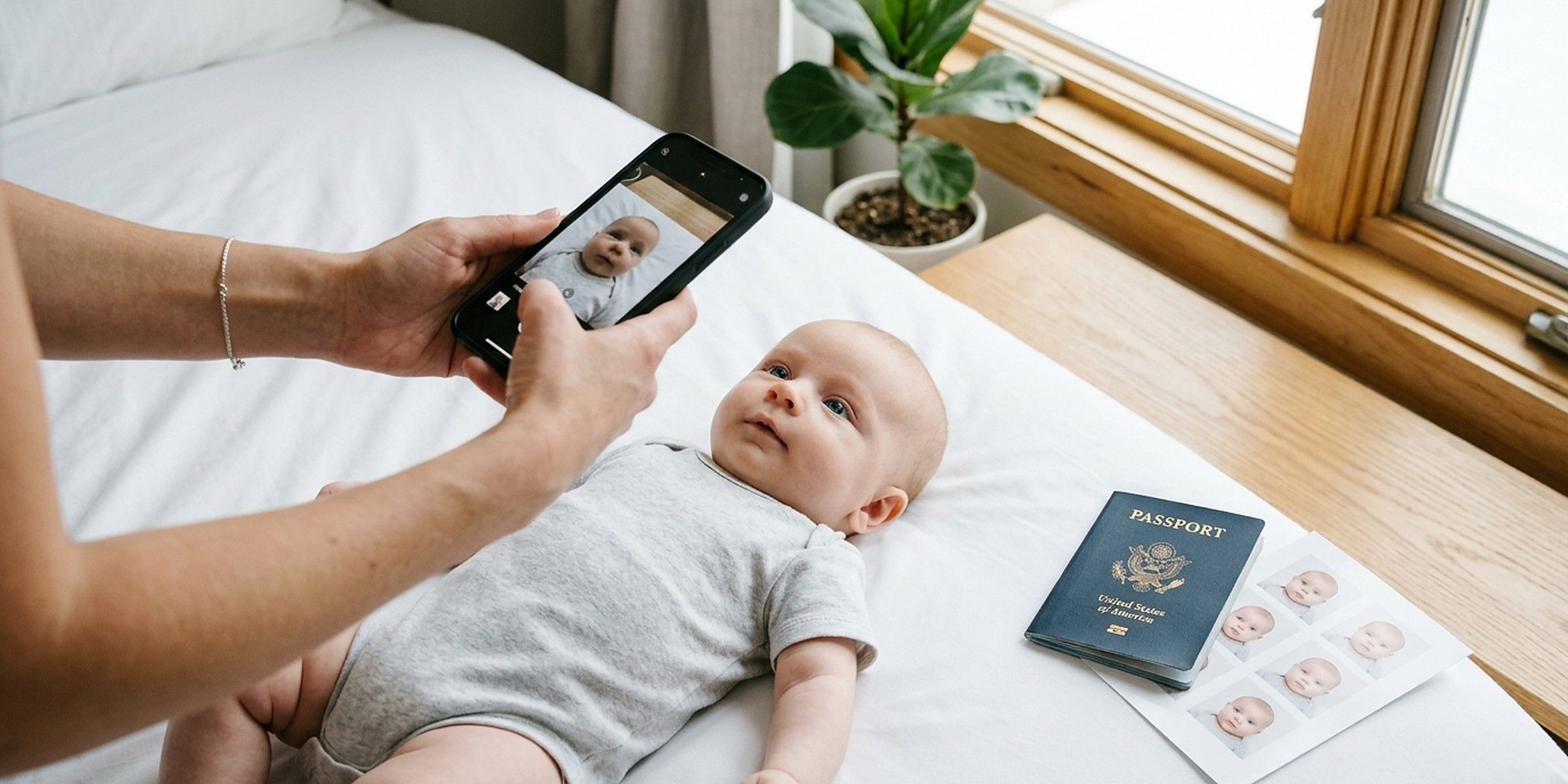
The financial and practical advantages of the 4×6 print method are even greater if you are applying for a newborn, infant, or toddler passport. At a retail pharmacy, clerks cannot lay a baby down on a clean surface; parents are forced to hold a squirming infant upright in the air in front of the pull-down screen while trying to keep their own hands, fingers, and arms out of the 2×2 inch frame. If a parent's hand or shoulder appears behind the baby's neck, the U.S. Department of State rejects the photo immediately.
At home, you can lay your baby flat on their back on a comfortable mattress or floor mat, snap 20 relaxed photos from directly above when your child is calm and looking up at the lens, and let Snap4ID automatically remove the bedsheet wrinkles to a uniform pure white (#FFFFFF) background and verify all 478 biometric points. You then pick up the finished 4×6 print at Walgreens or CVS for $0.39 on your way to the post office.
Frequently Asked Questions (FAQ)
Can I print my own 2×2 passport photos on a 4×6 sheet at Walgreens or CVS?
Yes, you can legally print a 4×6 inch sheet containing multiple 2×2 inch passport photos at any Walgreens or CVS photo kiosk for $0.39 to $0.42. The U.S. Department of State explicitly permits self-printed and pharmacy-printed photos as long as they are produced on photo-quality glossy or matte paper, measure exactly 2×2 inches (51×51 mm) after trimming, and meet all federal head-height and pure white background standards.
Will Walgreens or CVS employees refuse to hand over a 4×6 print containing passport photos?
Rarely, an individual cashier may claim store policy discourages printing 2×2 grids on a $0.39 standard 4×6 print to protect their $16.99 passport package revenue. However, when you submit a 4×6 print order through the Walgreens or CVS mobile app for 1-hour pickup and pay in advance, the automated Fujifilm or Kodak printer processes the postcard without staff intervention, and you simply pick up the sealed envelope.
Should I choose glossy or matte paper when printing a passport photo sheet at a pharmacy?
Both photo-quality glossy and matte paper are officially accepted by the U.S. Department of State for DS-11 and DS-82 passport applications. At Walgreens and CVS, selecting standard 4×6 glossy paper is the fastest and cheapest option because every store keeps glossy thermal rolls loaded for 1-hour pickup ($0.39–$0.42), whereas matte prints often require central lab shipping.
Does Walgreens or CVS give you a digital copy for MyTravelGov online passport renewal?
Walgreens will email a digital copy upon request with a $16.99 in-store sitting, while CVS charges an extra $3.99 for email delivery or $10.99 for a USB drive. However, pharmacy digital files are typically pre-cropped to a tight 2×2 inch square by the store's kiosk template, which frequently fails the MyTravelGov online renewal portal's requirement for an uncropped framing allowance.
How do I stop the Walgreens or CVS kiosk from cropping my 4×6 passport photo template?
Before checking out on the Walgreens or CVS app or in-store kiosk, open the print preview editor and disable "Fit to Frame," "Fill Frame," or "Auto-Crop" by selecting "Full Image" or "Do Not Crop." Pharmacy printers apply a 3% to 6% borderless zoom by default, which inflates a 2×2 inch square to 2.1 inches unless turned off.
What happens if my passport photo gets rejected by the U.S. Department of State?
If the National Passport Processing Center rejects your photo, they freeze your application and mail an official letter giving you 90 days to submit a compliant replacement photograph, delaying your passport by 2 to 4 weeks. When you prepare your photo with Snap4ID, our AI verifies 478 biometric points beforehand and backs every order with a 100% acceptance guarantee (full money-back guarantee if rejected).
Take your photo at home on any smartphone. Snap4ID checks 478 biometric points, removes the background to pure white (#FFFFFF), and gives you both an instant digital file and a calibrated 4×6" sheet you can print at Walgreens or CVS for $0.39—backed by our 100% acceptance guarantee. Create Your US Passport Photo & 4×6 Print Sheet →