Malaysian Passport Photo Requirements: 35x50 mm Size, Attire & Upload Rules
Official 2026 JIM Malaysian passport photo rules: exact 35x50 mm (413x591 px) size, pure white background, dark attire & hijab rules, and MyOnline upload fixes.

Table of Contents
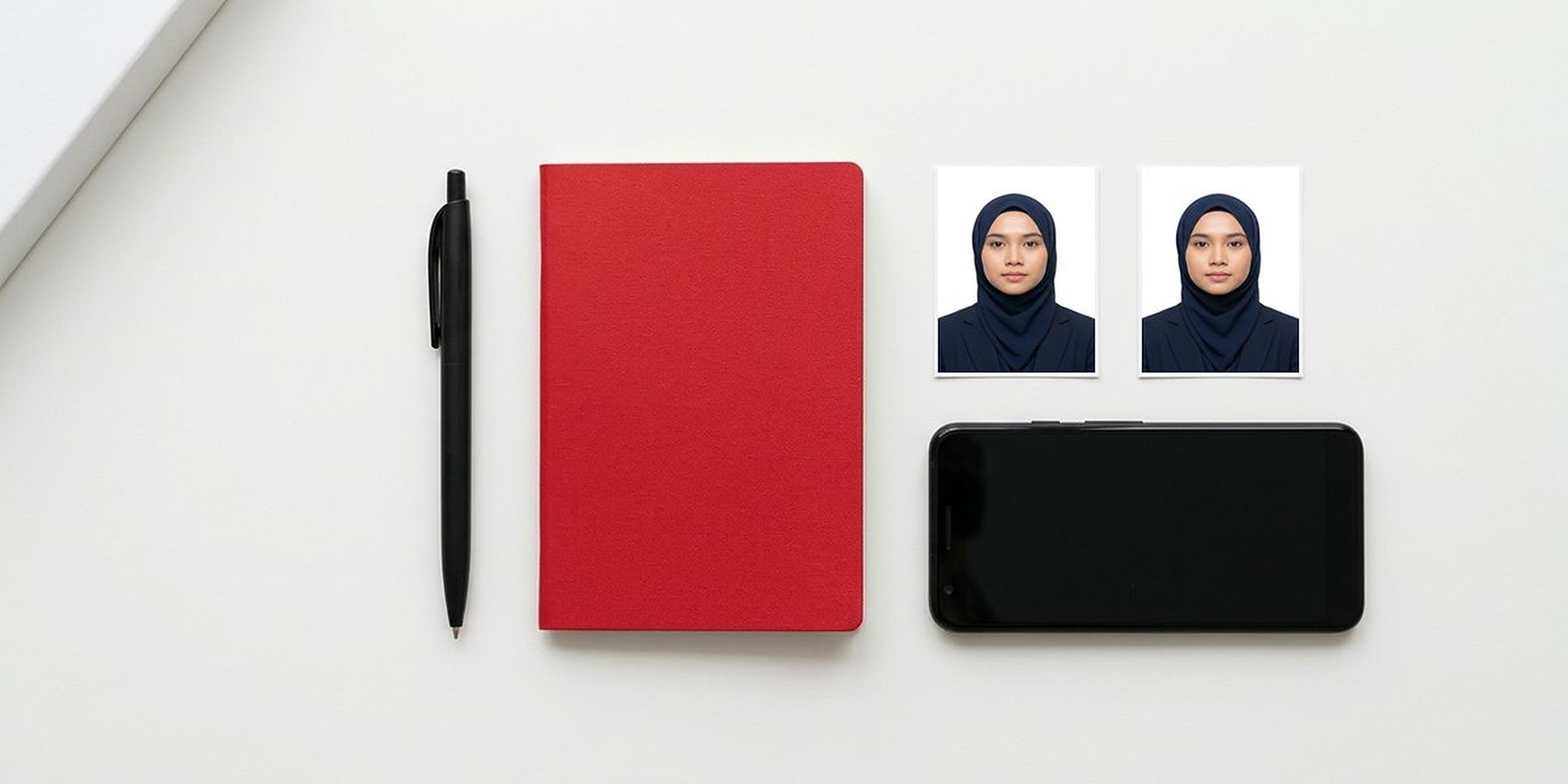
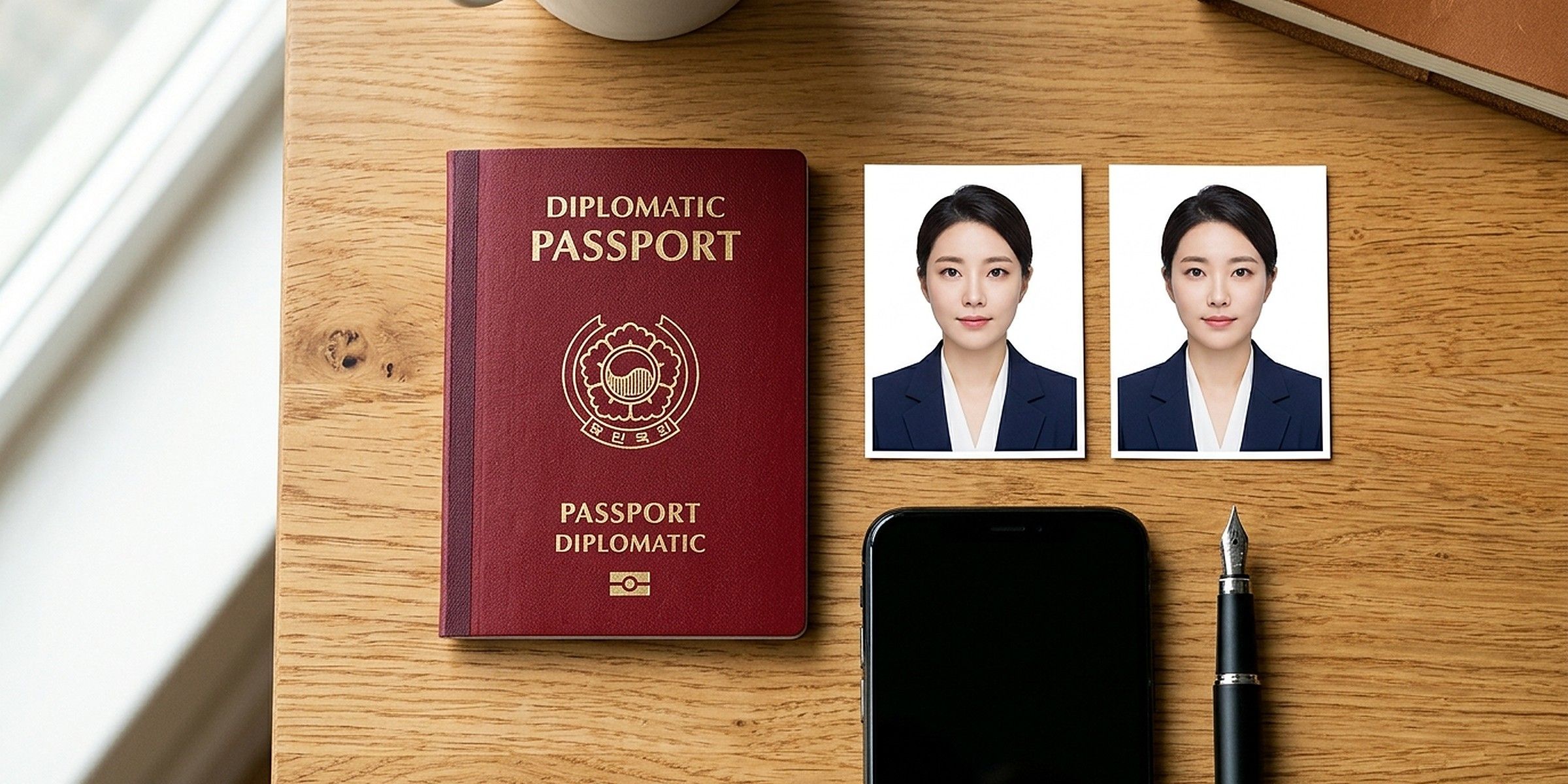
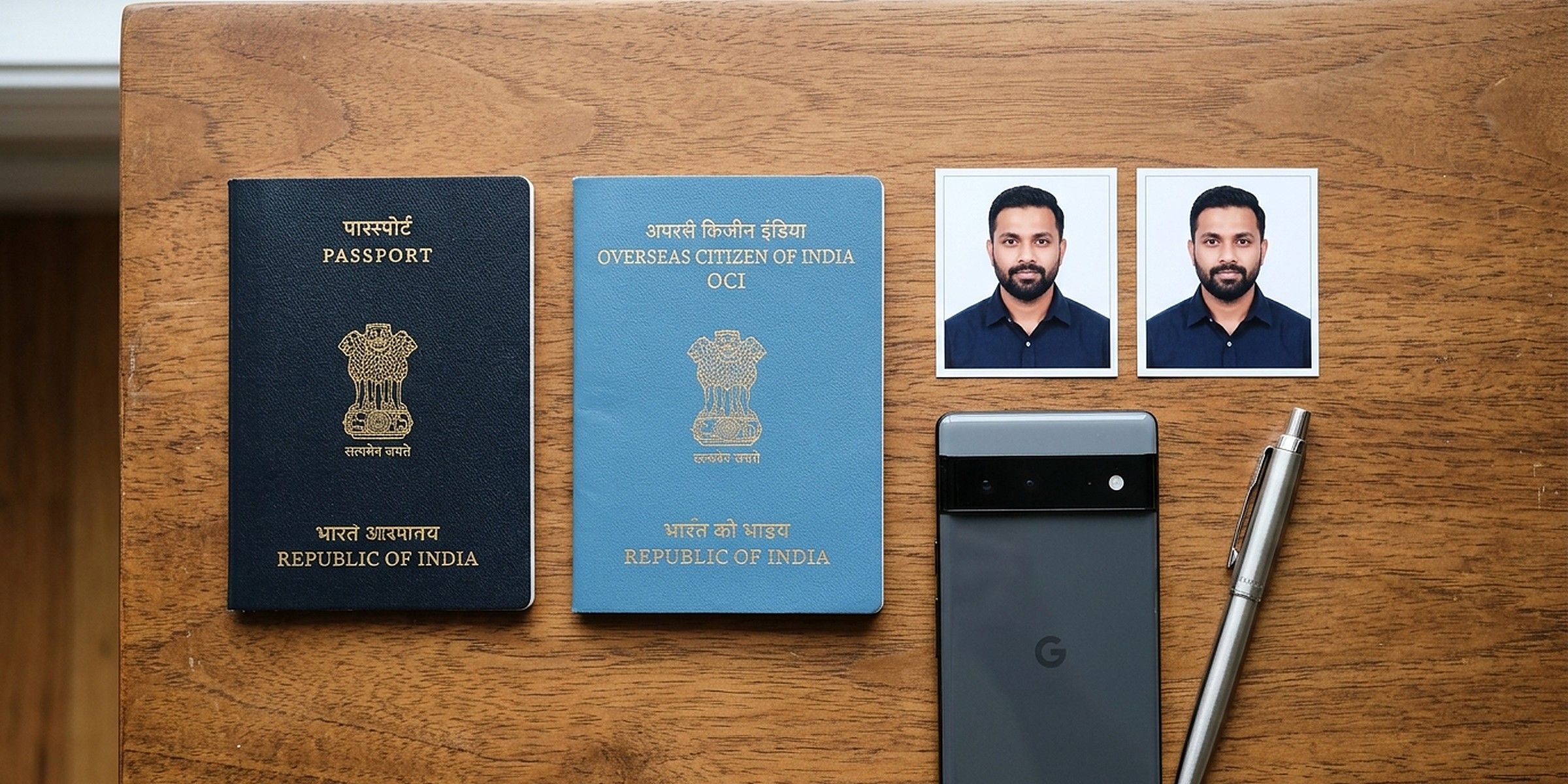
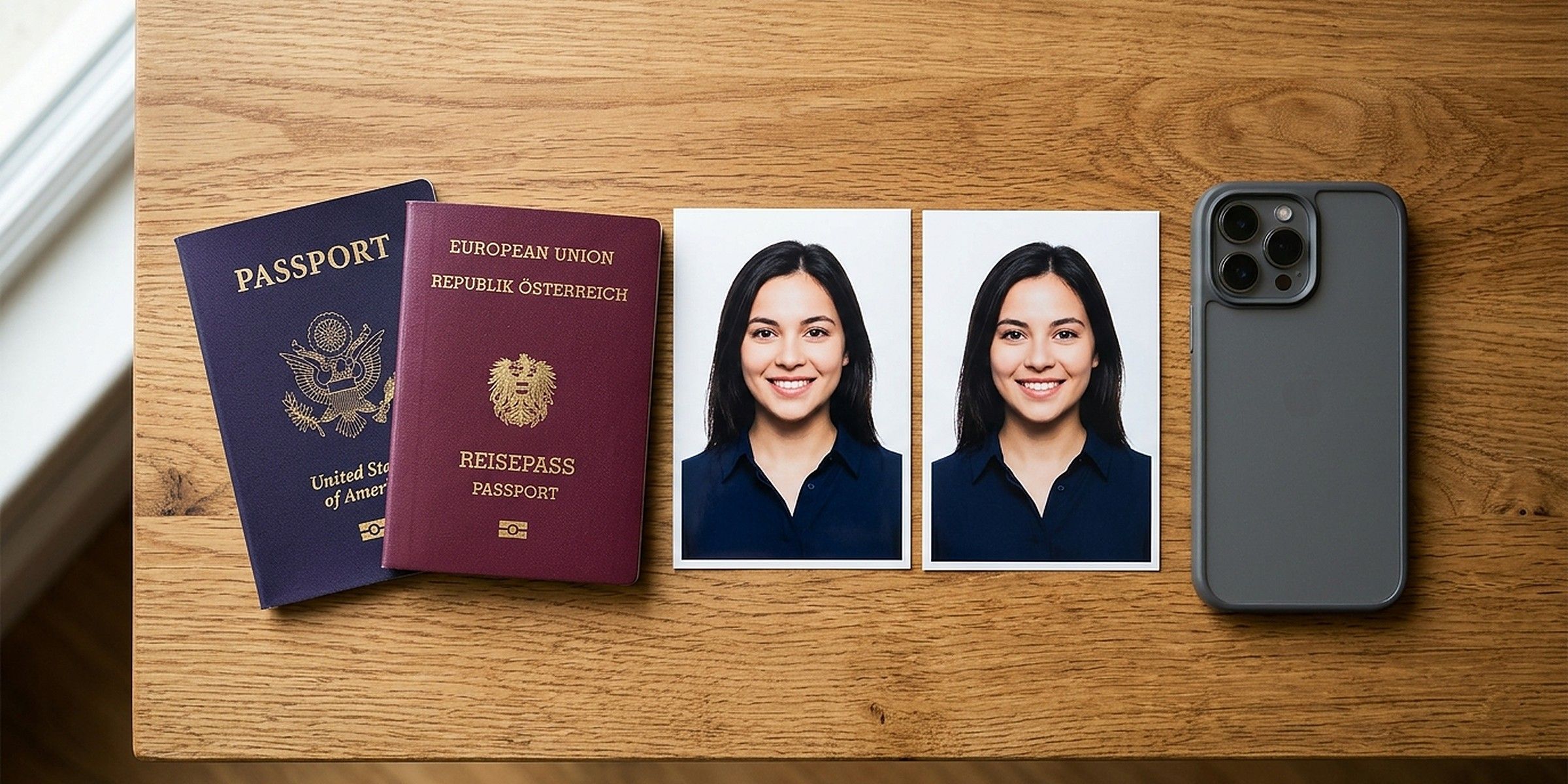
To pass official 2026 screening by the Immigration Department of Malaysia (Jabatan Imigresen Malaysia — JIM), your Malaysian passport photo must measure exactly 35 × 50 mm (3.5 × 5.0 cm or 1.38 × 1.97 inches) for physical prints or 413 × 591 pixels at 300 DPI (100 KB–1 MB JPEG) for digital uploads on the MyOnline Passport portal. Within this tall 7:10 frame, your head height from chin to crown must occupy 25 to 30 mm (50% to 60% of the vertical height) with a 10 mm top margin above the crown against a plain, shadow-free pure white (#FFFFFF) background. Crucially, all applicants must wear dark-colored clothing covering the shoulders and chest (and a plain dark hijab/tudung if worn for religious reasons), with both eyebrows and forehead clearly visible and zero eyeglasses. This exact 35 × 50 mm geometry also applies if you are submitting a Malaysian visa photo.
- Unique 35 × 50 mm (7:10) Aspect Ratio: Physical prints must be 35 mm wide by 50 mm high (
413 × 591 pxat300 DPIforMyOnline Passport)—5 mm taller than standard35 × 45 mmUK/Singapore photos. - 25–30 mm Head Height & 10 mm Top Margin: Your head must occupy 50% to 60% of the total frame height (
25–30 mmchin to crown), leaving 10 mm above your hair/tudung and 10–15 mm from chin to bottom edge. - Pure White (#FFFFFF) Background Only: Legacy light-blue backgrounds are strictly rejected for the Malaysian International Passport (PMA); the backdrop must be uniform pure white.
- Mandatory Dark Attire & Dark Hijab Rule: Wear a plain black, dark navy, or charcoal top with sleeves and collar; Muslim women must wear a dark hijab that leaves the entire forehead, eyebrows, cheekbones, and chin unobstructed.
Unlike the vast majority of countries that use either the standard 35 × 45 mm ICAO frame or the 2 × 2 inch US square format, Malaysia enforces a distinctive 35 × 50 mm (7:10 aspect ratio) biometric standard administered by the Immigration Department of Malaysia (Jabatan Imigresen Malaysia — JIM). Whether you are renewing your Pasport Malaysia Antarabangsa (PMA) online via the MyOnline Passport portal (imigresen-online.imi.gov.my), bringing printed photos for an infant at an Urban Transformation Centre (UTC), or renewing through a Malaysian High Commission or Consulate abroad, even a minor deviation in head ratio or shirt color triggers an immediate rejection. Below is the complete, millimeter-accurate breakdown of the 2026 Malaysian passport photo rules and how to fix every portal upload error.
What Are the Official Malaysian Passport Photo Dimensions in 2026?
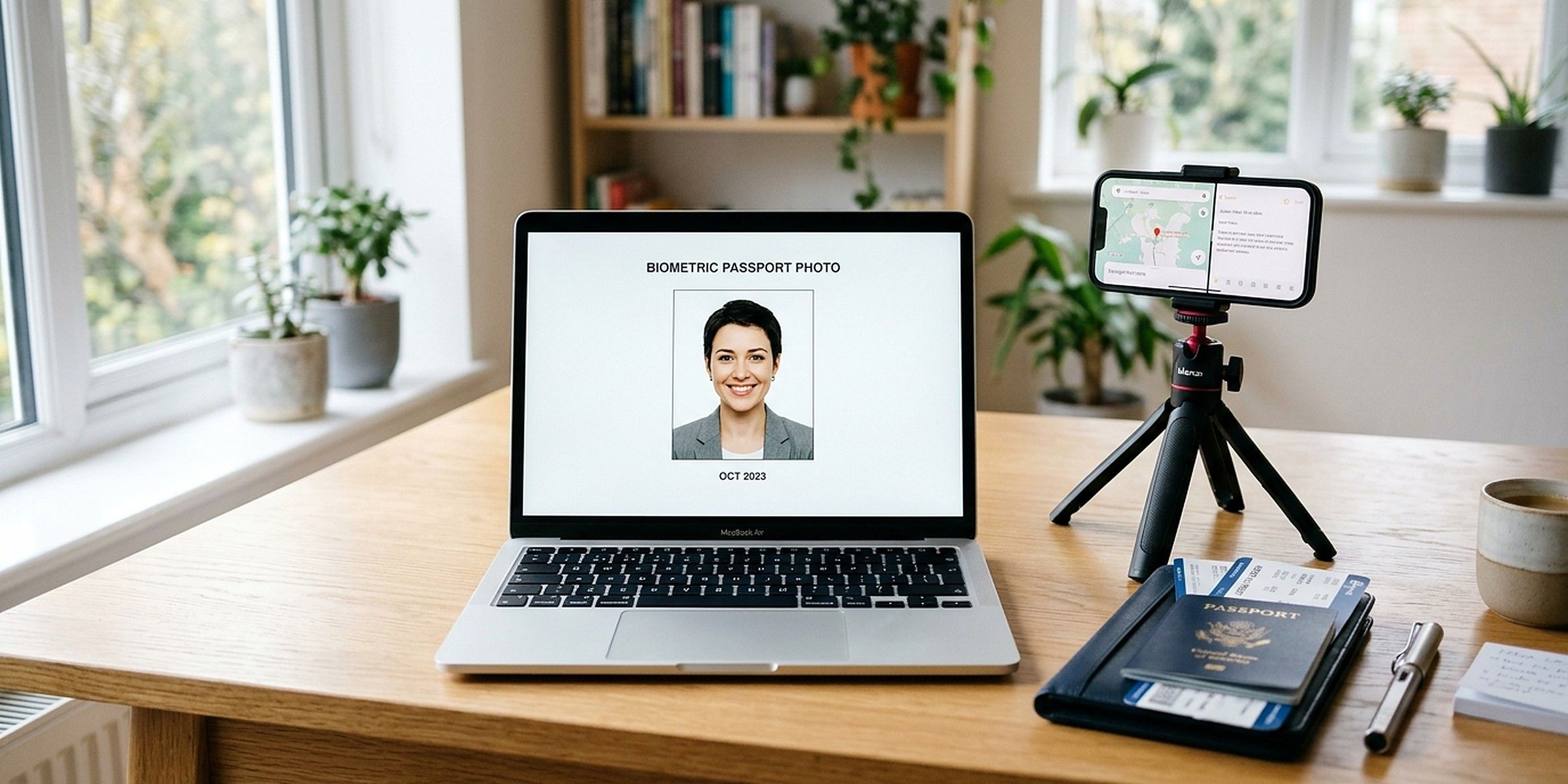
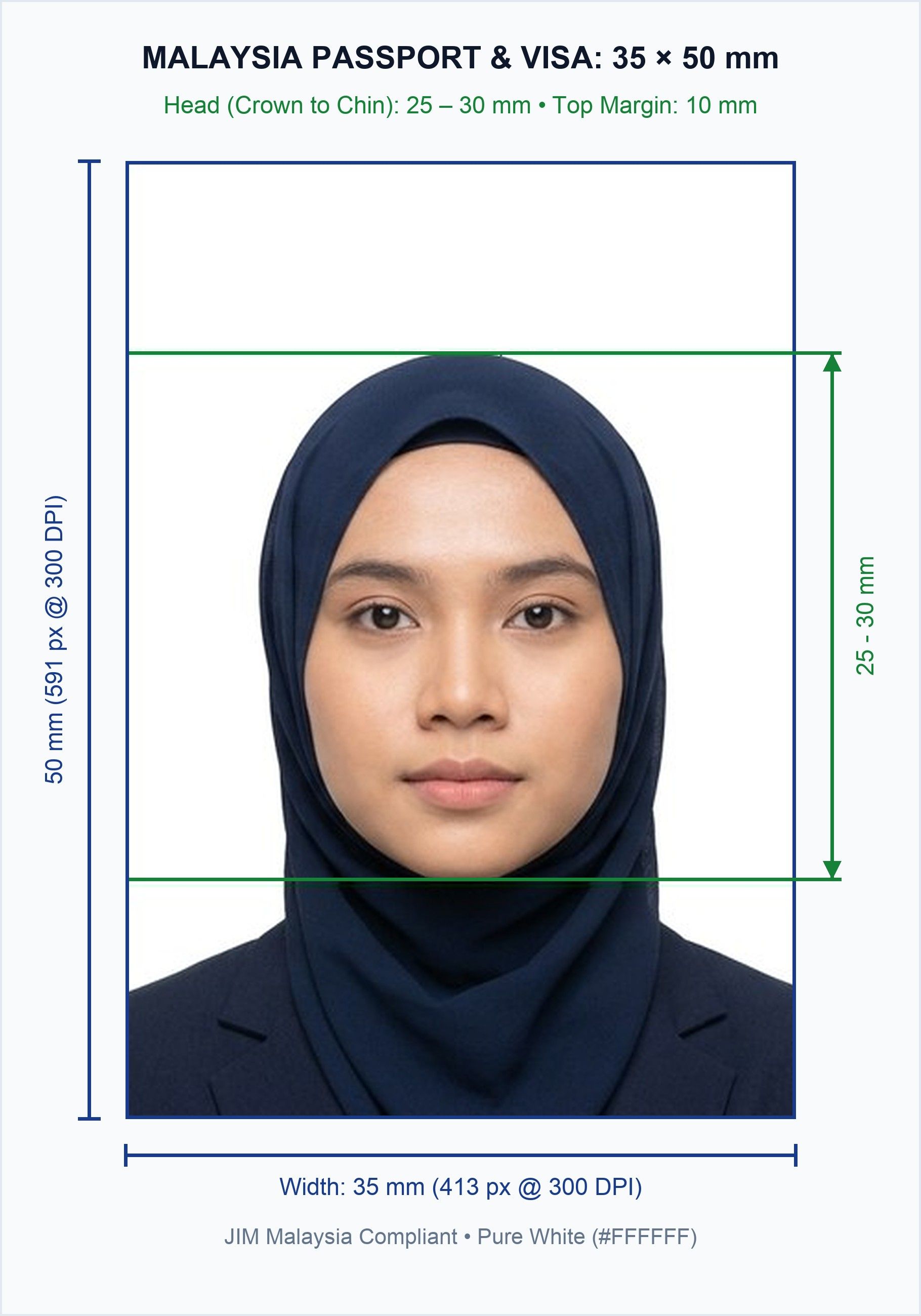
The official Malaysian passport photo size in 2026 is 35 mm wide by 50 mm high (3.5 × 5.0 cm or 1.38 × 1.97 inches), corresponding to a 7:10 aspect ratio and 413 × 591 pixels at 300 DPI for digital files. Inside this frame, the applicant's head must measure 25 to 30 mm (50% to 60% of the vertical height) with an exact 10 mm margin from the crown to the top border.
| Biometric Parameter | Physical Print Spec (JIM / UTC / Consulate) | Digital Upload Spec (MyOnline Passport & eVISA) |
|---|---|---|
| Overall Width × Height | 35 mm × 50 mm (3.5 × 5.0 cm / 1.38 × 1.97 in) | 413 × 591 pixels at 300 DPI resolution |
| Aspect Ratio | 7 : 10 (0.700 : 1 vertical rectangle) | 7 : 10 (0.700 : 1 vertical rectangle) |
| Head Height (Chin to Crown) | 25 mm to 30 mm (50% to 60% of frame; target 55%) | 295 px to 354 px vertical head height (50%–60%) |
| Top Margin (Crown to Upper Edge) | 10 mm (20% to 30% of height; target 24%) | 118 px to 142 px clear white space above hair/hijab |
| Bottom Margin (Chin to Lower Edge) | 10 mm to 15 mm showing upper chest & shoulders | 118 px to 177 px showing dark-attired shoulders |
| Background Color | Plain, solid pure white (#FFFFFF), zero shadows | Uniform pure white (#FFFFFF RGB), no grey gradients |
| File Format & Weight / Paper | Matte or semi-matte quality photo paper (no borders) | Baseline .JPG / .JPEG in sRGB, 100 KB to 1 MB |
| Recency Requirement | Taken within the last 6 months | Taken within the last 6 months (unretouched) |
How Are the 25–30 mm Head Height and 10 mm Margins Measured?
To satisfy the Wisma Putra (Ministry of Foreign Affairs Malaysia) Official Passport Photo Specification, biometric scanners measure your head from the bottom tip of your chin to the natural crown of your skull (or the top edge of a religious head covering), requiring that vertical span to fall strictly between 25 mm and 30 mm (50% to 60% of the 50 mm frame). Additionally, there must be a 10 mm clear white margin between the top of your head and the upper edge of the photograph, leaving 10 to 15 mm below your chin so your collarbones and upper shoulders are clearly visible.
This framing is noticeably looser than European or British passport photos. Because JIM requires visible proof that the applicant is wearing dark-colored clothing covering the chest and shoulders, the 35 × 50 mm canvas intentionally allocates roughly the bottom 25% of the frame to your upper torso and neckline.
Why Do Standard 35×45 mm (UK/Singapore) and 2×2 Inch (US) Photos Get Rejected?
Standard 35 × 45 mm (ICAO/UK/Schengen/Singapore) and 2 × 2 inch (US/India) photos fail Malaysian biometric validation because their aspect ratios and head-to-frame proportions conflict with JIM's 7:10 geometry. Submitting a 35 × 45 mm crop triggers an immediate "Eye distance / Face position out of bounds" error because the head fills 70%–80% of the frame instead of Malaysia's required 50%–60%.
Counter-Intuitive Diaspora & Cross-Border Trap (35×45 mm vs. 35×50 mm): Malaysians living or working in Singapore, the UK, Australia, or the United States frequently ask local pharmacy kiosks for a "standard passport photo." However, a Singapore visa photo or UK passport photo measures 35 × 45 mm (7:9 ratio), which is 5 mm too short and crops out the shoulders, while a US passport photo is a 2 × 2 inch (51 × 51 mm, 1:1 square) print that is 16 mm too wide. Never let a foreign photo booth print a 35 × 45 mm or 2 × 2" template for a Malaysian passport renewal—you must specifically generate a 35 × 50 mm (413 × 591 px) layout.
Is the Malaysian Passport Photo Background White or Blue?
The official background color for a Malaysian passport photo is plain, solid pure white (#FFFFFF) with zero shadows, textures, or color gradients. Light blue backgrounds—which were used on older Malaysian passports years ago—are now strictly obsolete and automatically rejected by both JIM counter officers and the MyOnline Passport portal.
Why do so many Malaysian photo studios still ask whether you want a blue or white background? While Malaysia transitioned its international biometric passport (PMA) and visa system to pure white (#FFFFFF) to comply with International Civil Aviation Organization (ICAO Doc 9303) machine-readable standards, legacy blue backgrounds occasionally persist for certain domestic school IDs, civil service badges, or older NRIC/MyKad studio habits. For any passport renewal or new application in 2026, only pure white is accepted.
How to Prevent Grey Walls and Background Shadows at Home
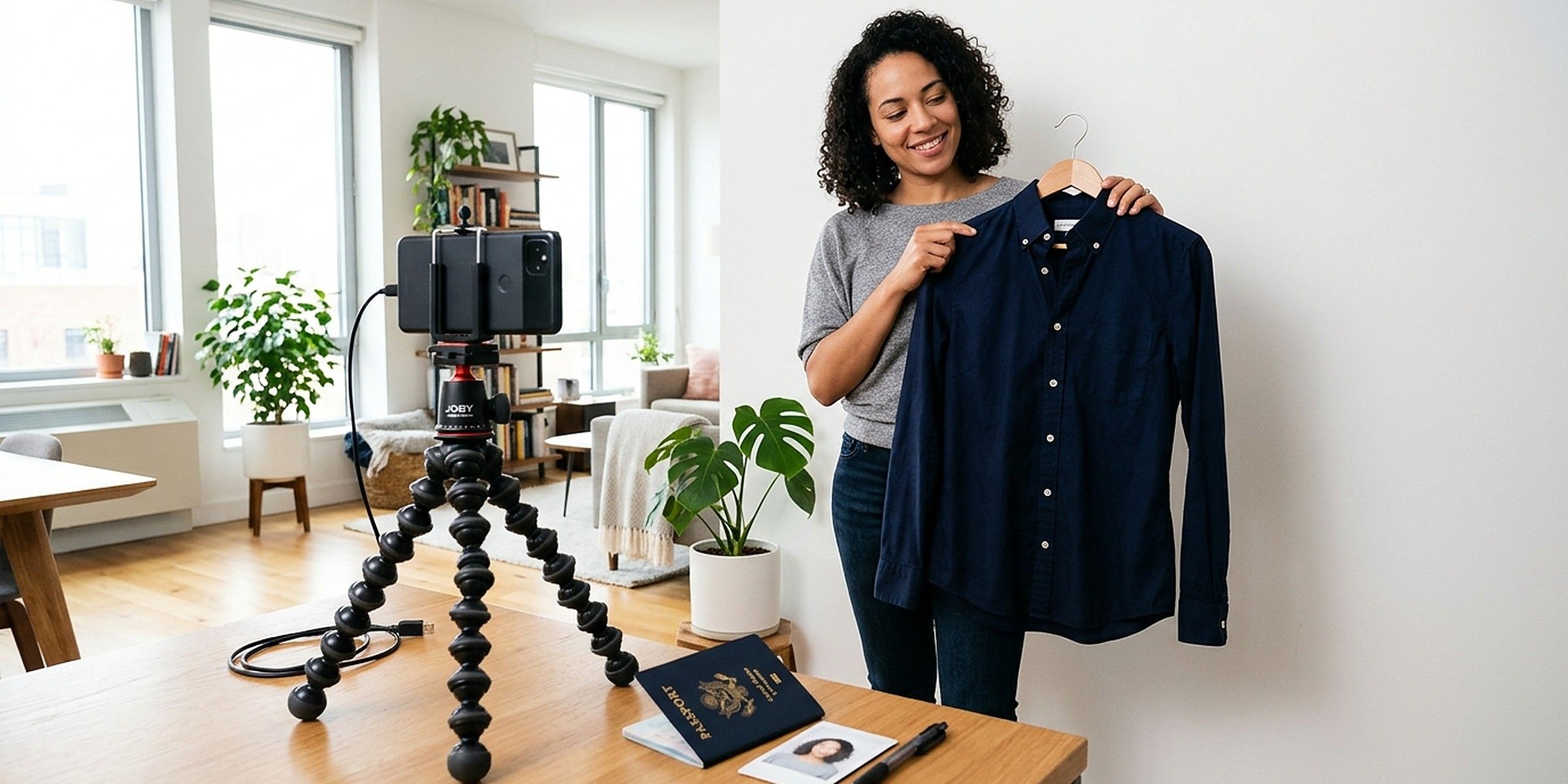
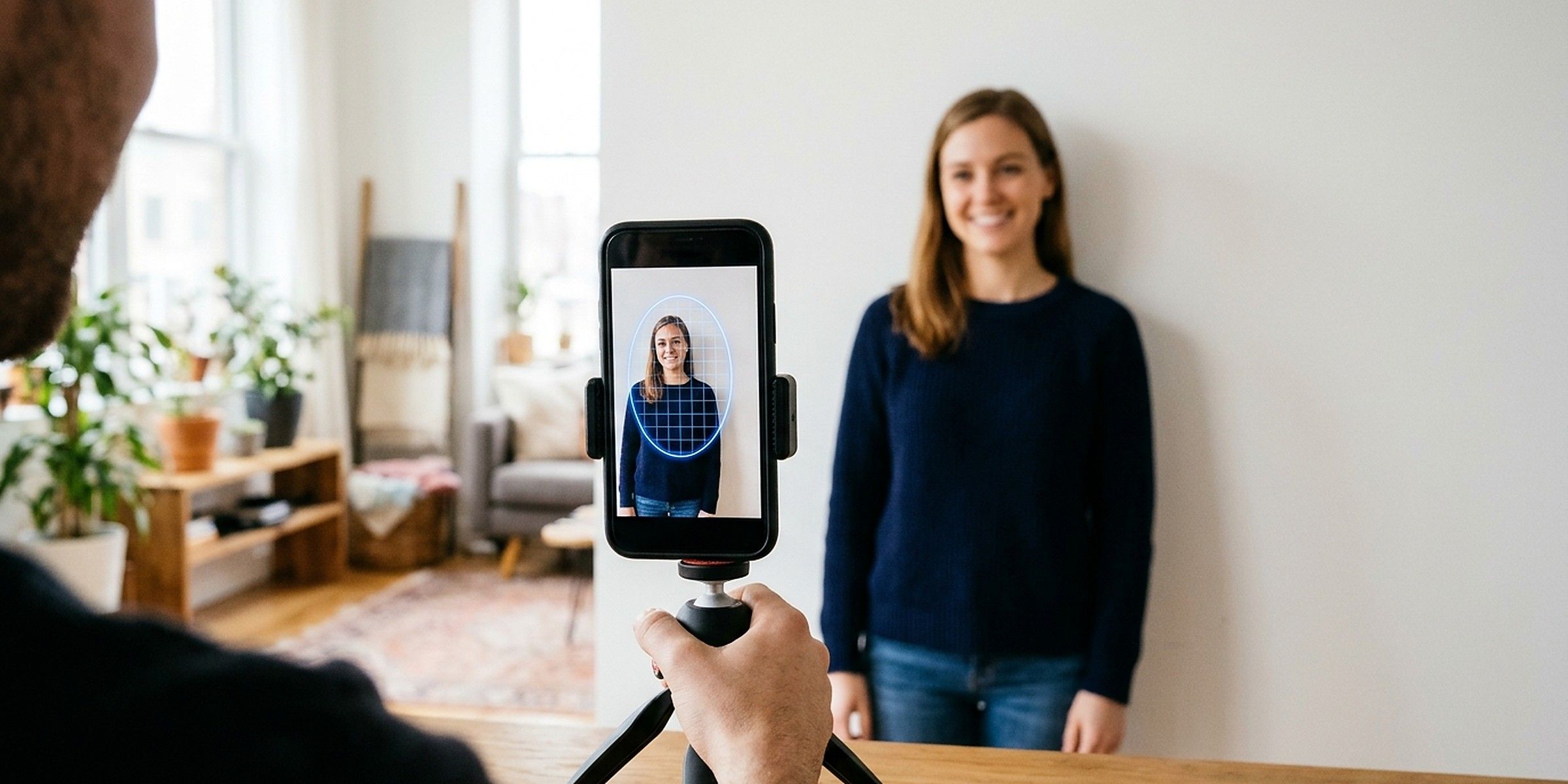
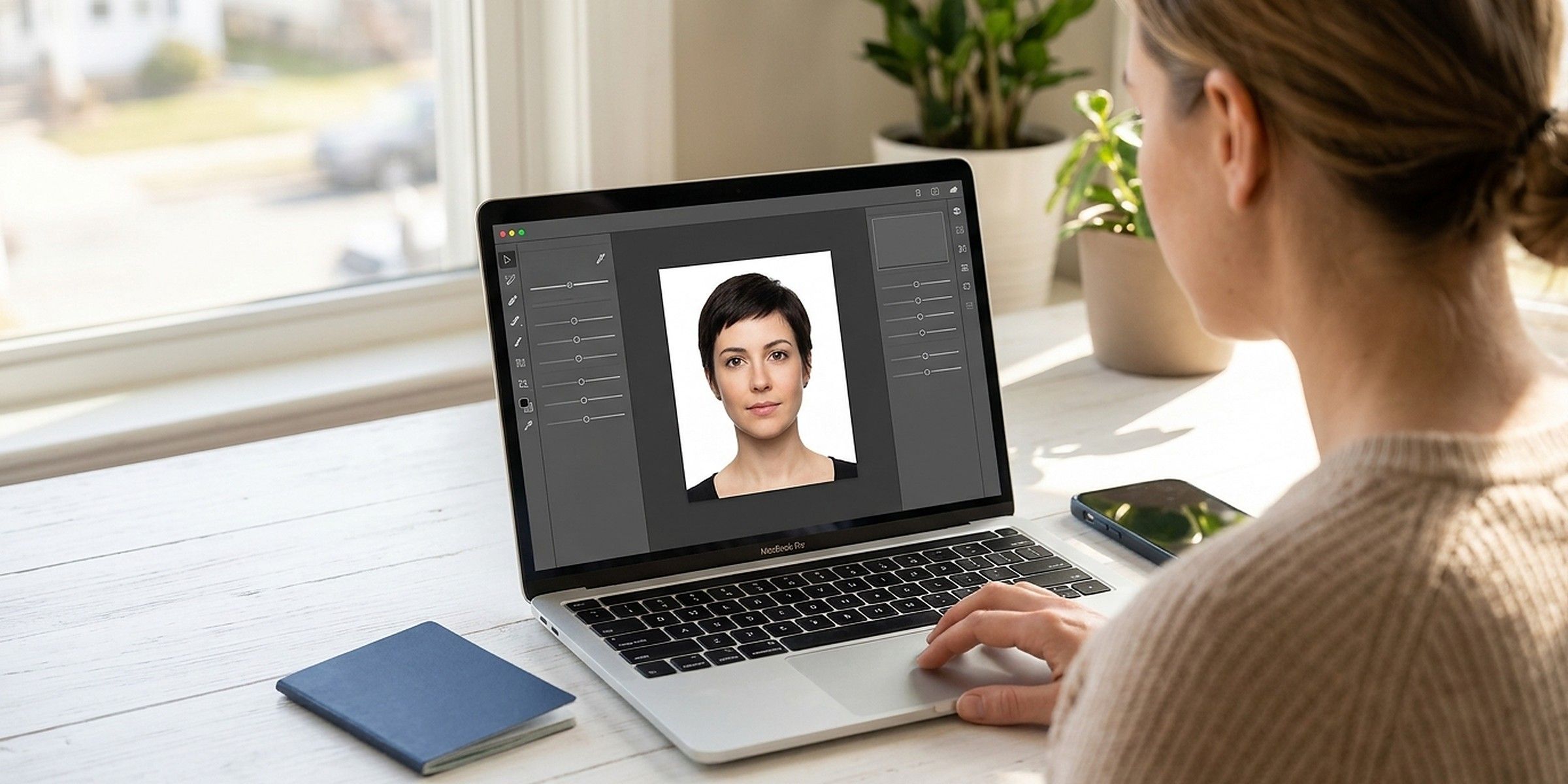
To avoid the dreaded "Background not white / Latar belakang tidak putih" error when taking a photo at home, stand facing a bright window during daytime so diffused natural light illuminates both sides of your face evenly, and rely on an automated biometric background remover rather than trusting a painted bedroom wall.
Even if your living room wall is painted white, smartphone auto-exposure meters darken the background behind your shoulders to balance skin brightness, turning the wall into light grey (#E5E7EB) or warm cream (#FFF8E7). Furthermore, standing too close to the wall casts a dark shadow halo behind your neck and ears. Following the core passport photo lighting and pose dos and don'ts—stepping 2 to 3 feet away from the wall and facing a window—eliminates facial shadows so AI background segmentation can cleanly replace the backdrop with uniform #FFFFFF white.
Mandatory Dark Attire & Hijab (Tudung) Rules for Malaysian Passports
Yes, the Immigration Department of Malaysia strictly mandates that all applicants wear dark-colored clothing covering the shoulders and chest—and that Muslim women wearing a head covering choose a plain, dark-colored hijab or tudung—so the applicant's silhouette contrasts sharply against the pure white (#FFFFFF) background.
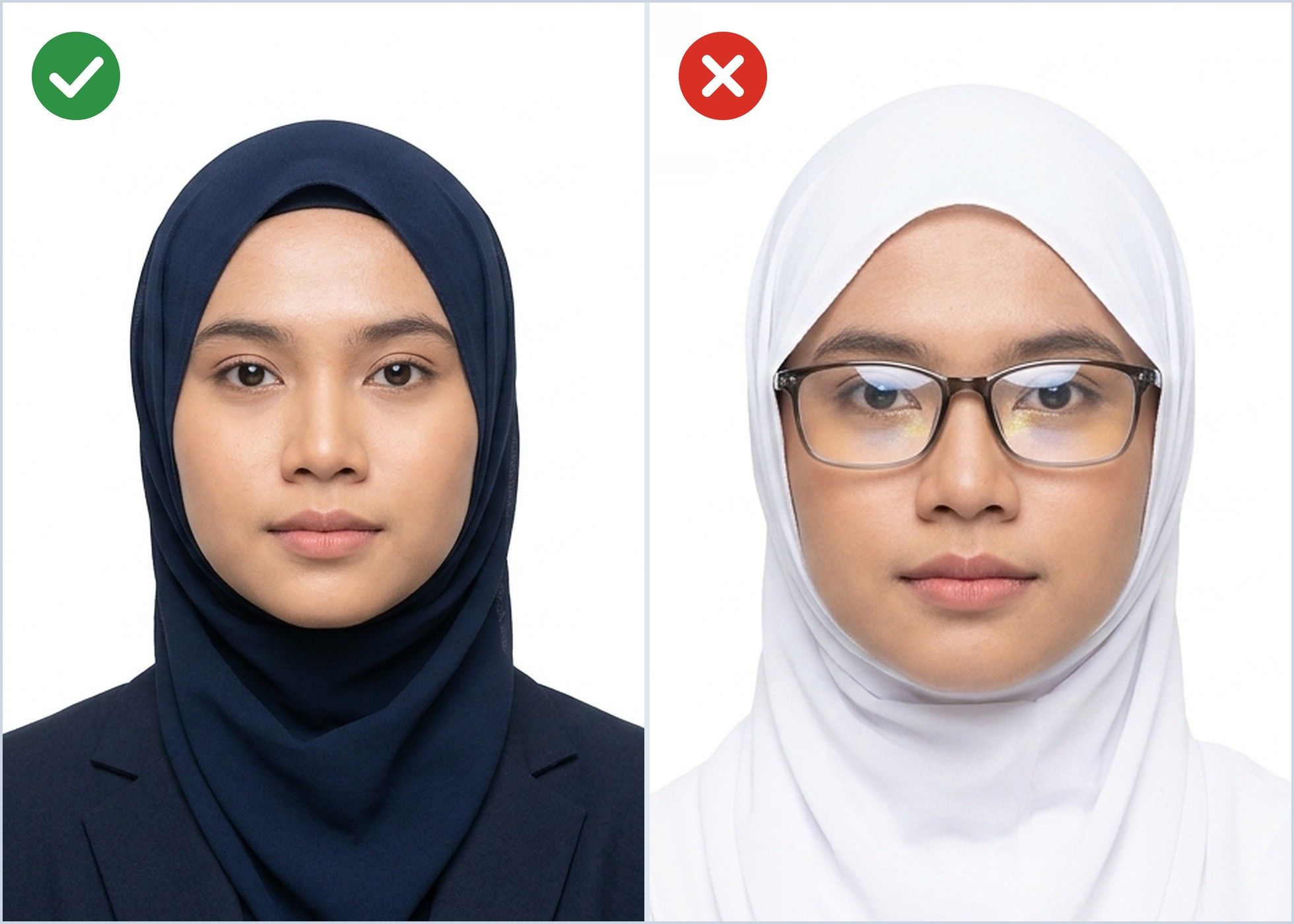
✔ DO: Compliant Dark Attire & Grooming
- Wear solid dark-colored tops: Choose black, dark navy blue, charcoal grey, deep maroon, or dark brown shirts, blazers, or modest blouses that cover the collarbone and shoulders.
- Wear a plain dark hijab/tudung (if applicable): Solid black or dark navy tudungs worn for religious reasons provide maximum contrast against the white backdrop.
- Keep forehead, eyebrows, and cheekbones clear: Pull religious headwear back slightly so the entire facial oval from top of forehead to bottom of chin is visible.
- Tuck non-hijab hair neatly behind both ears: If you do not wear religious headgear, both ears and the full forehead must be completely exposed.
✘ DON'T: Common JIM Rejection Triggers
- Don't wear white, cream, or pastel shirts: Light tops dissolve into the
#FFFFFFbackground and cause instant rejection onMyOnline Passport. - Don't wear a white or light-pastel tudung: A white, beige, or baby-pink hijab blends into the white background and obscures head-height boundaries.
- Don't let bangs or hijab fabric cover eyebrows: Fringes covering the forehead or a tudung pulled low over the brow ridge or casting shadows on the eyes will fail screening.
- Don't wear eyeglasses or colored contact lenses: Remove all spectacles and never wear tinted or pupil-enlarging ("circle") contact lenses.
What Color Shirt Must You Wear for a Malaysian Passport Photo?
You must wear a solid, dark-colored top—such as black, dark navy, dark charcoal, deep forest green, or dark burgundy—that covers your shoulders and chest with a modest neckline or collar. White, off-white, ivory, light grey, pale yellow, and pastel shirts are forbidden because they cause the "floating head" effect against the pure white background.
Sleeveless tank tops, tube tops, spaghetti straps, low-cut V-necks that expose the chest, military/uniformed service attire, and t-shirts with large distracting graphics are also rejected by JIM. If you are taking your photo at home or visiting a JIM/UTC counter for live camera capture, keeping a dark blazer, dark cardigan, or plain black crew-neck t-shirt handy is the easiest way to guarantee attire compliance.
Hijab and Tudung Guidelines: Color, Forehead, and Cheekbone Visibility
Female applicants who wear a hijab, tudung, or selendang for religious reasons must wear a plain, dark-colored head covering (black or dark navy is strongly recommended) while ensuring that the entire forehead, both eyebrows, the outer contours of both cheekbones, and the chin remain 100% uncovered and free of fabric shadows.
Two subtle tudung mistakes account for a large share of MyOnline Passport rejections: first, wearing a stiff awning tudung that projects forward and casts a dark shadow across the forehead and upper eye sockets; second, pinning the sides of the hijab too tightly inward so the fabric covers the outer edges of the eyebrows or cheekbones. Gently style the tudung behind the cheekbone line and face a soft frontal light source so no shadow falls onto your brow.
Rules on Hair, Ears, Eyeglasses, and Colored Contact Lenses
For all applicants not wearing a religious head covering, JIM requires that hair be neatly combed or pinned back so both ears, the entire forehead, and both eyebrows are clearly visible, and enforces a strict zero-tolerance ban on all eyeglasses and colored/cosmetic contact lenses.
- No bangs or fringes over the forehead: Even light, wispy bangs that touch the eyebrows or obscure the forehead will be flagged during manual officer review or automated portal checks.
- Complete ban on eyeglasses: Do not wear prescription glasses, reading glasses, or anti-reflective frames. Lens reflections and frame rims block the periocular biometric zone.
- No colored or "circle" contact lenses: Cosmetic contact lenses that change eye color or enlarge the iris ring are strictly prohibited by JIM because they falsify iris recognition patterns. Clear prescription contact lenses are allowed.
- Hats, headgear, and excessive jewelry: Caps, beanies, headbands, hair ribbons, and large dangling earrings are prohibited. A Sikh turban (dastar) worn daily for religious reasons is permitted, provided it is dark-colored and leaves the forehead, eyebrows, and full face visible.
How to Upload Your Photo to MyOnline Passport Without Errors
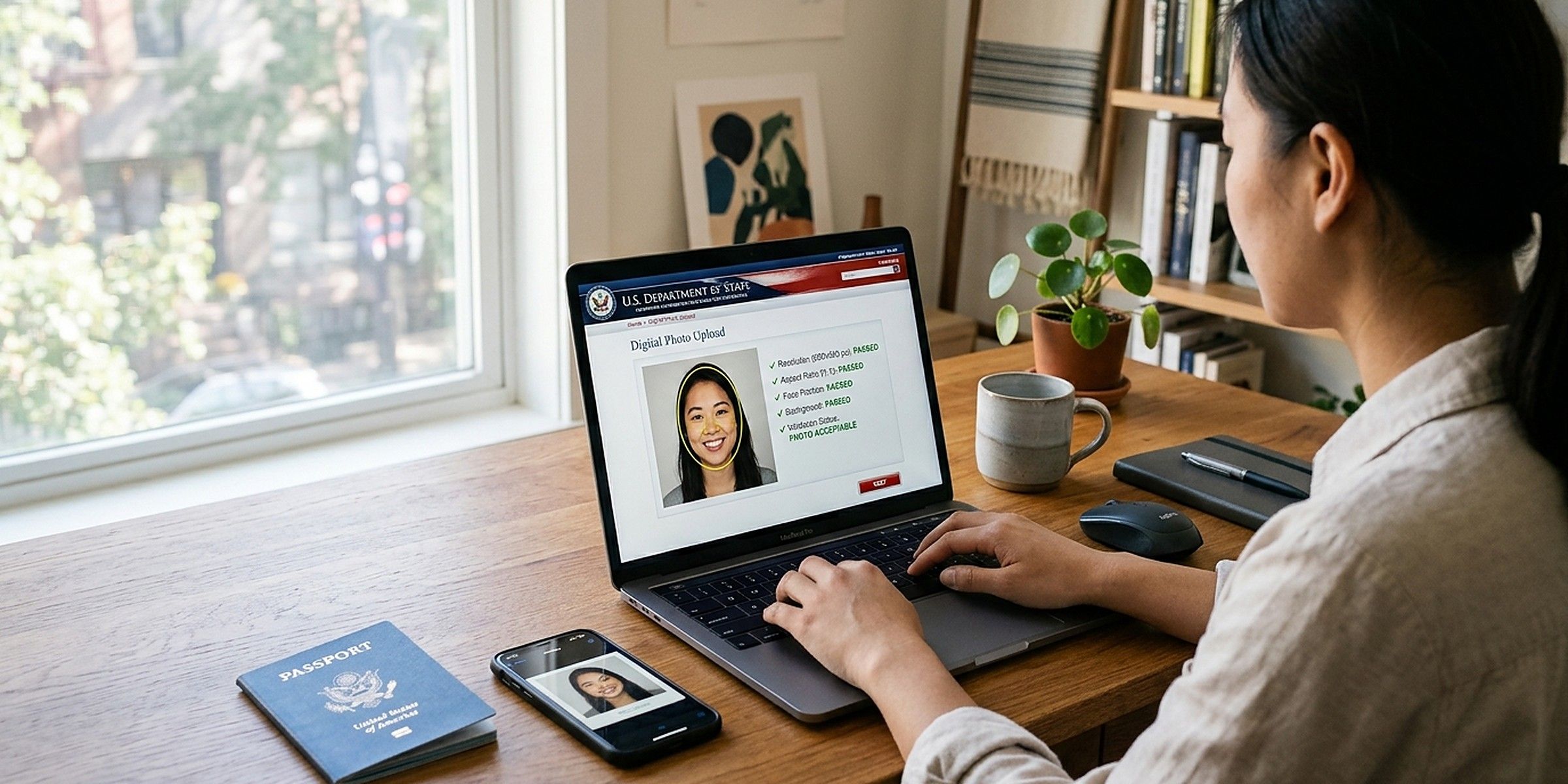
To upload your photo to the official MyOnline Passport portal (imigresen-online.imi.gov.my) without validation errors, prepare a baseline .JPG or .JPEG image measuring exactly 413 × 591 pixels at 300 DPI with a file size between 100 KB and 1 MB, and drag the portal's crop selector across the entire pre-formatted frame.
Fixing "Image Not Clear", "Background Not White", and "Eye Distance" Rejections
If the imigresen-online.imi.gov.my system displays a red warning banner or rejects your application after submission, the failure almost always stems from one of four technical mismatches:
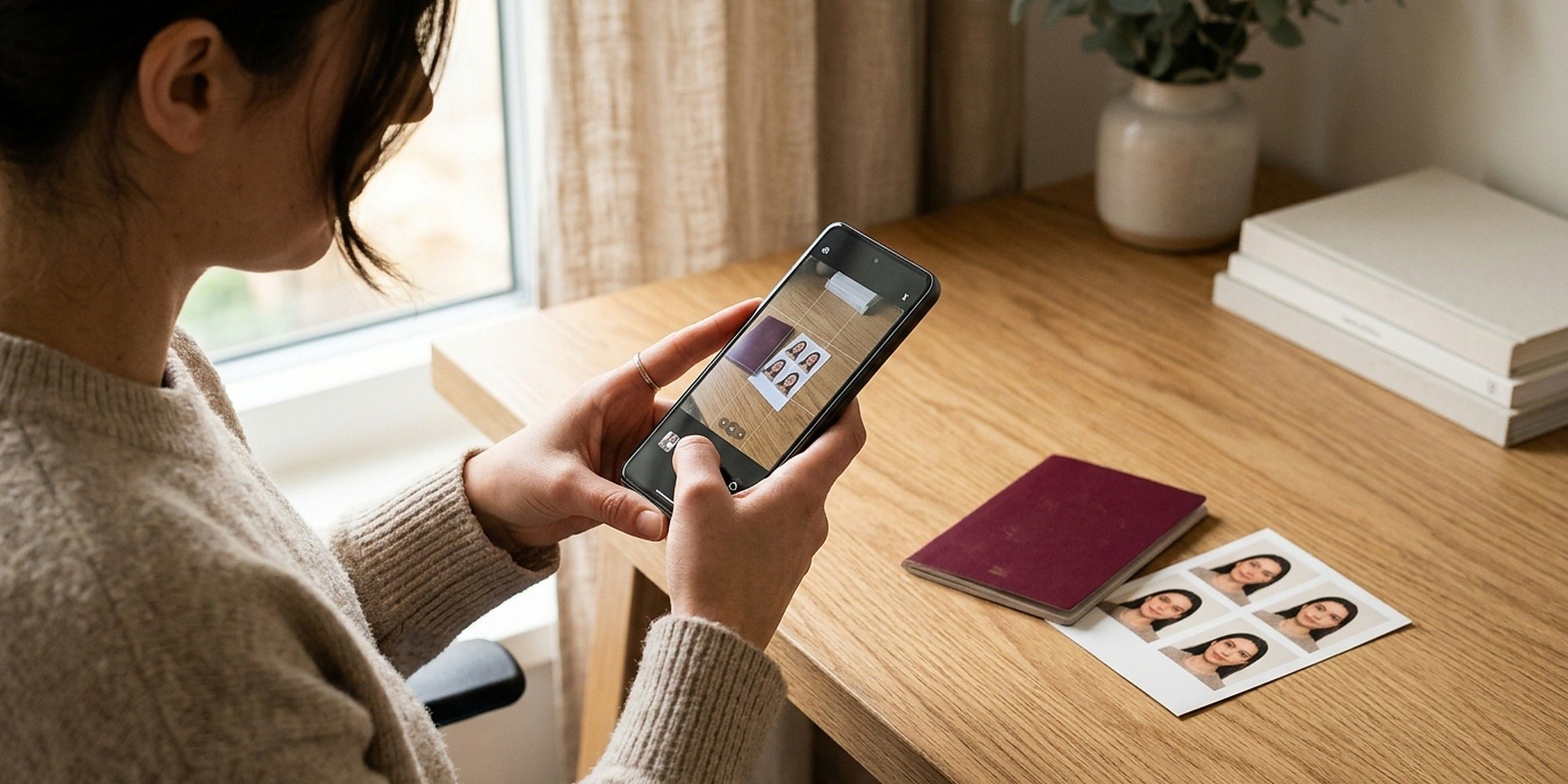
- "Image not clear" (Gambar tidak jelas): This occurs when applicants take a photo of a physical studio print using their phone camera or flatbed scanner. Scanning glossy photo paper introduces visible halftone dots (moiré patterns), surface glare, and low contrast. Always use a native digital portrait taken with a smartphone rear camera from 1.5–2 meters away.
- "Background not white" (Latar belakang tidak putih): Triggered when an unedited home wall registers as off-white or grey in JIM's RGB threshold analyzer, or when shoulder shadows appear behind the neck. The background must be digitally isolated to pure
#FFFFFF. - "Eye distance / Face position error": Triggered when uploading a
35 × 45 mmcrop where the head is too large (70%–80%of the image height) or when the eyes sit too high in the frame because the10 mmtop margin is missing. - The Manual Crop Box Trap on
MyOnline Passport: After you select your.jpgfile onimigresen-online.imi.gov.my, the portal opens an interactive cropping window. Many applicants mistakenly drag the crop box tightly around just their chin and forehead—which destroys the mandatory10 mmtop margin and crops out the dark-attired shoulders! When using a pre-calibrated413 × 591 pxphoto from Snap4ID, drag the portal's selection box from corner to corner so it encompasses 100% of the image.
How Snap4ID's 478-Point Biometric Engine Prepares Your 35×50 mm Photo
Instead of driving to a photo shop or struggling with manual image editors, you can generate an official digital and printable portrait in under 60 seconds using our Malaysian passport photo generator.
When you upload a casual photo taken in dark attire at home, Snap4ID's AI engine automatically locates and measures 478 biometric points across your face, eyes, eyebrows, chin, and crown. It verifies straight-on 3D head posture, strips away your home background, replaces it with an unretouched, studio-grade pure white (#FFFFFF) backdrop, and locks your head height at the exact 25–30 mm (55% target) ratio with a 10 mm top margin inside a crisp 413 × 591 px (300 DPI) JPEG file. Every download is backed by our 100% acceptance guarantee, including a full money-back guarantee in case of rejection by JIM or any Malaysian consulate.
When Do You Need Digital vs. Printed 35×50 mm Photos? (UTC, Infants & Consulates)
You need a digital 413 × 591 px JPEG when renewing online via MyOnline Passport, whereas physical 35 × 50 mm paper prints are required for babies and young children who cannot sit still for live counter cameras, Malaysian diaspora renewals at overseas High Commissions or Consulates, and paper visa applications.
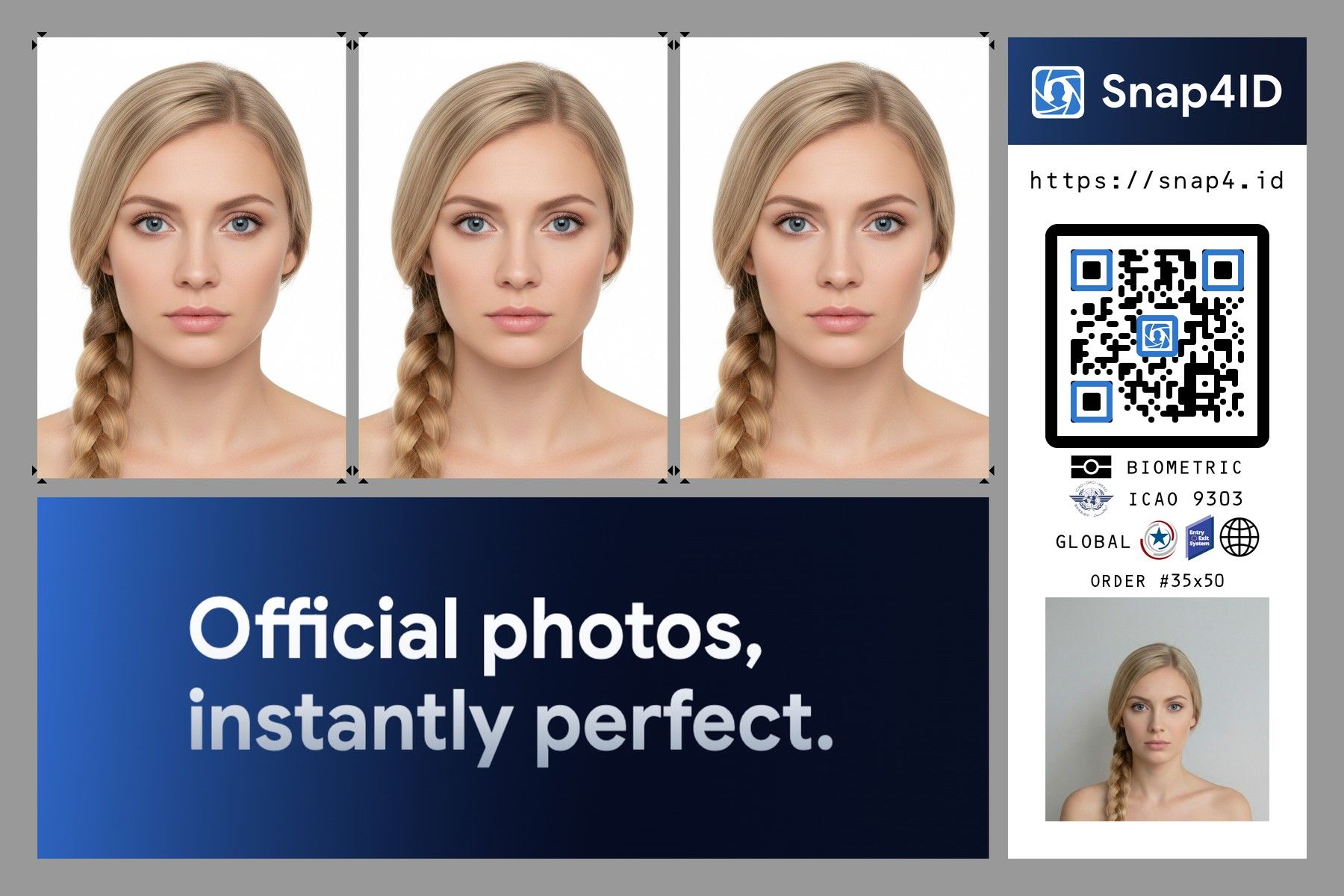
Here is how the 2026 Malaysian passport application channels determine whether you need a digital upload, live counter capture, or physical 35 × 50 mm prints:
MyOnline PassportDigital Renewals (Standard 5-Year Validity): Open to Malaysians aged 13 and above renewing a normal passport. You upload your413 × 591 pxdigital photo online and pay via FPX or credit/debit card—RM 200 for ordinary adults (ages 13–59) or RM 100 for senior citizens (aged 60 and above)—before collecting your printed passport in person at your selected JIM office or Urban Transformation Centre (such as UTC Pudu Sentral in Kuala Lumpur, UTC Shah Alam, UTC Johor Bahru, or UTC Komtar Penang).- Walk-In Counter Applications at JIM / UTC: Required for first-time applicants, children under 13, Persons with Disabilities (OKU—whose passport fee is free), and lost or damaged passports. Standard adult walk-ins are photographed on-site using JIM's Facial Live Capture camera booth (meaning you must still wear dark clothing and a dark tudung to the counter!).
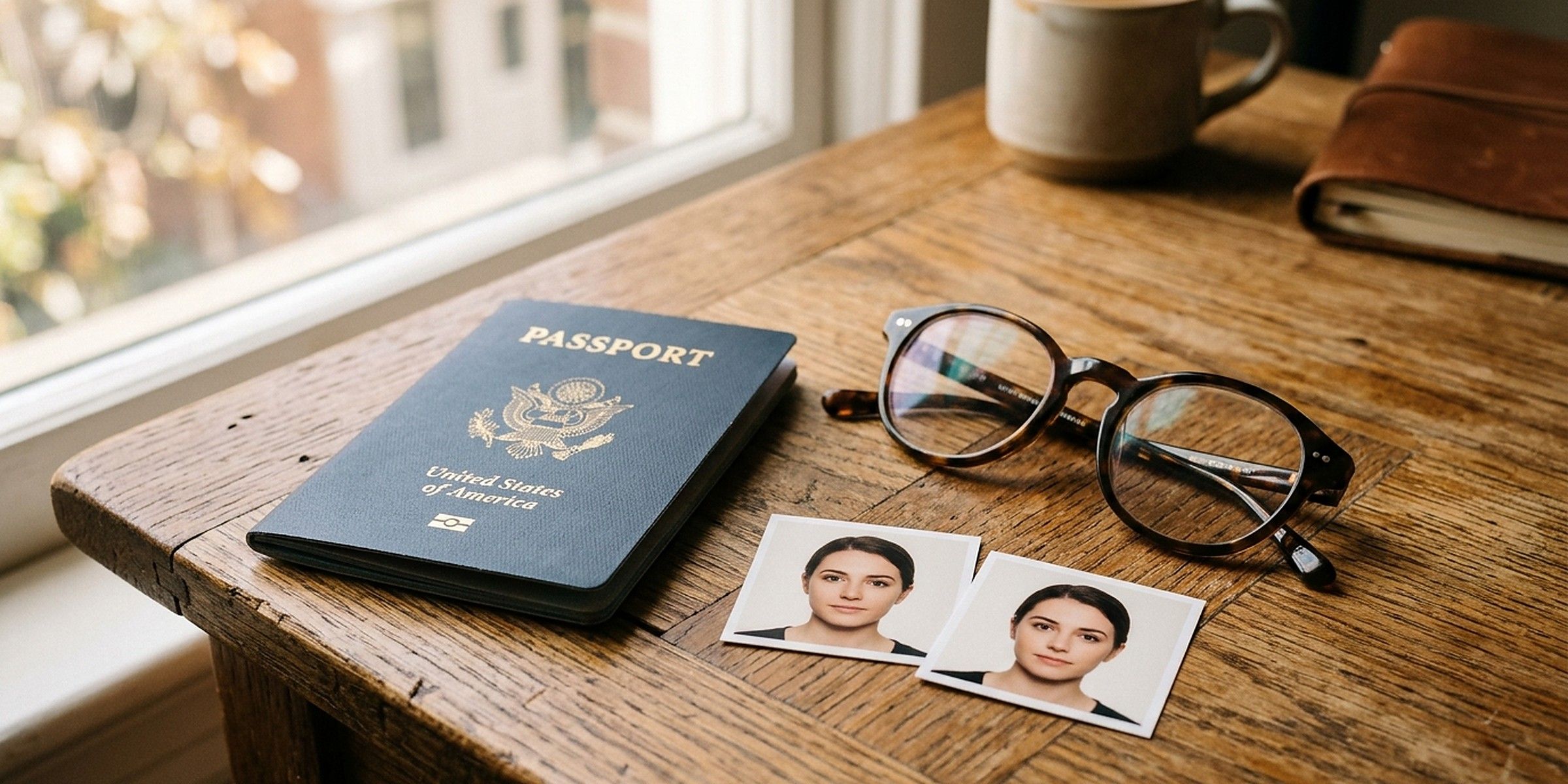
- Overseas Malaysian High Commissions & Consulates (London, Singapore, Melbourne, Washington D.C., New York, Los Angeles): Malaysians renewing abroad or registering a child's birth overseas must frequently bring 2 physical 35 × 50 mm photos printed on quality matte/semi-matte photo paper because many consular missions and postal/appointment workflows require physical photographs.
Taking a 35×50 mm Malaysian Passport Photo for Babies and Children Under 4
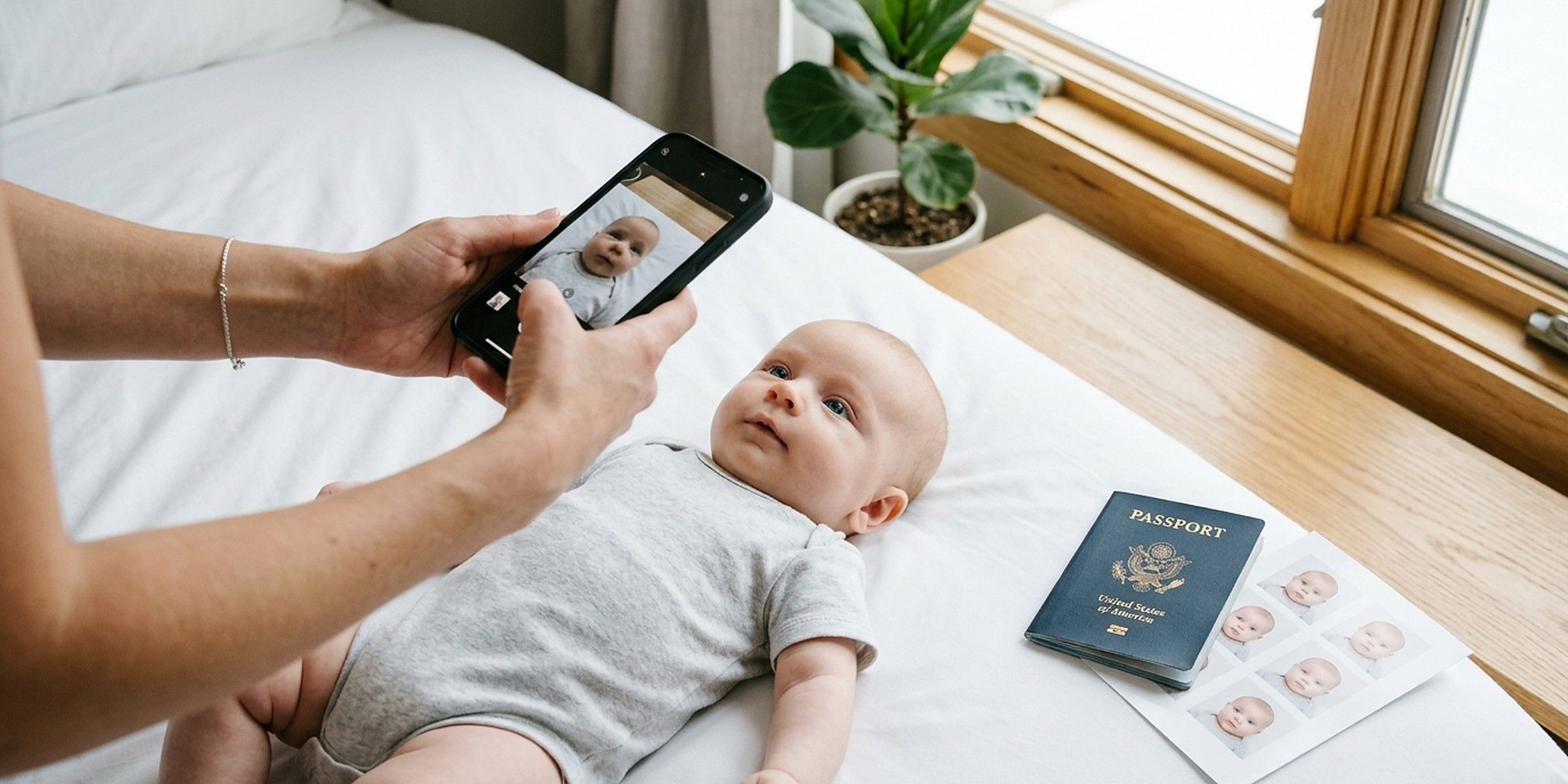
For newborns, infants, and toddlers under 4 years old (whose 5-year passport fee is RM 100), JIM counter live-capture cameras often cannot adjust low enough or capture a squirming baby—making it essential to bring printed 35 × 50 mm photos taken calmly at home.
Dress your baby in a plain, dark-colored onesie or t-shirt (navy blue or black), lay them flat on their back on a smooth sheet, and photograph them straight down from above in bright, even window light. Make sure no parent hands, fingers, bibs, pacifiers, or car-seat straps appear in the frame, and ensure the baby's mouth is closed with eyes open and looking toward the lens.
How to Print Multiple 35×50 mm Photos on a Single 4R (4×6 Inch) Sheet
To print physical 35 × 50 mm photos without paying RM 25–RM 40 (or $16.99+ abroad) at a commercial studio, download Snap4ID's calibrated 4R (4 × 6 inch / 10 × 15 cm) print sheet, which places three exact 35 × 50 mm portraits in a single top row with precision trim guides (because each photo is 50 mm tall, two vertical rows cannot fit on a 100 × 150 mm sheet while preserving safe cutting margins).
Whether you print that 4 × 6 inch sheet at a local photo shop in Malaysia for RM 1–RM 2, or at Walgreens, CVS, Boots, or Officeworks while living abroad for $0.39, make sure to select "Actual Size / Do Not Scale (No Borderless Crop)" at the kiosk so each cutout measures exactly 35 mm wide by 50 mm high.
Frequently Asked Questions (FAQ)
What is the exact size of a Malaysian passport photo in cm and pixels?
An official Malaysian passport photo measures exactly 35 × 50 mm (3.5 × 5.0 cm or 1.38 × 1.97 inches), which corresponds to 413 × 591 pixels at 300 DPI for MyOnline Passport digital uploads. Within this 7:10 frame, your head height from chin to crown must be 25 to 30 mm (50% to 60% of the photo height) with a 10 mm top margin. Standard 35 × 45 mm photos are 5 mm too short and will be rejected.
Can I wear a white shirt or light-colored tudung in my Malaysian passport photo?
No, Jabatan Imigresen Malaysia (JIM) strictly prohibits white, cream, ivory, or pastel shirts and light-colored tudungs because they blend into the mandatory pure white (#FFFFFF) background. All applicants must wear dark-colored clothing covering the shoulders and chest, and Muslim women wearing a hijab must choose a plain dark fabric such as solid black or dark navy.
Are glasses or contact lenses allowed in a Malaysian passport photo?
No, eyeglasses of any kind—including clear prescription spectacles, anti-glare lenses, tinted frames, and sunglasses—must be removed before taking a Malaysian passport photo. Colored contact lenses and pupil-enlarging circle lenses are also banned because they distort iris biometrics, though completely clear prescription contact lenses are permitted if they cause no glare.
Do my ears and forehead need to be visible in a Malaysian passport photo?
Yes, for applicants who do not wear a religious head covering, hair must be tucked neatly behind the ears so that both ears, the entire forehead, and both eyebrows are completely visible. For female applicants wearing a hijab or tudung, the ears may be covered, but the fabric must not obscure the forehead, eyebrows, cheekbones, or chin.
Why does the MyOnline Passport portal keep rejecting my digital photo?
The MyOnline Passport portal (imigresen-online.imi.gov.my) usually rejects uploads for three technical reasons: using a standard 35 × 45 mm crop where the head exceeds Malaysia's 50%–60% ratio, shooting against a home wall that registers as grey instead of pure #FFFFFF white, or uploading a JPEG outside the required 413 × 591 pixel (100 KB–1 MB) specification.
Are Malaysian passport photo requirements the same as Malaysian visa photo requirements?
Yes, the Malaysian eVISA and consulate visa photo specifications are identical to the Malaysian International Passport photo standard: an unretouched 35 × 50 mm (413 × 591 px at 300 DPI) color portrait on a pure white (#FFFFFF) background with a 25–30 mm head height, 10 mm top margin, dark attire, and zero eyeglasses.
Upload any smartphone photo in dark attire and let Snap4ID verify 478 biometric points, set a pure white (#FFFFFF) background, and deliver both a 413×591 px MyOnline Passport JPEG and a 4R print sheet—backed by our 100% acceptance guarantee. Create Your 35×50 mm Malaysian Passport Photo Now →