MyTravelGov Online Passport Renewal Photo Upload Rules and Fixes (2026)
Official 2026 MyTravelGov (opr.travel.state.gov) passport renewal photo upload rules: 600×600–1200×1200 px, 54 KB–10 MB JPEG specs & AI rejection error fixes.

Table of Contents
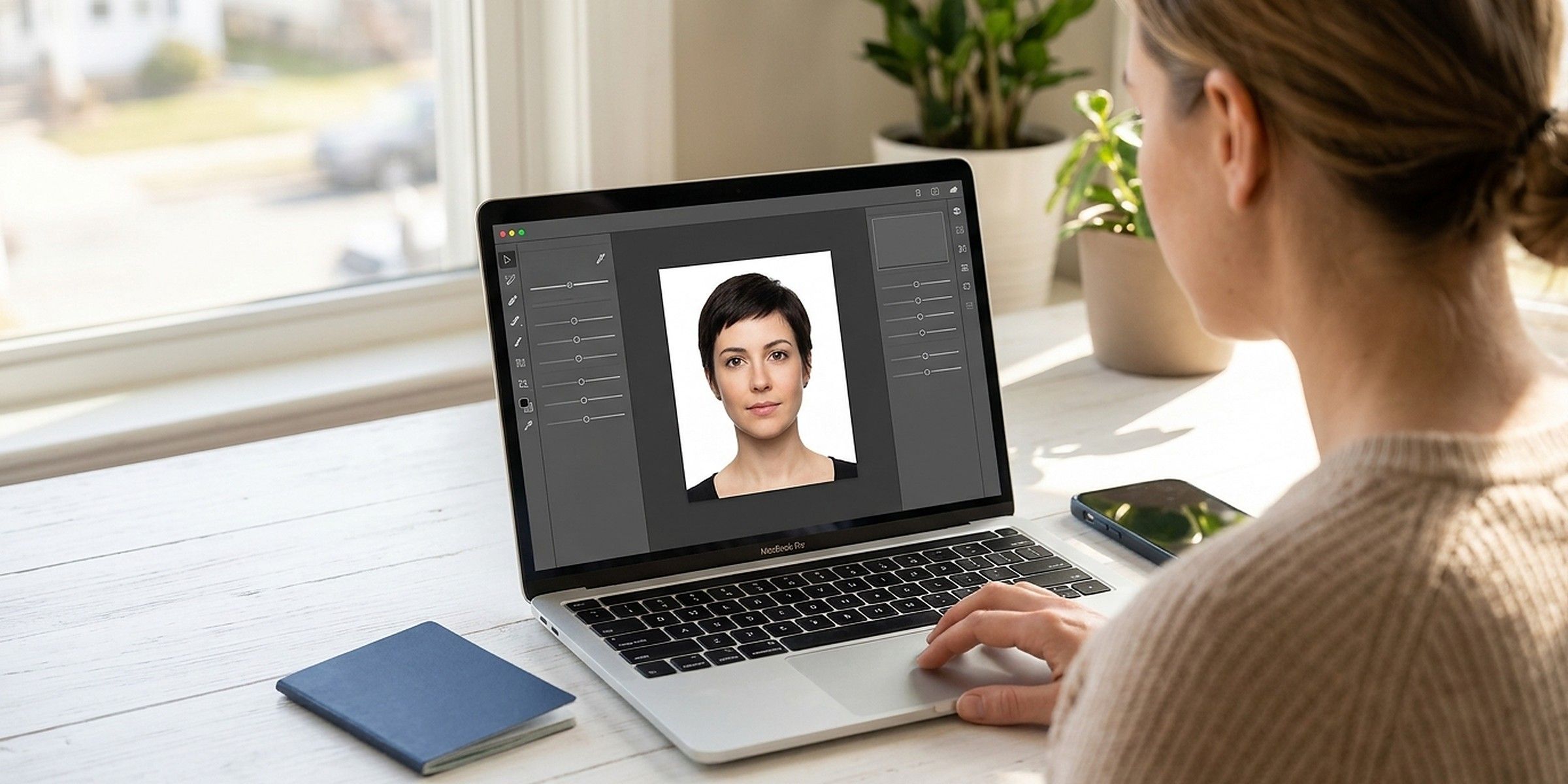
To pass the U.S. Department of State MyTravelGov (opr.travel.state.gov) online passport renewal upload check in 2026, your digital photo must be an unretouched 1:1 square baseline JPEG (.jpg) measuring between 600 × 600 pixels and 1200 × 1200 pixels, weighing strictly between 54 KB and 10 MB in sRGB color space on a plain pure white (#FFFFFF) background. Creating a calibrated US passport photo before logging into your MyTravelGov account eliminates automated cropping errors, Portrait Mode rejections, and weeks of manual processing delays.
- Exact File & Pixel Specs: Must be a
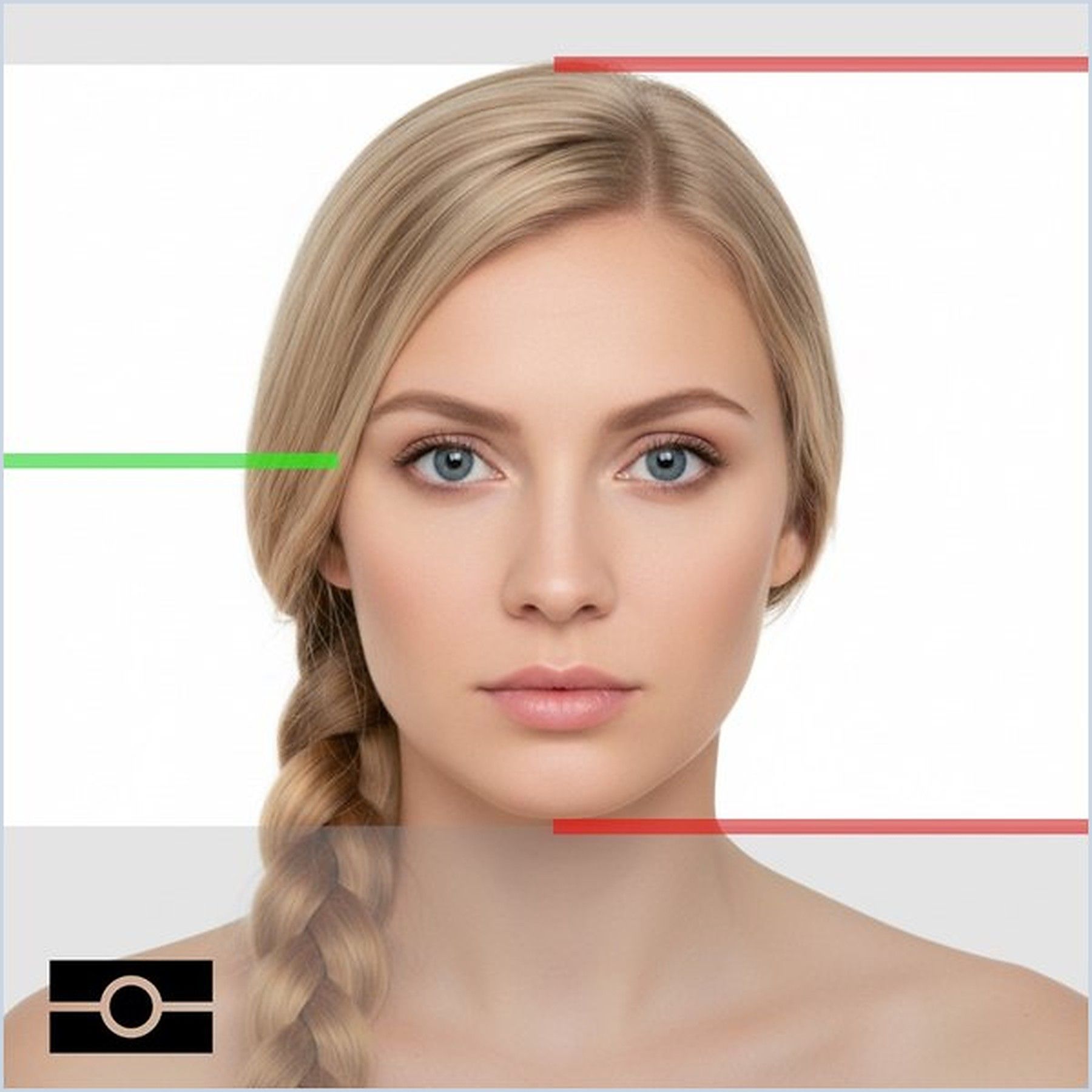
1:1square.JPG/.JPEGinsRGBcolor measuring 600 × 600 px minimum to 1200 × 1200 px maximum with a file weight between 54 KB and 10 MB (ideal sweet spot:1200 × 1200 pxat150–500 KB). - Biometric Head & Eye Geometry: Your head height from the bottom of the chin to the top of the crown must occupy 50% to 68.75% of the frame (equivalent to
1 to 1⅜ incheson a2×2"print), with eyes positioned 56.25% to 68.75% from the bottom edge. - Zero Portrait Mode, Filters, or Glasses: Smartphone "Portrait Mode" depth blur, selfie beauty smoothing, eyeglasses, and photos of printed Walgreens/CVS pictures trigger immediate AI upload warnings or post-submission suspensions.
- First-Try Portal Acceptance: Snap4ID maps 478 biometric points to frame your face to exact State Department tolerances on a pure
#FFFFFFwhite background, backed by a 100% acceptance guarantee (full money-back guarantee in case of rejection).
1. Official 2026 MyTravelGov Digital Passport Photo Specifications
The U.S. Department of State Online Passport Renewal portal (opr.travel.state.gov) enforces automated computer-vision checks requiring a square 1:1 digital JPEG image between 600 × 600 and 1200 × 1200 pixels, weighing 54 KB to 10 MB in 24-bit sRGB color, taken within the last 6 months against a shadow-free white background.
Unlike paper applications where a postal clerk eyeballs a stapled 2×2 inch print, the U.S. Department of State Online Passport Renewal page (travel.state.gov) runs every uploaded file through a two-stage verification pipeline. First, an instant browser-side AI validator checks your pixel dimensions, byte size, head-to-canvas ratio, background luminance, and EXIF compression. Second, after you submit your $130 payment on Pay.gov, a federal passport specialist inspects the full-resolution image alongside the biometric portrait stored from your expiring 10-year passport.
| Biometric / File Parameter | MyTravelGov Digital Upload (opr.travel.state.gov) | Mail-In Form DS-82 / DS-11 Paper Print | Snap4ID Calibrated Output |
|---|---|---|---|
| Dimensions & Aspect Ratio | 600 × 600 px min to 1200 × 1200 px max (1:1 square) | 2 × 2 inches (51 × 51 mm, 1:1 square print) | Exact 1200 × 1200 px (600 DPI) digital + 4×6" print sheet |
| File Weight Budget | 54 KB minimum to 10 MB maximum | N/A (physical photo paper, matte or glossy) | Optimized 180 KB – 450 KB (zero compression artifacts) |
| File Format & Color Space | Baseline .JPG / .JPEG in 24-bit sRGB color | Full-color photographic print (no visible printer dots) | Universal baseline .JPG encoded in standard sRGB |
| Head Height (Chin to Crown) | 50% – 68.75% of total image height (600–825 px at 1200 px) | 1 to 1⅜ inches (25 – 35 mm) | Locked to State Dept target (67.5% / 1.35 in via 478 biometric points) |
| Eye Level (From Bottom Edge) | 56.25% – 68.75% from bottom edge (675–825 px at 1200 px) | 1⅛ to 1⅜ inches (28.5 – 35 mm) from bottom | Automatically centered on horizontal eye line (62.5% target) |
| Background & Lighting | Plain pure white (#FFFFFF) or off-white; zero shadows | Plain white or off-white; uniform facial illumination | AI-isolated pure white (#FFFFFF) with zero facial retouching |
| Eyeglasses & Recency | Zero glasses allowed (no medical waivers online); < 6 months old | No glasses (unless signed doctor's statement enclosed); < 6 months old | Pre-screened for eyewear, glare, and 3D head tilt (≤ 15°) |
600×600 px vs. 1200×1200 px: Avoiding the MyTravelGov Auto-Cropper Trap
You should always upload a 1200 × 1200 pixel image rather than a minimum 600 × 600 pixel file because the MyTravelGov portal runs an automated cropping and centering tool upon upload. If you pre-crop a photo tightly to 600 × 600 pixels, the portal's auto-cropper often zooms in further and triggers a low-resolution or "face too close" error.
Counter-Intuitive Portal Trap #1 — The MyTravelGov Auto-Cropper Rejection: Many applicants use a free phone editor to crop their selfie right around their chin and hair at 600 × 600 px before uploading. When opr.travel.state.gov ingests that file, its framing algorithm searches for at least 15% top headroom above the crown and 35% lower chest/shoulder margin below the chin. Finding none, it either rejects the upload immediately or forces you into the manual cropping tool where zooming out leaves blank white borders. Uploading a pre-calibrated 1200 × 1200 px canvas (which contains 4× the total pixels of a 600 × 600 px image) with exact crown and shoulder margins allows the MyTravelGov validator to accept the file on the first try without manual adjustments.
Keep in mind that while the US visa photo portal (Form DS-160 / CEAC) shares the same 600 × 600 px to 1200 × 1200 px geometry, DS-160 caps file weight at 240 KB, whereas MyTravelGov accepts up to 10 MB.
The 54 KB to 10 MB File Weight Rule, .JPG vs. .HEIC, and sRGB Color
To pass MyTravelGov's file integrity check, your image must be saved as a standard 8-bit per channel (24-bit) sRGB baseline JPEG (.jpg or .jpeg) weighing at least 54 KB and no more than 10 MB. Files exported in Apple's .HEIC format, .WEBP, 16-bit .PNG with alpha transparency, or wide-gamut Display P3 color profiles frequently fail upload validation.
Why is 54 KB such a common stumbling block? Modern smartphones shoot 12 MP to 48 MP photos weighing 2.5 MB to 8 MB, which easily exceed the minimum. However, the moment you text that photo from your iPhone to an Android phone via SMS/MMS, send it over WhatsApp or Facebook Messenger, or email it to your laptop using Apple Mail's "Small" or "Medium" attachment setting, the messaging app re-compresses the image down to 28 KB – 49 KB. When you upload that compressed copy to opr.travel.state.gov, the portal flags the quantization artifacts and blocks submission. Always transfer your photo at full resolution or generate a dedicated 150 KB – 500 KB sRGB JPEG directly on the device you use to apply.
2. Complete MyTravelGov Photo Upload Error Troubleshooting Matrix (2026)
When MyTravelGov rejects a passport photo upload, the error stems from one of seven automated checks: excessive JPEG compression under 54 KB, AI detection of Portrait Mode blur or beauty retouching, background shadows, improper head-to-frame cropping, eyeglasses glare, unsupported .HEIC containers, or photographing a physical paper print.
Use the diagnostic matrix below to match the exact warning message displayed on opr.travel.state.gov with its underlying technical cause and immediate fix:
| MyTravelGov Portal Error Message | Root Technical Cause | Step-by-Step Fix for Instant Approval |
|---|---|---|
1. "File size is too small" (< 54 KB) / "Image is overly compressed" | Photo was transferred via SMS, WhatsApp, Messenger, or compressed email attachment, stripping JPEG data below 54 KB. | Transfer the original camera file via AirDrop, USB cable, or cloud drive—or download a calibrated 150–500 KB (1200×1200 px) JPEG from Snap4ID. |
| 2. "Photo appears to be digitally altered or retouched" | Shot with iPhone/Android "Portrait Mode" (depth bokeh), front-camera skin smoothing, or crude manual eraser leaving halo edges around hair. | Disable Portrait Mode and all face filters; shoot in standard Photo mode. Use Snap4ID's ICAO background replacement (#FFFFFF) that never alters facial pixels. |
| 3. "Background is not plain white / contains shadows" | Standing < 1 foot from a bedroom wall or door; overhead ceiling lights cast dark shadows behind the neck or create yellow/gray casts (#E5E0D8). | Stand 3–4 feet away from the wall facing a bright window, or let Snap4ID neutralize uneven room lighting and set a uniform #FFFFFF white backdrop. |
| 4. "Face is too close / too far" or Cropping Tool Error | Uploading a tightly cropped 600×600 px selfie where the head exceeds 68.75% (1⅜") or lacks the required 15% top headroom margin. | Have someone stand 5–6 feet away to capture your head and upper torso, then let Snap4ID output a 1200×1200 px canvas with exact 50%–68.75% head height. |
| 5. "Eyeglasses detected" / "Glare on face" | Wearing clear prescription frames, blue-light lenses, or tinted glasses (banned since Nov 2016), or specular forehead hotspot from direct camera flash. | Remove all eyeglasses completely before taking the photo and turn off direct camera flash in favor of diffused daylight. |
6. "Unsupported file format" (.HEIC, .WEBP, .PNG, .PDF) | Uploading an Apple .HEIC Live Photo, a 16-bit transparent .PNG, or manually renaming photo.heic to photo.jpg without re-encoding. | Export a true 8-bit sRGB baseline .JPG file (54 KB – 10 MB). Snap4ID automatically encodes every download as a compliant baseline .JPG. |
| 7. "Scan or photo of a printed photo detected" | Taking a smartphone picture or flatbed scan of a physical 2×2" drugstore print, introducing paper sheen, moiré dots, and keystone distortion. | Never photograph a paper print for MyTravelGov. Capture a fresh digital portrait directly on your phone and process it as a native 1200×1200 px JPEG. |
Fix #1: "Photo Appears to Be Altered or Retouched" (The Portrait Mode Trap)
The "Photo appears to be altered or retouched" error on MyTravelGov is almost always caused by smartphone Portrait Mode (synthetic background blur), default front-camera beauty filters that smooth pores and under-eye lines, or jagged cut-out edges from generic graphic design apps.
Counter-Intuitive Portal Trap #2 — Why "Portrait Mode" Delays Your Passport by Months: On modern iPhones, Samsung Galaxy, and Google Pixel devices, Portrait Mode uses depth-map estimation to blur the background while feathering the edges of your ears, cheekbones, and hair strands. Even if a Portrait Mode photo slips past the initial automated upload screen on opr.travel.state.gov, federal passport adjudicators are trained to reject images with synthetic bokeh or softened facial skin texture because those alterations change the mathematical edge gradients used by border facial recognition gates. If flagged during manual review, the State Department places your application on hold and emails a letter requesting a new photo—adding 3 to 5 weeks to your processing timeline.
According to the official U.S. State Department passport photo guidelines, your digital portrait must remain 100% faithful to your natural biometric features, including moles, freckles, scars, and natural skin texture. Snap4ID is engineered specifically for government compliance: our AI isolates and replaces only the background behind your shoulders and hairline with pure #FFFFFF white while leaving every single pixel on your face, eyes, and skin completely unretouched.
Fix #2: "Background Is Not Plain White" & Facial Shadow Rejections
To eliminate background and facial shadow errors on MyTravelGov, stand 3 to 4 feet in front of a wall facing a natural daylight window so that shadows fall below your waist, or use an automated biometric tool that replaces shadowed household walls with uniform #FFFFFF white.
When you stand directly against a bedroom door or hallway wall under a warm 2700K ceiling bulb, two problems occur simultaneously: your head casts a dark crescent shadow onto the wall behind your ears, and the overhead fixture casts deep shadows into your eye sockets and beneath your nose. The MyTravelGov luminance detector measures pixel brightness across all four corners of the background as well as the left-to-right symmetry of your cheeks. As detailed in our complete guide to DOs and DON'Ts on a US passport photo, balanced front lighting is essential so both irises and facial contours are evenly illuminated.
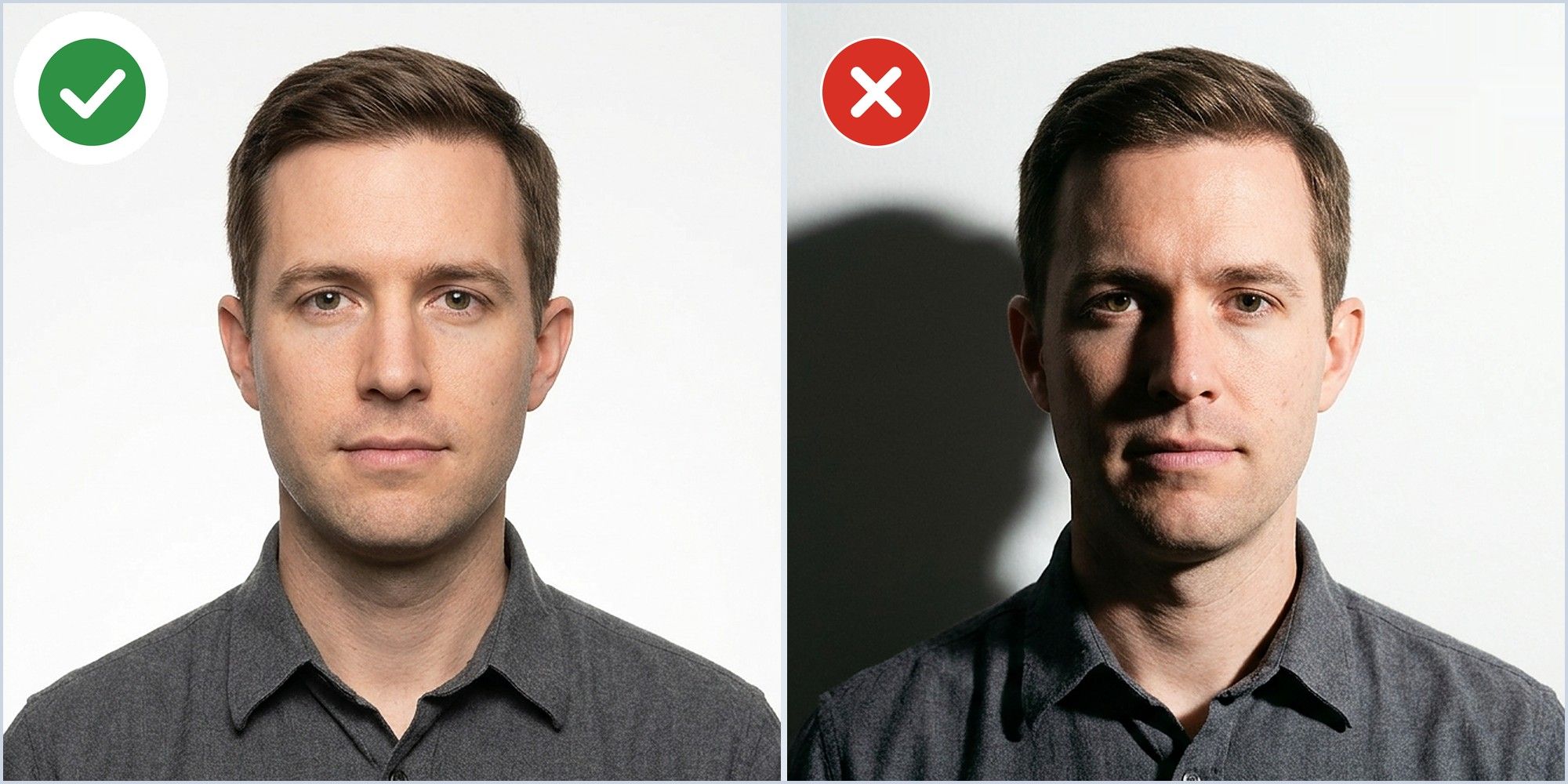
✓ DO: Compliant MyTravelGov Digital Upload
- Pure White Background (
#FFFFFF): Uniform, shadow-free white backdrop with crisp, natural hair and shoulder edges. - Balanced Front Lighting: Diffused daylight or two even lamps illuminating both sides of the face equally without forehead glare.
- 1200 × 1200 px Baseline JPEG: Exported in
sRGBcolor space between150 KB and 500 KB(well inside the54 KB – 10 MBwindow). - Exact Biometric Framing: Full face centered straight toward the lens with head height occupying
50% – 68.75%of the square frame.
✗ DON'T: Common Portal Rejection Triggers
- Harsh Side or Overhead Shadows: Dark shadows across one side of the face, in the eye sockets, or cast onto a gray/yellow wall behind the head.
- Portrait Mode or Beauty Smoothing: Artificial depth-of-field blur, skin retouching filters, or manual eraser halos around the ears.
- Compressed Messaging Copies (
< 54 KB): Photos sent via SMS, WhatsApp, or Messenger that fall below the54 KBportal floor. - Photos of Paper Drugstore Prints: Smartphone pictures taken of a physical
2×2"CVS or Walgreens print showing paper glare.
Fix #3: "File Size Under 54 KB" & "Scan of Printed Photo Detected"
Never take a smartphone picture of a printed 2×2 inch pharmacy photo to upload to MyTravelGov, and never transfer your digital photo through text-messaging apps that compress files under 54 KB. Always start from an original camera portrait captured directly on your phone.
Counter-Intuitive Portal Trap #3 — Photographing a $16.99 Walgreens or CVS Print: Thousands of applicants visit a retail pharmacy, pay $16.99 for two printed 2×2 inch passport photos, and then discover they can renew online at opr.travel.state.gov. When they lay the glossy paper print on a desk and snap a photo of it with their phone, MyTravelGov's anti-spoofing detector immediately flags the specular paper reflection, dye-sublimation halftone patterns, and lens barrel distortion, rejecting the upload with "Scan or photo of a printed photo detected."
3. Biometric Pose, Head Size (1–1⅜") & Eyewear Rules for Online Renewal
For a MyTravelGov digital upload to pass both automated screening and human specialist review, your head must measure 50% to 68.75% of the frame height (equivalent to 1 to 1⅜ inches on a 2×2 inch print), with eyes 56.25% to 68.75% from the bottom, a neutral or closed-mouth expression, and no eyeglasses.
Strict No-Eyeglasses Rule & The 6-Month Recency Check
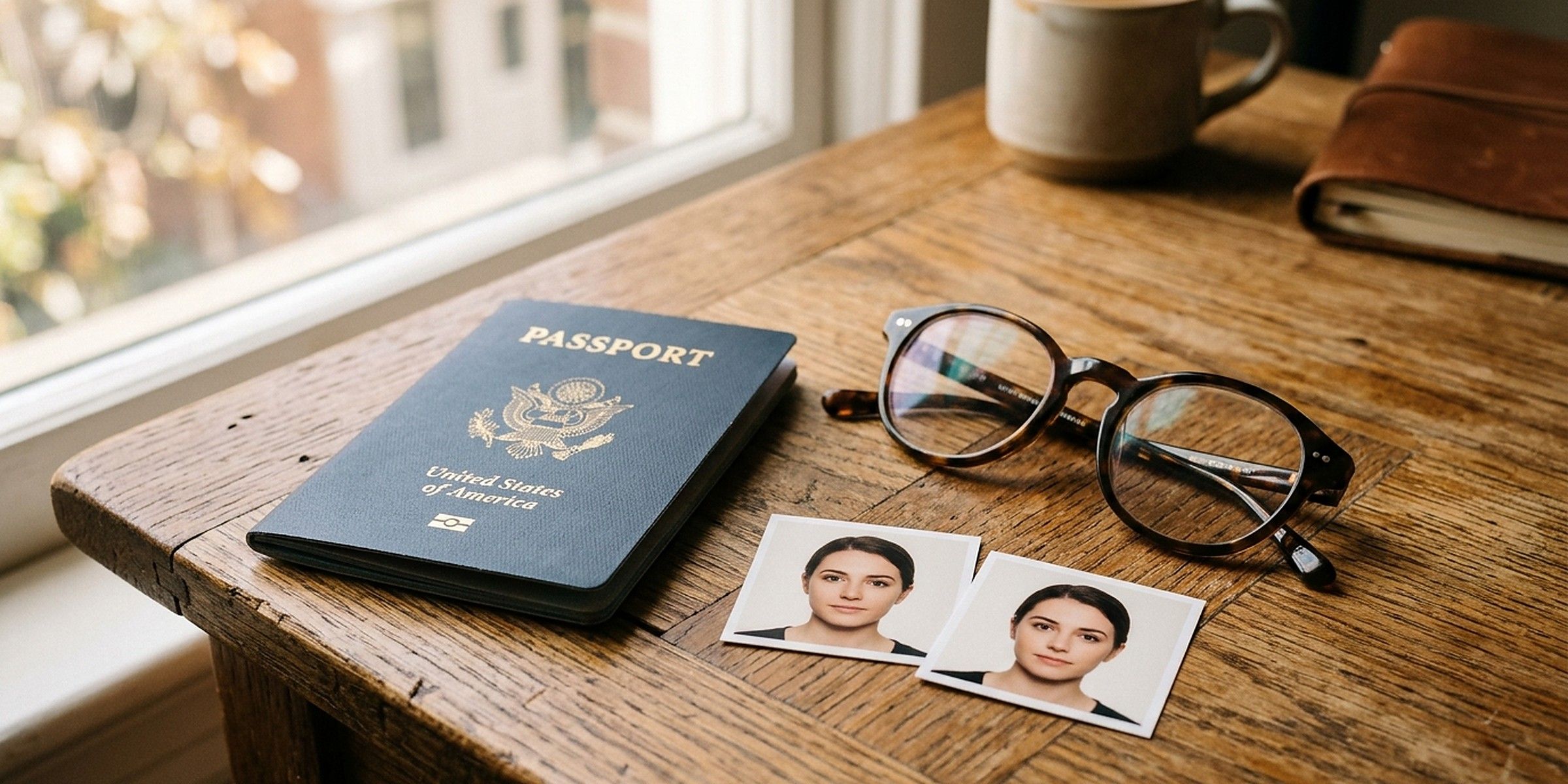
You must remove all eyeglasses—including clear prescription lenses, reading glasses, and blue-light frames—before taking your MyTravelGov passport photo, and the photo must have been taken within the last 6 months. Online renewal applicants cannot submit a doctor's medical exemption letter for glasses through the digital portal.
If you have a documented medical condition (such as recent ocular surgery) that requires you to wear glasses at all times, the State Department requires you to renew by mail using paper Form DS-82 so you can enclose a physical signed statement from your physician. Furthermore, do not upload the same photo used on your expiring passport or an older driver's license photo: the MyTravelGov system automatically compares your uploaded JPEG against your previous passport record and flags duplicate or outdated portraits.
How Snap4ID's 478 Biometric Points Guarantee First-Try Upload Approval
Instead of guessing whether your smartphone selfie meets federal pixel ratios, Snap4ID's computer-vision engine maps and measures 478 biometric points across your face, cranial crown, chin, pupils, and shoulders to generate a ready-to-upload MyTravelGov file in seconds.
Here is what happens automatically when you process your portrait with Snap4ID:
- Precision 478-Point Landmark Mapping: Our AI locates 478 biometric points to verify that your head tilt, pitch, and yaw are within strict federal tolerances (
≤ 15°), scaling your head height to the exact67.5%target and eye level to62.5%from the bottom edge. - Unretouched Facial Pixels + Pure
#FFFFFFBackdrop: We segment and replace only the household background with studio-grade pure white (#FFFFFF), preserving 100% of your natural skin texture so you never trigger MyTravelGov's "altered or retouched" filter. - Calibrated
1200 × 1200 pxsRGBJPEG Output: You receive a baseline.JPGencoded at1200 × 1200 pixels(600 DPI) weighing150 KB – 500 KB—giving the MyTravelGov validator 4× the minimum pixel area and sitting squarely inside the54 KB – 10 MBlimit. - 100% Acceptance Guarantee: Every Snap4ID photo is backed by our 100% acceptance guarantee (a full money-back guarantee in case of rejection by the U.S. Department of State). Also note that state mobile wallet apps or existing REAL ID photo records stored at the DMV cannot be exported as compliant passport JPEGs—you always need a dedicated
1:1biometric capture.
Skip the $16.99 pharmacy trip and portal upload errors. Snap4ID checks 478 biometric points, sets a pure #FFFFFF background, and delivers both a 1200 × 1200 px (54 KB–10 MB) JPEG for MyTravelGov and a backup 4×6" print sheet with a 100% acceptance guarantee. Create Your US Passport Photo Now →
4. Who Can Renew Online in 2026? MyTravelGov vs. Mail-In Form DS-82
To qualify for online passport renewal through MyTravelGov in 2026, you must be a U.S. resident renewing a regular 10-year adult passport issued when you were age 25 or older that was issued between 9 and 15 years ago, with no name changes and at least 6 to 8 weeks before international travel.
Before you spend time troubleshooting a digital upload on opr.travel.state.gov, verify how your renewal scenario maps across the three official U.S. Department of State pathways:
| Renewal Pathway | Who Must Use This Method in 2026 | Processing Time & Federal Fee | Required Photo Format |
|---|---|---|---|
1. MyTravelGov Online Renewal (opr.travel.state.gov) | Adults living in a U.S. state/territory whose 10-year passport was issued at age 25+, is 9 to 15 years old (expiring within 1 year or expired < 5 years), is undamaged in their possession, and requires no name or data changes. | Routine only: 6–8 weeks Book: $130 | Card: $30 | Both: $160 (paid via Pay.gov) | Digital JPEG upload (600×600 to 1200×1200 px, 54 KB–10 MB, sRGB) |
| 2. Mail-In Renewal (Paper Form DS-82) | Adults whose 10-year passport was issued at age 16–24, applicants requesting a legal name change (marriage/divorce court order), applicants needing Expedited Service (2–3 weeks), or citizens renewing from Canada/abroad. | Routine: 6–8 weeks ($130)Expedited: 2–3 weeks ( +$60 fee) | Physical 2 × 2 inch paper print stapled to Form DS-82 |
| 3. In-Person Application (Form DS-11 at Acceptance Facility) | First-time adult applicants, all children under age 16 (5-year passports), anyone whose previous passport was lost, stolen, or damaged, or passports issued more than 15 years ago. | Routine or Expedited$130 Book + $35 Execution Fee | Physical 2 × 2 inch paper print handed to acceptance agent |
The "9-to-15 Year" Passport Window & Age 25+ Requirement
Why does the MyTravelGov portal require you to be at least 25 years old when your expiring passport was issued? Because a U.S. adult 10-year passport is only issued to applicants aged 16 and older, anyone whose passport is 9 to 15 years old today is at least 25 years old. However, if your expiring 10-year passport was issued when you were 16 to 24, the State Department's online eligibility screener frequently directs you to mail in paper Form DS-82 if your facial bone structure has changed significantly since adolescence or if your issue date falls outside the exact 9-to-15-year window from today's date.
Why You Should Always Keep a 4×6" Print Sheet Backup for Form DS-82
If you start the MyTravelGov questionnaire and discover you are ineligible for online renewal—for example, because you just booked an international flight departing in 4 weeks and need 2–3 week Expedited Service (+$60), or you are updating your surname after marriage—you must switch to mail-in Form DS-82, which requires a physical 2 × 2 inch printed photo.
With Snap4ID, you never have to pay twice. Every order automatically includes both the calibrated 1200 × 1200 px digital JPEG for MyTravelGov and a printable 4 × 6 inch (10 × 15 cm) postcard sheet formatted at 600 DPI. You can upload that 4×6" sheet to Walgreens, CVS, or Walmart Photo and pick up a standard glossy print for $0.39 instead of paying $16.99 for an in-store passport photo session.
5. Step-by-Step: How to Take and Upload Your MyTravelGov Passport Photo at Home
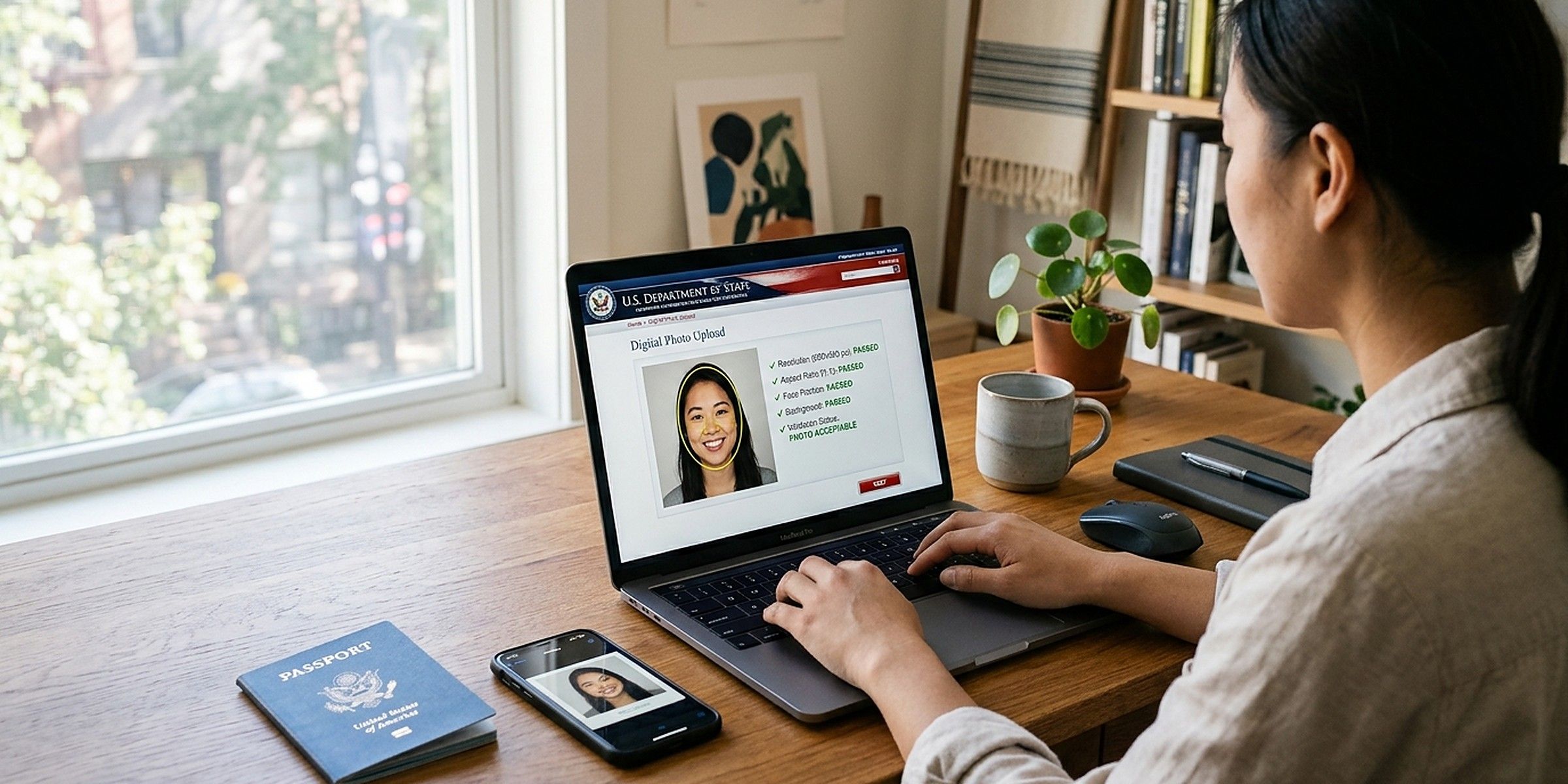
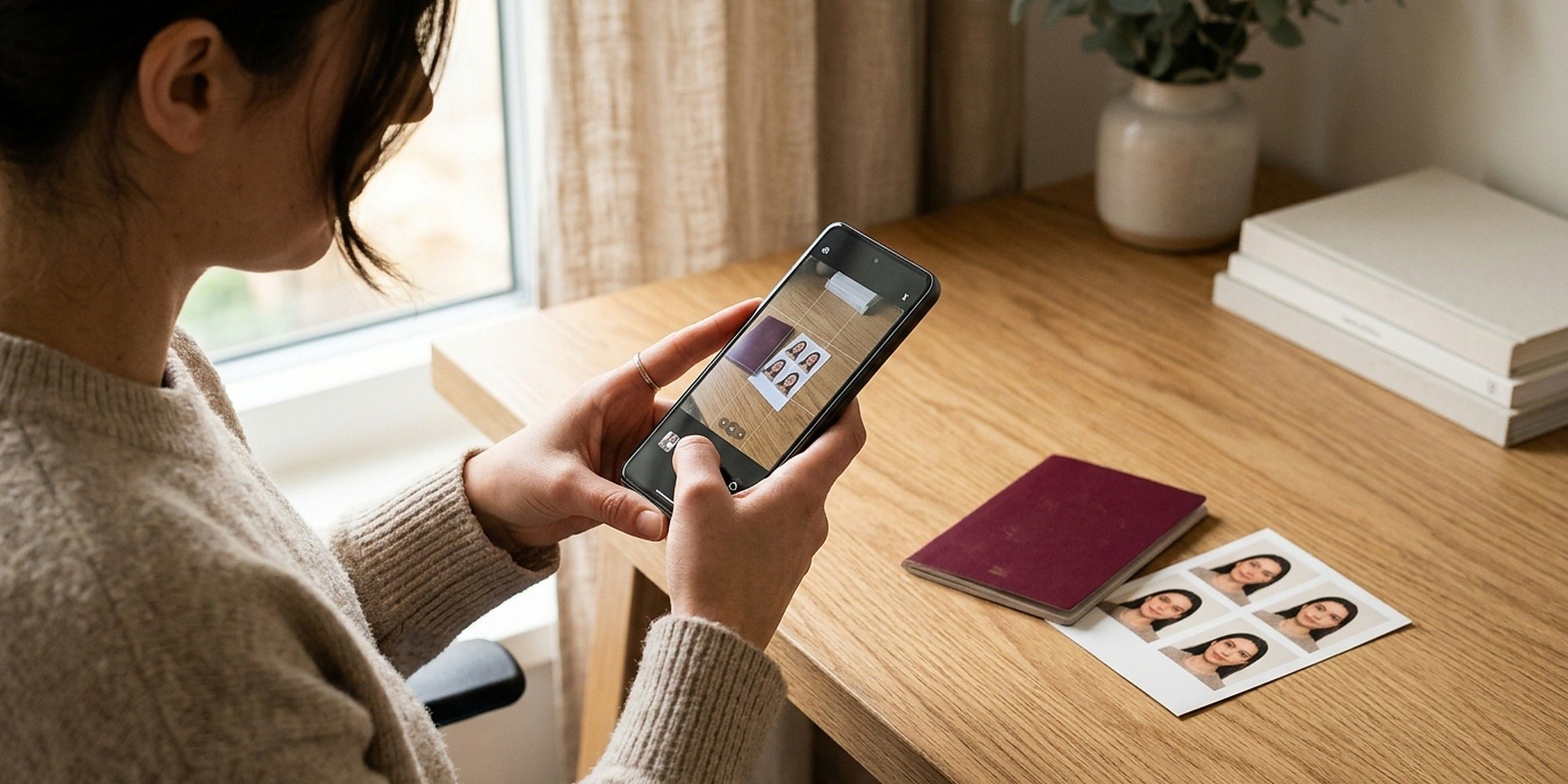
You can capture, validate, and upload a compliant MyTravelGov digital passport photo from home in under five minutes by shooting a standard waist-up smartphone portrait in natural window light, processing it into a 1200 × 1200 pixel sRGB JPEG via Snap4ID, and uploading it directly to opr.travel.state.gov.
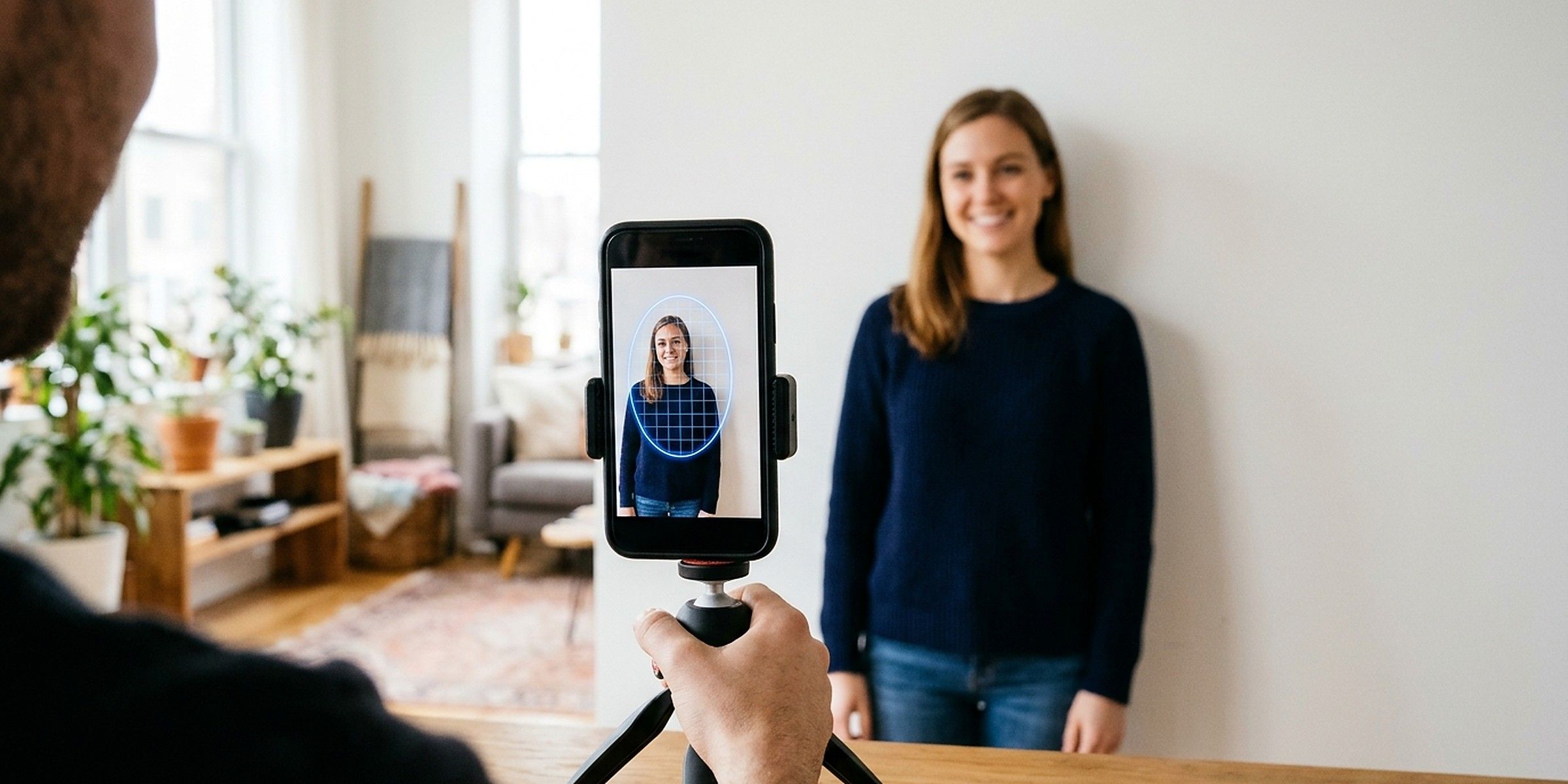
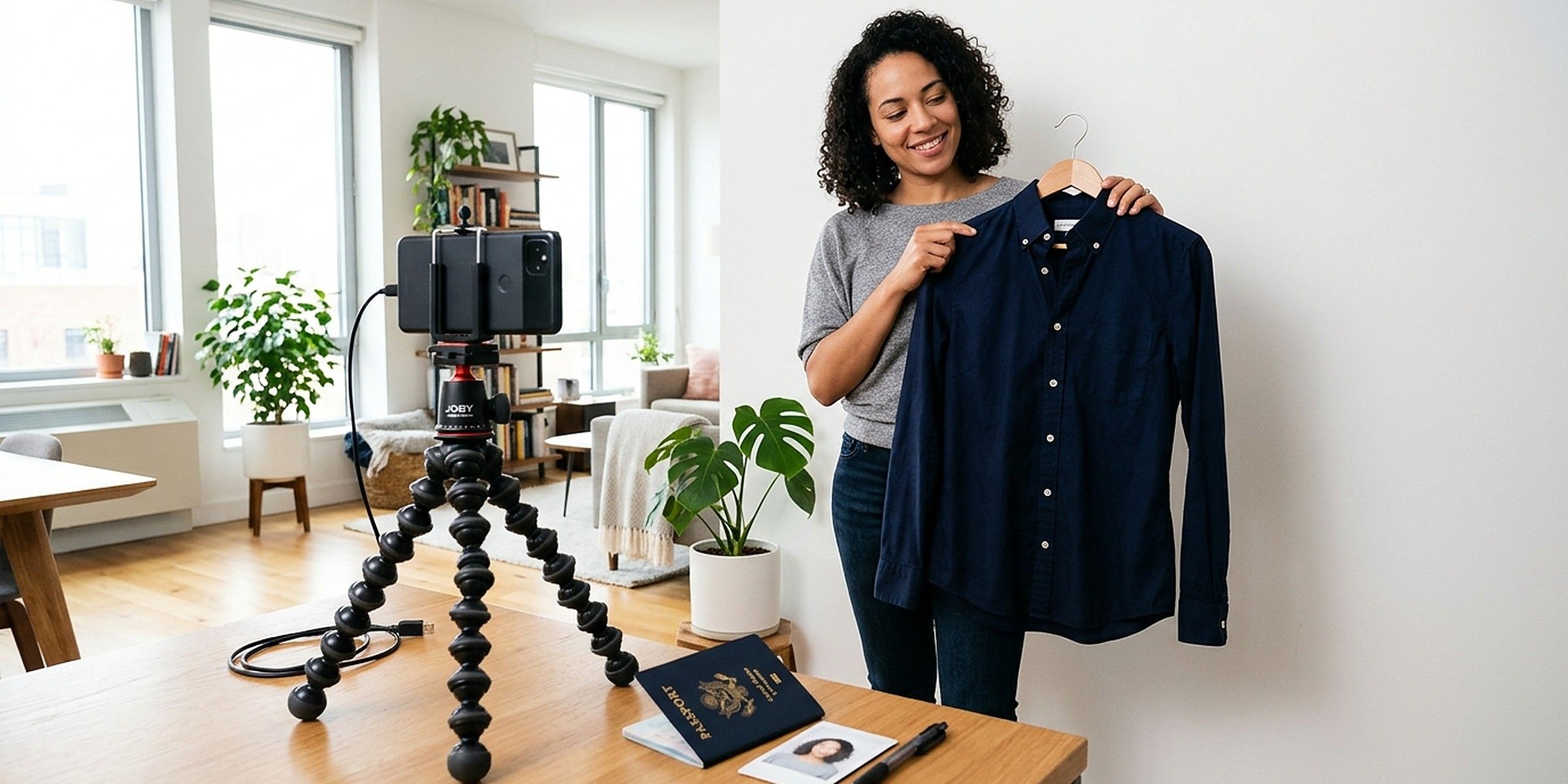
- Disable Portrait Mode, Flash & Beauty Filters: Open your smartphone camera app, select standard Photo mode (never Portrait Mode), turn off flash and Live Photo, and use the rear main lens (or have a friend/tripod hold the phone at eye level
5 to 6 feetaway). - Stand Facing Daylight with Clear Biometric Landmarks: Face a bright window so light falls evenly across both cheeks. Remove all eyeglasses, hats, earbuds, and hair clips that obscure your eyebrows or ears. Keep your head straight, shoulders square, and mouth closed with a neutral expression.
- Generate Your Calibrated 1200 × 1200 px JPEG with Snap4ID: Upload your raw photo to Snap4ID's US Passport Photo tool. Our AI verifies 478 biometric points, replaces the household backdrop with pure
#FFFFFFwhite without retouching your face, and exports ansRGBbaseline.JPG(1200 × 1200 px,150–500 KB). - Keep the File Uncompressed During Transfer: Download the calibrated
.JPGdirectly onto the laptop or smartphone you are using for your application. Do not text it to yourself via SMS or WhatsApp, which would shrink it below the54 KBminimum. - Upload to MyTravelGov (
opr.travel.state.gov) & Complete Checkout: Sign in to yourLogin.gov/MyTravelGovaccount, upload the1200 × 1200 pxJPEG in the Digital Photo step, confirm that the automated preview accepts the framing without zooming in, and submit your$130renewal fee onPay.gov. Remember: once submitted, your old passport is immediately invalidated for international travel.
Frequently Asked Questions (FAQ)
What are the exact pixel dimensions and file size for a MyTravelGov passport photo?
The MyTravelGov online passport renewal portal (opr.travel.state.gov) requires a square 1:1 digital JPEG (.jpg) measuring between 600 × 600 pixels minimum and 1200 × 1200 pixels maximum in 24-bit sRGB color space, with a file size strictly between 54 KB and 10 MB. Uploading a calibrated 1200 × 1200 pixel file weighing 150 KB to 500 KB gives the State Department validator optimal resolution without triggering compression errors.
Should I crop my photo before uploading it to MyTravelGov?
No, you should never manually crop a smartphone selfie tightly around your head before uploading it to MyTravelGov, because the portal's automated cropping tool requires extra shoulder and headroom margin and will reject tightly cropped 600 × 600 pixel files as too close or low resolution. Instead, use an uncropped waist-up portrait or generate a pre-calibrated 1200 × 1200 pixel image with exact 50%–68.75% head height.
Why does MyTravelGov say my photo appears to be altered or retouched?
MyTravelGov triggers the "photo appears to be digitally altered or retouched" rejection when its biometric scanner detects artificial depth blur from iPhone or Android Portrait Mode, front-camera beauty filters that smooth skin texture, or jagged halo edges from manual background erasers. Always shoot in standard Photo mode with all filters off, and use an ICAO-compliant tool that replaces only the background while preserving 100% of your natural facial pixels.
Why is my smartphone passport photo rejected for being under 54 KB?
A smartphone photo drops below the mandatory 54 KB minimum when you transfer it from your phone to your computer via SMS text message, WhatsApp, Facebook Messenger, or an email attachment set to Small or Medium size. These messaging apps aggressively strip JPEG metadata and pixel density; transfer your original camera file via AirDrop, USB cable, or cloud drive, or download a pre-sized 150–500 KB JPEG from Snap4ID.
Can I take a picture of a printed 2×2 CVS or Walgreens passport photo and upload it to MyTravelGov?
No, the U.S. Department of State strictly prohibits uploading a smartphone photo or flatbed scan of a printed 2 × 2 inch paper photograph to MyTravelGov. The portal's automated validator detects glossy paper glare, halftone printer dots, curved edges, and lens perspective distortion, immediately rejecting the file or suspending your application during manual specialist review.
Can I wear glasses or smile in my MyTravelGov online passport renewal photo?
No, you cannot wear eyeglasses of any kind—including clear prescription lenses, blue-light blockers, or tinted frames—in a MyTravelGov online renewal upload, because the portal cannot process medical exemption letters online. You may maintain a neutral expression or a gentle, natural closed-mouth smile with both eyes open and looking straight at the camera.