Master the Art of the Passport Selfie: How to Take a Biometric Photo at Home (2026)
Can you use a selfie for a U.S. passport photo? Learn why 24mm front-camera selfies fail State Dept scans and how to shoot a 2x2 inch home photo in 4 steps.

Table of Contents
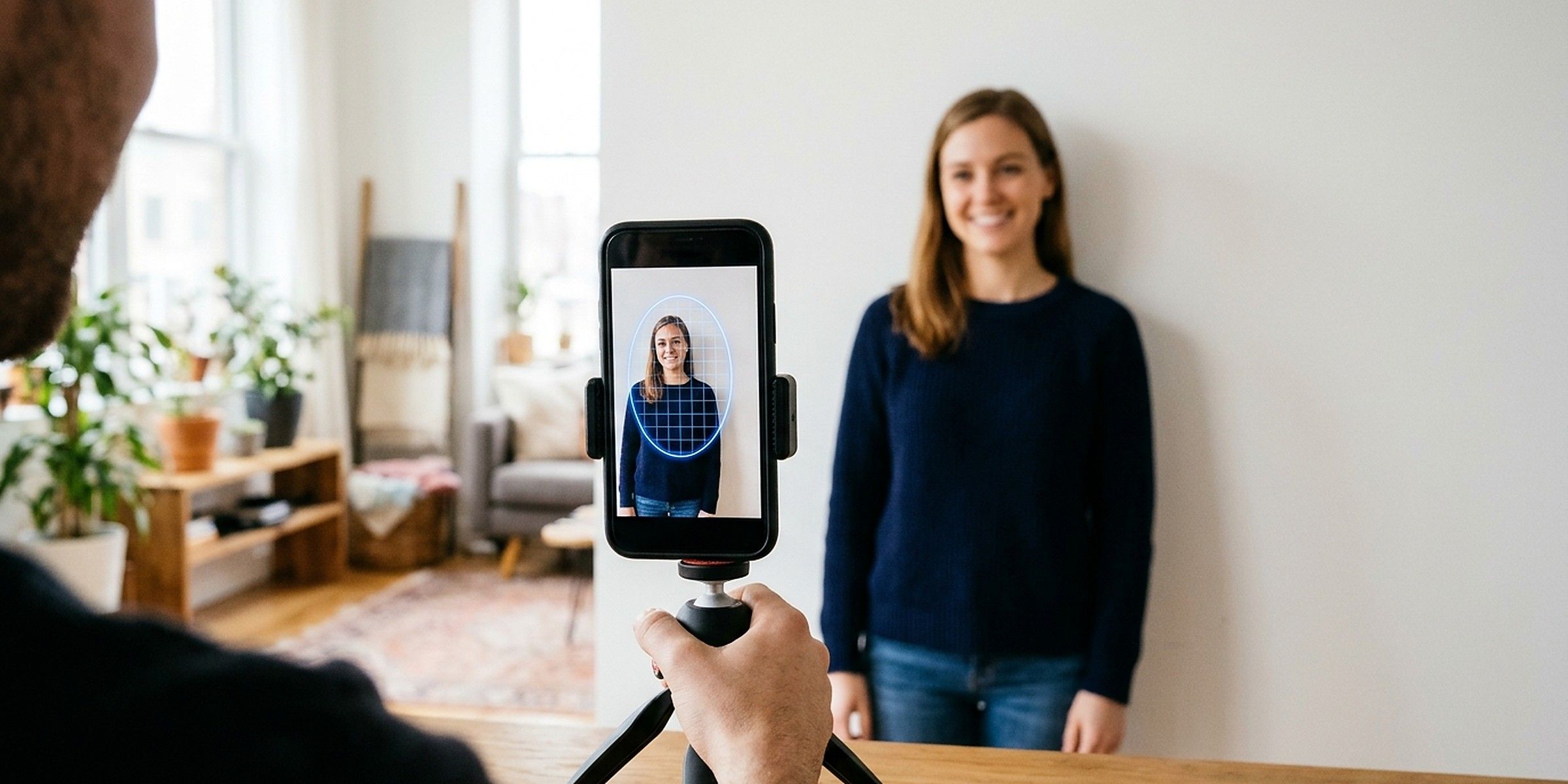
Most of us take dozens of smartphone selfies every month, so when it is time to apply for or renew a passport, holding your phone out at arm's length feels like the fastest way to get a picture—until the U.S. Department of State rejects your application. While federal guidelines explicitly ban hand-held, arm's-length selfies due to wide-angle lens distortion, you can legally capture an official 2×2 inch U.S. passport photo at home with your iPhone or Android phone. The secret is positioning the camera 4 to 5 feet (1.2 to 1.5 meters) away at eye level, facing diffused window daylight, turning off computational filters, and letting an AI biometric tool verify the exact 1 to 1⅜ inch (25–35 mm) head height on a pure white (#FFFFFF) background.
- Arm's-Length Selfies Are Banned: Shooting with a
24 mmfront camera from 12 to 18 inches away enlarges your nose by up to 30%, hides your ears behind your cheeks, tilts your shoulder line, and exceeds the 1 to 1⅜ inch (50%–69%) head-height limit. - The 4–5 Foot Rule Works: Smartphone photos pass every State Department check when a friend holds the phone—or you mount it on a tripod with a 3-second timer—4 to 5 feet (1.2–1.5 m) away using the rear camera at eye level.
- Disable Computational Effects: Turn off Portrait Mode, beauty smoothing filters, Live Photos, and LED flash; stand facing a bright window with diffused daylight to prevent under-eye and wall shadows.
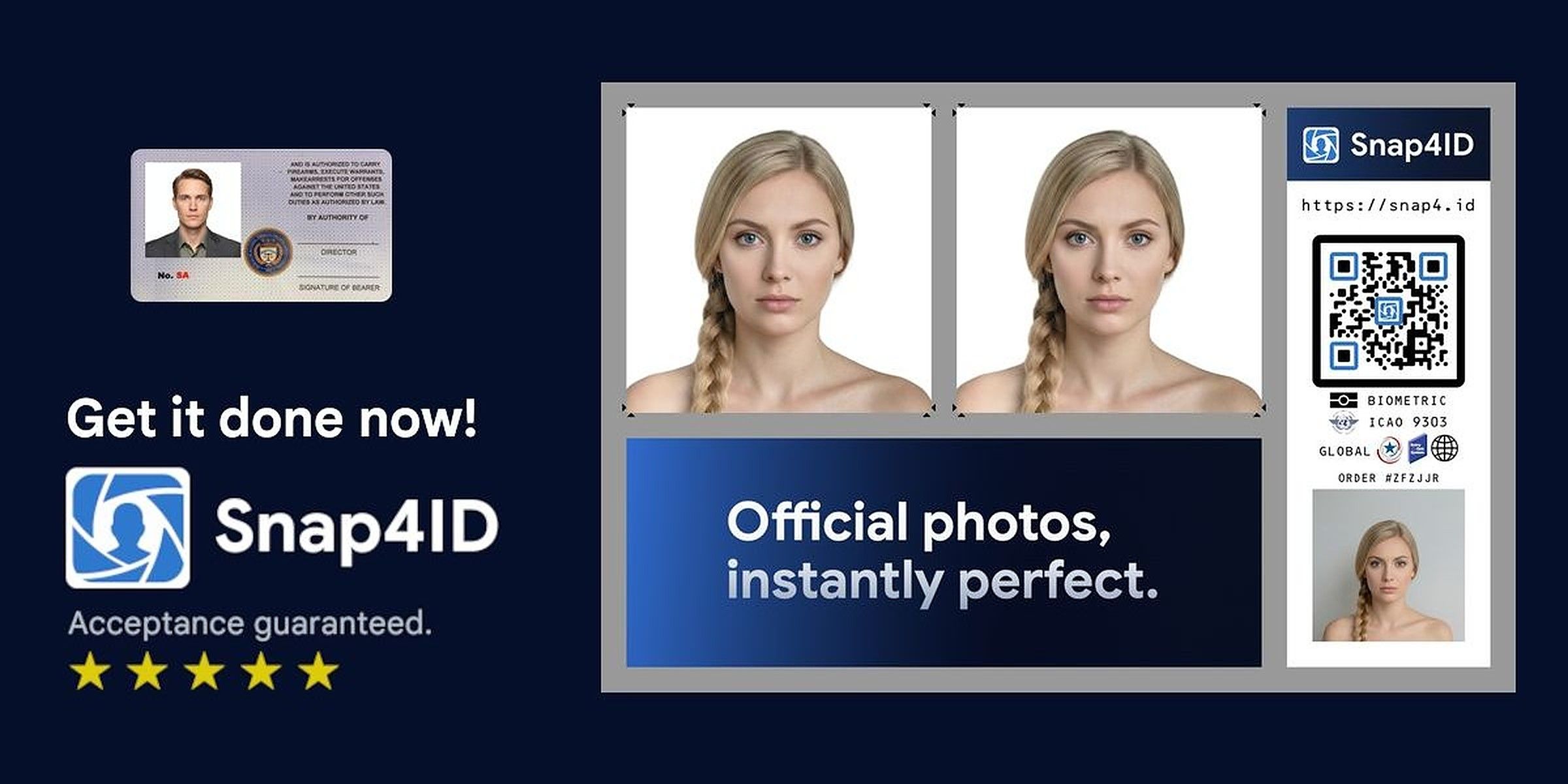
- Automate the Biometric Crop: Snap4ID maps 478 biometric points, replaces any home wall with a pure
#FFFFFFbackground, and delivers both a600–1200 pxMyTravelGov digital file and a $0.394×6 inchprint sheet backed by a 100% acceptance guarantee.
Can You Take a Selfie for a U.S. Passport Photo?
No, you cannot use a traditional hand-held, arm's-length selfie for a U.S. passport photo, because the U.S. Department of State explicitly prohibits self-portraits taken within 12 to 18 inches of your face. However, you can use your smartphone at home if another person takes the picture—or if you set the phone on a tripod or shelf 4 to 5 feet (1.2 to 1.5 meters) away with the self-timer enabled.
Every year, thousands of online renewal uploads on MyTravelGov and mailed Form DS-82 applications are placed on administrative hold because applicants upload a casual front-camera selfie. According to the official U.S. Department of State Passport Photo Requirements, automated biometric gates and human adjudicators screen every submission for four specific optical flaws that occur whenever a phone is held at arm's length.
1. Wide-Angle Perspective Distortion (The 30% Nose Effect)
Smartphone front-facing ("selfie") cameras are built with a wide-angle lens—typically a 23 mm to 26 mm full-frame equivalent focal length—designed to squeeze groups of people and background scenery into a close-up frame. When you hold that wide-angle lens just 12 to 18 inches (30 to 45 cm) from your face, the tip of your nose sits proportionally much closer to the glass element than your cheekbones, jaw, and ears.
Published optical geometry studies show that a portrait captured at 12 inches increases apparent nasal width by up to 30% compared to a true portrait taken from 5 feet away. At the same time, perspective foreshortening narrows the jawline, makes the forehead appear bulbous, and causes both ears to recede out of view behind the cheeks. Because ICAO 9303 and federal facial recognition scanners calculate fixed anatomical ratios between your inter-pupillary distance (IPD), nasal bridge, and outer facial contour, a warped close-up selfie fails to match live 3D biometric camera scans at airport e-Gates and U.S. Customs and Border Protection kiosks.
2. The "Selfie Arm" Tilt, Low Angle, and Head-Height Overflow
Even if you hold your arm as steady as possible, extending one arm toward the camera rotates your clavicle and raises one shoulder by 5 to 15 degrees. Passport adjudicators are trained to spot this telltale "selfie arm" asymmetry—along with the upward or downward camera pitch angle that exposes the nostrils or tilts the eye line beyond the strict ±5 degree biometric tolerance.
Furthermore, shooting at arm's length causes your head to fill 75% to 85% of the vertical frame, leaving almost no chest or shoulder margin below the chin. Official U.S. regulations require your head height (from the bottom of the chin to the top of the crown) to occupy strictly 50% to 69% (1 to 1⅜ inches) of the 2×2 inch square, with at least 35% chin-to-bottom margin so the upper shoulders frame the neck symmetrically. Finally, many front-facing camera apps save a horizontally mirrored (flipped) image by default, inverting asymmetric moles, scars, or hair parts and triggering an immediate identity-verification flag.
How to Take a Biometric Passport Photo at Home: The 4-Step Setup
To take a 100% compliant U.S. passport photo at home, position your smartphone 4 to 5 feet away at eye level, switch to the rear camera with Portrait Mode and beauty filters turned off, stand 2 to 3 feet in front of a wall facing a bright window, and look straight into the lens with a neutral, glasses-free expression.
You do not need studio softboxes, a DSLR camera, or a paper backdrop roll to pass federal screening. Follow this repeatable 4-step home setup in under three minutes:
Step 1: Set a 4–5 Foot Distance and Switch to the Rear Camera
Measure roughly 4 to 5 feet (1.2 to 1.5 meters)—about two normal adult paces—between your face and the smartphone lens. At this distance, optical perspective flattens naturally: your nose, cheekbones, jawline, and both ears render in true anatomical proportion with plenty of surrounding room for precision 2×2 inch cropping.
- Have a Friend Shoot (Fastest Method): Ask a family member or friend to stand 4 to 5 feet away and hold the phone horizontally level with your eyes—neither pointing down from above nor tilting up from chest height.
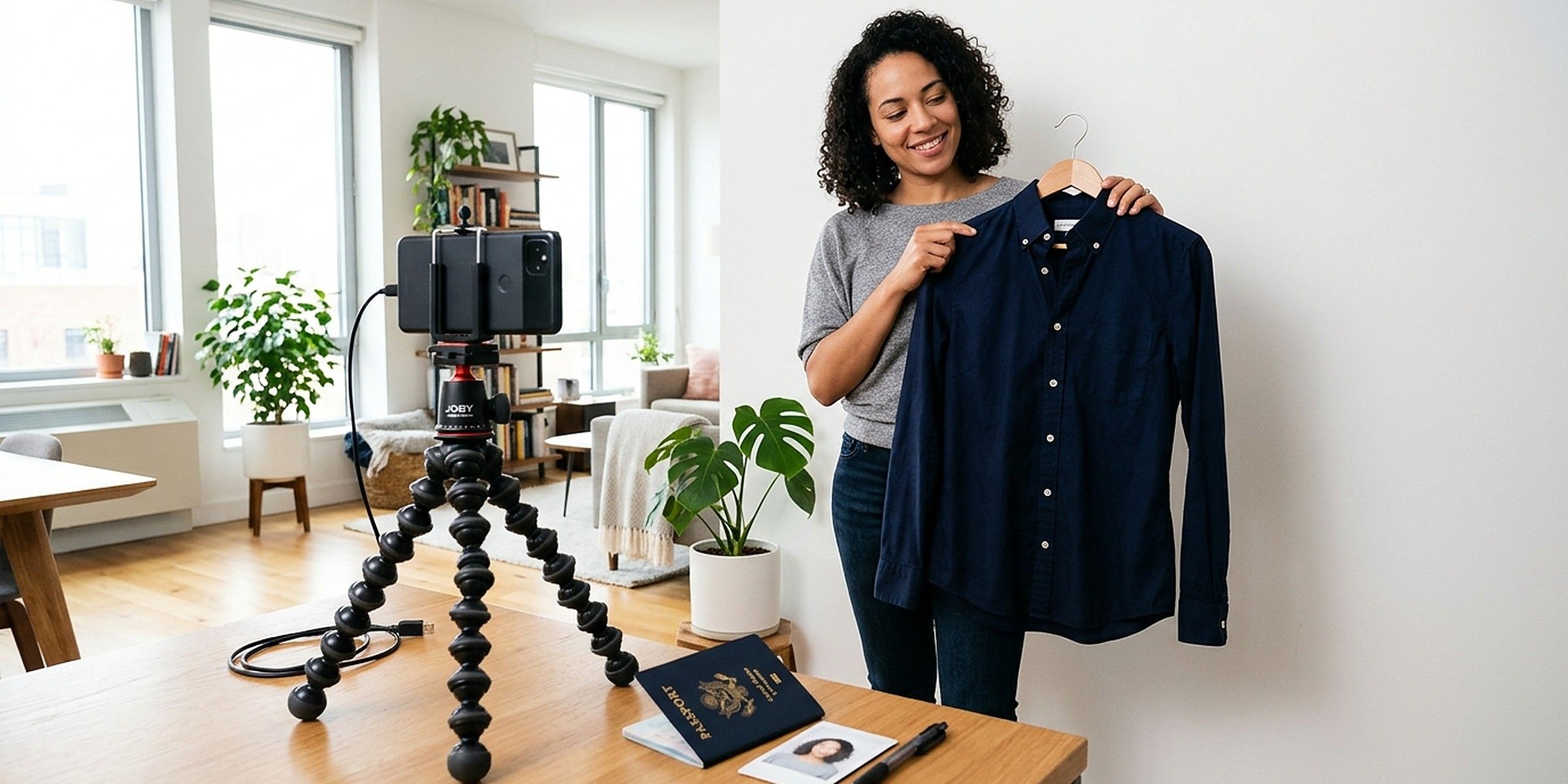
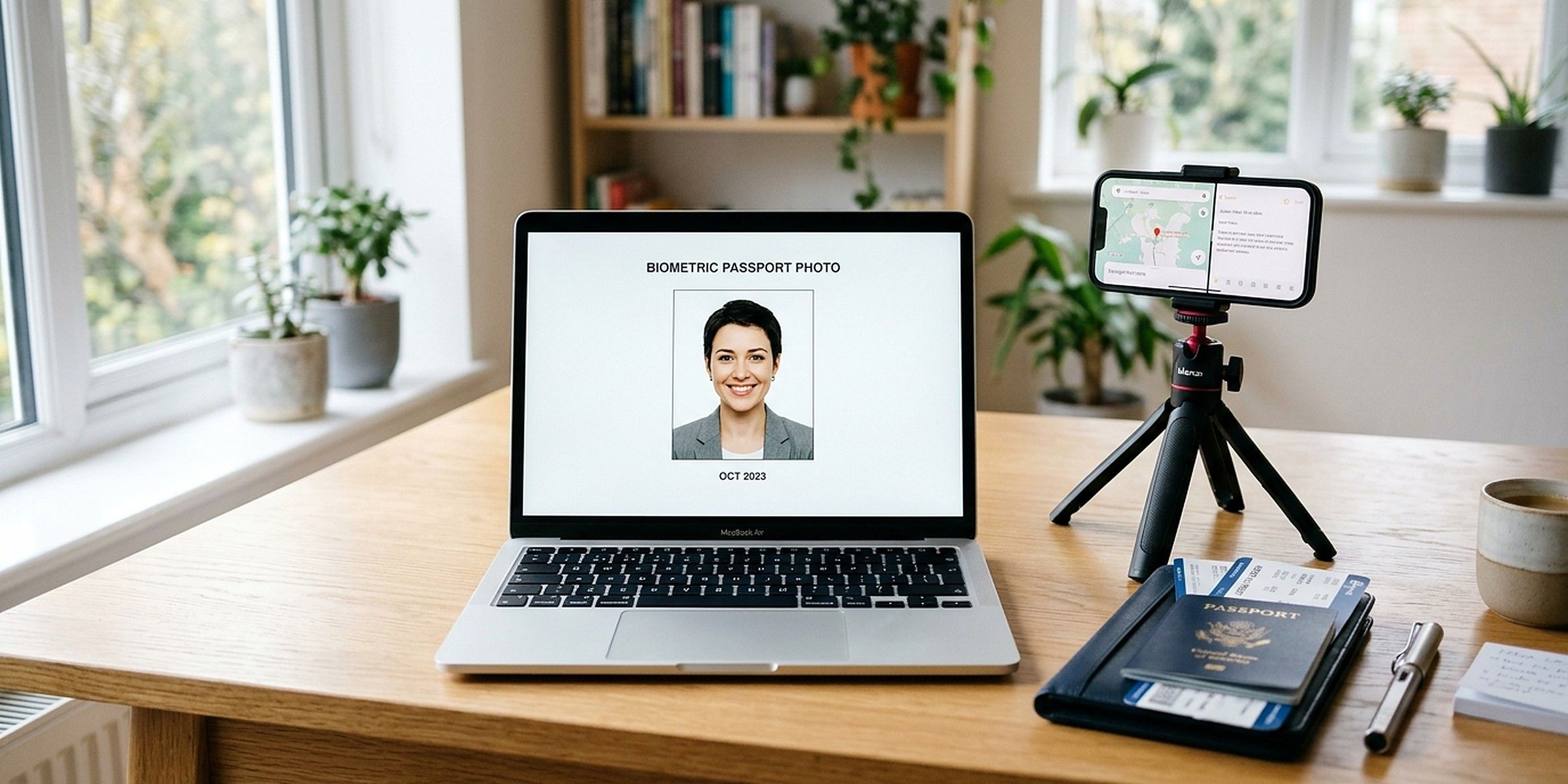
- Solo Tripod or Bookshelf Timer Method: If you live alone, prop your smartphone on a small tripod, a windowsill, or a stack of books on a shelf positioned at your exact eye height (roughly 55 to 65 inches off the floor if standing, or 42 to 48 inches if sitting upright on a stool). Turn on the 3-second or 10-second camera timer so both of your arms rest naturally at your sides when the shutter fires.
- Use the Rear Camera (
1xor2xOptical Lens): Always prefer the rear camera over the front selfie camera. The main1xrear sensor captures sharper micro-contrast without horizontal mirror flipping. If your iPhone Pro or Samsung Galaxy has a dedicated2xoptical telephoto mode (48–52 mm equivalent), standing 5 feet back at2xreplicates a classic 50 mm studio portrait lens with zero barrel distortion. Never use the0.5xultra-wide lens.
Step 2: Turn Off Portrait Mode, Beauty Filters, and Flash
Modern smartphones apply computational photography enhancements by default that look flattering on social media but trigger instant rejection on federal upload portals. Before pressing the shutter button, verify these five settings:
- Turn OFF Portrait Mode & Background Blur: Synthetic depth-of-field (
f/1.4digital bokeh) blurs earlobes, stray hair edges, and shoulder contours. Automated U.S. State Department validators immediately reject Portrait Mode photos for "blurred edges or digital alteration." - Turn OFF Beauty Filters & Face Retouching: Many Android cameras (including Samsung, Xiaomi, and Google Pixel) and third-party camera apps enable subtle skin smoothing, blemish removal, or eye enlargement by default. Biometric algorithms inspect natural skin texture and exact ocular landmarks—any retouching violates anti-alteration rules.
- Turn OFF Camera Flash: Built-in smartphone LED flash creates bright specular hotspots on the forehead and nose bridge, red-eye reflections in the pupils, and a harsh dark shadow outline on the wall behind your ears.
- Turn OFF Night Mode & Live Photos: Night Mode combines multi-second exposures that introduce subtle motion blur around the eyelids if you blink or shift weight; Live Photos can select a mid-blink keyframe.
- Shoot in Standard Photo Mode (
sRGBColor): Keep white balance neutral and avoid high-contrast HDR, black-and-white, or warm/cool photographic styles so skin tones remain natural and true to life.
Step 3: Master the 45-Degree Window Lighting Technique
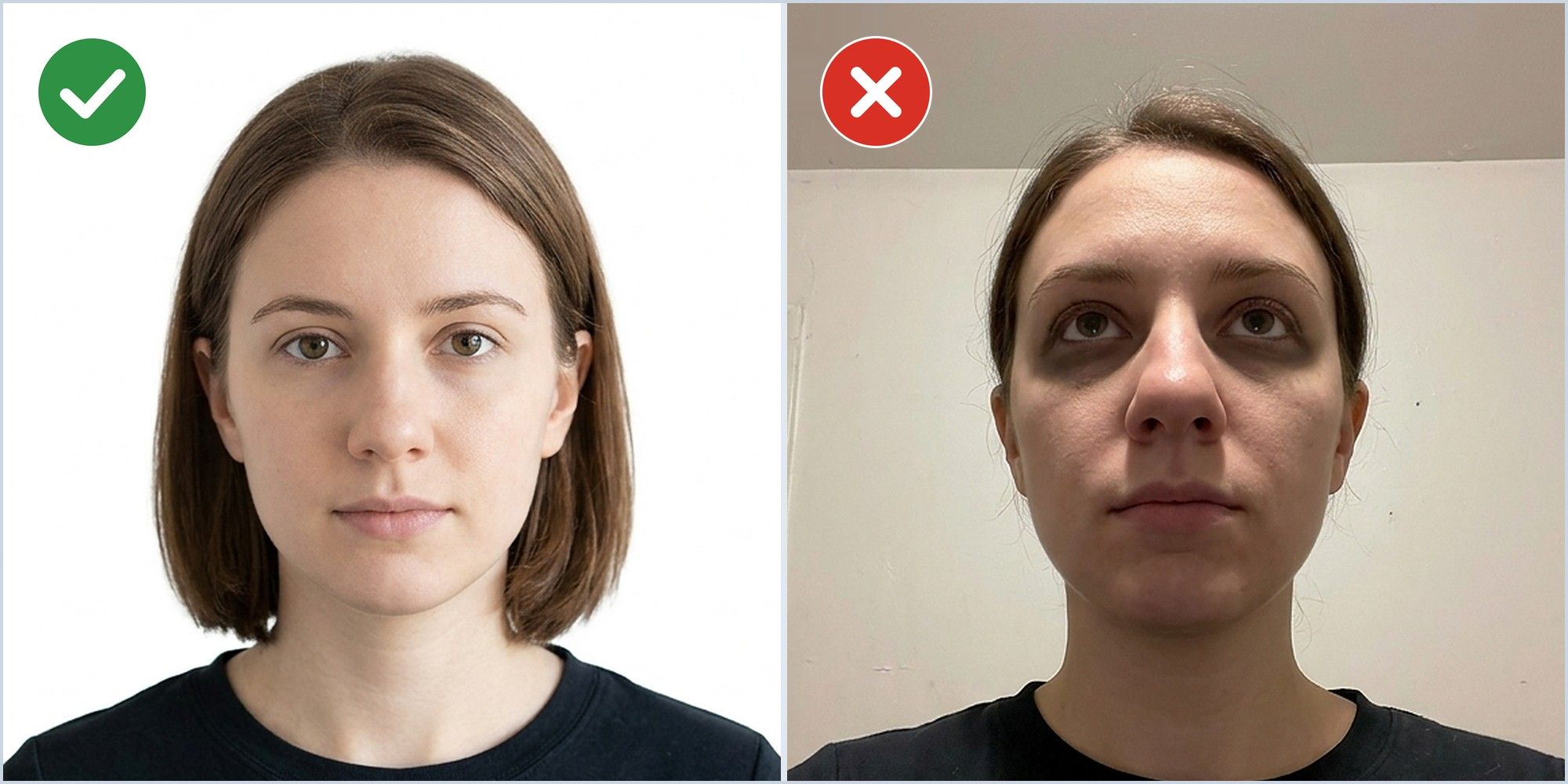
Uneven indoor lighting is the single largest technical cause of home passport photo rejection. When you stand directly underneath a yellow ceiling light bulb in a hallway or bathroom, top-down illumination casts dark "raccoon" shadows inside your eye sockets and a heavy shadow beneath your chin and nose—just like the rejected panel in our visual comparison above.
Instead, use the Window Daylight Technique during daytime hours:
- Face a Bright Window Directly: Stand about 3 feet (90 cm) in front of a large window so natural daylight illuminates both sides of your face equally. If direct sunbeams are hitting the glass and creating harsh highlights, pull a thin white sheer curtain across the window or wait for bright, indirect daylight.
- Never Stand Sideways (90 Degrees) to a Window: If the window is to your left or right side, one cheek will be brightly lit while the opposite cheek and eye socket fall into deep shadow, failing the State Department's uniform illumination check.
- Step 2–3 Feet Forward From Your Wall: Do not lean your head or back directly against the wall. Standing 2 to 3 feet (60 to 90 cm) ahead of the wall allows ambient light to wrap behind your shoulders so cast shadows fall below the frame. Even if your home wall is beige, painted, or has a door frame behind you, Snap4ID automatically isolates your portrait and replaces the backdrop with a pure, shadow-free white (
#FFFFFF) canvas.
Step 4: Perfect Your Pose, Neutral Expression, and Attire
Once your distance and lighting are dialed in, follow the official biometric pose checklist before triggering the timer:
- Look Into the Physical Camera Lens: When people use a front screen or timer, their eyes instinctively drift toward the middle of the glass display rather than the tiny camera lens at the top edge. Fix your gaze directly into the physical camera lens so your pupils sit centered and level.
- Keep Your Head Level and Square: Hold your chin level (neither tipped back nor tucked into your neck) and square both shoulders to the camera. Both ears—or the symmetrical outer edges of your cheeks and jawline—must be equally visible.
- Neutral Expression with Mouth Closed: Keep both eyes wide open and your mouth closed. A relaxed, natural expression or a very subtle closed-mouth expression is permitted, provided no teeth are visible and your cheeks do not squint your eyes.
- Remove All Eyeglasses (Mandatory Since November 2016): Take off prescription glasses, reading glasses, blue-light frames, and tinted lenses. Eyeglasses are strictly banned in U.S. passport photos unless you submit a signed medical statement from a physician confirming recent ocular surgery.
- Tuck Hair Off Eyebrows and Wear Dark Contrasting Clothing: Smooth down flyaway hair and tuck bangs or side locks away from your eyebrows and outer eye corners. Wear everyday dark or medium-toned clothing—such as a navy sweater, charcoal jacket, or black crewneck—so your shoulders contrast clearly against the white background. Avoid white shirts, camouflage, or military/law-enforcement uniforms. For a complete visual checklist of dress-code edge cases, review our guide to the most common U.S. passport photo dos and don'ts.
Official U.S. Department of State Biometric Photo Specifications (2026)
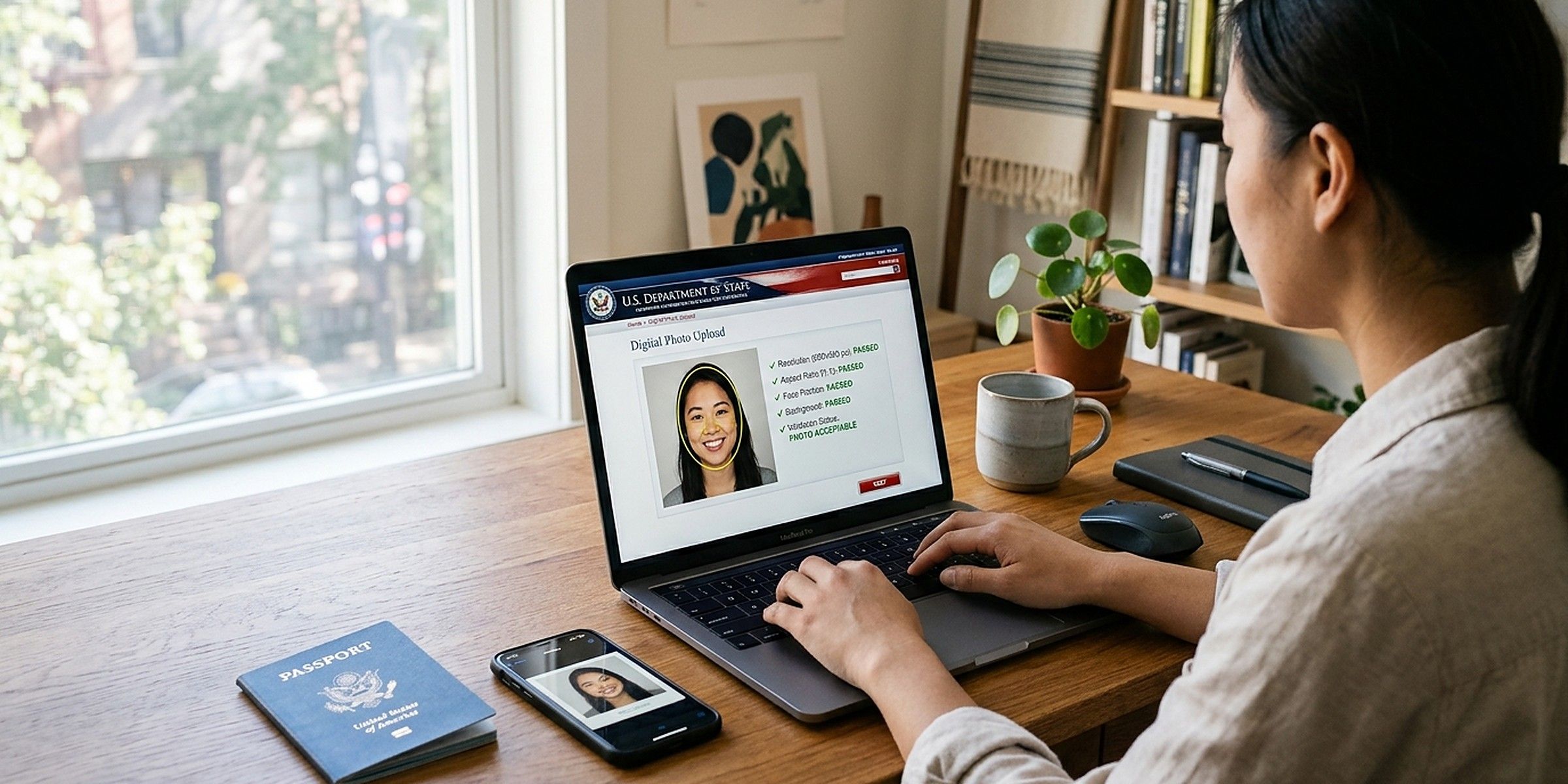
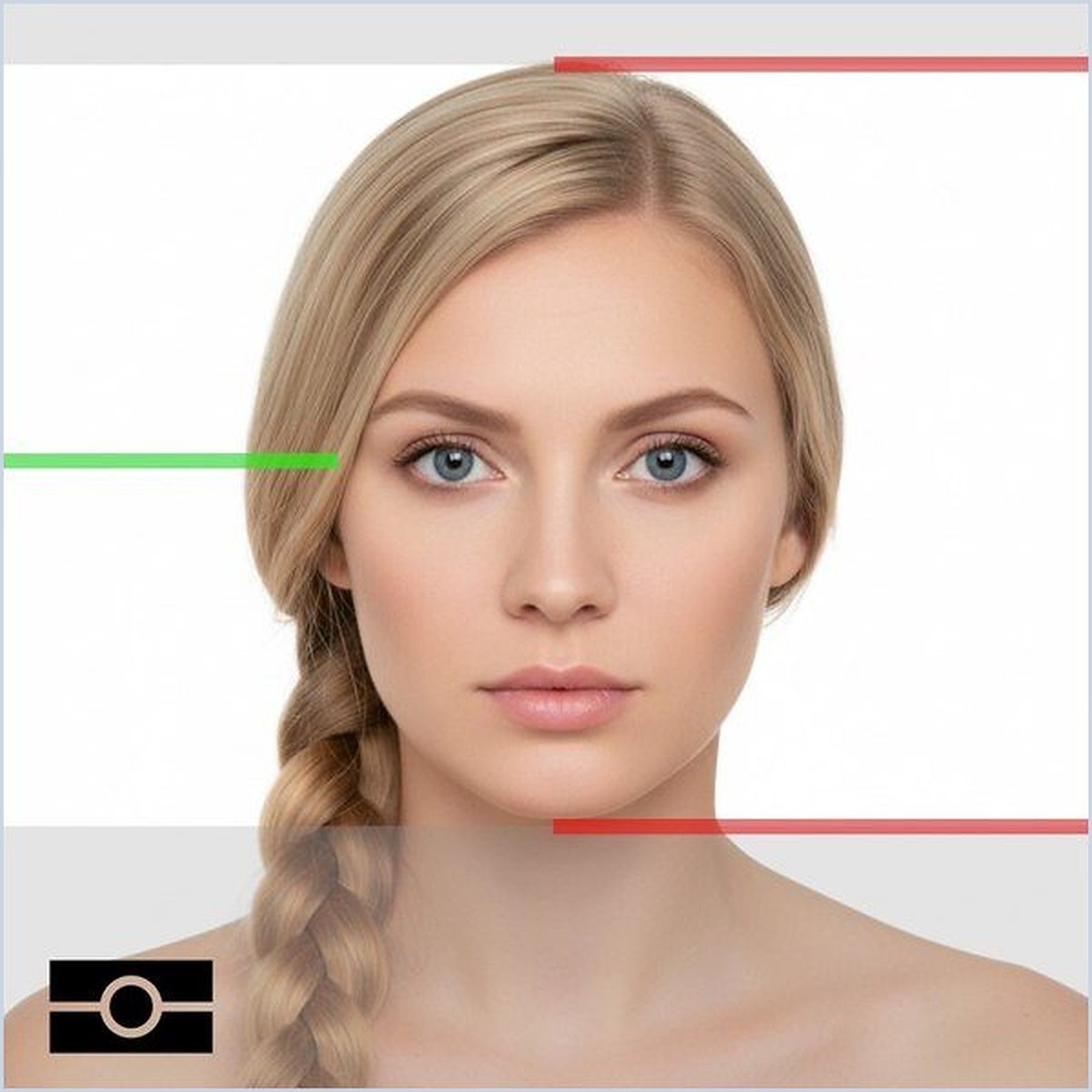
An official U.S. passport photo must measure exactly 2 × 2 inches (51 × 51 mm) for printed mail-in applications or 600 × 600 pixels to 1200 × 1200 pixels in sRGB JPEG format (54 KB–10 MB) for online uploads, with head height between 1 and 1⅜ inches (25–35 mm / 50%–69%) and eye height between 1⅛ and 1⅜ inches (28–35 mm) from the bottom edge.
Whether you are mailing a printed photo with Form DS-11 or Form DS-82, uploading a digital file to the MyTravelGov online passport renewal portal, submitting a DS-160 U.S. visa photo, or updating a state REAL ID photo, your finished image must satisfy these exact mathematical tolerances:
- Physical Print Dimensions:
2 × 2 inches(50.8 × 50.8 mm/51 × 51 mm),1:1square aspect ratio printed at 600 DPI (1200 × 1200 pxmaster resolution) on thin photo-quality matte or glossy paper. - Digital Upload Dimensions (MyTravelGov & DS-160): Square
1:1pixel dimensions from 600 × 600 px minimum to 1200 × 1200 px maximum in 24-bitsRGBtrue color; file weight 54 KB to 10 MB for MyTravelGov online passport renewal (or<= 240 KBfor Form DS-160 visa uploads). - Head Height (Chin Bottom to Crown Top): 1 inch to 1⅜ inches (25 mm to 35 mm), which equals 50% to 68.75% (~50%–69%) of the total 2-inch vertical frame height (Snap4ID calibrates to the optimal 67.5% target).
- Eye Line Height (From Bottom Border): 1⅛ inches to 1⅜ inches (28 mm to 35 mm), or 56.25% to 68.75% measured upward from the bottom edge (Snap4ID targets 62.5%).
- Headroom & Chinroom Margins: At least 15% top headroom (~0.3 inches / 7.6 mm above the hair crown) and 35% bottom chinroom (~0.7 inches / 17.8 mm below the chin) to keep the head centered vertically and horizontally.
- Background & Recency: Plain pure white (
#FFFFFF) or off-white background with zero shadows, textures, or objects; captured within the last 6 months.
✔ DO: Compliant Home Smartphone Setup
- Position the phone 4–5 feet (1.2–1.5 m) away at exact eye level using a friend, tripod, or self-timer.
- Use the rear
1xor2xcamera in standard Photo mode with sharp focus across your ears and hair. - Stand 3 feet facing a bright window for balanced, shadow-free daylight across both cheeks and eye sockets.
- Step 2–3 feet ahead of your wall and wear a dark navy, black, or charcoal top for clean shoulder contrast.
- Remove all eyeglasses, look straight into the physical lens, and keep a relaxed neutral expression with mouth closed.
✘ DON'T: Mistakes That Cause Rejection
- Never hold the phone at arm's length (12–18 in)—wide-angle front lenses enlarge the nose by ~30% and hide the ears.
- Never enable Portrait Mode or beauty filters—synthetic bokeh edge blur and skin smoothing violate federal rules.
- Never stand under an overhead ceiling bulb or sideways to a window, which casts dark eye-socket and split-cheek shadows.
- Never wear eyeglasses, hats, headphones, or a white T-shirt that blends into the white
#FFFFFFbackdrop. - Never crop the photo manually by eye—off-center pupils or a head taller than 1⅜ inches (69%) fails automated scans.
How Snap4ID Turns a Home Smartphone Shot into an Official Passport Photo
Snap4ID transforms a raw smartphone portrait taken from 4 to 5 feet away into an official U.S. passport photo in under 60 seconds by mapping 478 biometric points, replacing any home background with pure #FFFFFF white without altering your face, and cropping to exact 2 × 2 inch (1200 × 1200 px) dimensions.
478-Point Biometric Mapping and Pure #FFFFFF Background Replacement
Cropping a smartphone photo manually on your phone screen is risky: being off by just 3 millimeters on head height or eye-line elevation will trigger an automated rejection on MyTravelGov. Unlike generic photo editors or social-media background erasers that smudge hair edges or alter skin texture, Snap4ID is engineered specifically for government document compliance:
- 478 Biometric Points Verification: Our AI facial mesh locates and measures 478 biometric points across your face—calculating exact inter-pupillary distance, horizontal eye alignment, chin-to-crown height, nasal bridge symmetry, and mouth closure.
- 3D Head-Pose & Distortion Check: Snap4ID evaluates pitch, yaw, and roll angles (verifying strict head-rotation tolerances) and flags close-up selfie perspective distortion or harsh facial shadows before you finalize your photo.
- Compliant Pure White (
#FFFFFF) Backdrop: Even if you took your photo in front of an off-white apartment wall, a wooden door, or a living room bookcase, Snap4ID cleanly isolates hair strands and shoulders to place you on a uniform, shadow-free pure white (#FFFFFF) background—without touching a single pixel of your facial features. - 100% Acceptance Guarantee: Every processed photo is backed by our 100% acceptance guarantee (with a full money-back guarantee in the unlikely event of rejection by a passport agency), and you can take unlimited retakes at home until you get a portrait you are proud to carry for the next 10 years.
MyTravelGov Digital Upload vs. Printing a 4×6 Sheet for $0.39
Depending on whether you are renewing online or applying by mail/in person, Snap4ID provides two ready-to-use files immediately after verification:
- Single Digital Biometric File (
1200 × 1200 px,sRGBJPEG): Precisely sized between600 × 600 pxand1200 × 1200 px(54 KB–10 MB) so you can upload it directly to the MyTravelGov Online Passport Renewal portal or Form DS-160 without manual cropping errors. - Calibrated
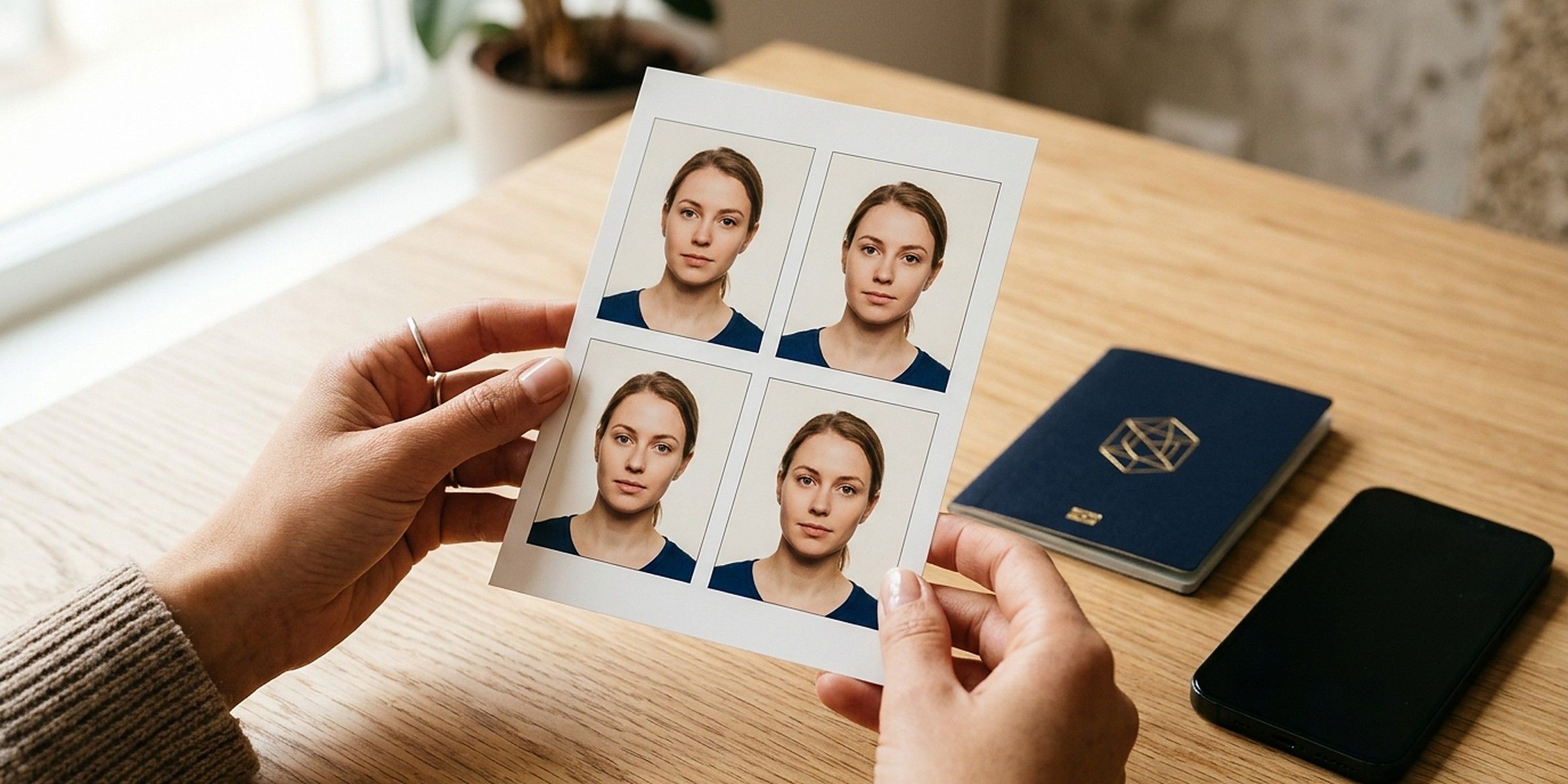
4 × 6 Inch(10 × 15 cm) Print Sheet: A high-resolution 600 DPI print template containing multiple2 × 2 inch(51 × 51 mm) passport photos with precision cut guides. Instead of paying $16.99 at a retail counter, you can order a standard4 × 6 inchglossy postcard print for $0.39 to $0.49 using our step-by-step Walgreens and CVS passport photo printing guide.
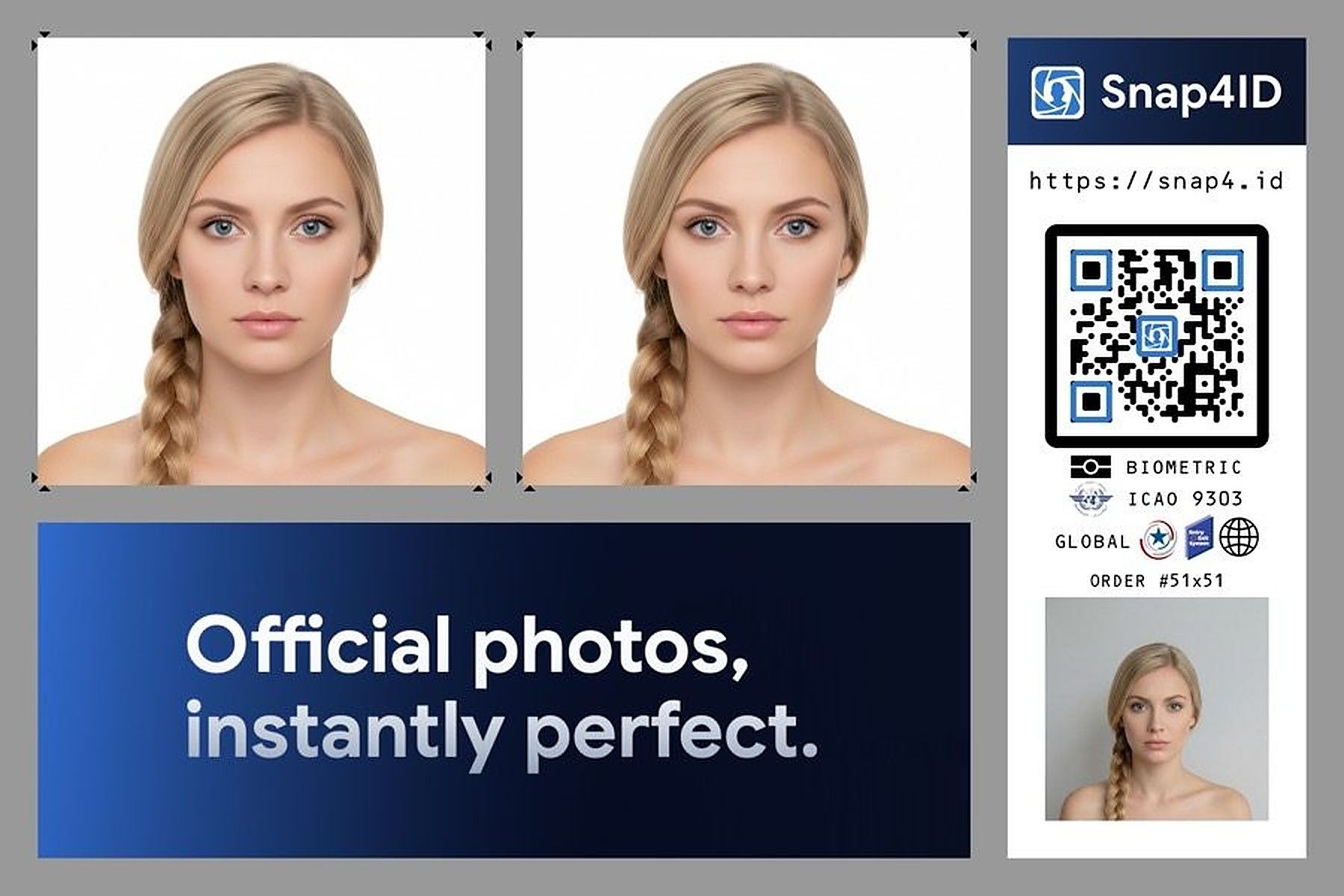
Comparison: Raw Arm's-Length Selfie vs. Snap4ID vs. Pharmacy Counter
A raw arm's-length selfie is rejected 100% of the time due to wide-angle distortion and framing errors, while retail pharmacy counters charge $16.99 for a rushed aisle snapshot under fluorescent lights. Shooting from 4 to 5 feet away at home and calibrating with Snap4ID delivers studio-grade biometric accuracy for pennies.
| Feature / Biometric Metric | Raw Arm's-Length Selfie (12–18 in) | Snap4ID Calibrated Home Photo (4–5 ft) | Pharmacy Counter (Walgreens / CVS) |
|---|---|---|---|
| Camera Distance & Focal Length | 12–18 inches (24 mm front cam — enlarges nose by ~30% and hides ears) | 4–5 feet (1.2–1.5 m, rear cam — zero facial distortion, natural proportions) | 3–4 feet (hand-held point-and-shoot camera in a busy store aisle) |
| Biometric Geometry Check | None (head fills 75%–85% of frame; tilted shoulder and off-center eyes) | 478 biometric points verified (exact 1–1⅜" head height & 1⅛–1⅜" eye line) | Manual screen overlay aligned by a retail store clerk |
| Background Compliance | Off-white room wall, door frames, or dark cast shadow behind neck | Automatic pure white (#FFFFFF) replacement with zero shadows or edge blur | Pull-down vinyl screen (often creased, gray-tinted, or shadowed) |
| Lighting Quality | Overhead yellow room bulb casting dark eye-socket shadows | Soft, even natural window daylight in the comfort of your home | Harsh overhead fluorescent store tubes causing forehead glare |
| Retakes & Expression Control | Unlimited snaps, but fails federal portal technical checks | Unlimited free retakes at home—choose a photo you genuinely like | Usually 1–2 rushed shots while other customers wait in line |
| Total Cost (Digital + Print) | Free to snap, but results in a 4–6 week passport processing delay | Low-cost digital download + $0.39 4×6" print sheet at any pharmacy kiosk | $16.99 + tax per person (digital copy often costs extra or requires a USB) |
| U.S. State Dept Compliance | Explicitly banned ("Do not take a selfie" on travel.state.gov) | 100% acceptance guarantee for MyTravelGov online & DS-11/DS-82 mail-in | Accepted only if clerk avoids glare, shadows, and scaling mistakes |
Frequently Asked Questions (FAQ)
Can I take a passport photo with my iPhone or Android phone?
Yes, you can take an official U.S. passport photo with any modern iPhone or Android smartphone, provided it is not a hand-held arm's-length selfie. Have a friend hold the phone or mount it on a tripod 4 to 5 feet (1.2 to 1.5 meters) away at eye level using the rear camera. After capturing a clear portrait in standard Photo mode, Snap4ID automatically replaces the background with pure white (#FFFFFF) and crops the image to exact 2 × 2 inch State Department dimensions.
Why does the U.S. State Department reject front-camera selfies?
The U.S. Department of State rejects hand-held front-camera selfies because shooting with a 24 mm wide-angle lens from 12 to 18 inches away causes severe perspective distortion. At arm's length, your nose appears up to 30% wider, your jawline narrows, and your ears recede behind your cheeks, which breaks ICAO 9303 facial recognition ratios. Holding the phone also tilts your shoulder line and pushes your head height past the maximum 1⅜ inch (69%) frame limit.
Should I use the front camera or back camera for a passport photo at home?
You should always use the rear (back) camera from 4 to 5 feet away when taking a passport photo at home. The primary rear 1x or 2x optical lens offers higher sensor resolution, sharper skin-texture rendering, and zero horizontal mirror-flipping compared to the front selfie camera. If you are taking the photo alone, prop your phone at eye level and trigger the rear camera with a 3-second or 10-second self-timer.
Can I use iPhone Portrait Mode or background blur to hide a messy room?
No, you must never use iPhone Portrait Mode, Android background blur, or Studio Light effects for a U.S. passport photo. Computational depth-of-field algorithms synthetically soften earlobes, hair strands, and shoulder edges, which automated State Department scanners flag as prohibited digital alteration. Instead, shoot in standard Photo mode with everything in sharp focus and let Snap4ID cleanly replace your room background with pure white (#FFFFFF).
How far away should the camera be for a U.S. passport photo?
Position the smartphone camera 4 to 5 feet (1.2 to 1.5 meters) away from your face at exact eye level, and stand 2 to 3 feet (60 to 90 cm) in front of your background wall. This specific camera-to-subject distance eliminates wide-angle facial warping so both ears and cheekbones remain visible in natural anatomical proportion. Stepping forward from the wall also prevents dark halo shadows from forming behind your neck and shoulders.
How do I print a smartphone passport photo at Walgreens or CVS for $0.39?
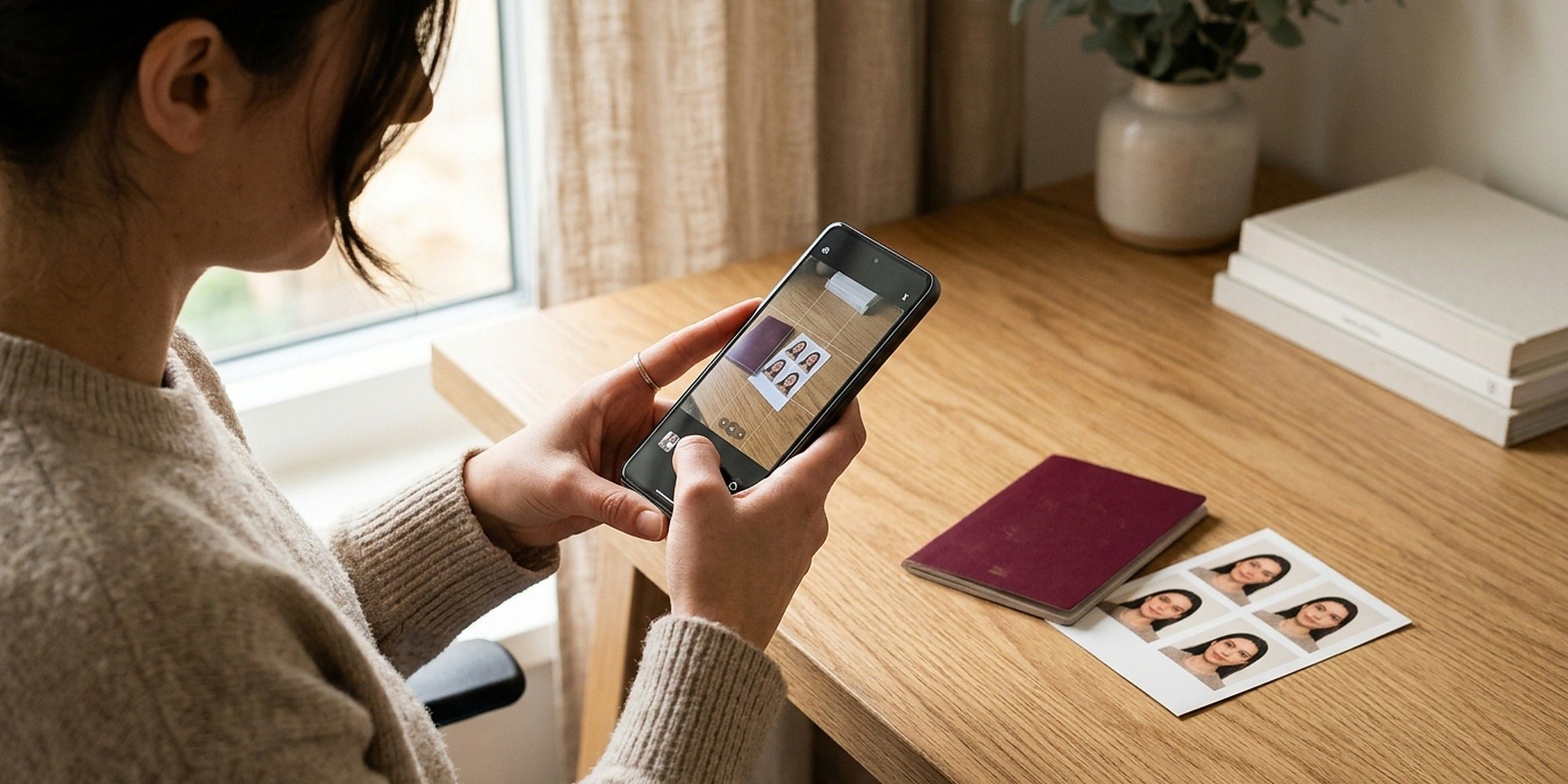
Once Snap4ID processes your smartphone portrait, download the calibrated 4 × 6 inch (10 × 15 cm) print-sheet JPEG containing multiple 2 × 2 inch passport photos. Upload that file to the Walgreens or CVS photo website or mobile app as a standard 4 × 6 inch glossy postcard print—not via the $16.99 passport photo service menu. Pick up your print at the store counter within an hour for $0.39 to $0.49 and cut along the precision trim lines.
Upload any photo taken from 4–5 feet away and let Snap4ID map 478 biometric points, replace your home wall with pure white (#FFFFFF), and generate both a MyTravelGov digital file and a $0.39 4×6" print sheet—backed by our 100% acceptance guarantee. Create Your US Passport Photo Now →