DV Lottery Photo Requirements and 600x600 Pixel Tool Guide: Avoid Disqualification in 2026
Official 2026 DV Lottery photo rules (dvprogram.state.gov): exact 600x600 px JPEG (≤240 KB), 50–69% head height, 56–69% eye level & how to avoid disqualification.

Table of Contents
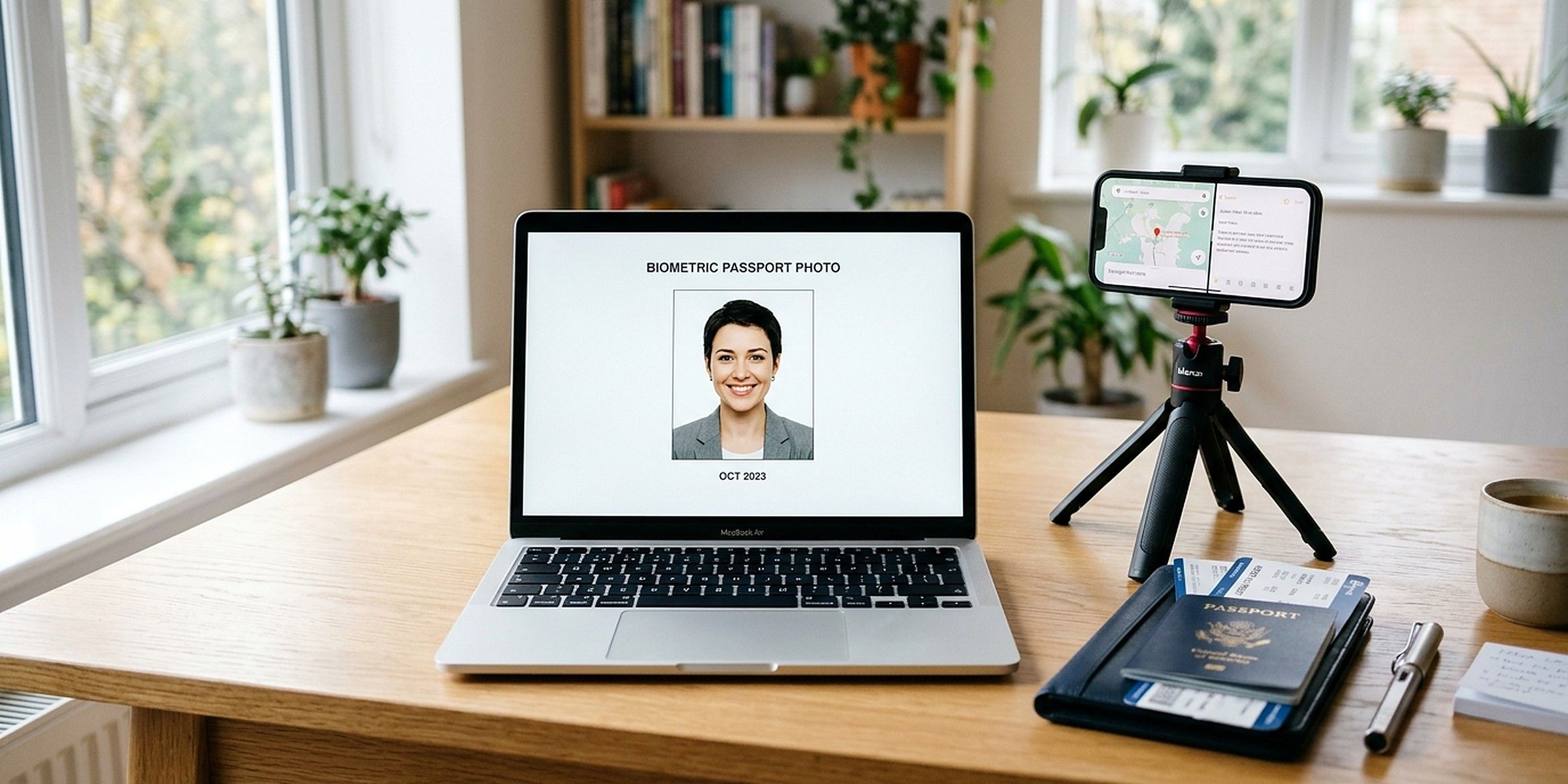
To pass the 2026 Electronic Diversity Visa Lottery (dvprogram.state.gov) screening without disqualification, your digital photograph must be an exact 600×600 pixel (1:1 square) 24-bit sRGB JPEG weighing 240 KB or less, with your head measuring 300 to 414 pixels (50%–69%) and your eyes positioned 336 to 414 pixels (56%–69%) from the bottom border against a pure white (#FFFFFF) background. Whether you need a verified US visa and DV Lottery 600x600 photo or a US passport photo, Snap4ID's AI engine validates 478 biometric points and backs your file with a 100% acceptance guarantee.
- Exact 600×600 px & ≤240 KB JPEG: Your file must be a
1:1square (600×600 pxstandard, up to1200×1200 px) in 24-bit sRGB.jpgformat at or below240 kilobytes. - Beware the "Silent Disqualification" Trap: The
dvprogram.state.govupload form only checks file dimensions and kilobytes—it will accept a photo with glasses or a reused old photo, and the Kentucky Consular Center (KCC) will silently disqualify your entry later! - Never Reuse Last Year's Photo (<6 Months Rule): KCC runs automated biometric duplicate detection against all prior DV Lottery and visa databases; reusing last year's photo disqualifies your entire family.
- Mandatory Spouse & Unmarried Under-21 Child Photos: You must upload a compliant
600×600 pxindividual photo for your spouse and every unmarried child under 21, even if they are not immigrating with you.
Every autumn during the official October–November registration window on Official U.S. Department of State Electronic Diversity Visa Program (dvprogram.state.gov), millions of applicants worldwide lose their chance at a U.S. Green Card before the random lottery drawing even takes place. Why? Because strict Department of State anti-fraud and facial recognition algorithms automatically purge entries whose photographs violate pixel geometry, background purity, eyewear rules, or the 6-month recency requirement. Below is the complete 2026 technical breakdown and disqualification prevention checklist.
1. Official 2026 DV Lottery Digital Photo Specifications (600×600 Pixels & ≤240 KB)
Under the U.S. Department of State Official Digital Image Requirements (600×600 px & 240 KB Specs), every digital photograph uploaded to the E-DV portal must satisfy seven strict digital and biometric parameters.
| Technical Parameter | Official dvprogram.state.gov Rule | Exact Numeric / Pixel Value | Why Amateur Uploads Get Disqualified |
|---|---|---|---|
| Image Dimensions | Exact 1:1 Square Aspect Ratio | 600 × 600 pixels (up to 1200×1200 px max) | Uploading rectangular 35×45 mm European crops or horizontally stretched faces. |
| File Format & Color | JPEG (.jpg) in sRGB color space | 24-bit color depth (8 bits per R/G/B channel) | Uploading .png, iPhone .heic, .webp, CMYK print files, or black-and-white photos. |
| Maximum File Weight | At or below 240 kilobytes | ≤ 240 KB (245,760 bytes; compression ≤ 20:1) | Raw smartphone photos (3–6 MB) fail upload; over-compressed files (<15 KB) blur eyes. |
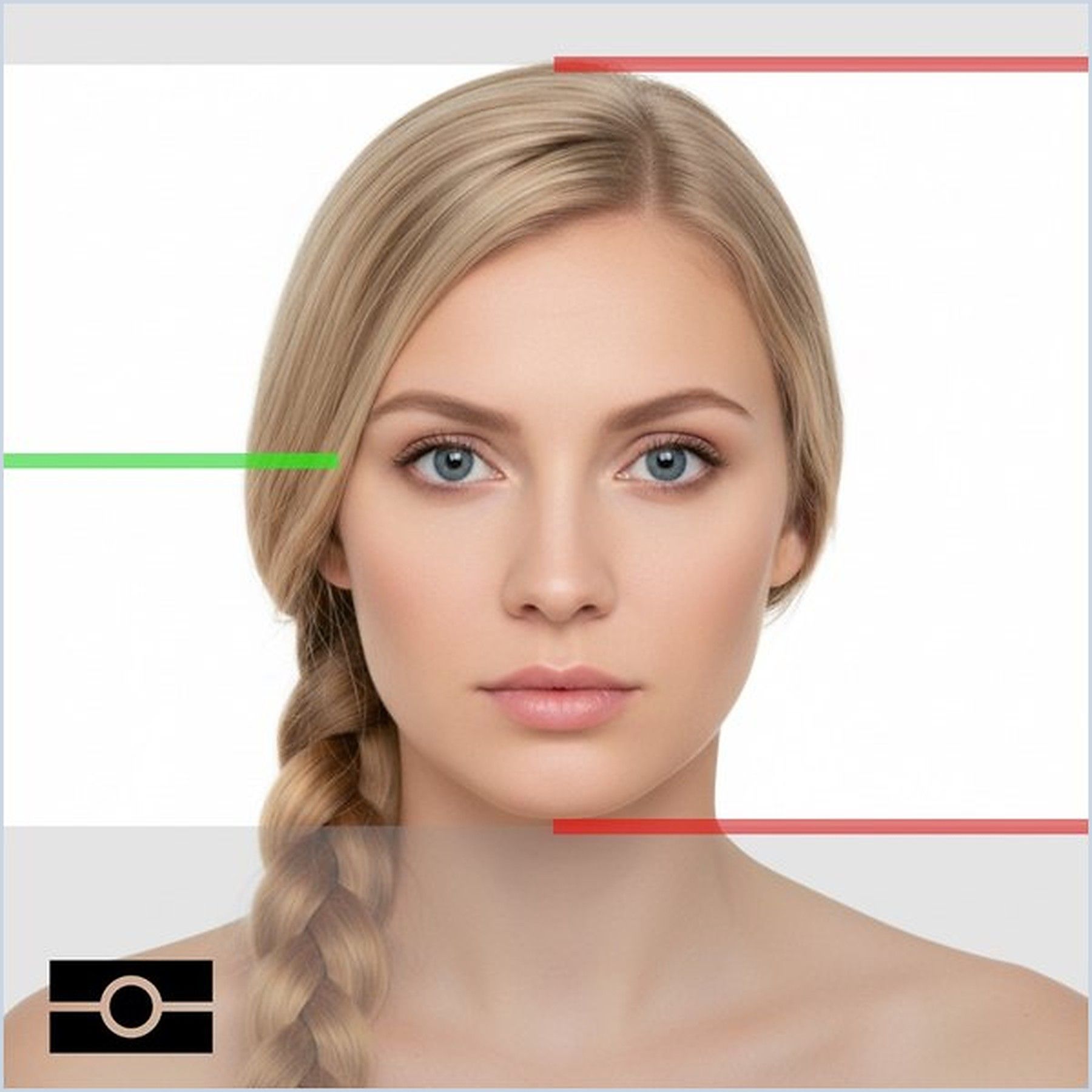
| Head Height (Chin to Crown) | 50% to 69% of total image height | 300 to 414 pixels (on a 600×600 px canvas) | Standing too far from the camera ("tiny head") or cropping off the top of the hair. |
| Eye Height (from Bottom) | 56% to 69% of total image height | 336 to 414 pixels from bottom border | Tilting the chin up or mis-centering the face vertically in a manual editor. |
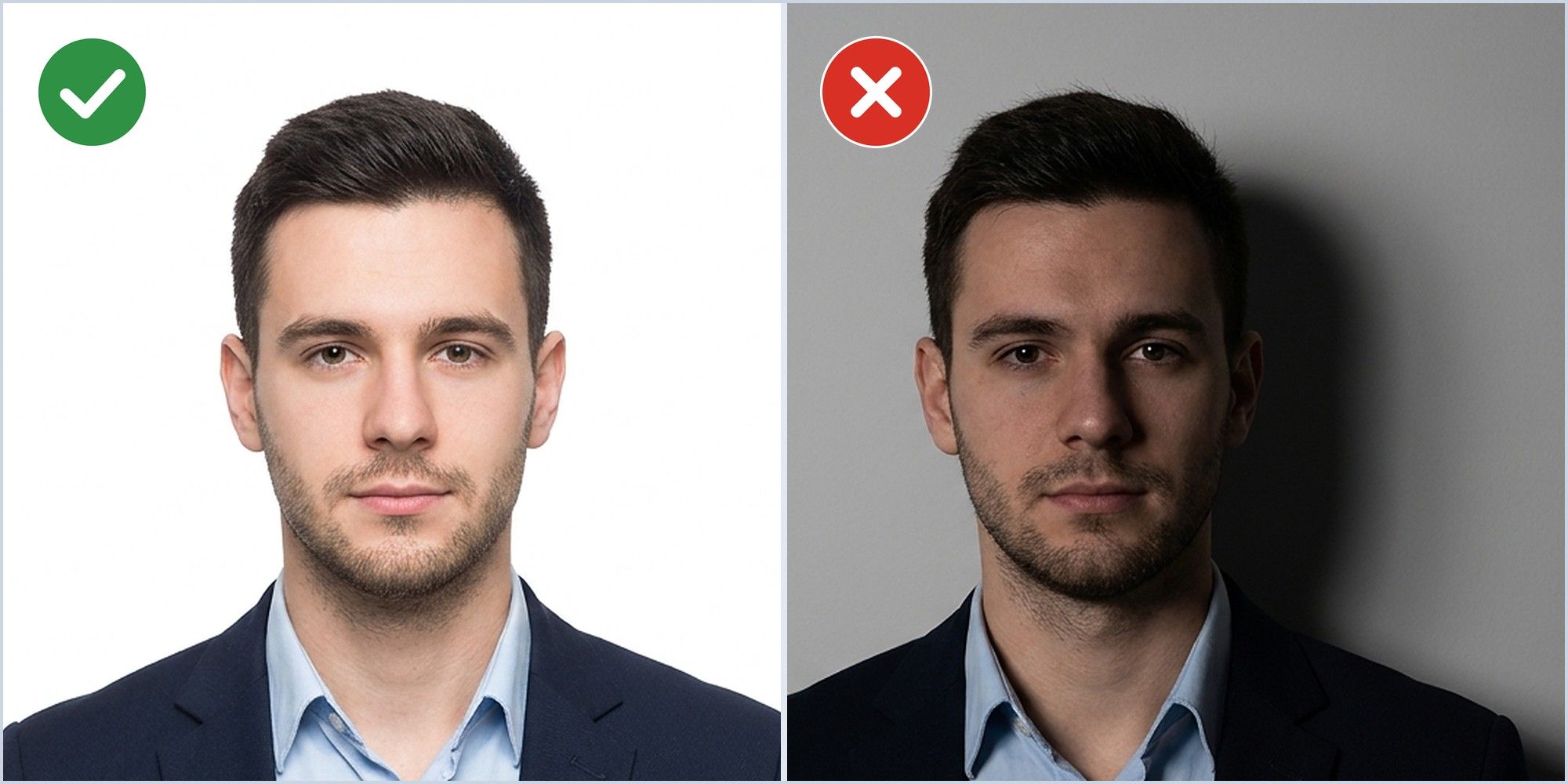
| Background & Lighting | Plain pure white or off-white; zero shadows | #FFFFFF pure white, even front lighting | Grey apartment walls, harsh side shadows behind the ears, or jagged MS Paint cutouts. |
| Recency & Eyewear | Taken within 6 months; no glasses | < 180 days old; 0% eyeglasses | Reusing last year's DV photo or wearing prescription/blue-light glasses. |
Exact Pixel Geometry: Head Height (300–414 px) & Eye Level from Bottom (336–414 px)
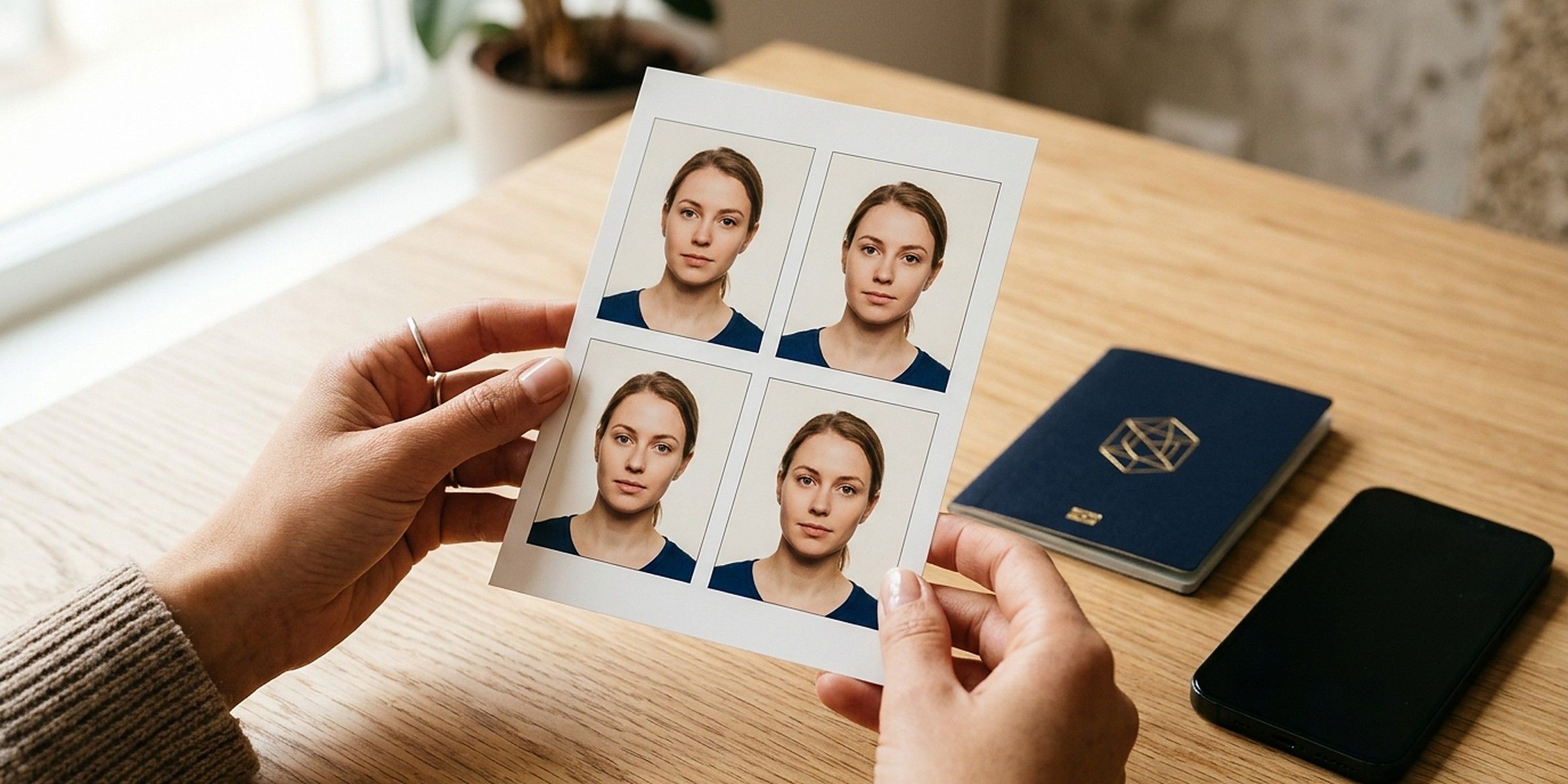
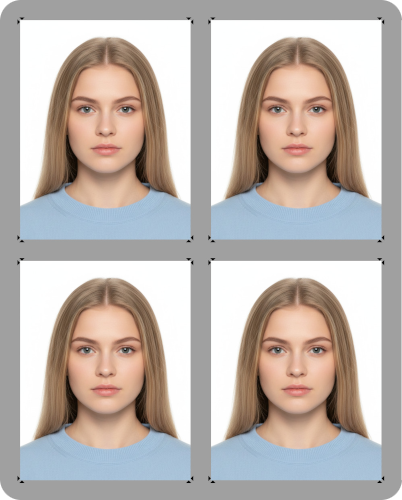
In a standard 600×600 pixel DV Lottery image, the vertical distance from the bottom of your chin to the top of your head (including hair, or the natural crown of your skull) must fall strictly between 300 pixels (50%) and 414 pixels (69%). At the same time, the horizontal line passing through the center of your pupils must sit between 336 pixels (56%) and 414 pixels (69%) measured upward from the bottom edge of the square. Snap4ID's biometric cropper targets the exact golden midpoint—placing your head height at 67.5% (405 pixels) and your eye line at 62.5% (375 pixels)—so your portrait passes both E-DV intake and consular biometric review with zero margin error.
Why PNG, HEIC, CMYK, and Files Over 240 KB Fail on dvprogram.state.gov
Modern iPhones shoot in .HEIC with Display P3 wide-color profiles at 3 to 5 megabytes per shot, while many Android phones export .webp or high-bitrate JPEGs. If you simply rename a .png or .heic file to .jpg—or export a photo in Adobe RGB or CMYK color space—the dvprogram.state.gov validator will immediately reject the file header. Snap4ID automatically transcodes your portrait into a compliant 24-bit sRGB baseline JPEG and optimizes the file weight to sit comfortably between 65 KB and 160 KB (well below the 240 KB ceiling while preserving crystal-clear iris and skin detail).
2. 5 Automatic DV Lottery Disqualification Traps (Even When the Website Accepts Your Upload)
The biggest danger in the Green Card Lottery is the "Silent Disqualification Trap": the dvprogram.state.gov submission page only checks basic file metadata (600×600 px, .jpg, ≤240 KB), meaning it will give you a confirmation number even if your photo violates biometric rules that cause the Kentucky Consular Center (KCC) to disqualify your entry months later.
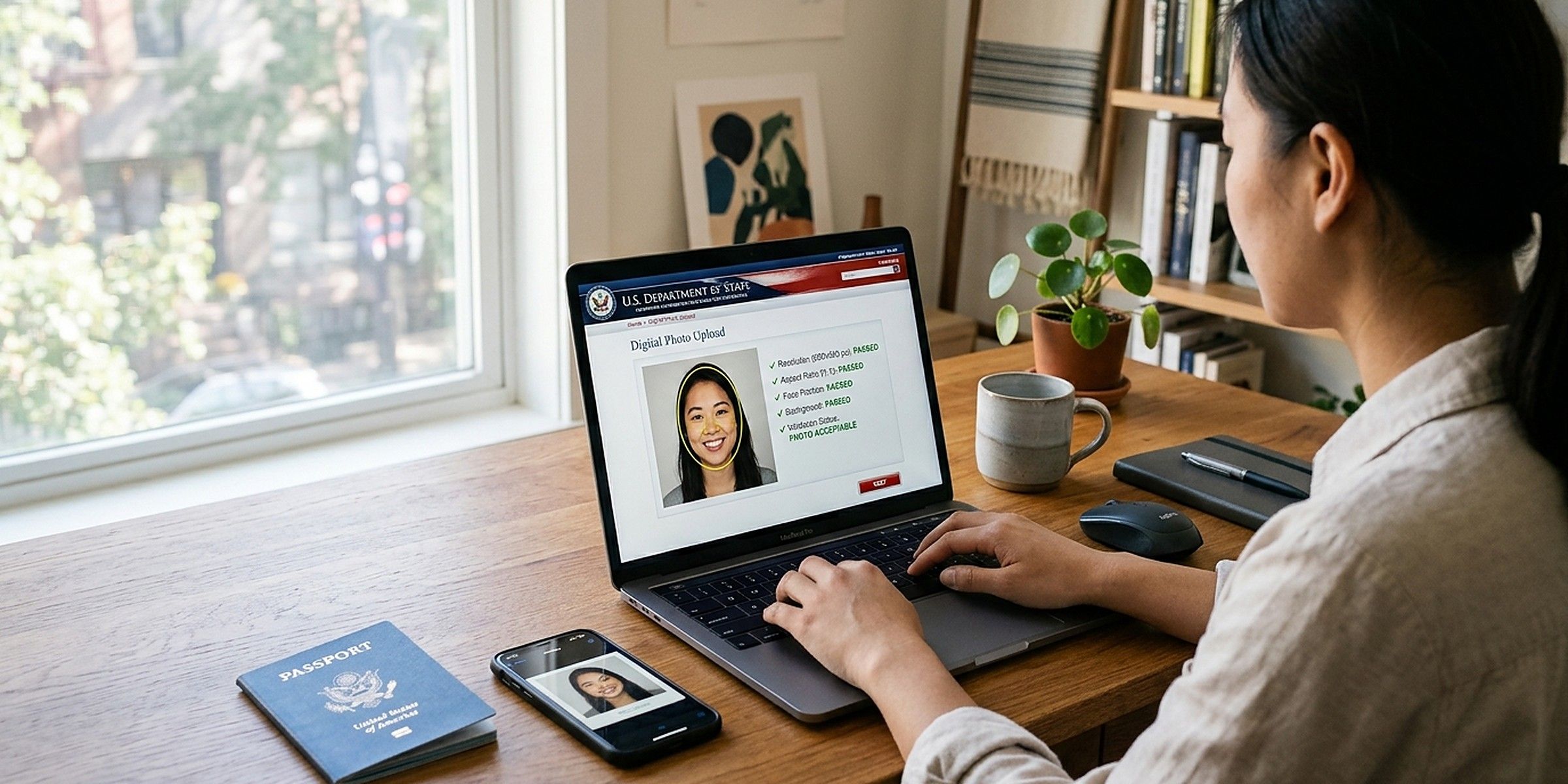
Counter-Intuitive Portal Trap: Getting a green checkmark and a Confirmation Number on dvprogram.state.gov does NOT mean your photo passed biometric review! The web form does not run facial recognition during upload. Duplicate-photo checks, eyeglass bans, shadow rejections, and aspect-ratio distortion checks happen after registration closes—silently disqualifying bad photos before selection or triggering a heartbreaking INA Section 221(g) visa refusal at your U.S. Embassy interview after you have already paid the $330 per-person DV visa fee.
Trap #1: Reusing Last Year's DV Lottery Photo or an Old Passport Photo (>6 Months)
Never upload the same digital file you used in last year's DV Lottery—and do not take a new photo wearing the exact same shirt if you are tempted to reuse an old shot. The Department of State stores every prior DV Lottery and non-immigrant visa photograph in the Consular Consolidated Database (CCD) and runs automated image-hash and facial-similarity matching across years. If the system detects that your photo was submitted in a prior DV cycle—or matches a passport or visa photo taken more than 6 months ago—your entire entry is automatically disqualified without appeal.
Trap #2: Stretching a 35×45 mm Photo to 600×600 px or Jagged Photoshop Background Cutouts
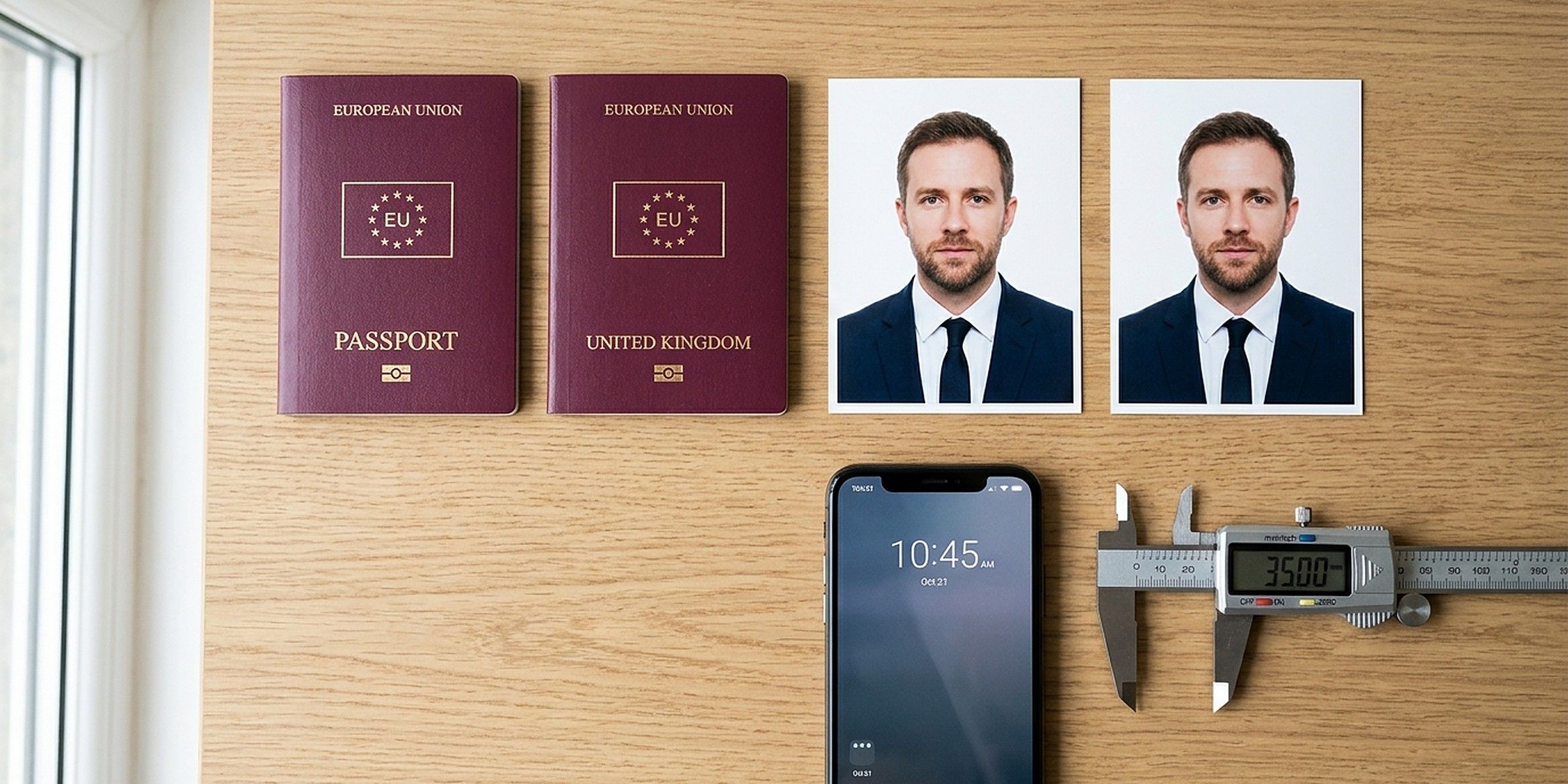
In Europe, Africa, Asia, and Latin America, local photo studios almost always shoot rectangular 35×45 mm (7:9 ratio) passport photos. A devastatingly common mistake happens when a local studio or applicant takes a rectangular 35×45 mm portrait and resizes it to 600×600 pixels without maintaining a 1:1 pixel aspect ratio—stretching the applicant's face horizontally by 28%! Equally fatal is using a manual "magic wand" or eraser brush in MS Paint or Photoshop that leaves a jagged white staircase halo around the ears and hair or leaves harsh shadows on the face.
Trap #3: Eyeglasses, Smartphone Beauty Filters & Flatbed Scanner Dots
Three additional errors account for thousands of rejected DV Lottery entries every year:
- Wearing Eyeglasses: All prescription glasses, reading glasses, and blue-light frames are 100% prohibited in DV Lottery photos.
- Smartphone "Beauty Mode" & FaceTune: Using skin-smoothing filters, blemish erasers, or AI face-enhancing apps alters your biometric skin texture and violates the State Department's strict anti-retouching rule.
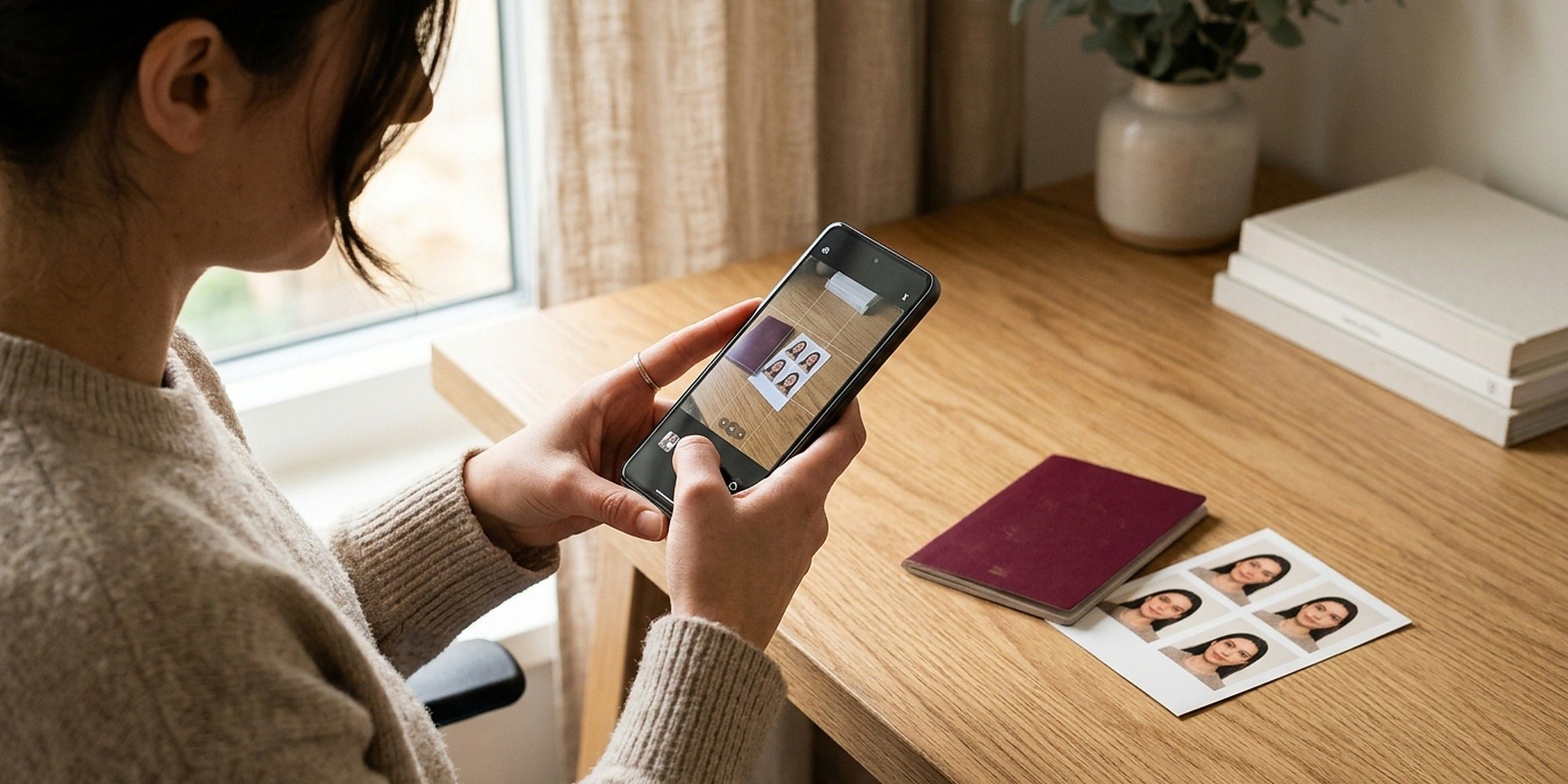
- Scanning a Paper Print on a Flatbed Scanner: While the instructions theoretically permit scanning a physical
2×2 inchprint at300 DPI, flatbed scanners almost always introduce visible paper texture, dust specks, or moiré halftone dots that fail automated quality checks. Always start from a direct digital smartphone or camera photo instead.
✔ DO: Compliant 600×600 px DV Lottery Upload
- Take a brand-new digital photo (<6 months old): Wear different everyday dark clothing than last year and shoot in even natural window light.
- Use exact 600×600 px 24-bit sRGB JPEG (≤240 KB): Keep a true 1:1 square crop with 300–414 px head height and 336–414 px eye height.
- Remove all eyeglasses and hats: Keep both eyes wide open, mouth closed, and your full facial oval unobstructed (natural beards and daily religious headwear are allowed).
- Upload individual photos for spouse & all kids under 21: Include every unmarried child under 21 even if they live separately or won't immigrate.
✘ DON'T: Instant DV Disqualification Mistakes
- Don't reuse last year's DV photo or passport photo: Automated KCC cross-year duplicate matching disqualifies the entire family entry.
- Don't stretch a 35×45 mm photo into a 600×600 square: Horizontal or vertical face distortion immediately fails biometric ratios.
- Don't leave dark wall shadows or grey backgrounds: Off-center framing, uneven shadows across the face, or sloppy manual cutouts get rejected.
- Don't use Beauty Mode, FaceTune, or glasses: Any eyeglasses or digital skin smoothing triggers automatic disqualification.
3. Family Derivative Rules: Taking DV Lottery Photos for Your Spouse, Kids & Newborns
If you are legally married or have any unmarried children under age 21 at the time of your DV Lottery submission, you must list every single family member on your entry and upload a separate, compliant 600×600 pixel digital photo for each person—or your principal entry will be disqualified under 9 FAM 502.6.
How to Take a Compliant 600×600 px Baby Photo for a DV Lottery Entry
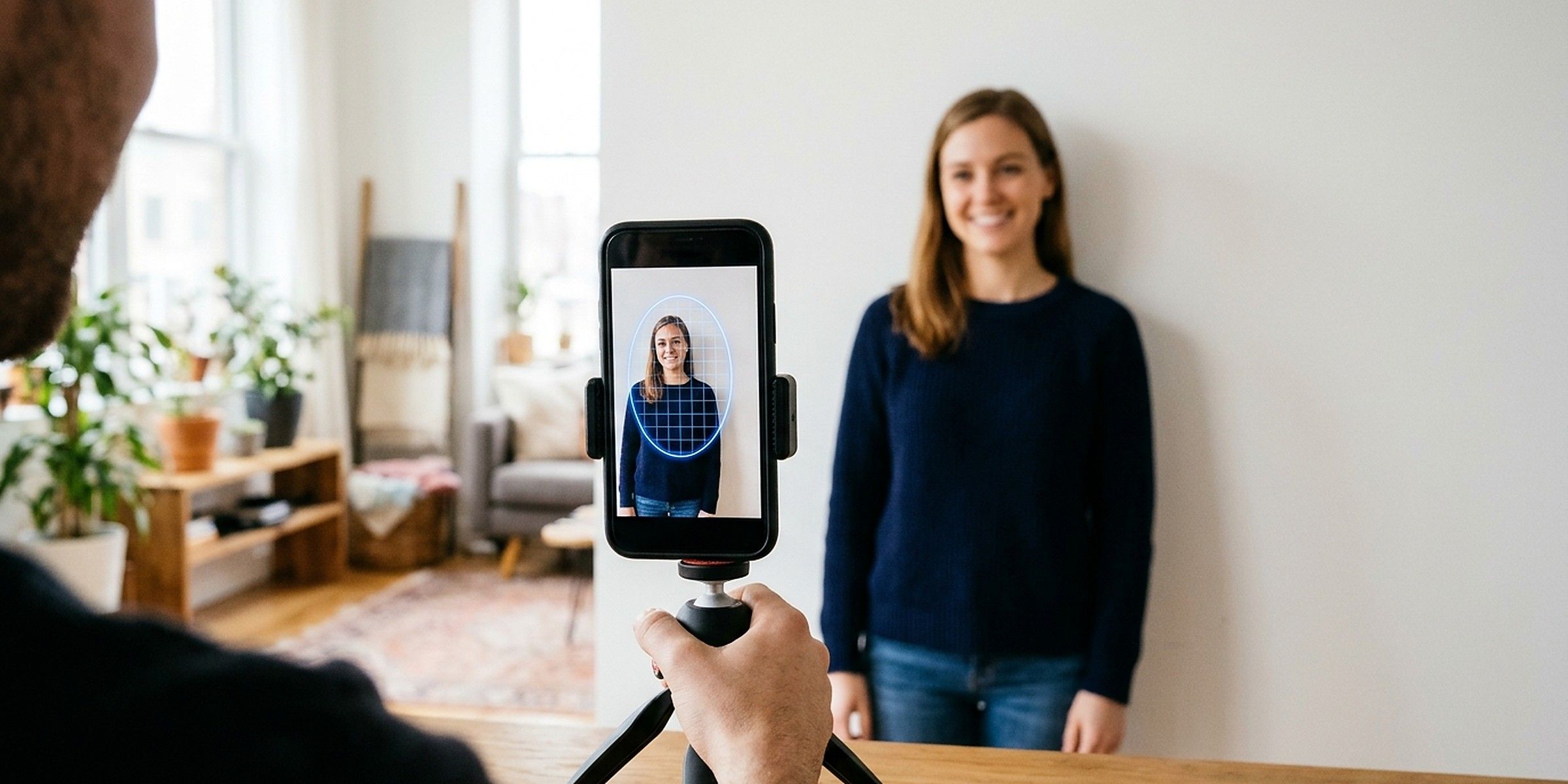
Many parents struggle to get a compliant 600×600 px photo of a newborn or toddler for their E-DV registration—or mistakenly upload a family group photo. Never upload a group photo, and never hold your baby in your arms so that your hands, fingers, or shoulder appear in the square. Instead, lay your baby flat on their back on a plain white bedsheet near a bright window, stand directly above them looking straight down at their face, and snap the photo while their eyes are open (see our complete guide to baby and newborn passport and visa photo requirements). Upload the smartphone shot to Snap4ID, and our AI will center your baby's head to the exact 300–414 px DV Lottery specification on a pure #FFFFFF background.
4. Why the Free State Dept Cropper Fails—And How Snap4ID Guarantees 600×600 px Compliance
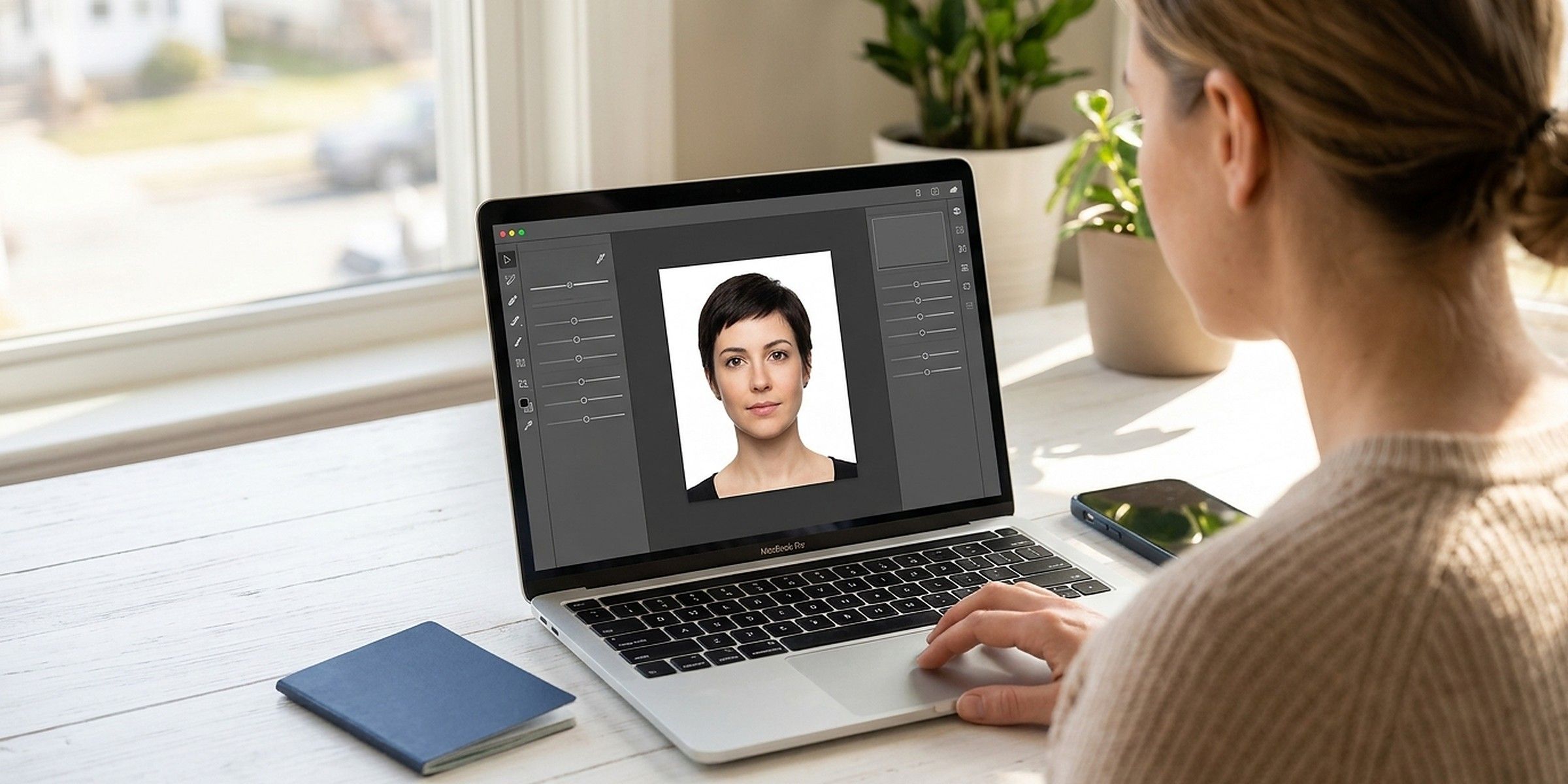
Unlike the State Department's basic manual cropper—which cannot fix dark room backgrounds, uneven shadows, or file weights over 240 KB—Snap4ID's AI engine automatically maps 478 biometric points, replaces your background with pure white (#FFFFFF), and exports an exact 600×600 px (≤240 KB) sRGB JPEG plus a 4×6 inch print sheet for your future consular interview.
When you use our US visa and DV Lottery 600x600 photo tool, you also get the exact digital format required later for non-immigrant visa forms (see our US Visa DS-160 photo upload tool guide) and permanent resident filings (see our USCIS Green Card and Form N-400 photo requirements). Even better, every Snap4ID order includes a calibrated 4×6 inch print sheet of physical 2×2 inch photos—which you will need to bring in person to your panel physician medical exam and U.S. Embassy DS-260 interview once your confirmation number is selected!
5. Frequently Asked Questions (DV Lottery 600×600 Pixel Photo Rules)
What happens if I use the same photo from last year's DV Lottery?
If you upload the same photograph you submitted in a previous Diversity Visa Lottery year—or any photo older than 6 months—your entire DV Lottery entry (including your spouse and children) will be automatically disqualified by the Kentucky Consular Center's duplicate-detection software.
What are the exact pixel and kilobyte requirements for a 2026 DV Lottery photo?
Every 2026 Electronic Diversity Visa (dvprogram.state.gov) photo must be an exact 1:1 square measuring 600×600 pixels (up to 1200×1200 pixels accepted), saved as a 24-bit sRGB JPEG (.jpg) file weighing 240 KB or less, with head height between 300 and 414 pixels (50%–69%) and eye height between 336 and 414 pixels (56%–69%) from the bottom edge.
Is it okay to remove the background of my DV Lottery photo if the face is not altered?
Your DV Lottery photo must have a plain pure white (#FFFFFF) or off-white background with crisp, natural hair and ear contours. While manual Photoshop eraser cutouts that leave jagged white halos or chop off earlobes cause disqualification, Snap4ID uses studio-grade biometric segmentation that preserves natural hair edges without altering a single facial pixel.
Do I need to upload photos of my spouse and children if they are not traveling with me?
Yes, official DV Lottery instructions require you to list and upload an individual, compliant 600×600 pixel photograph for your legal spouse and every unmarried child under age 21—including stepchildren and children who do not live with you or do not intend to immigrate to the United States.
Do I need printed 2×2 inch photos if I win the DV Lottery?
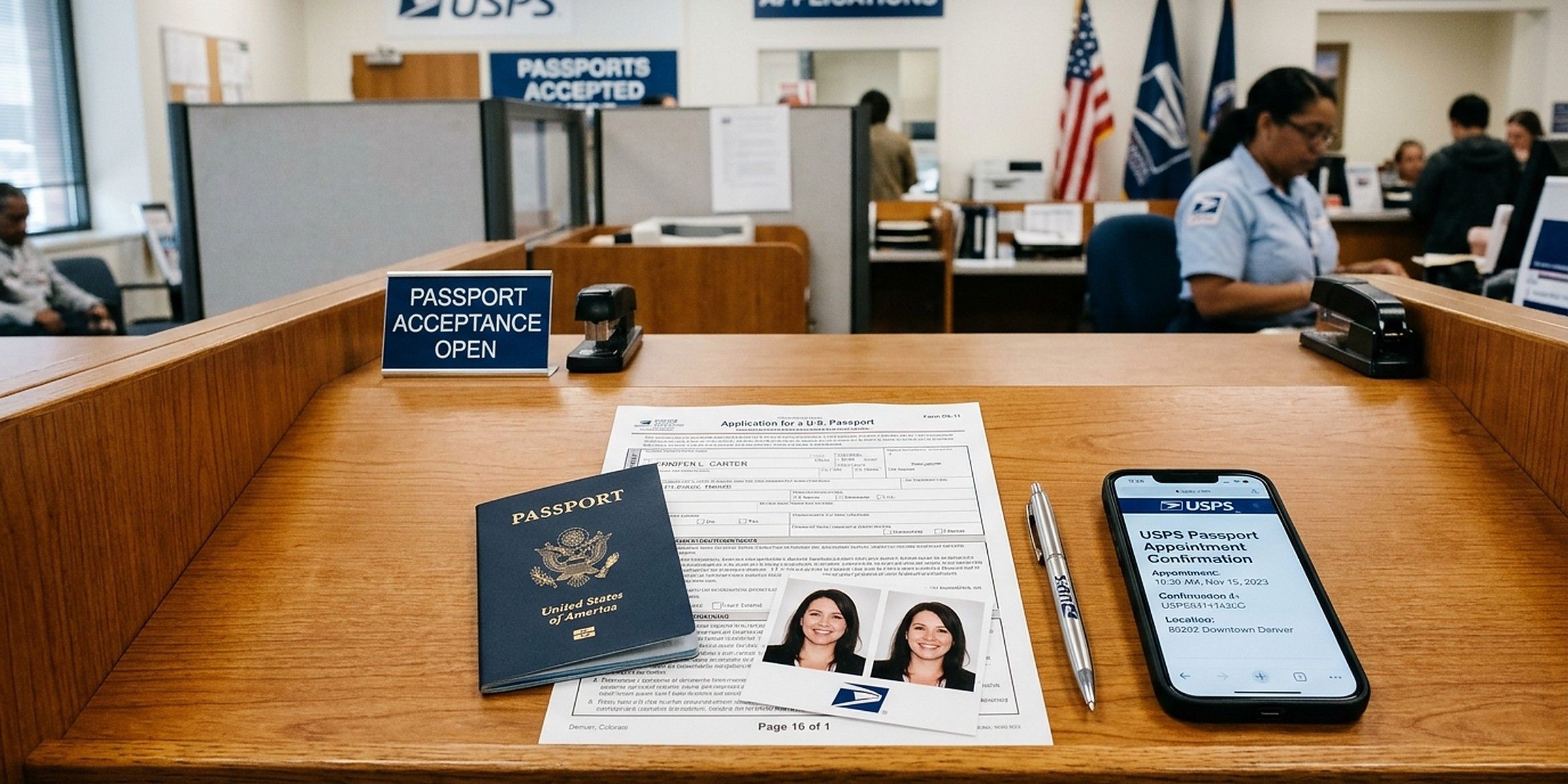
Yes, while the initial October–November E-DV lottery entry only requires a 600×600 pixel digital JPEG, selected winners must bring physical 2×2 inch (51×51 mm) printed photos to their panel physician medical exam and their DS-260 immigrant visa interview at the U.S. Embassy.
Don't risk silent KCC disqualification from a stretched crop or wrong file size. Snap a new photo on your phone—Snap4ID verifies 478 biometric points and delivers an exact 600×600 px (≤240 KB) sRGB JPEG backed by our 100% acceptance guarantee. Create Your 600×600 DV Lottery Photo Now →